Export Policies & Attachments
Who can use this feature
- Supported on Foundation, Growth, and Scale plans
In this article, we cover how to export:
How To Export Policies for a Framework
-
Sign in to Scrut, and click Compliance → Policies on the left navigation panel.
-
Go to the All Policies tab.
-
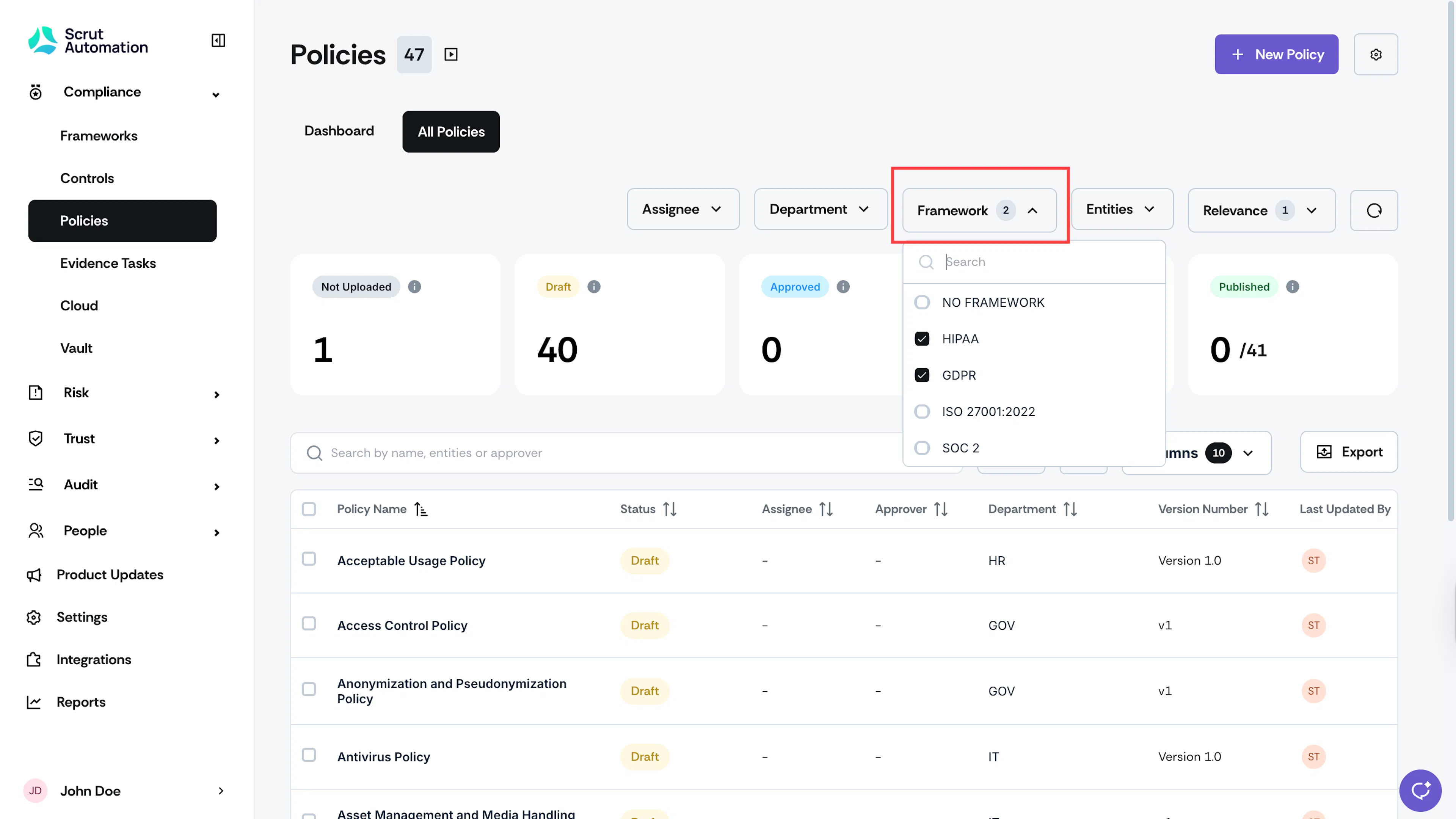
Click the Framework filter at the top of the page and select the frameworks for which you want to export the associated policies.
-
Use the Columns field to select the columns to include in the export.
-
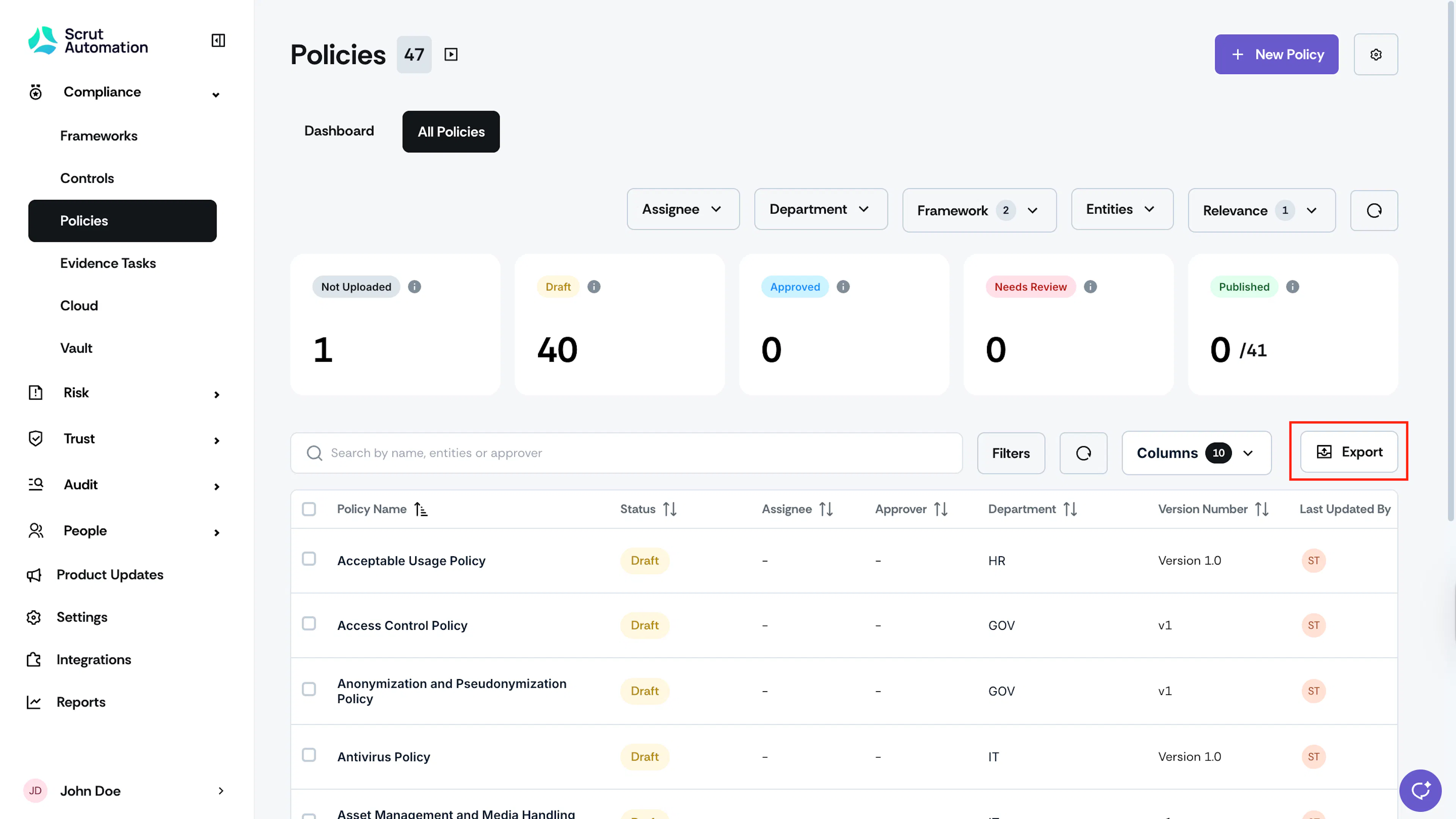
Click the Export button at the top of the policy table.
-
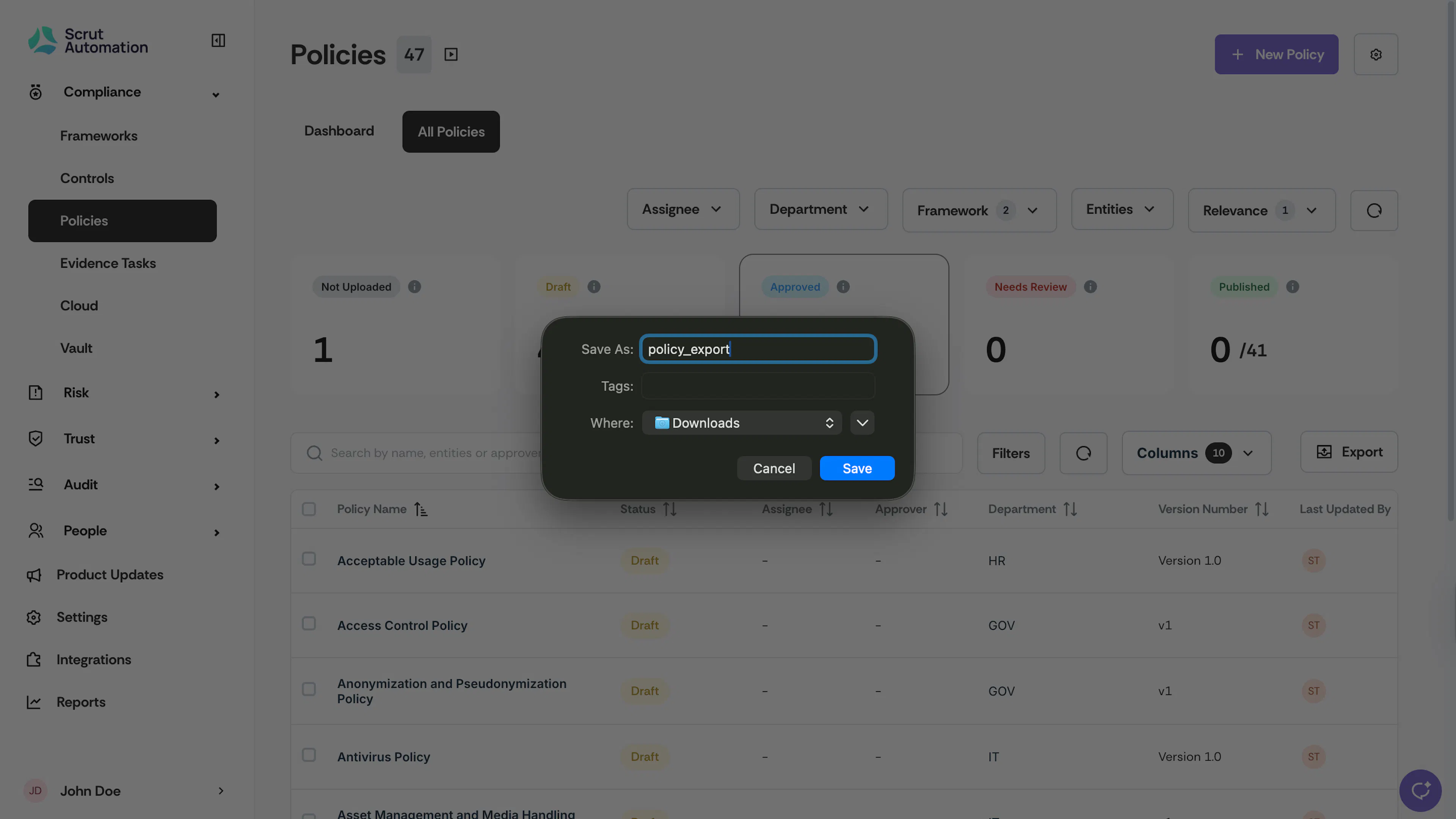
Scrut will download the file in the specified location. Check the downloads folder or recent download history on your browser.
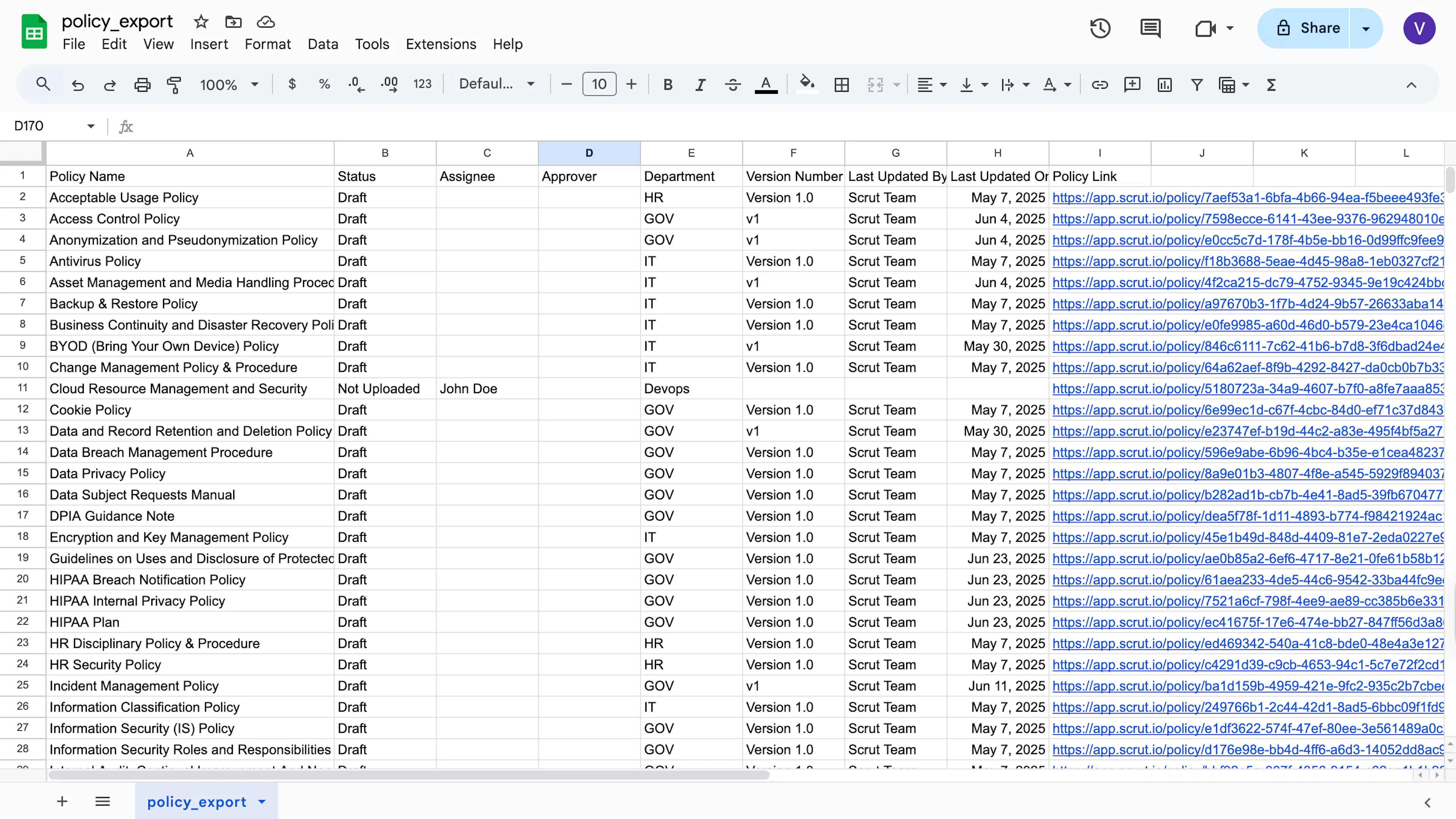
Sample Policy Export
How to Export Policy Attachments
Follow these steps to download only policies with attachments:
-
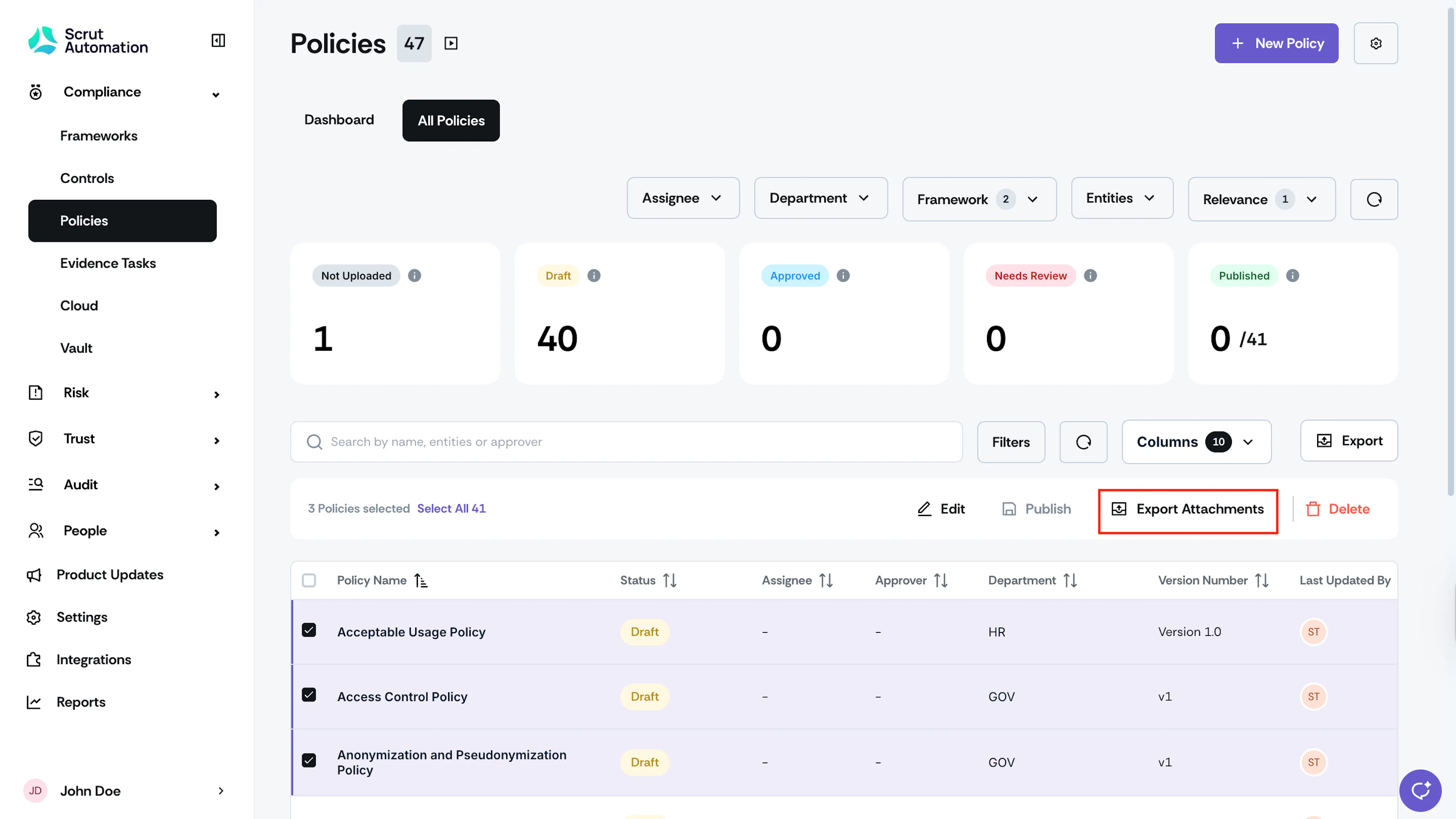
Go to the All Policies tab and select the policies for which you want to export the attached documents.
-
Click the Export Attachments button at the top of the Policies table.
Note: The Export Attachments button becomes available only when you select at least one policy with an attachment.
-
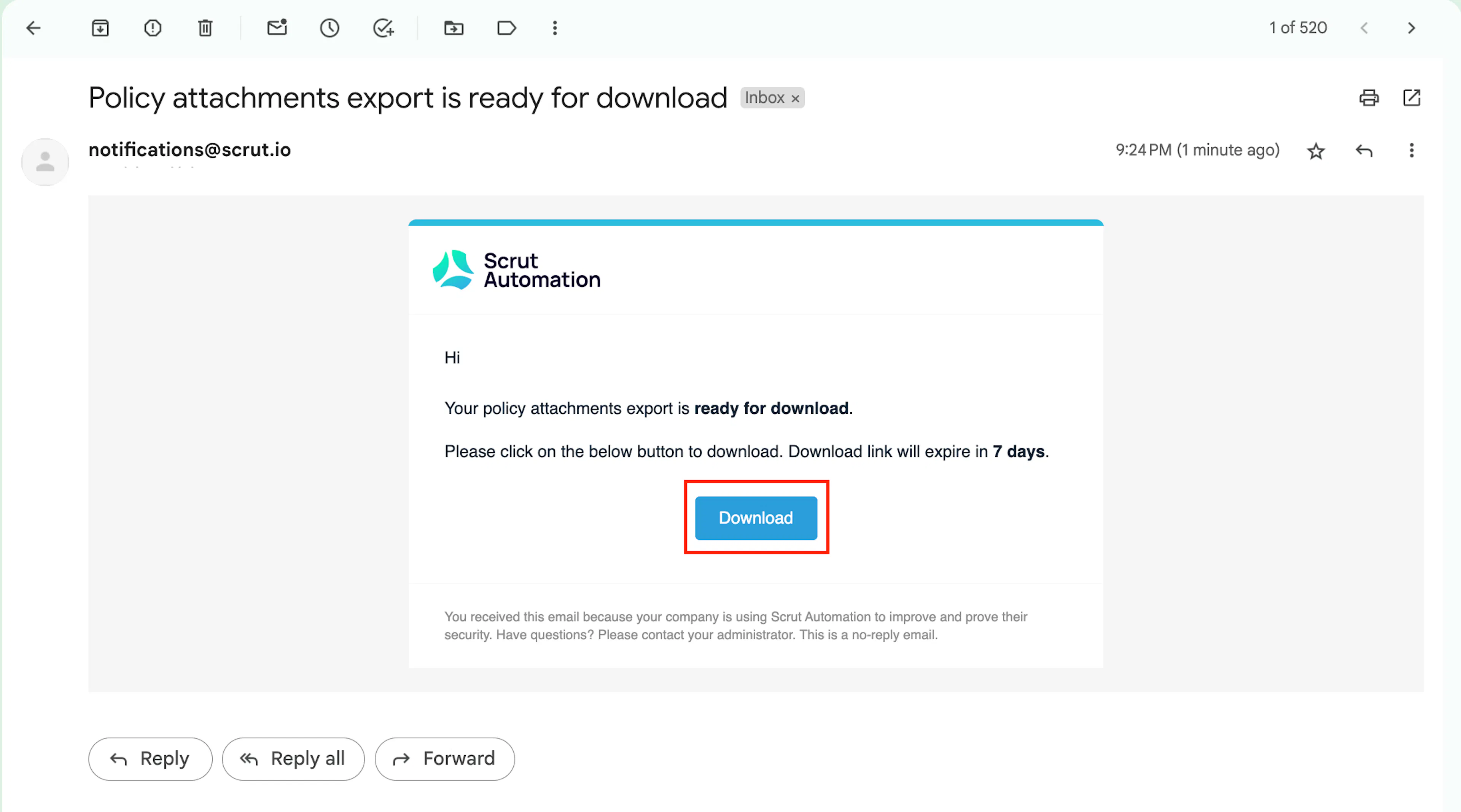
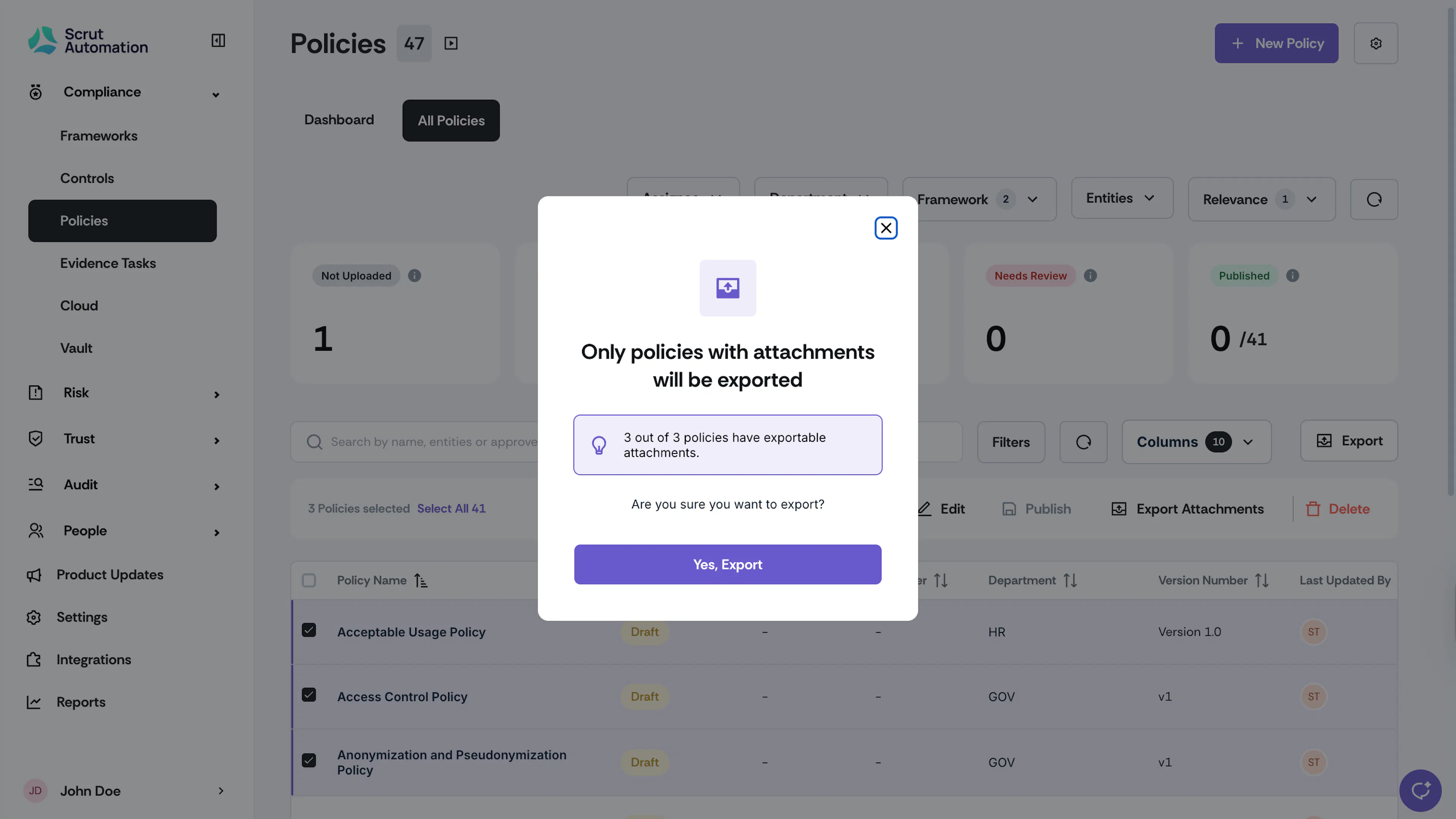
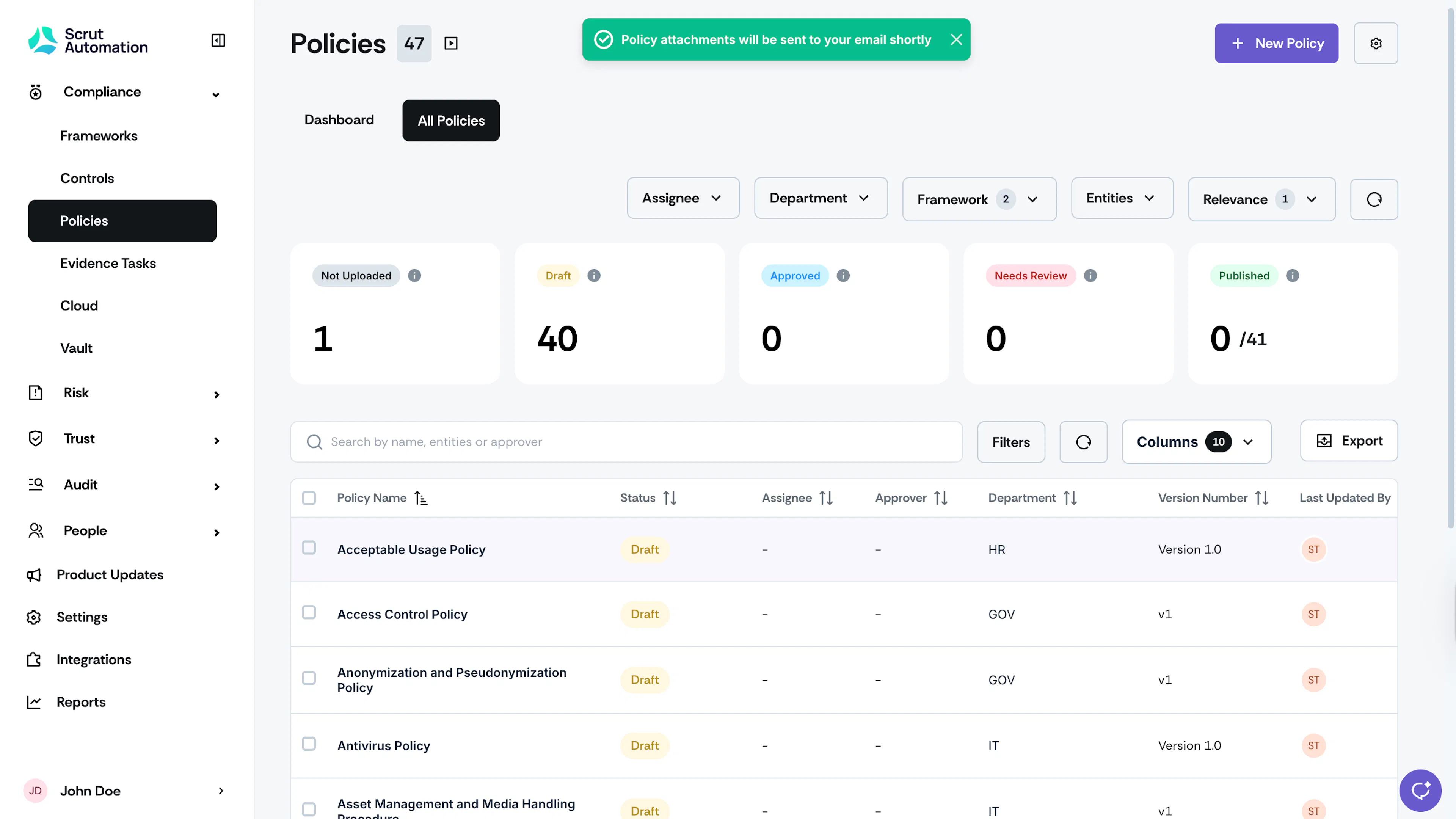
Scrut will email you the attachments.
Note:
- The download link sent to your email is valid for 7 days.
- Scrut will automatically organize the attachments into folders based on framework requirements.
- Only attachments are downloaded. If a policy has no attachments, it will not be included in the export.