

Quick Start Guide: Frameworks
Who can use this feature
- Supported on Foundation, Growth, and Scale plans
The Frameworks module gives you a single place to track your compliance progress across every framework you're subscribed to, review requirements, and prepare for audits. This guide walks you through the core workflow, from checking your framework status to scheduling your next audit.
View and Track Your Frameworks
-
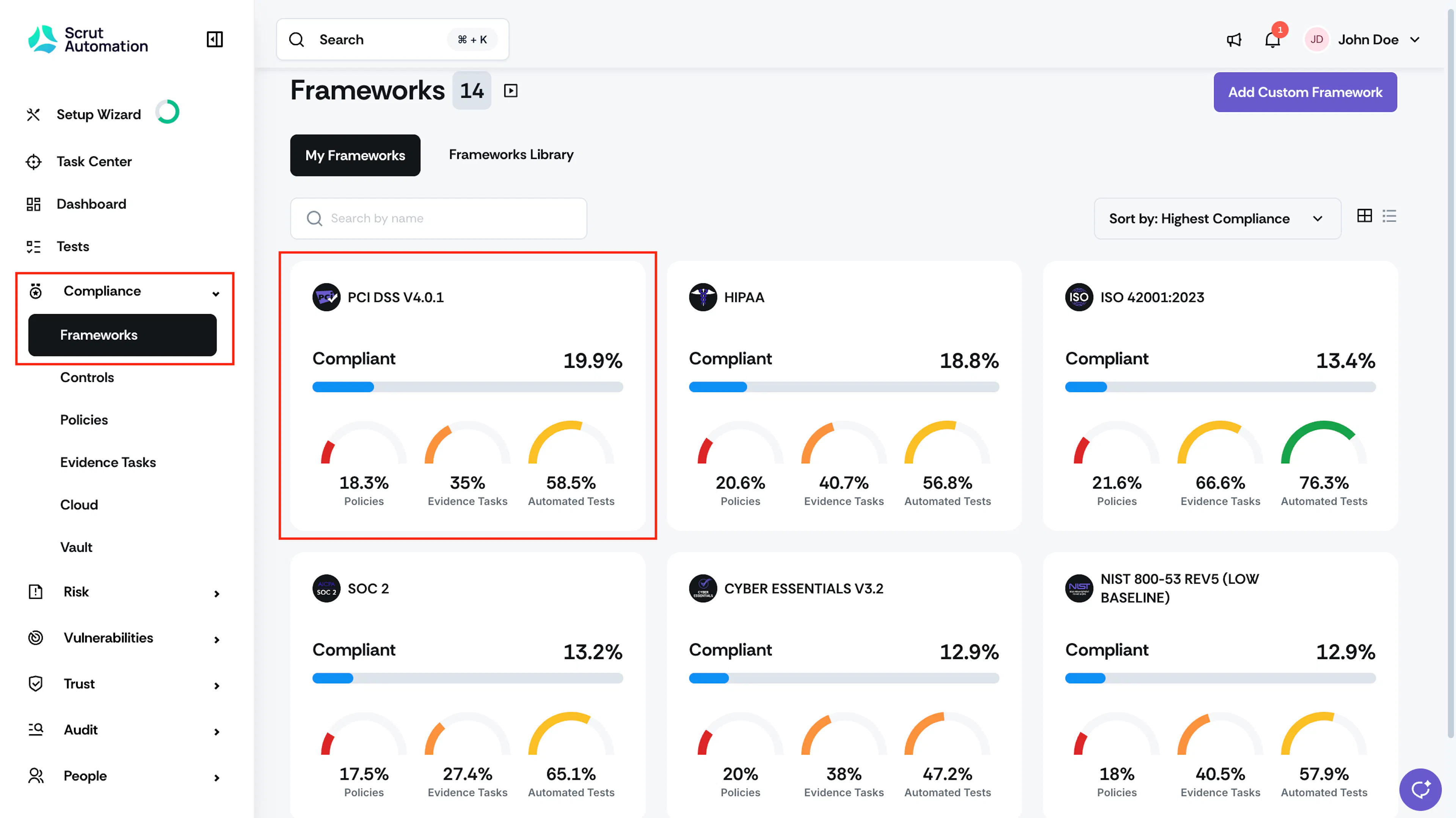
Log in to Scrut, click Compliance → Frameworks on the left navigation panel. The My Frameworks tab lists every framework you're subscribed to.
-
Review the metrics on each framework card to track your progress.
- Compliance % shows your overall compliance status
- Policies % shows policy completion
- Evidence % shows evidence collection status
- Tests % shows automated test coverage
Review Your Requirements
-
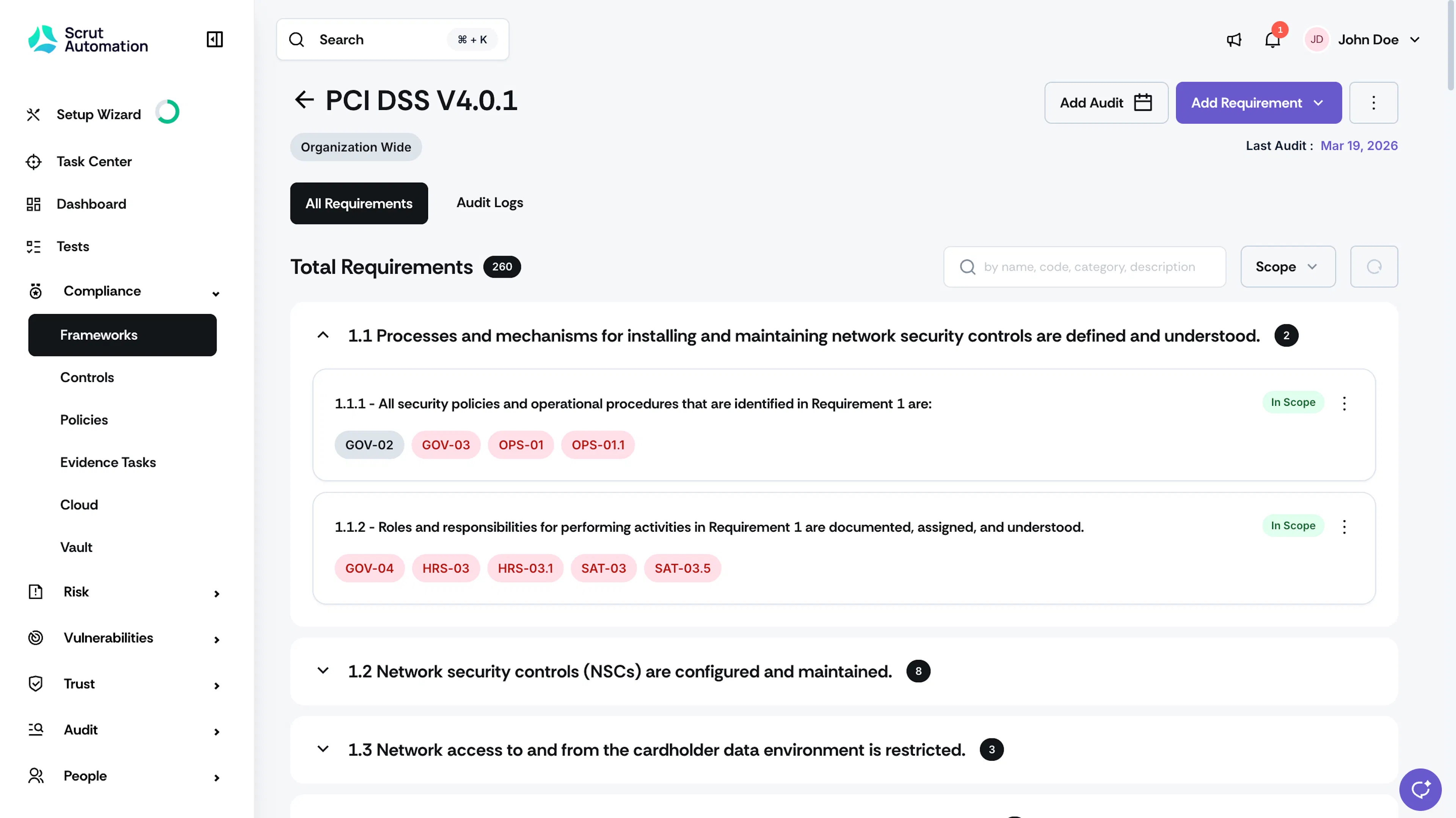
Click a framework to open it. Requirements are grouped into categories based on the framework's structure. Click a category to expand it and view its requirements.
-
Click a requirement to open the side drawer. The drawer shows a full description of the requirement along with any linked Unified Compliance Framework (UCF) controls.
-
Review the justification and implementation details for the requirement. Justification explains why the requirement is in scope, and implementation details describe how you've addressed it. Edit either field if it needs an update.
-
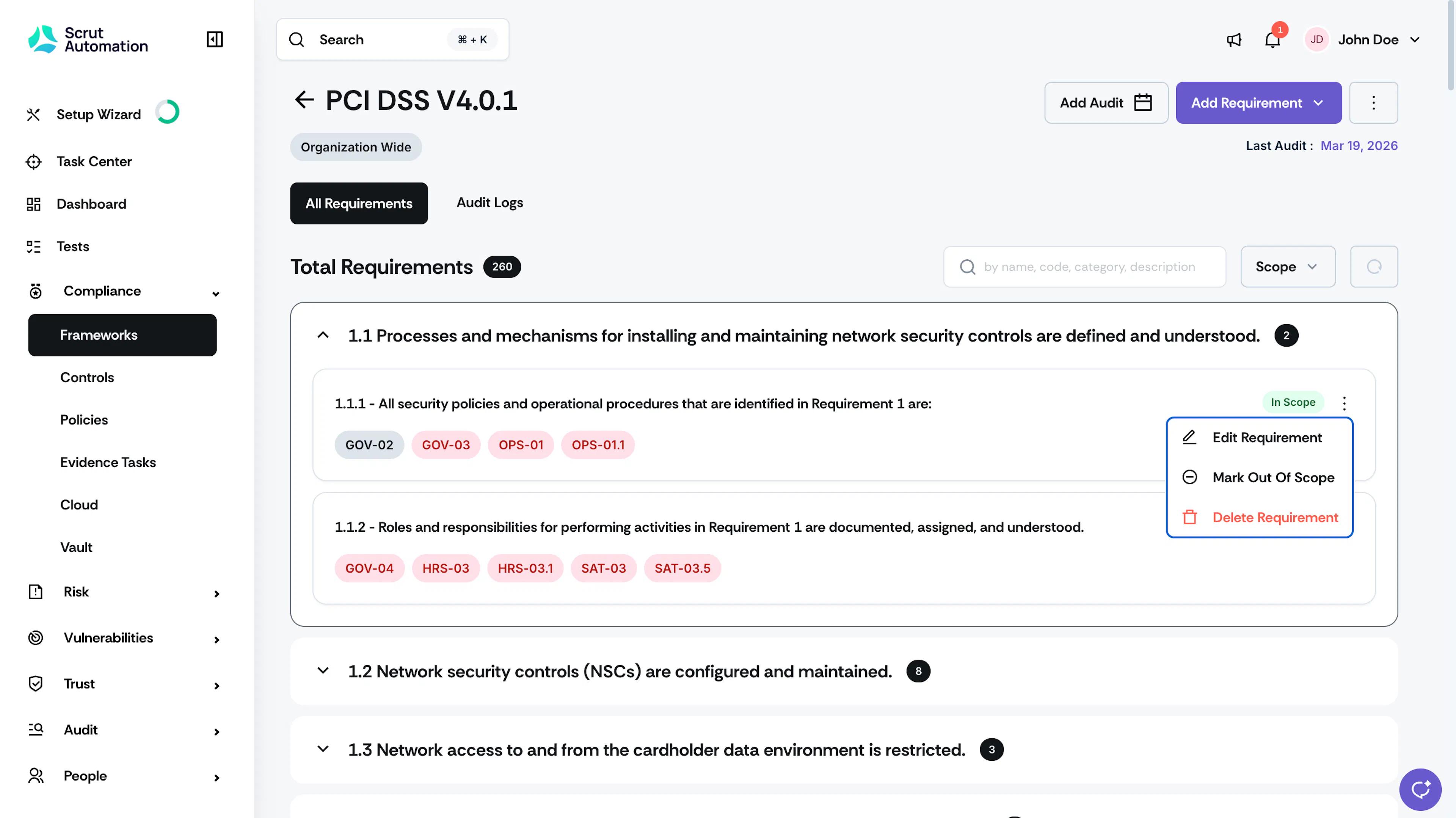
If a requirement doesn't apply to your organization or your audit, mark it Out of Scope.
Prepare for Your Audit
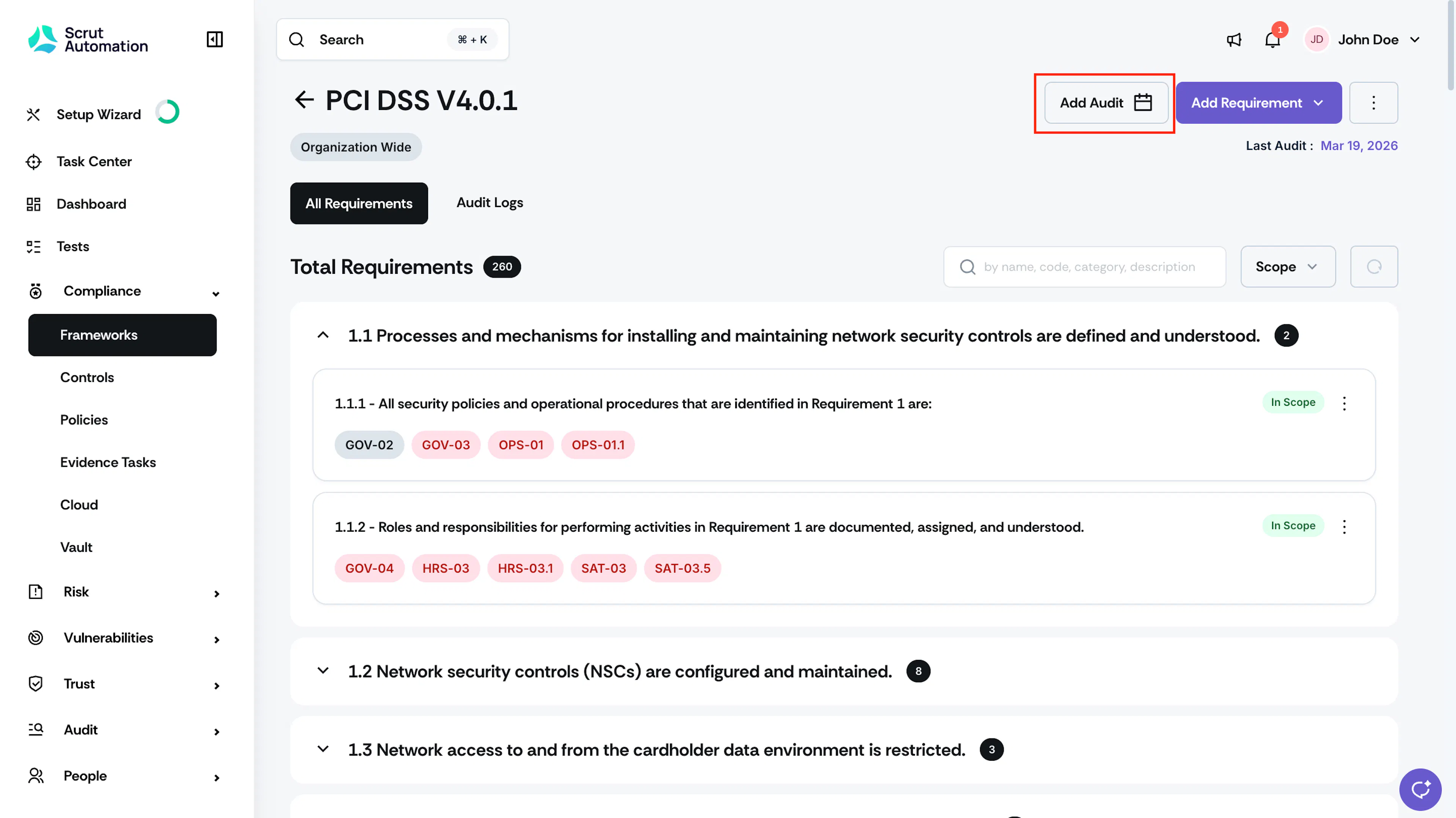
- Click Add Audit to schedule an upcoming audit for the framework.
Note: The Auditor Ready Statement of Applicability is available for select ISO frameworks only.
- Download the Auditor Ready Statement of Applicability if it's available for your framework.
Explore More Frameworks
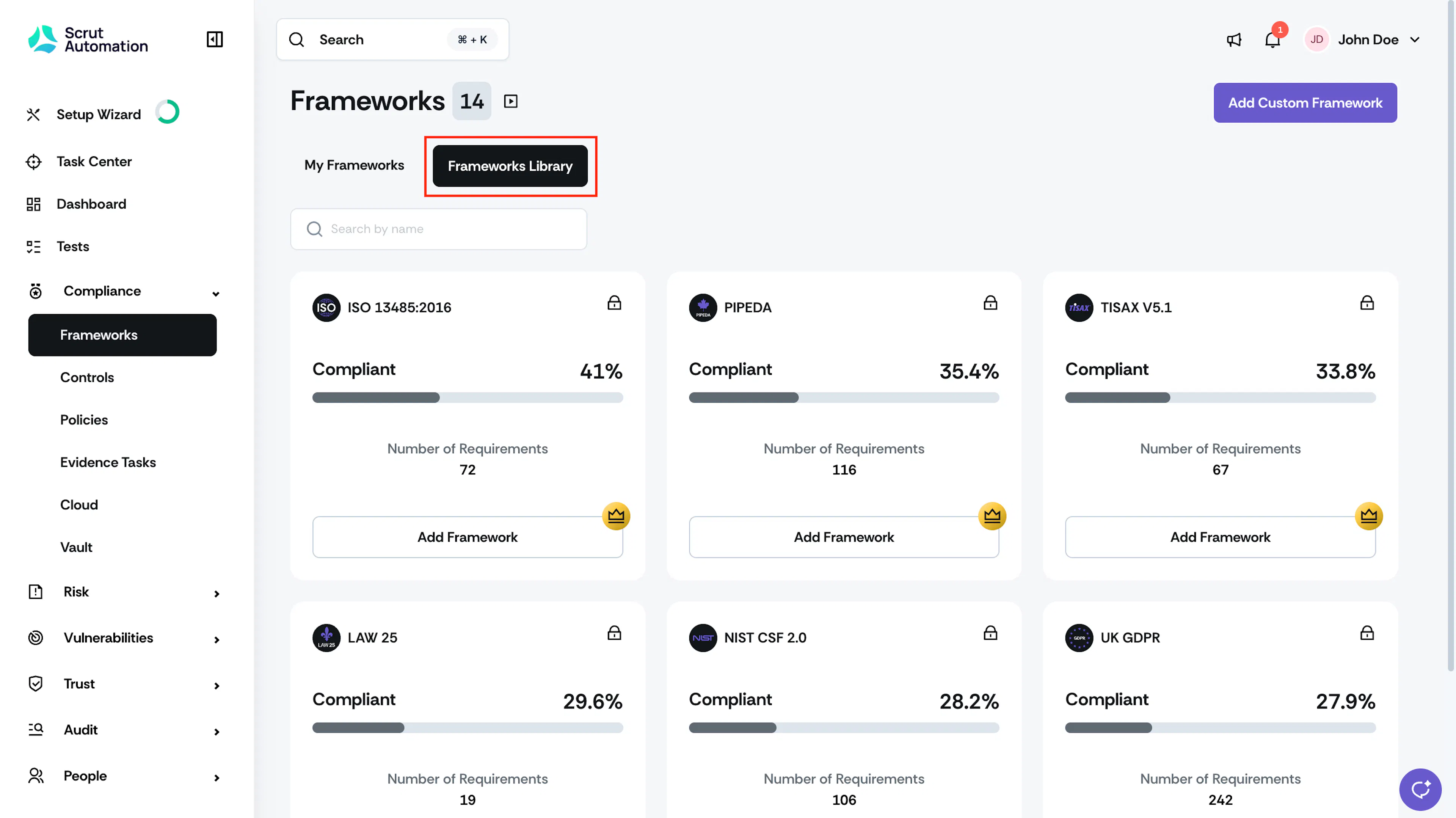
- Visit the Frameworks Library tab to explore other frameworks supported by Scrut and subscribe to the ones you need.
You're now set up to track compliance, review requirements, and stay audit-ready across every framework you use.