

Reports Module: Walkthrough
The Reports module provides comprehensive compliance and security reports that you can generate and share with leadership teams, auditors, and other stakeholders.
How To Download Compliance Reports in Scrut?
-
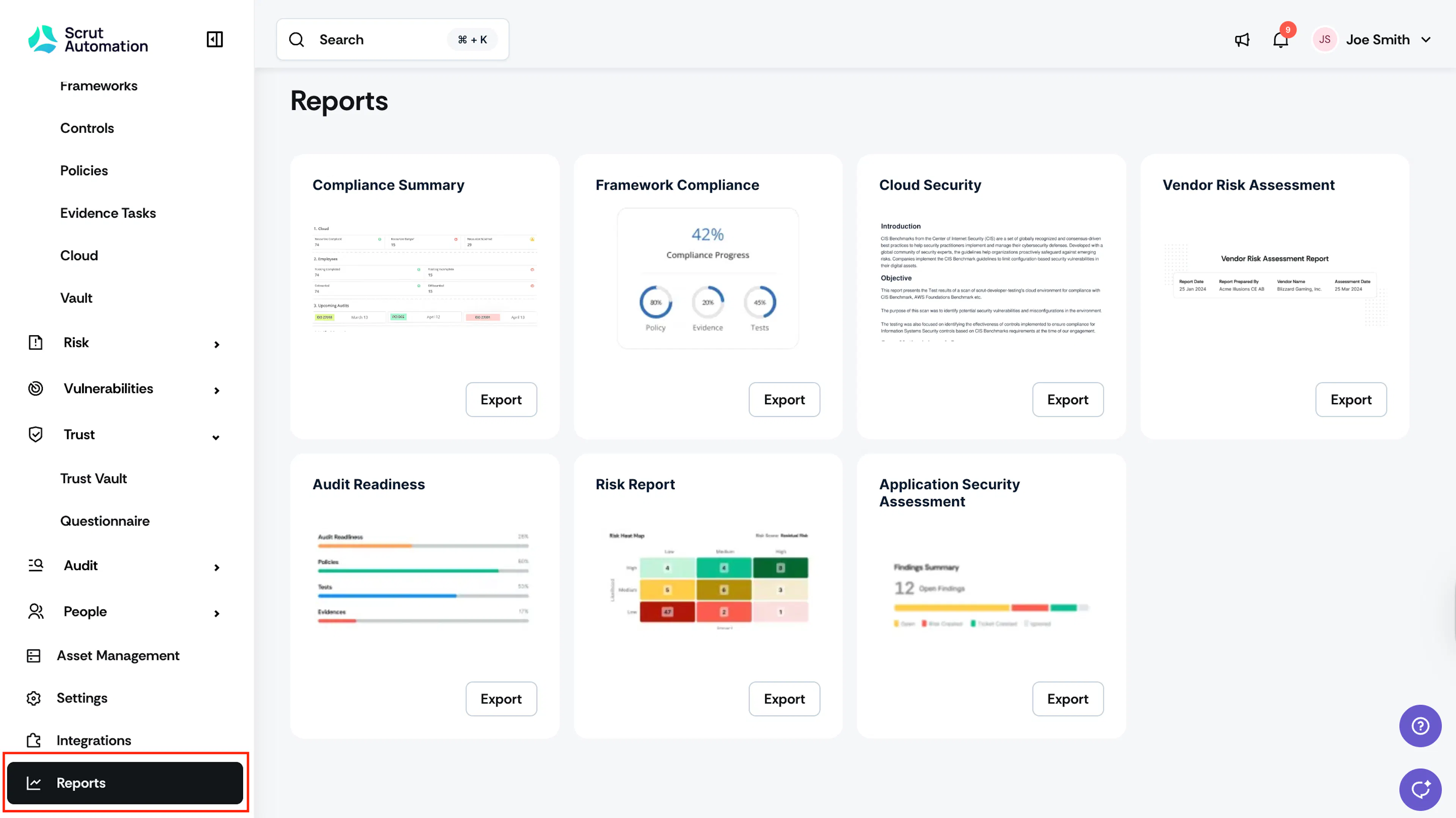
Sign in to Scrut and scroll to the bottom of the left navigation menu.
-
Click on Reports.
-
The Reports dashboard will display all the available compliance reports for your organization.
-
Click Export and select the required attributes.
-
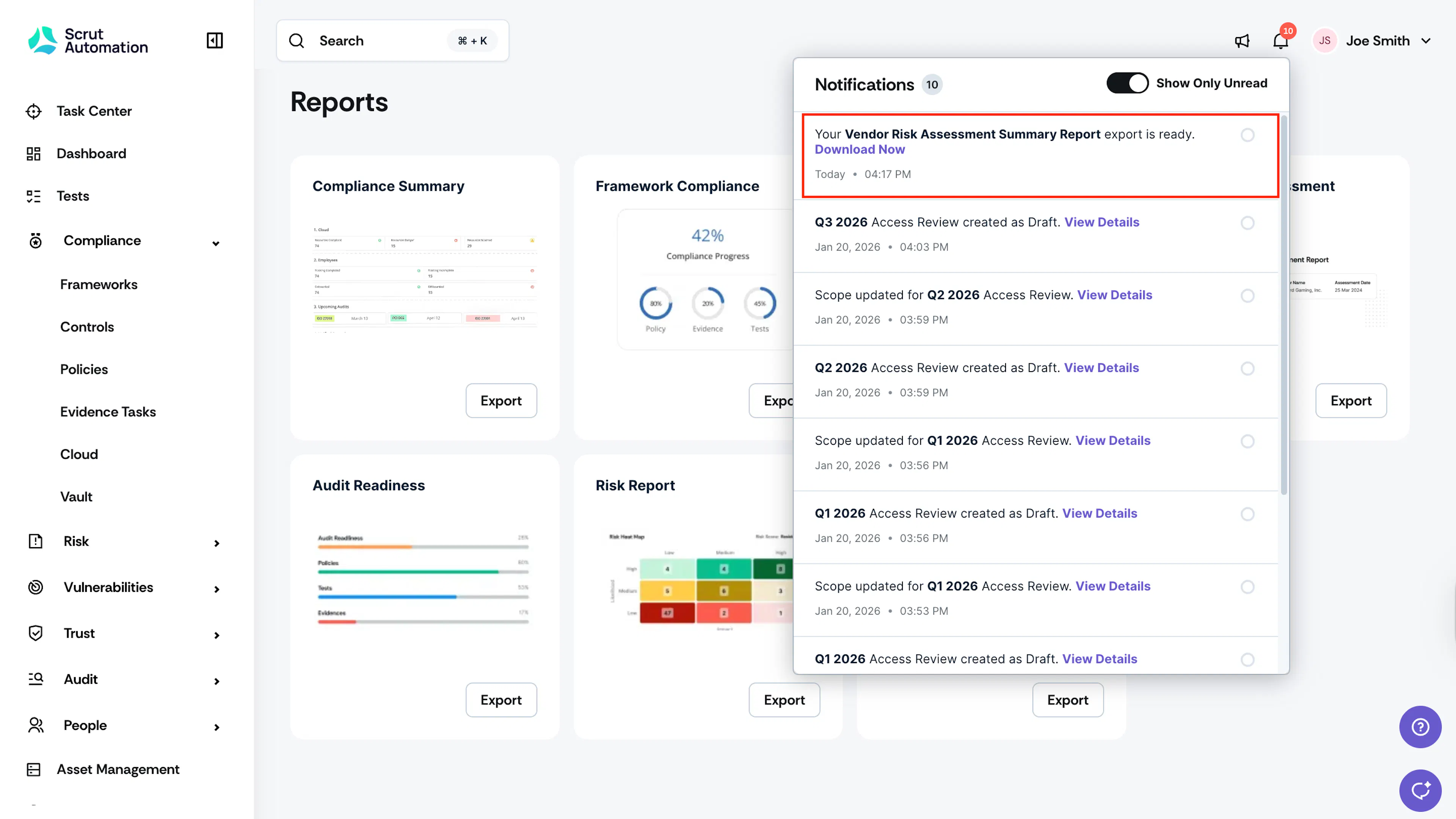
Once the export is ready, you can download it from the Notification Center.
-
A link to the report will also be sent to your email.
Was this page helpful?