Create Risks from Vendor Questionnaires
Who can use this feature
- Supported on Foundation, Growth, and Scale plans
Adding a risk to a questionnaire helps ensure that potential risks are properly identified, tracked, and managed. By associating risks with a questionnaire, you can either choose a pre-filled risk or create a custom one, providing a comprehensive overview of possible threats. This process allows for better risk assessment and accountability, ensuring that the appropriate department is aware of and can address the identified risks.
Steps to Add a Risk to a Vendor Questionnaire
-
Click Risk → Vendors on the left navigation panel.
-
Click on a specific vendor.
-
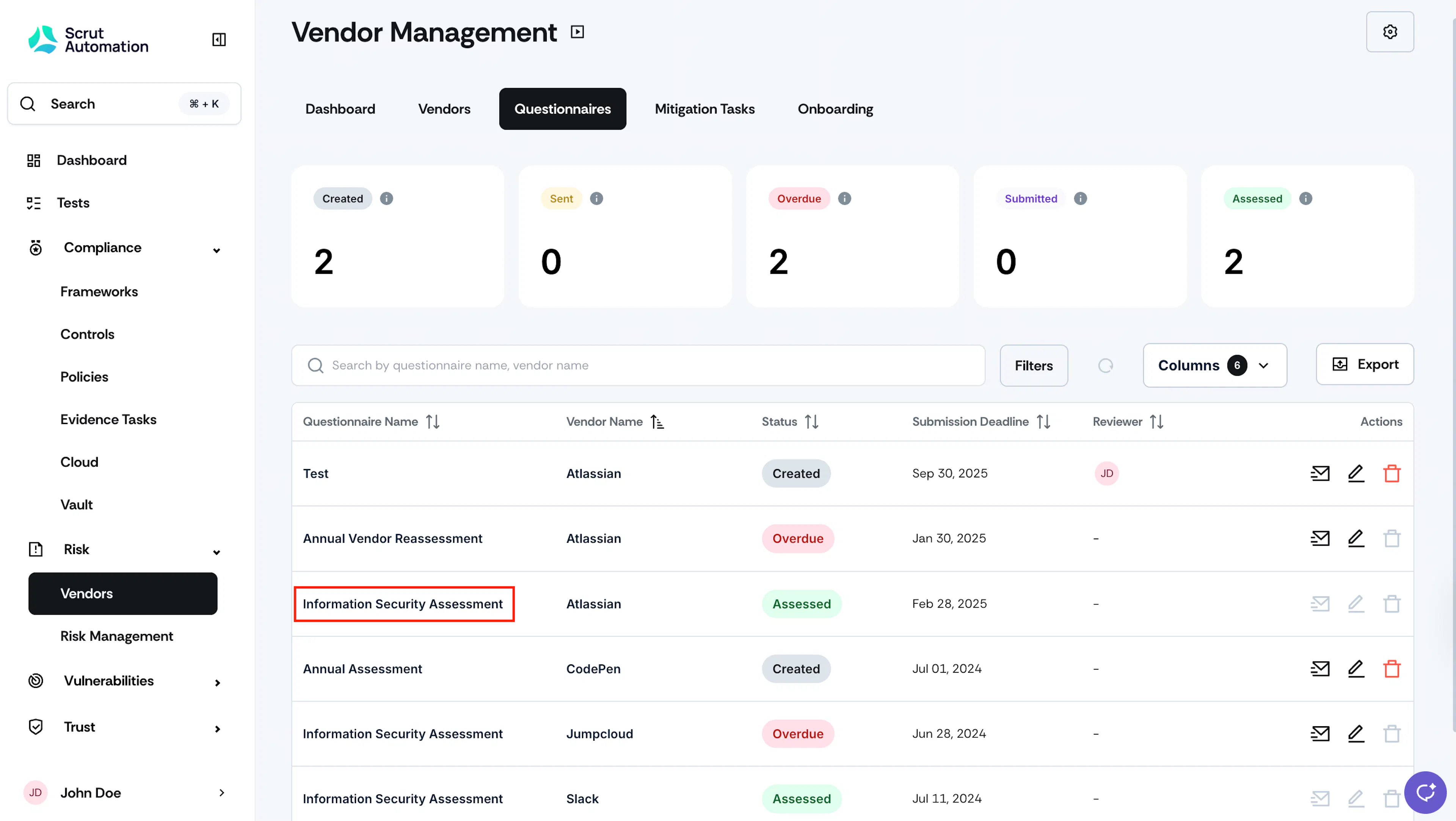
Navigate to the Questionnaires tab and click the questionnaire for which you want to add a risk.
-
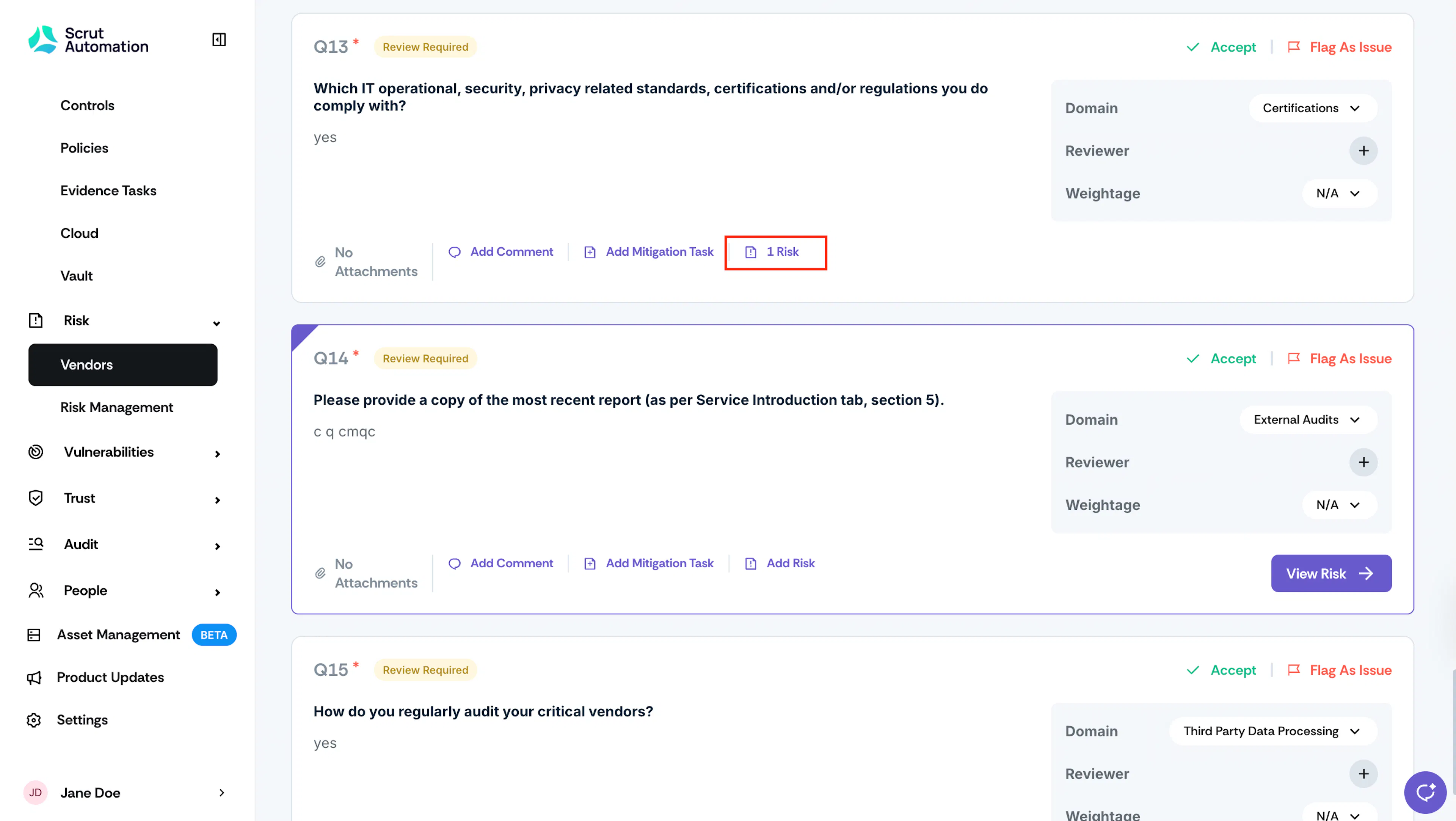
Find the question and click Add Risk.
-
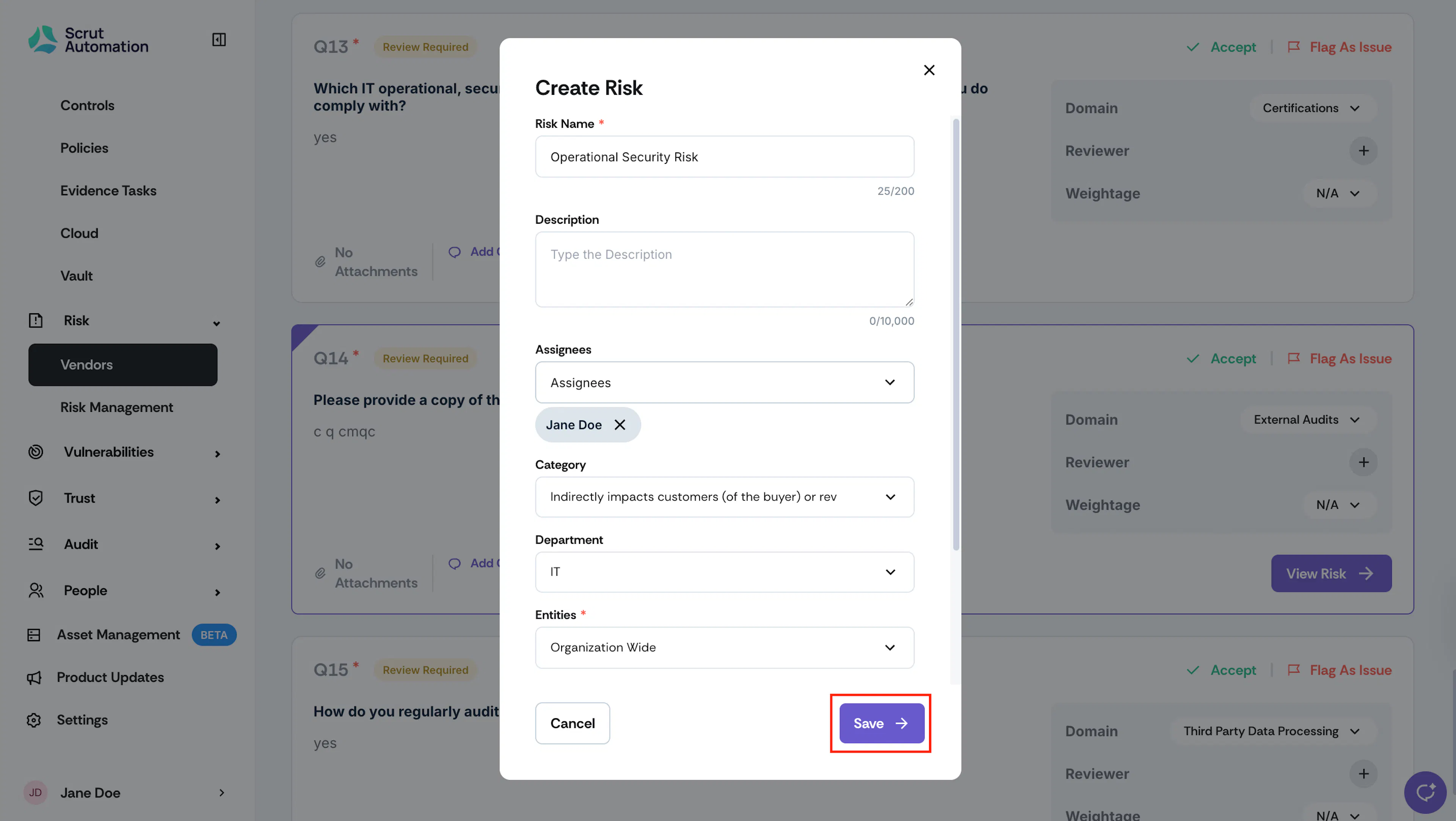
Enter the Risk Name.
-
Optionally, in the Description field, you can add a long description of the risk.
-
From the Select Assignee dropdown, select one or more users who will work on the risk.
Note:
Scrut will notify the assignee(s) via email about the assigned risk.
-
From the Category dropdown, select the category the risk falls under.
-
From the Department dropdown, select the Department the risk belongs to.
-
From the Entity dropdown, select the organizational entity or entities that this risk belongs to.
Note:
By default, all the risks are linked to Organization Wide.
-
In the Application Name field, enter the name of the application the risk is associated with. This field is optional, meaning you can leave it blank if the risk is not tied to a specific application.
-
Click Save.
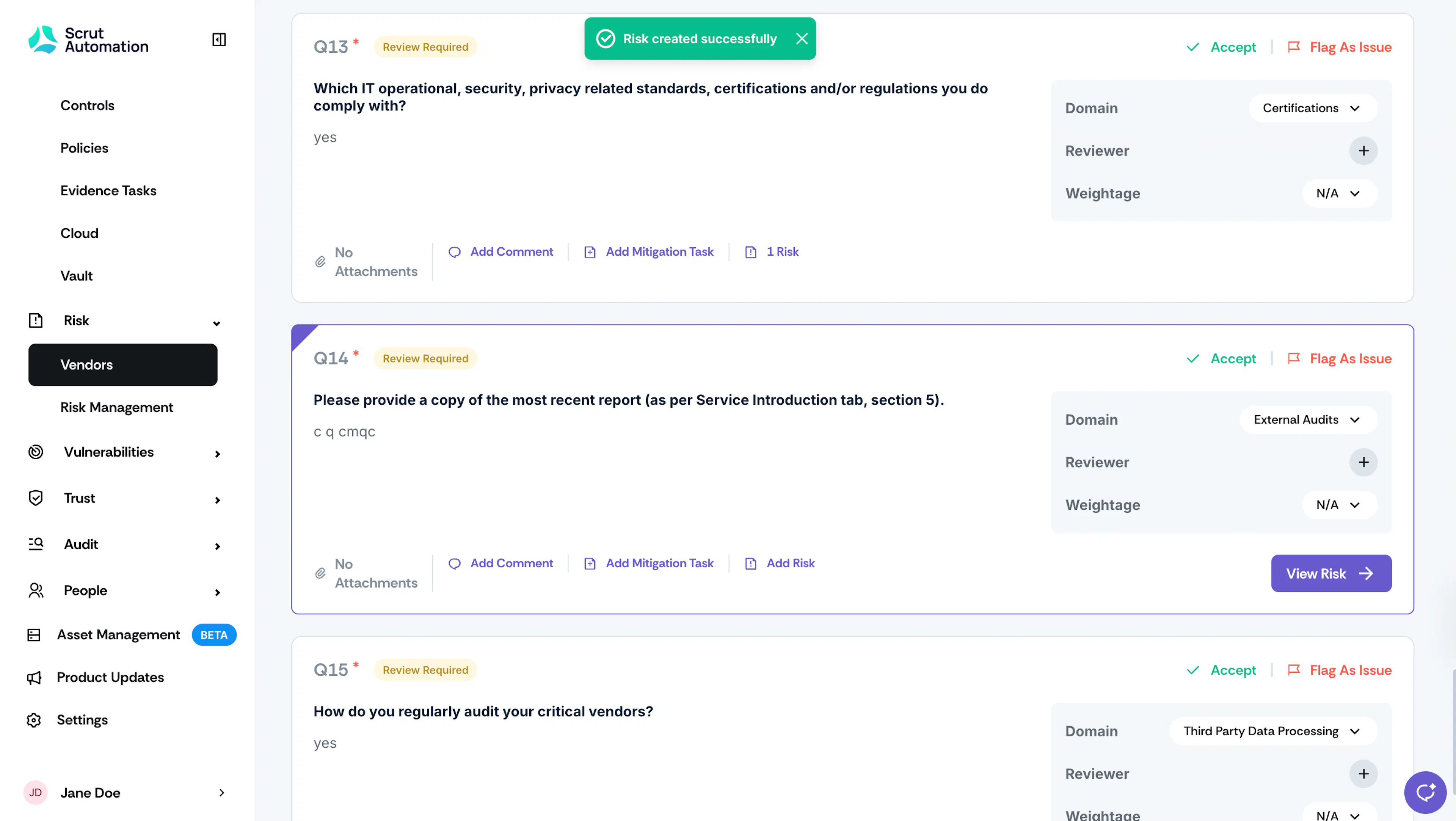
Navigating to the Risk Detail Page
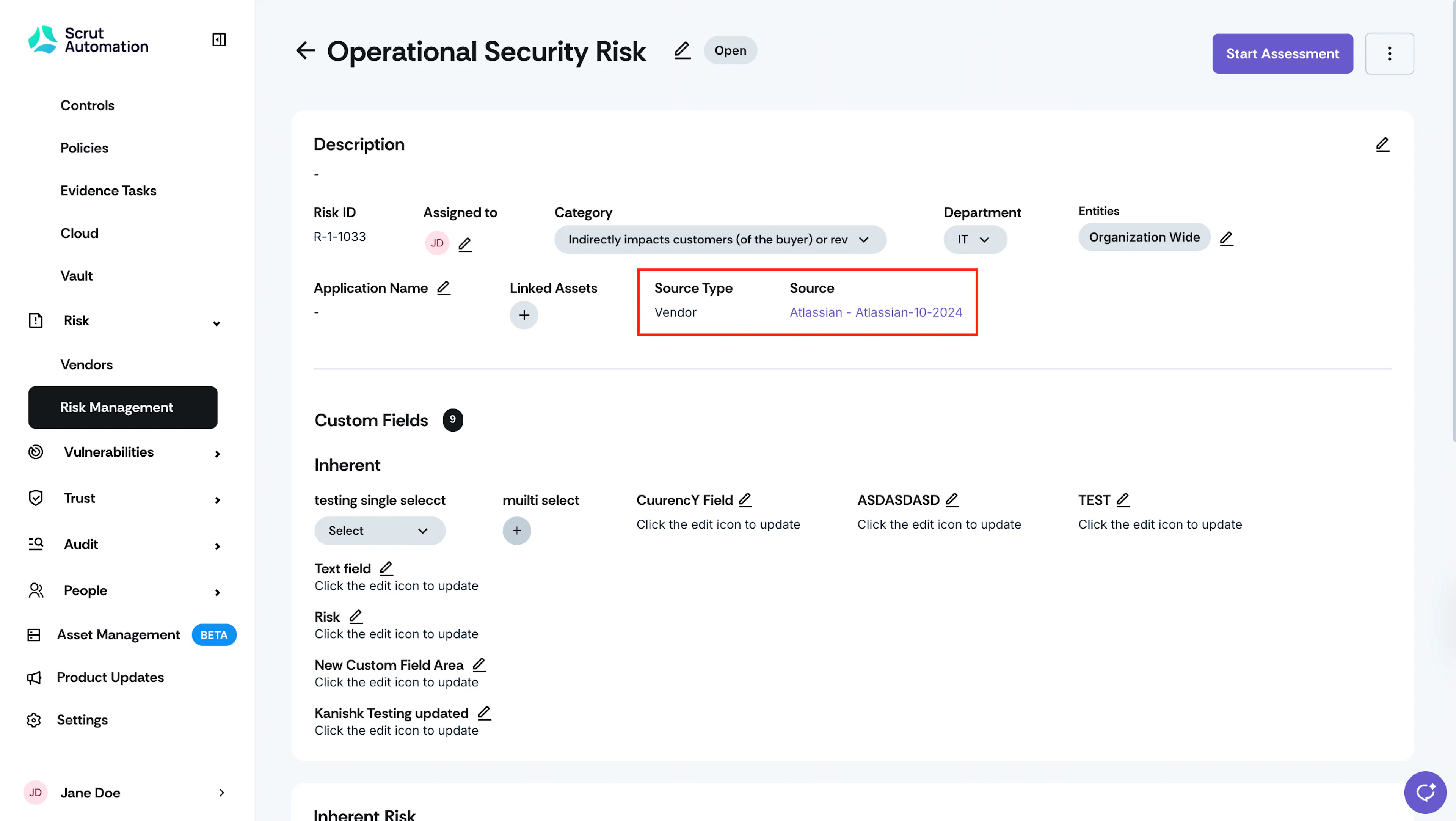
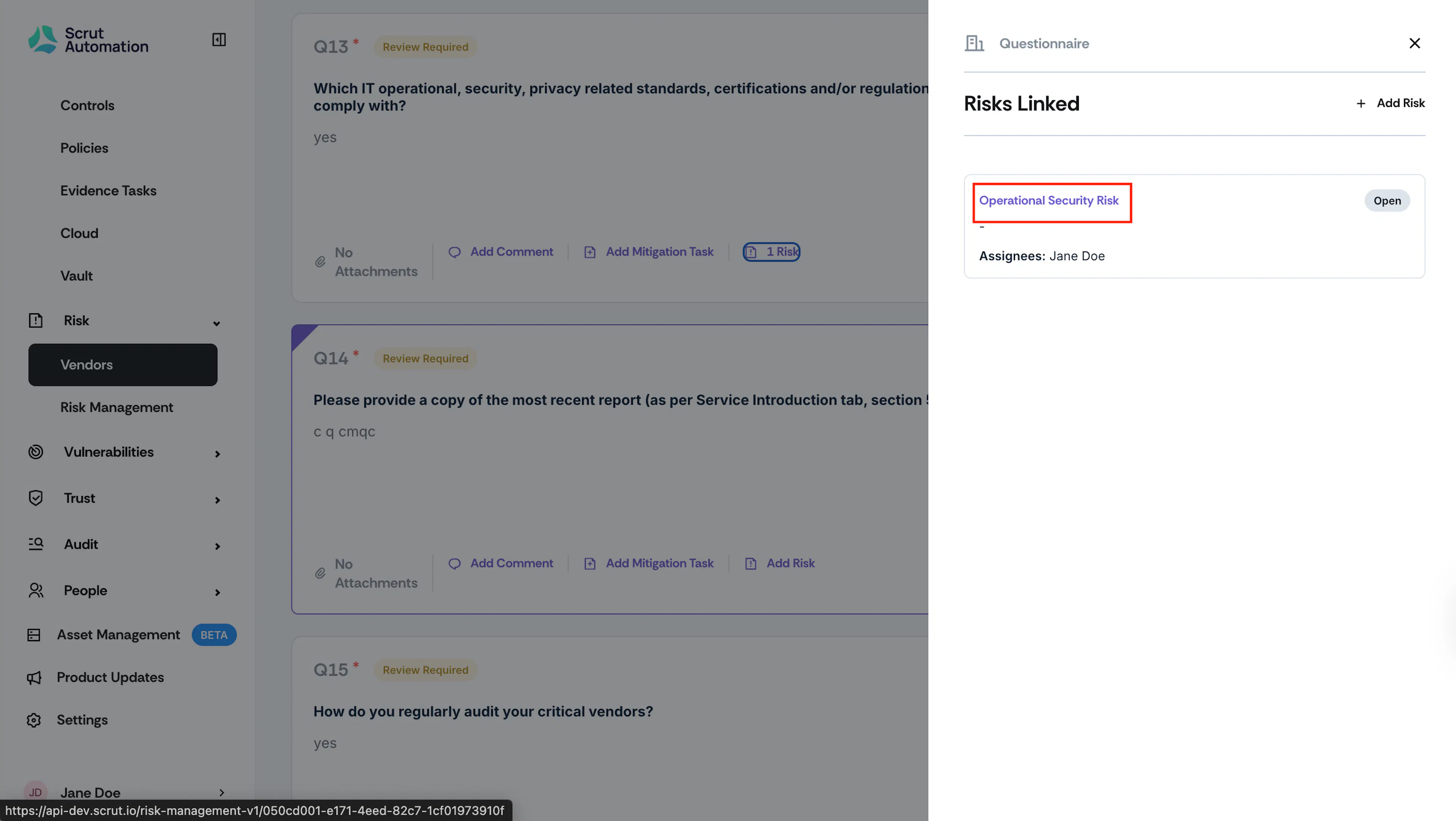
If you wish to review or edit the risk in more detail, click on the risk name, which will take you to the Risk Detail page.
Review Risk Source Information: On the Risk Detail page, you'll notice that the source type is labeled as 'vendor' and the source refers to the questionnaire name.