Understand Policy Approval Workflow
Who can use this feature
- Supported on Foundation, Growth, and Scale plans
By default, an assignee or admin can directly publish a policy in Scrut when it’s in the Draft status. However, enabling the policy approval workflow adds a required review step: one or more designated approvers must review and approve the policy first, before you can publish it.
Policy approval is especially useful for policies that affect multiple stakeholders. For example, a code deployment policy at a software company might need sign-off from the Quality Assurance Lead, the Chief Technology Officer, and the Chief Information Security Officer before it goes live. Requiring all three ensures the policy reflects input from everyone who owns a piece of the outcome, not just the person who drafted it.
The approval workflow also gives you an audit trail. Every approval is timestamped and tied to a named approver, so you can show exactly who reviewed a policy and when.
How does Policy Approval Work?
You can assign up to five approvers to any policy and arrange them in a specific order. Scrut notifies approvers one at a time, in that order: the first approver gets notified, and once they approve, the next approver in line is notified, and so on until everyone has signed off.
Every assigned approver must approve the policy before it can move forward. Scrut doesn't support partial sign-off. If even one approver hasn't acted yet, the policy stays in the approval chain.
Note:
Editing a policy while it's in the approval process clears all previous approvals. The policy needs to go through approval again from the start.
How to Turn On/Off Policy Approval Workflow
Follow these steps to turn the policy approval workflow on or off:
-
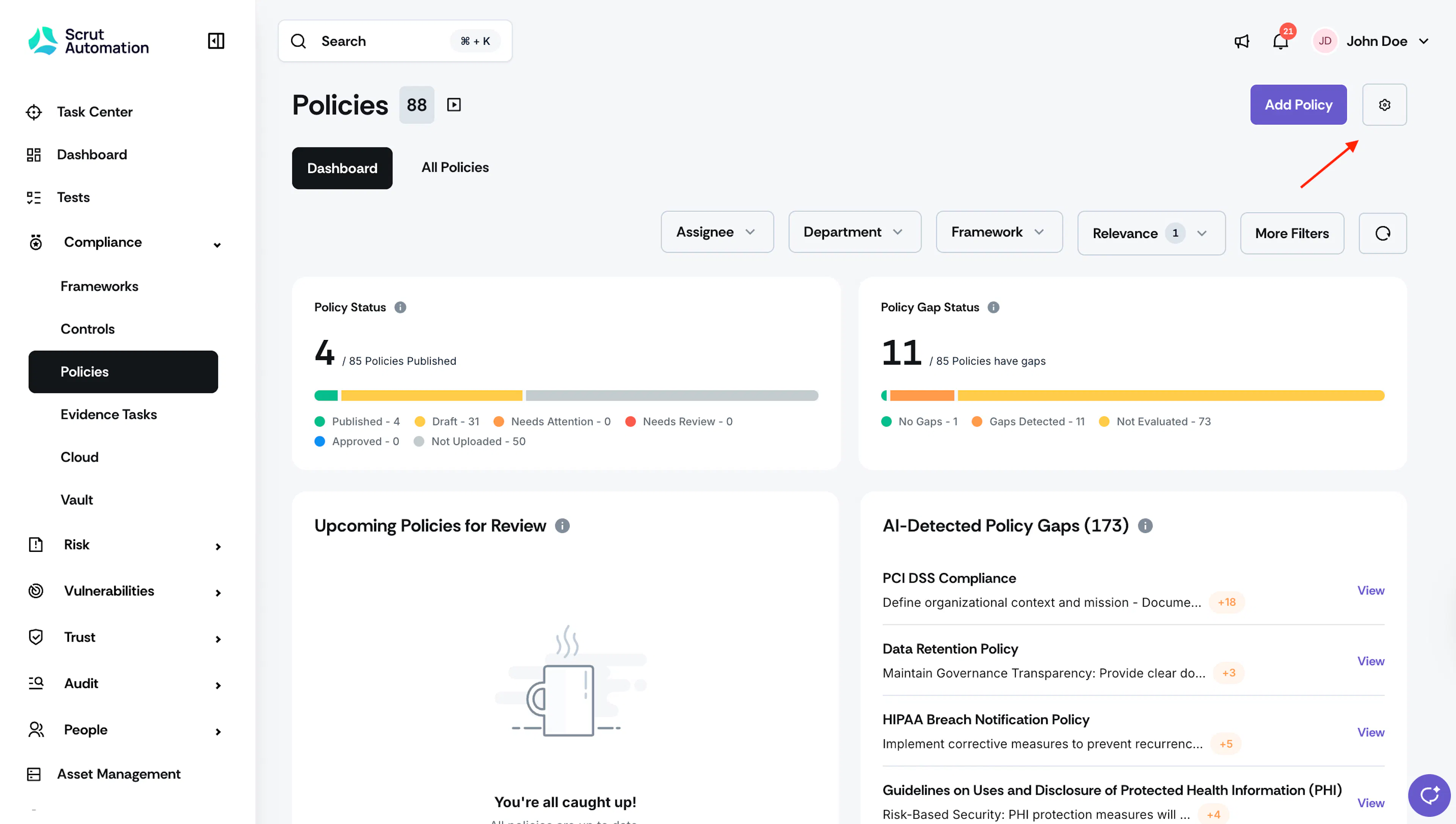
Click Compliance → Policies on the left navigation panel.
-
Click Settings on the top-right.
-
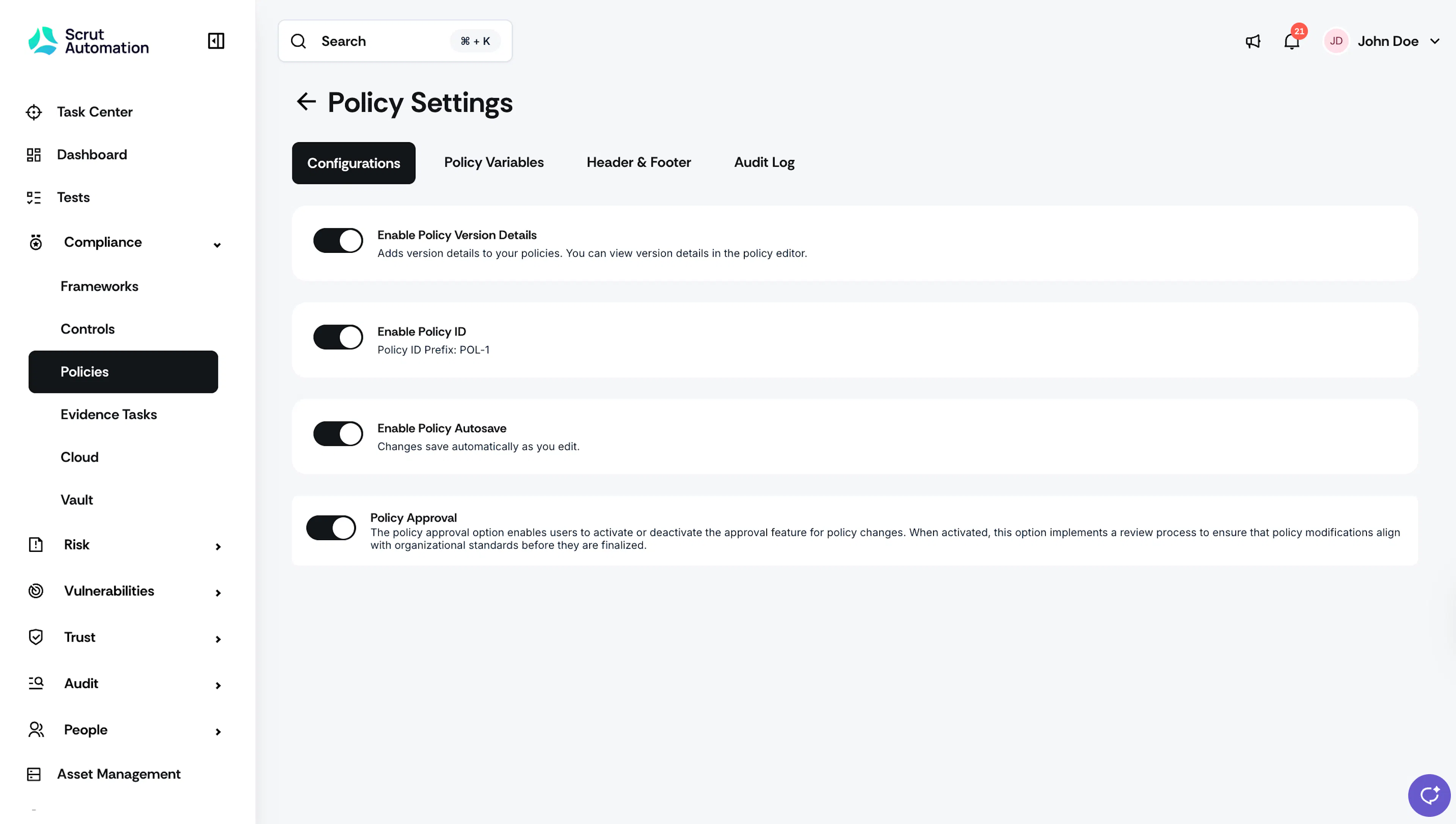
In the Configurations tab, turn on/off the Policy Approval toggle as needed.