

Customize Table Data
Tables in Scrut have handy controls that help you navigate and view large datasets with ease.
Default Row Settings
By default, Scrut displays 10 rows per page on pages with a single table, and 5 rows per page on pages that contain multiple tables. You can change this at any time from within the table itself.
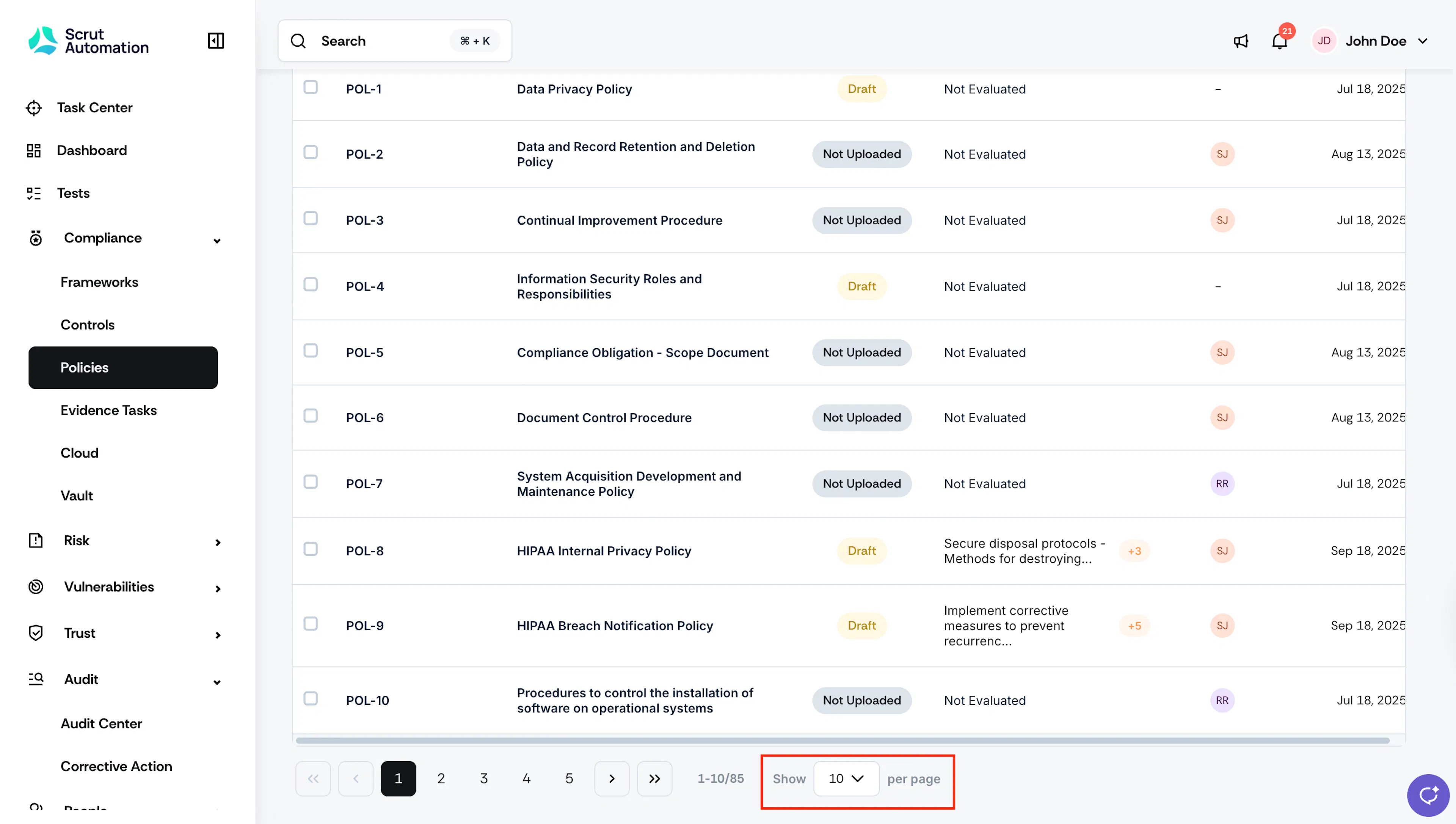
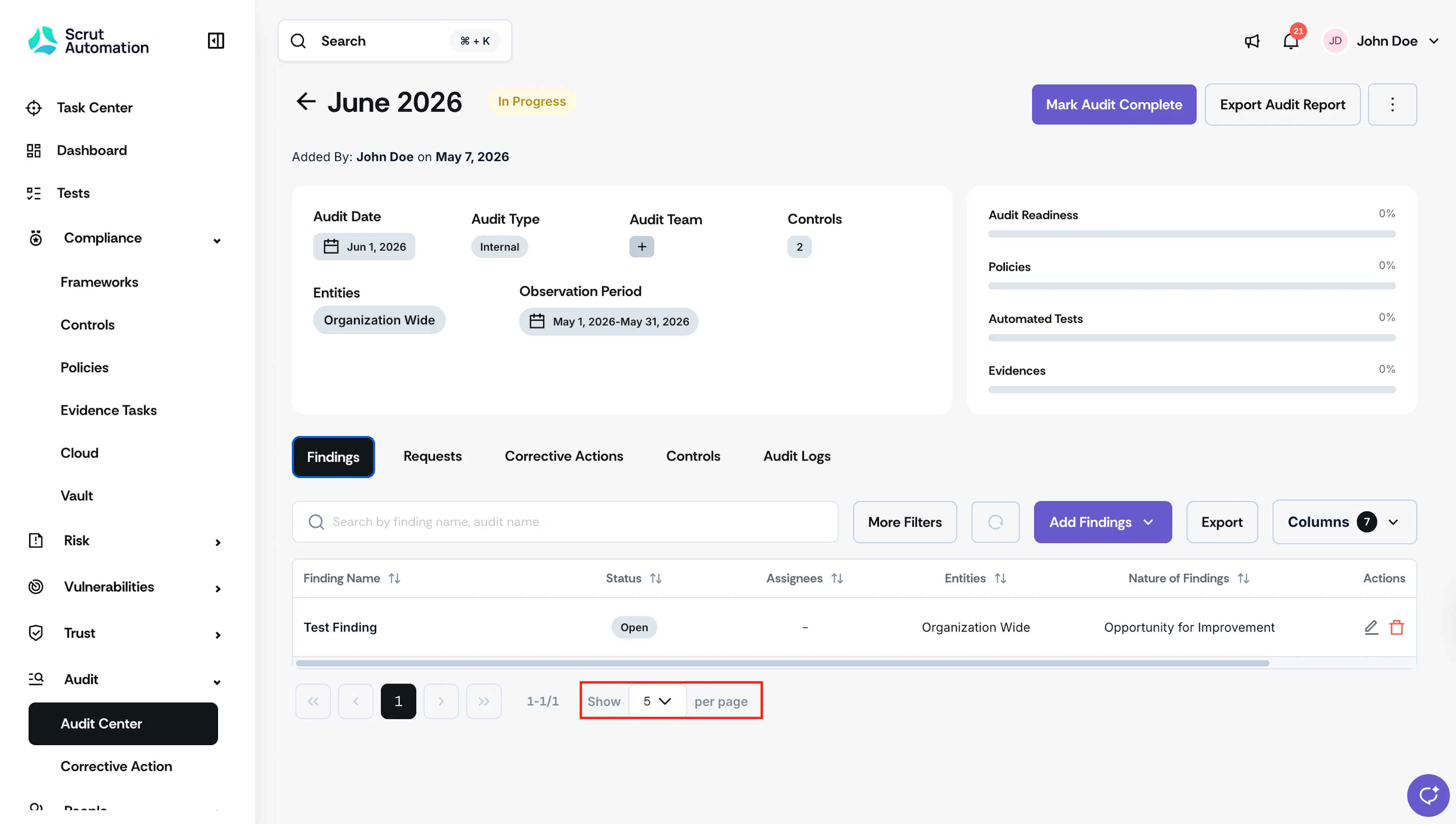
How to Change the Number of Rows Per Page
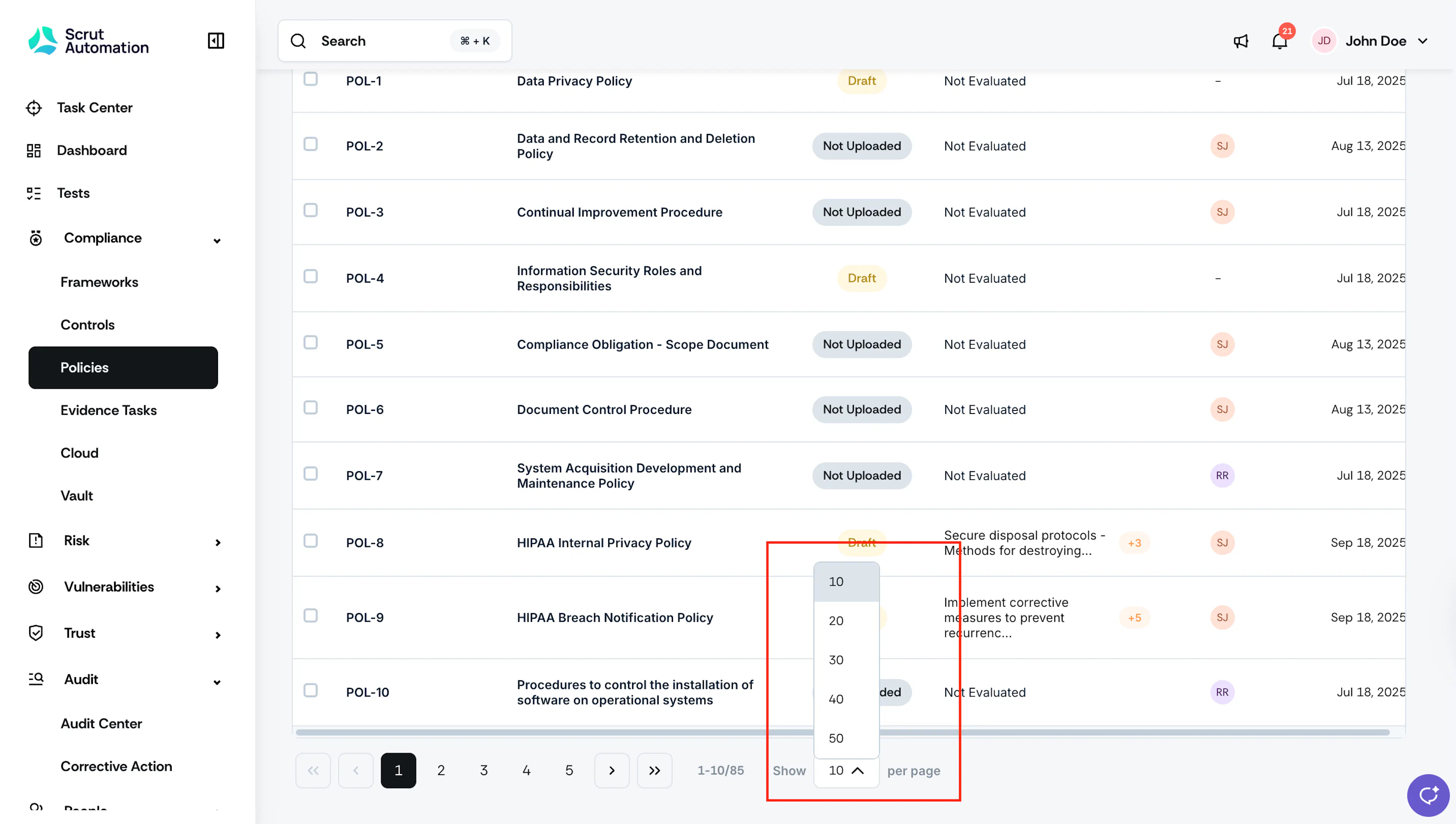
- Scroll to the bottom of any table.
- Locate the Show rows per page dropdown.
- Select your preferred number of rows from the available options.
The table updates immediately to reflect your selection.
Navigating to the First or Last Page
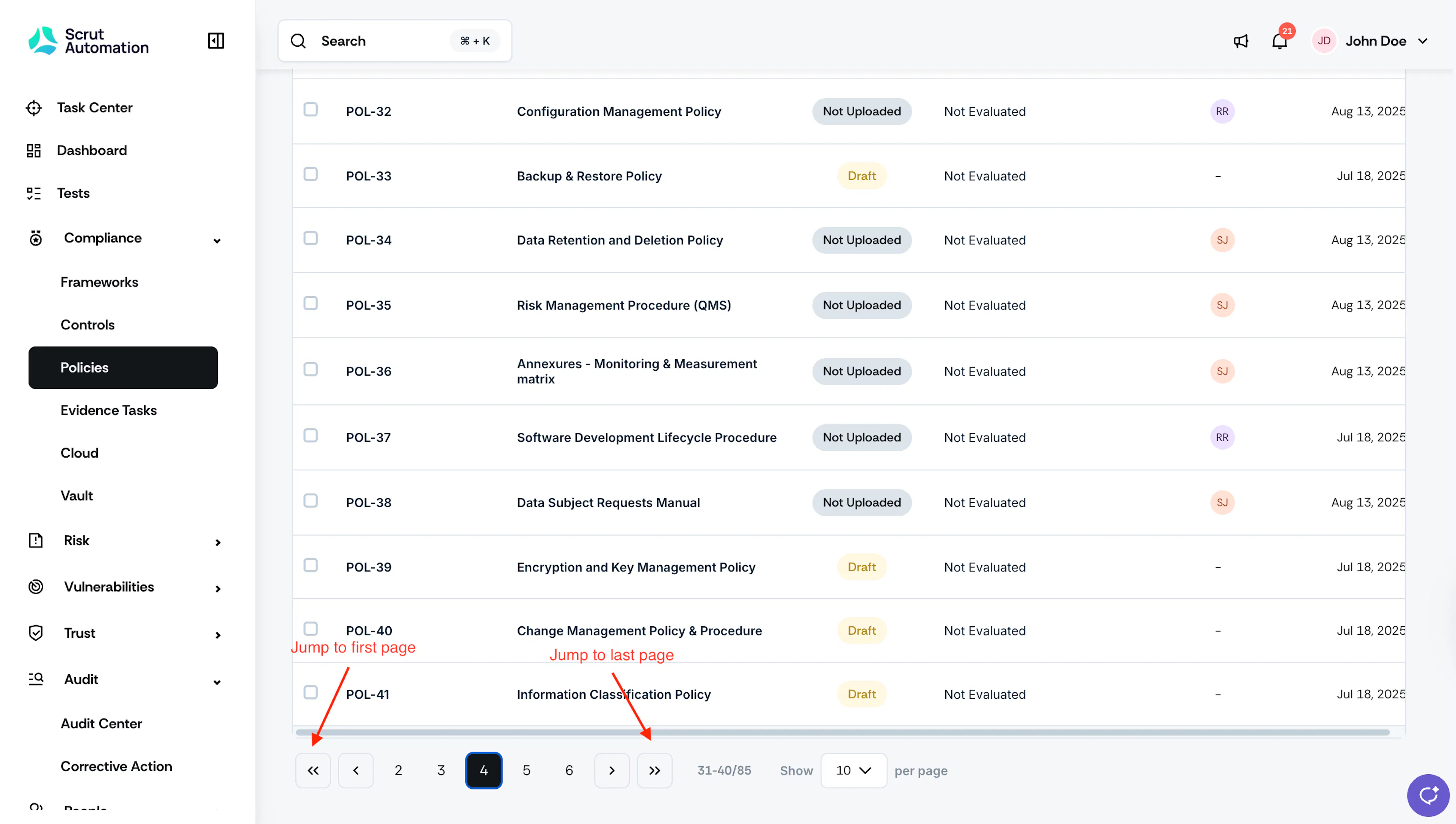
All tables in Scrut include Jump to First and Jump to Last controls in the pagination bar, so you can move to either end of a table without paging through results one by one.
- Scroll to the bottom of any table.
- In the pagination bar, click the Jump to First icon to go to page one, or the Jump to Last icon to go to the final page.
Was this page helpful?