

Search Within Scrut
You can quickly locate any documents within your Scrut organization by using the search bar on the top left of the platform. Besides finding relevant documents, this feature also enables you to easily navigate to relevant modules within the platform, thereby enhancing overall usability.
- Instant Access: Launch search instantly with a keyboard shortcut.
- Comprehensive: Search across all modules and documents stored within your organization. (Currently limited to DOCX and PDF files).
- Quick Action: Click a search result to access the document or module directly.
- Secure: Results are filtered according to your access permissions, ensuring that you only see the documents and modules that you are authorized to view.
How To Search in Scrut
Enter Your Search Query
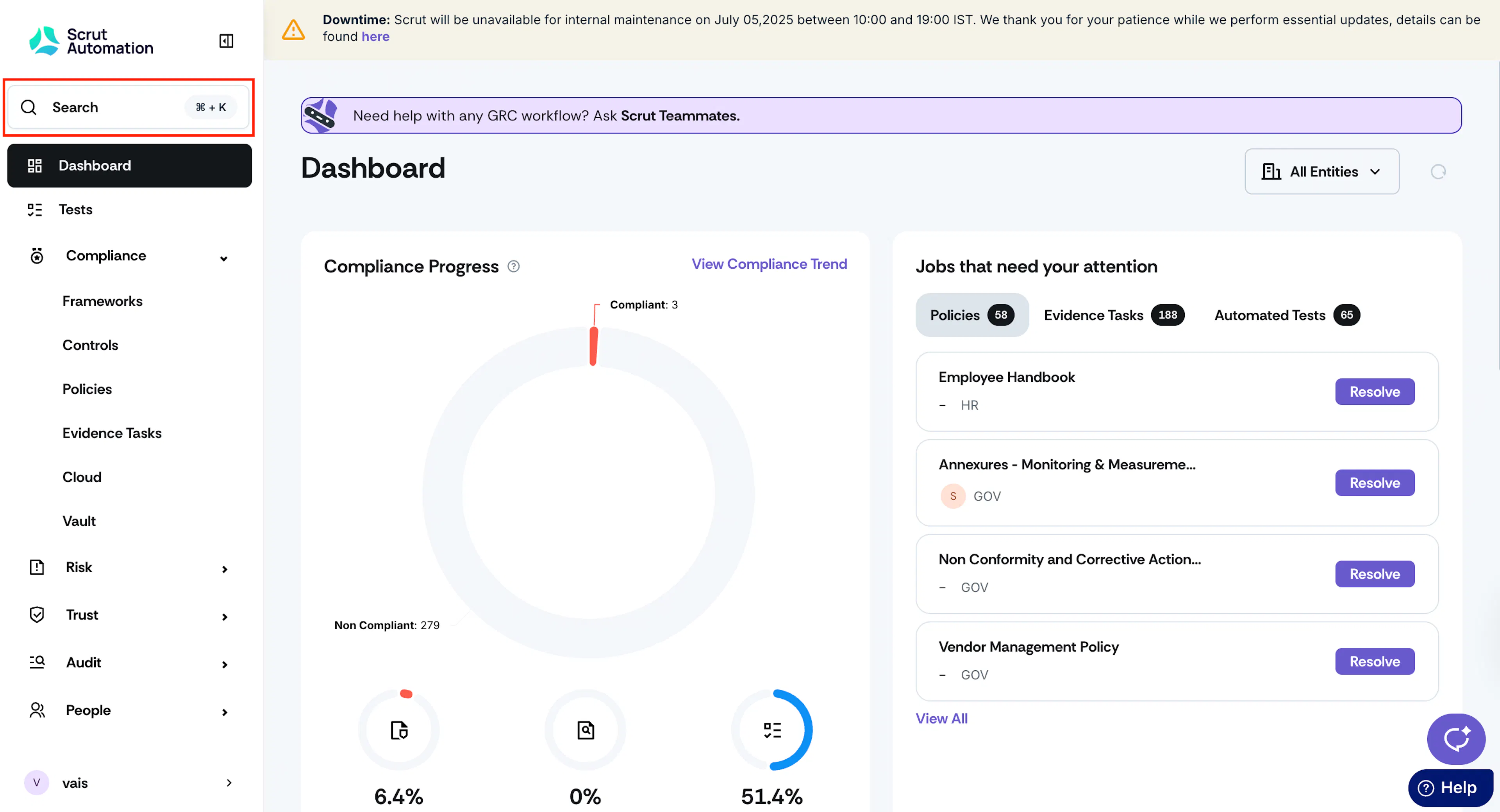
Sign in to Scrut and click the search bar on the top left of the page. Alternatively, you can press Cmd+K (Mac) or Ctrl+K (Windows/Linux) from anywhere in Scrut to access the search bar.
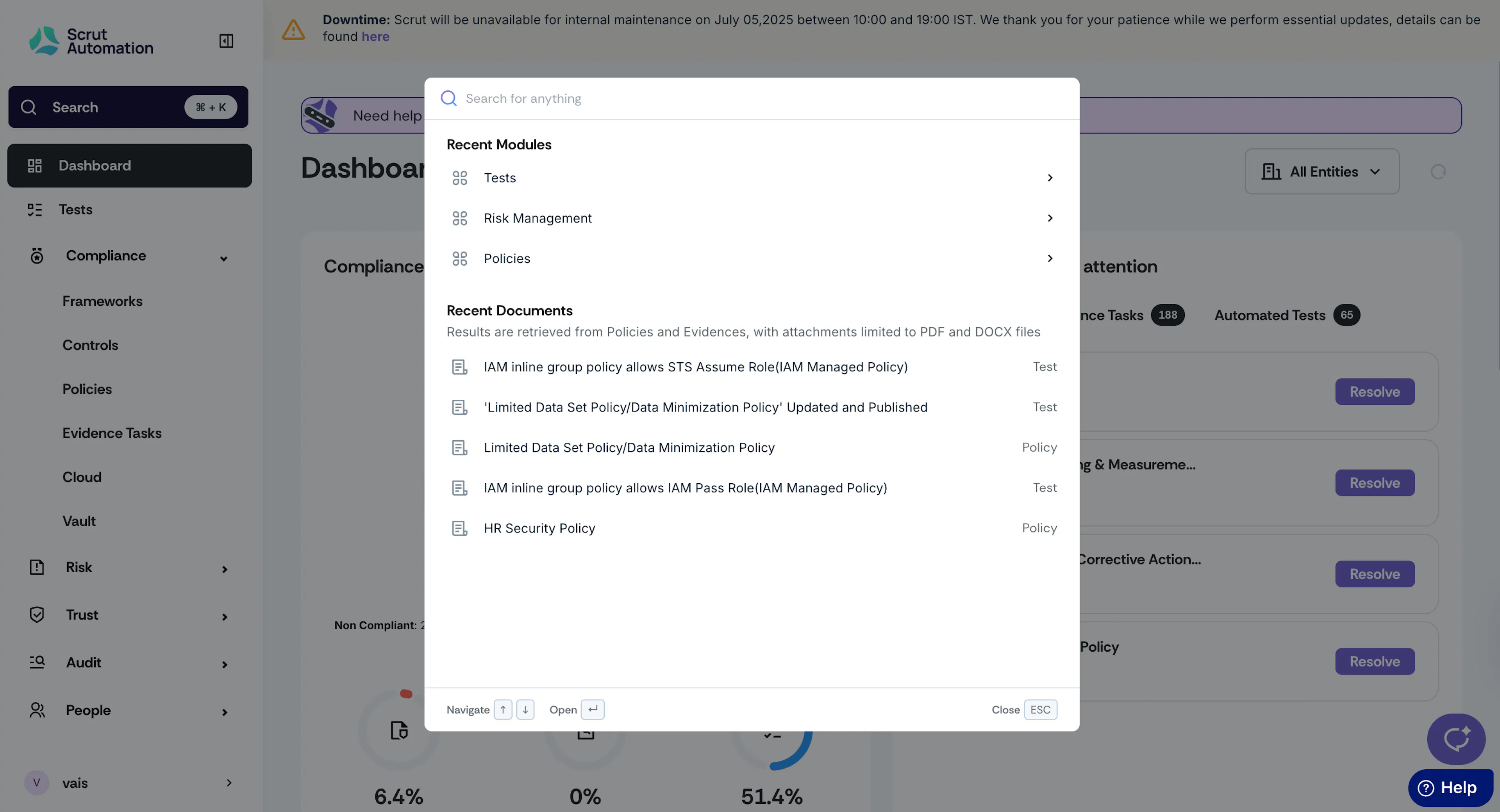
Type your search terms into the bar.
View Results
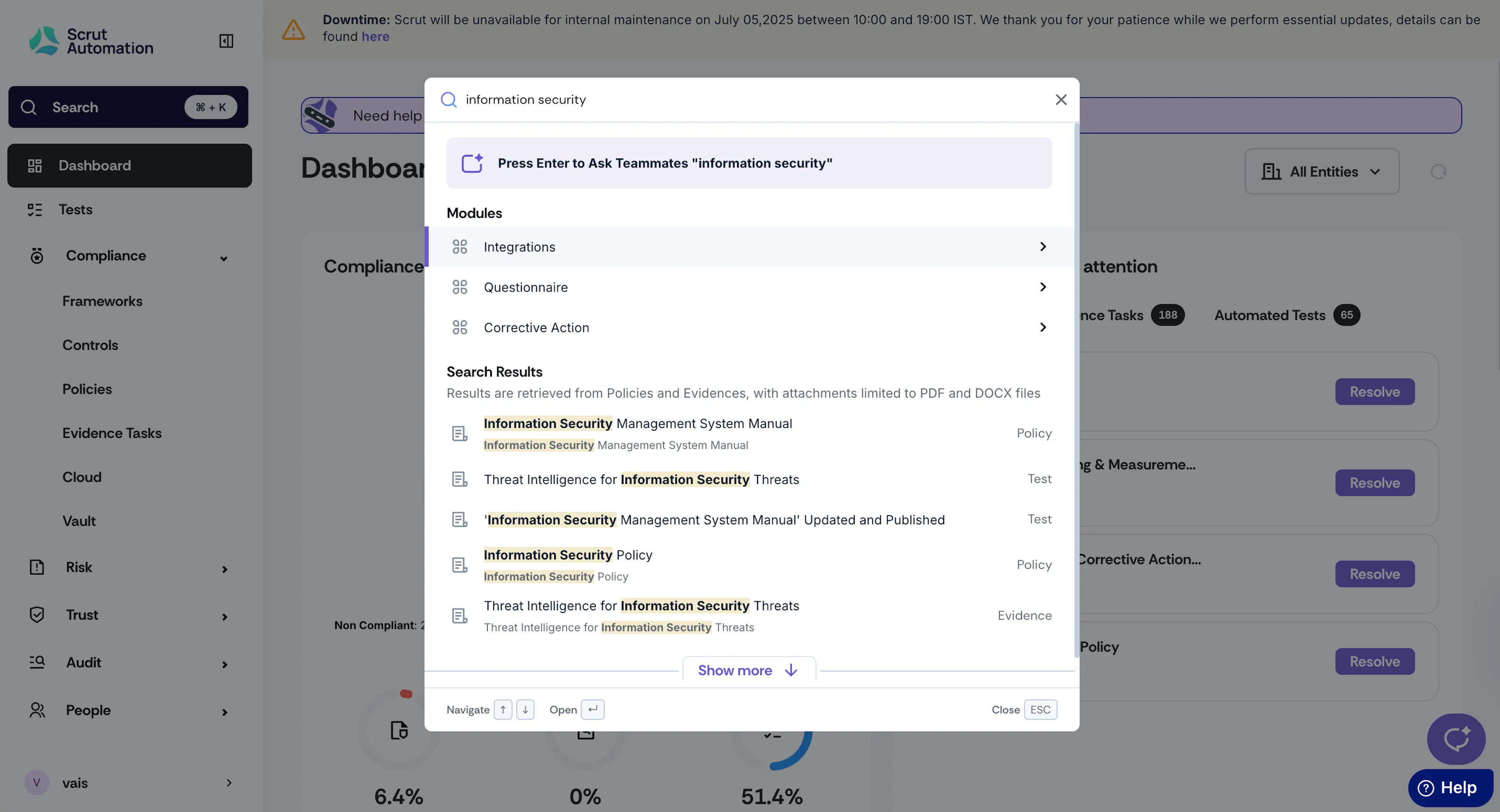
The search results include both relevant:
- Modules: Quickly navigate to modules relevant to your search.
- Documents: Find relevant documents with keyword matches in their content. For documents, the search results show the source.
Heads Up!
Currently, document results are limited to DOCX and PDF files.
Pro Tip!
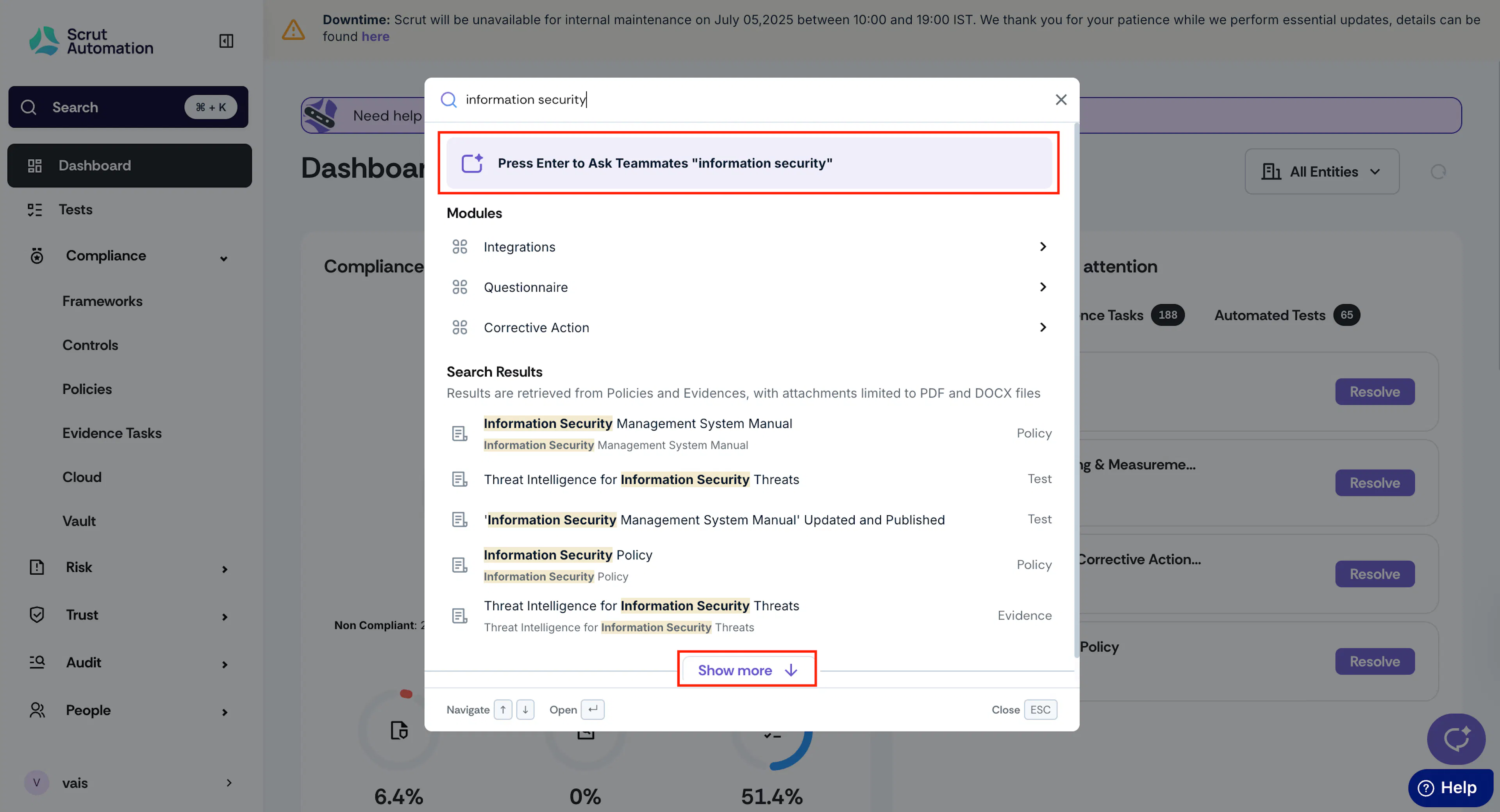
Press Enter to ask the query to Scrut Teammates. Use the Show More button to view more results.
FAQs
Was this page helpful?