

Set Fiscal Year Format
Attachments added to Evidence Tasks will be categorized in one of the following formats:
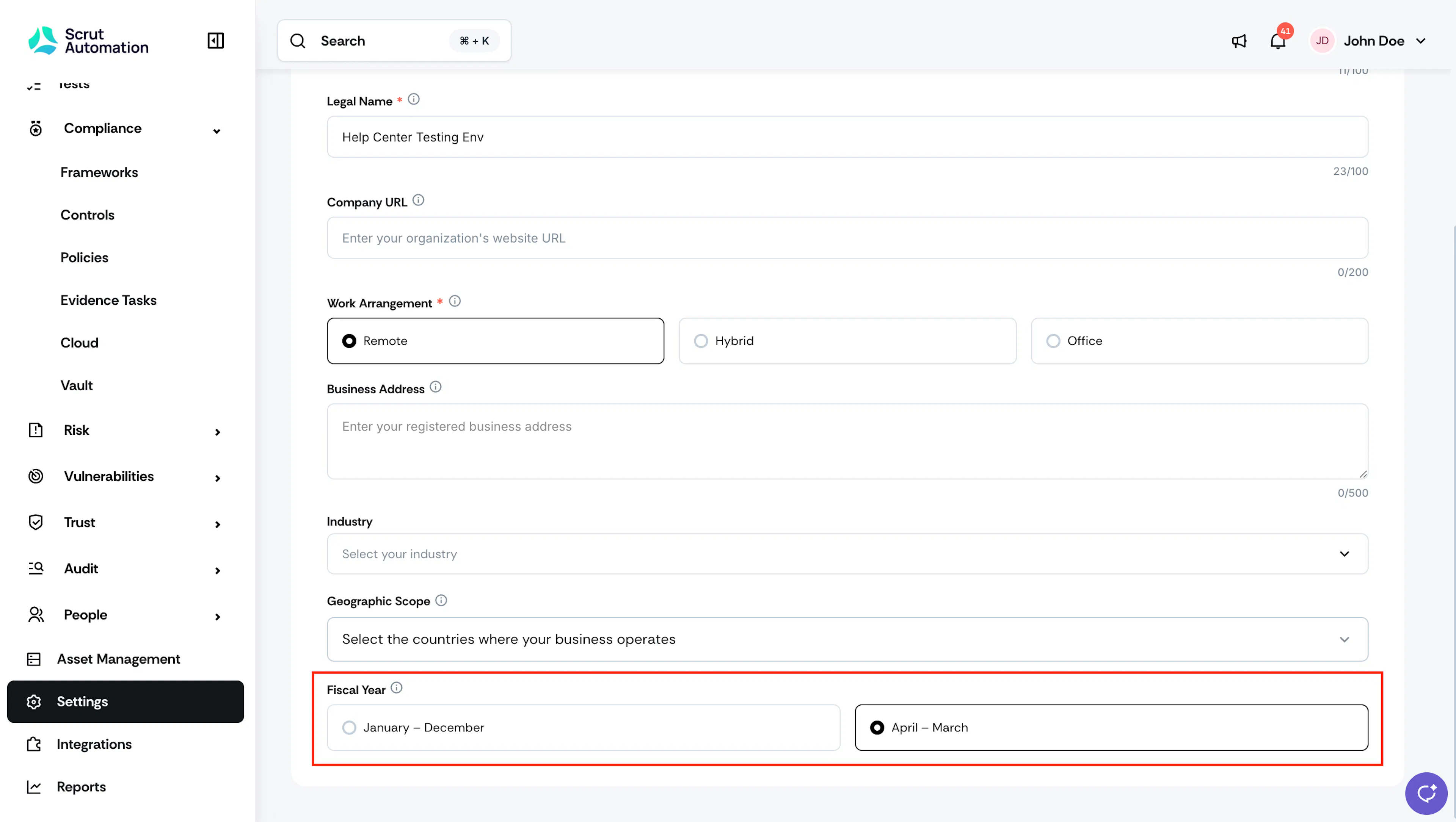
- January to December
- April to March
To set the fiscal year for your organization:
-
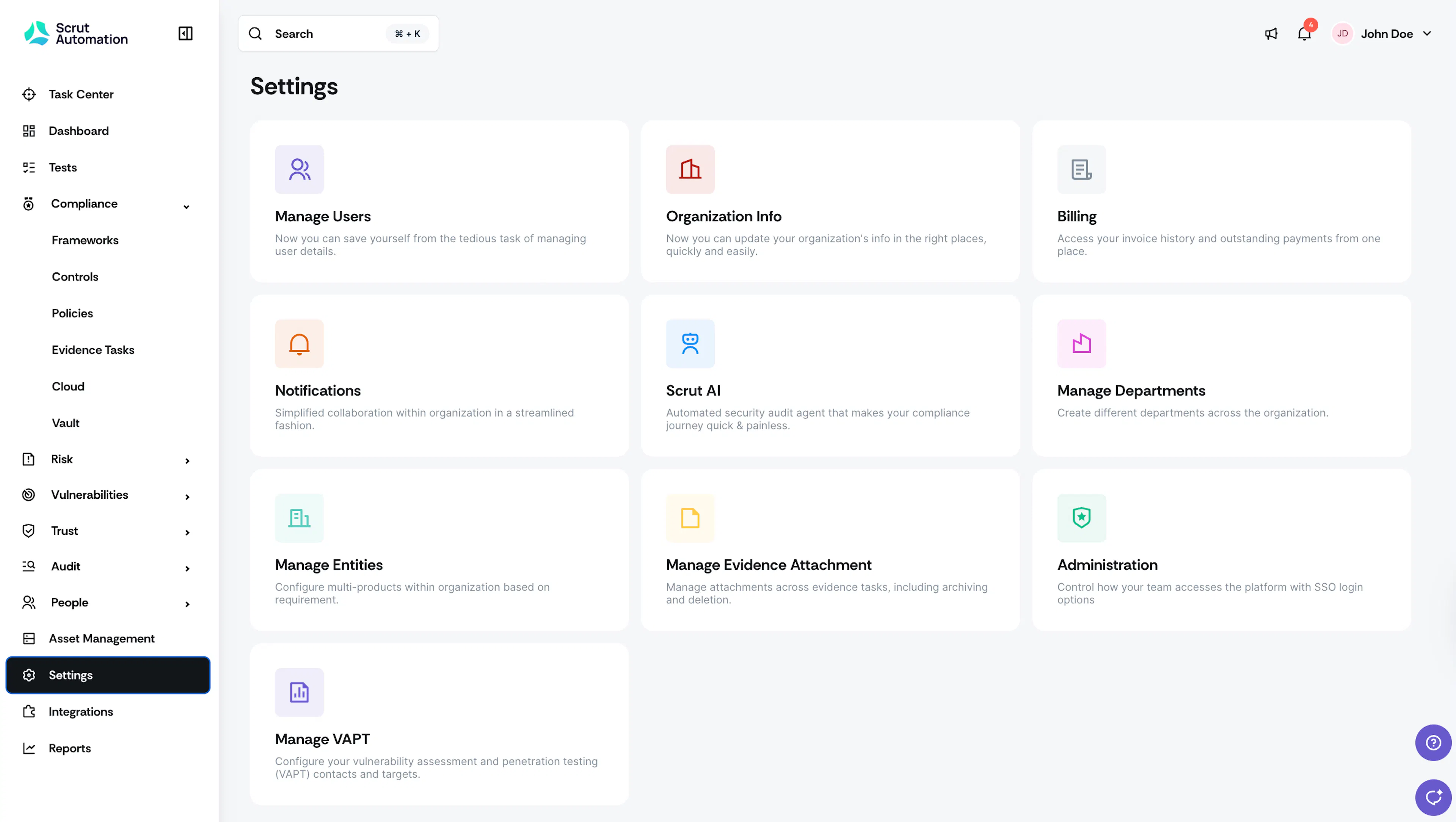
Click Settings in the left navigation panel, then go to Organization Info.
-
Scroll to the bottom of the page and choose your preferred format.
Was this page helpful?