Accept Policies in the Employee Portal
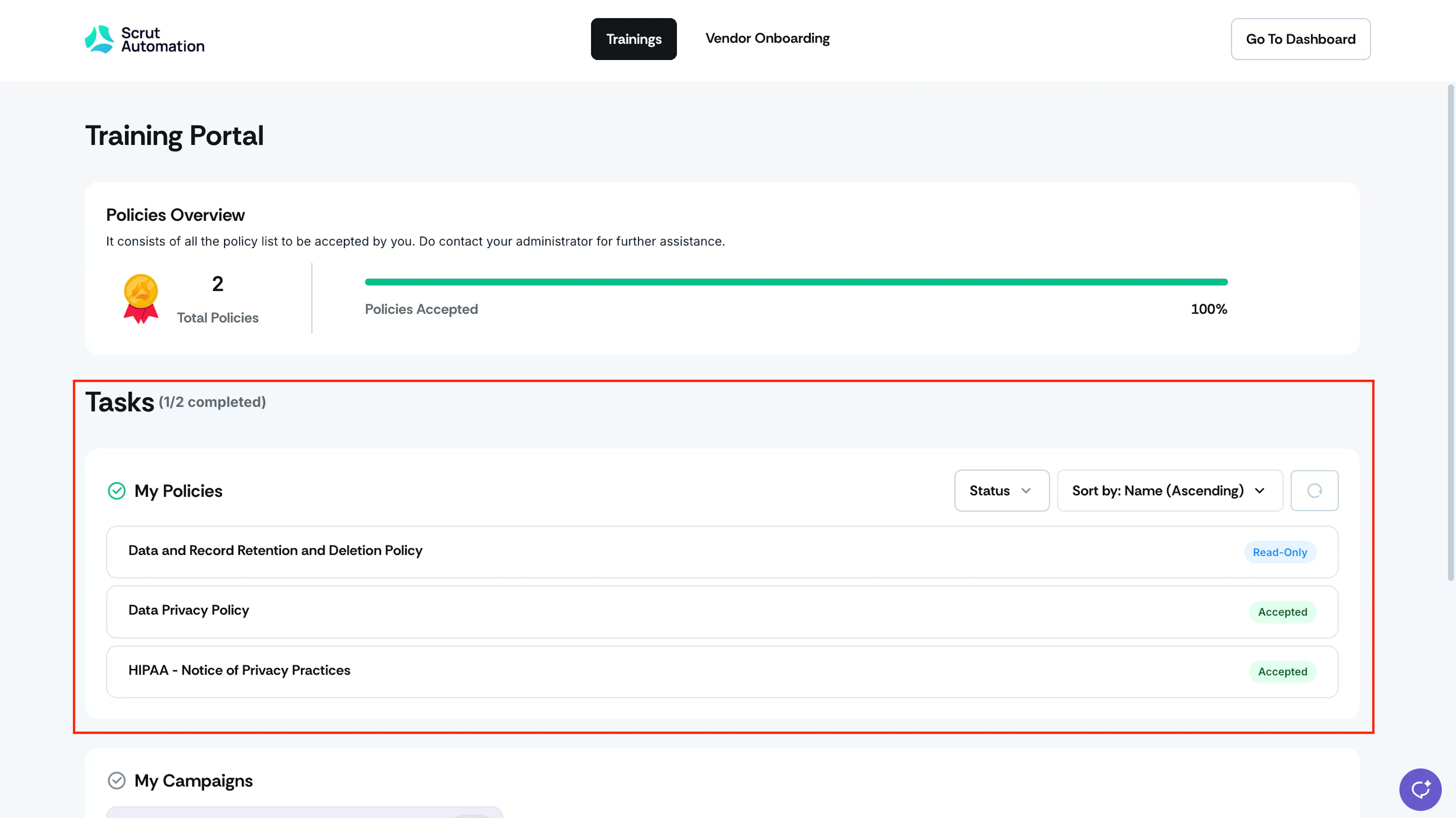
Organizations assign policies to employees to maintain compliance and handle data responsibly. Employees must review and accept each assigned policy.
Heads Up! Policies marked Read-only do not need to be accepted. Only policies tagged Requires Acceptance need your action.
How To Accept Policies in the Employee Portal
Log in to the Scrut Platform: Access the Scrut platform (app.scrut.io), which will direct you to the Employee Portal. Refer to the Employee Portal Login Guide for detailed instructions.
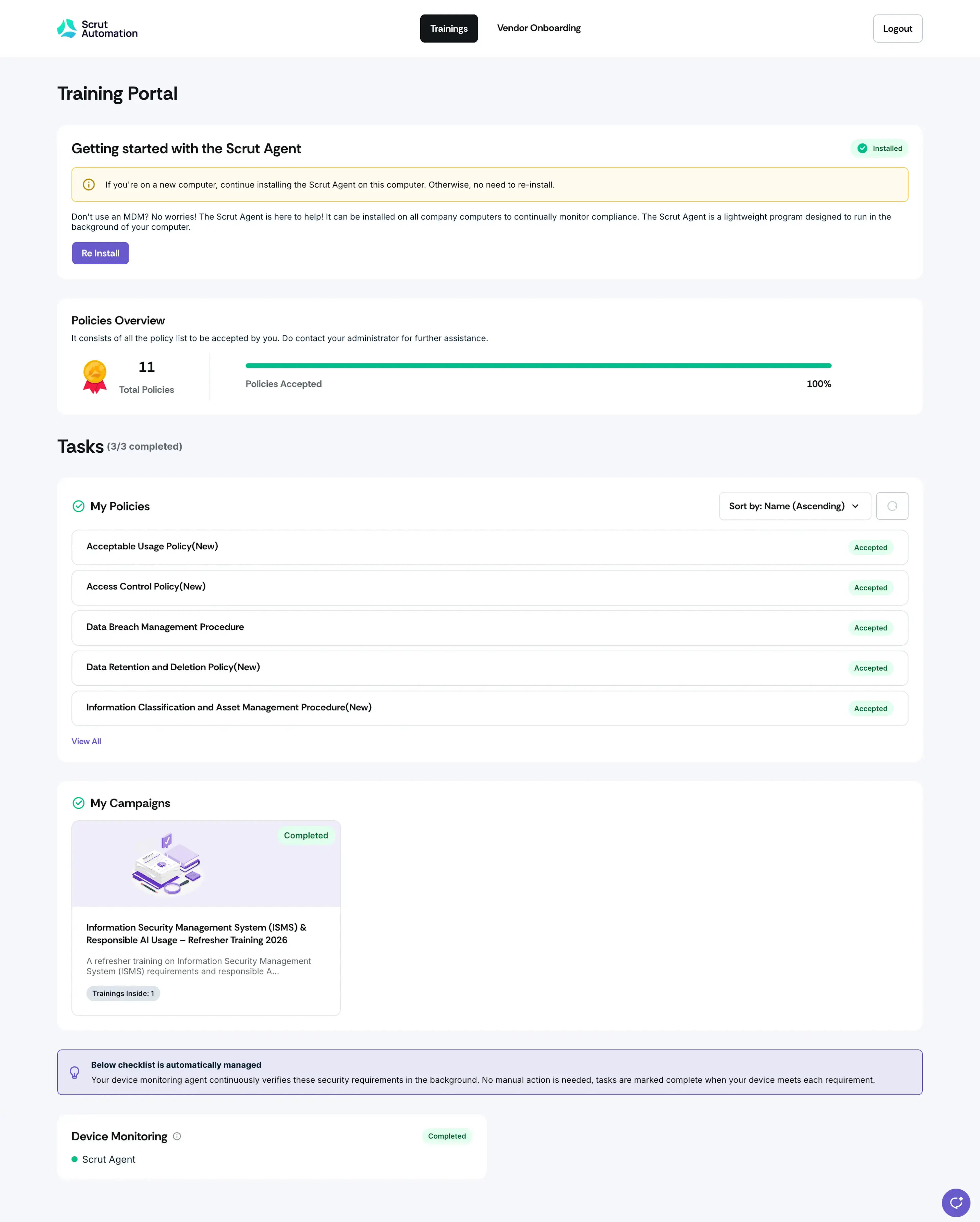
Navigate to Policies in the Tasks section: Scroll to the Policies section, where you'll find a comprehensive list of policies assigned to you by your organization.
Check the Policy Tag: Each policy in the list is tagged Not Accepted or Read-only. Policies tagged Read-only are for your reference and don't require any action.
Policy Details: Click the name of any policy to read and review it.
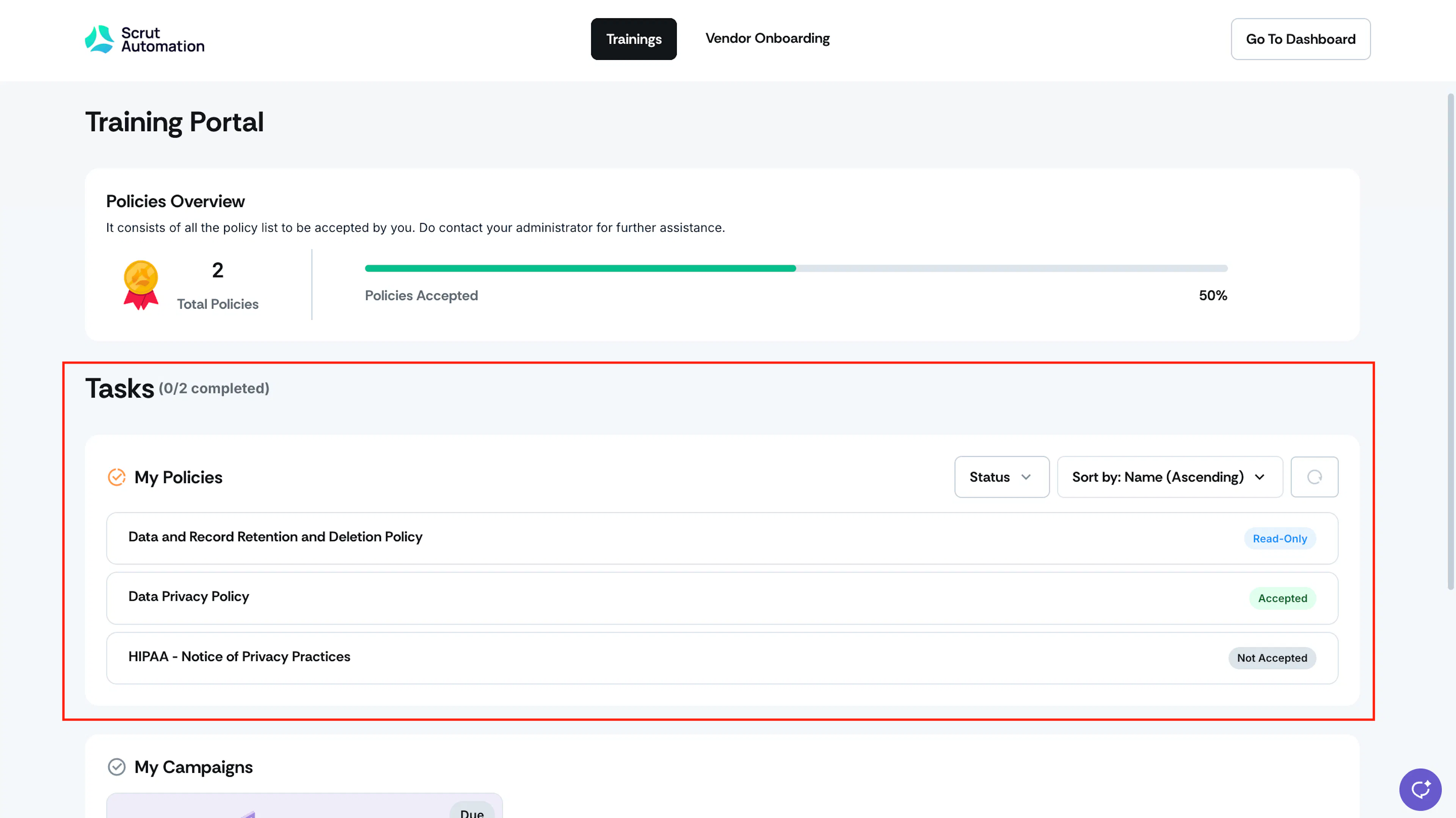
Review and Accept: For policies that require acceptance, review the policy and click "Accept & Continue" to confirm your acceptance and continue to the next policy in your list. Policies tagged Read-only don't have an Accept option; you can revisit and read them anytime without further action.
Status Update: Once you accept a policy, its status updates to "Accepted," indicating that you have acknowledged and agreed to comply with the specified policy. Read-only policies don't carry an acceptance status since they don't require action.