

Login to the Employee Portal
For Employees
Follow these steps to log in to Scrut’s Employee Portal:
Step 1: Visit the Login Page
Go to https://app.scrut.io/login.
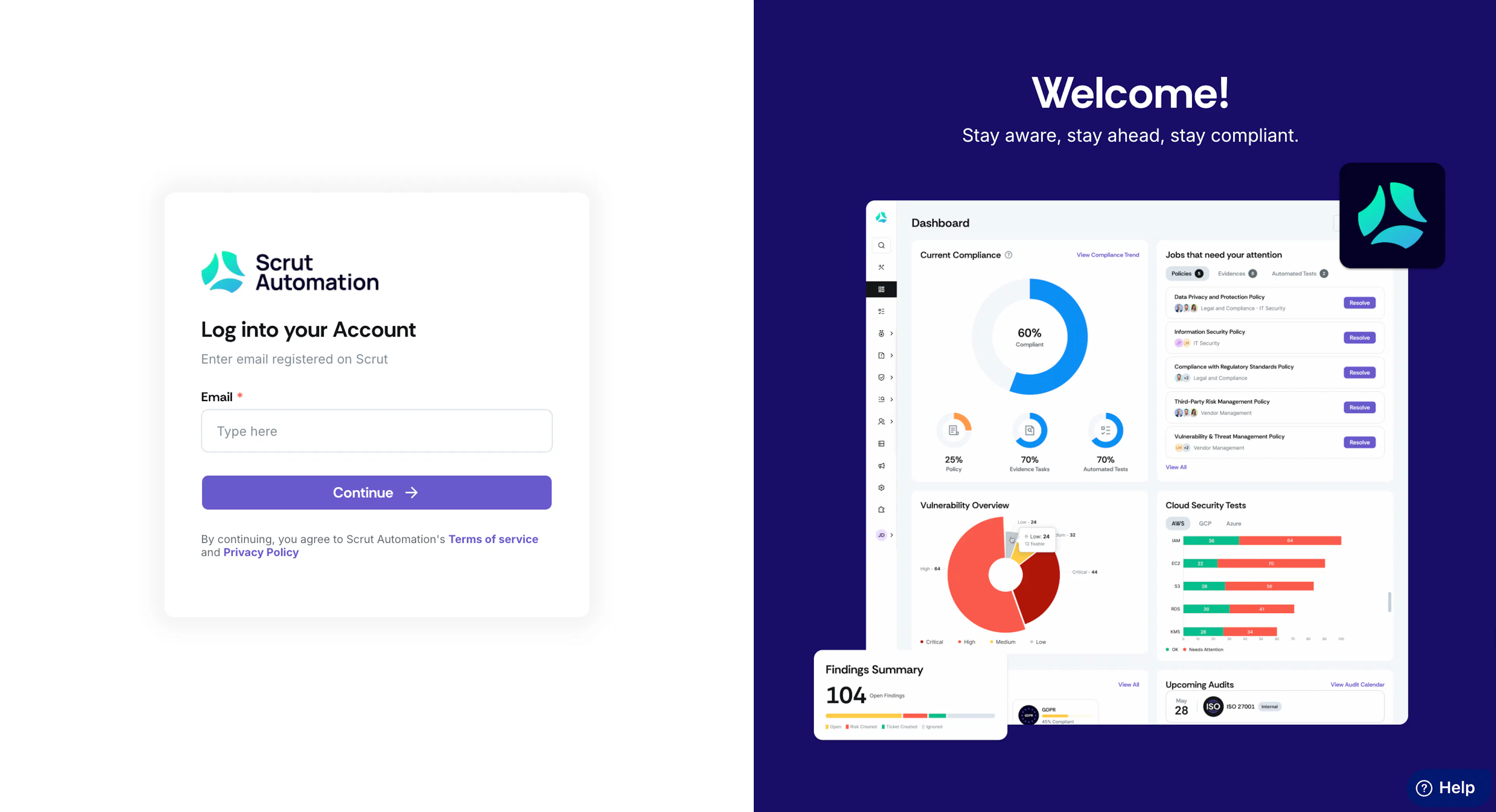
Step 2: Enter Your Email Address
Enter the email address you have registered on Scrut (Ideally, your work email).
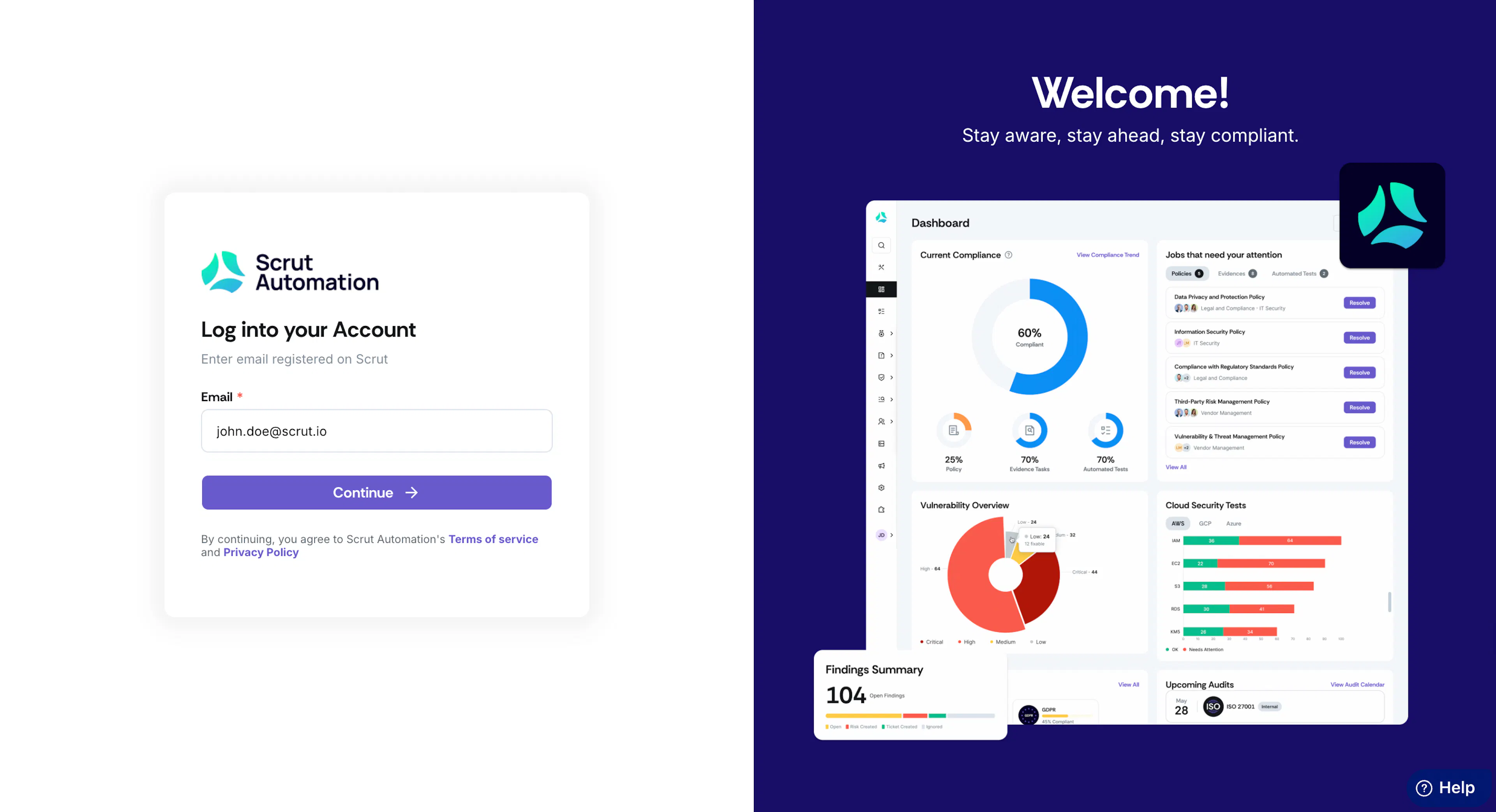
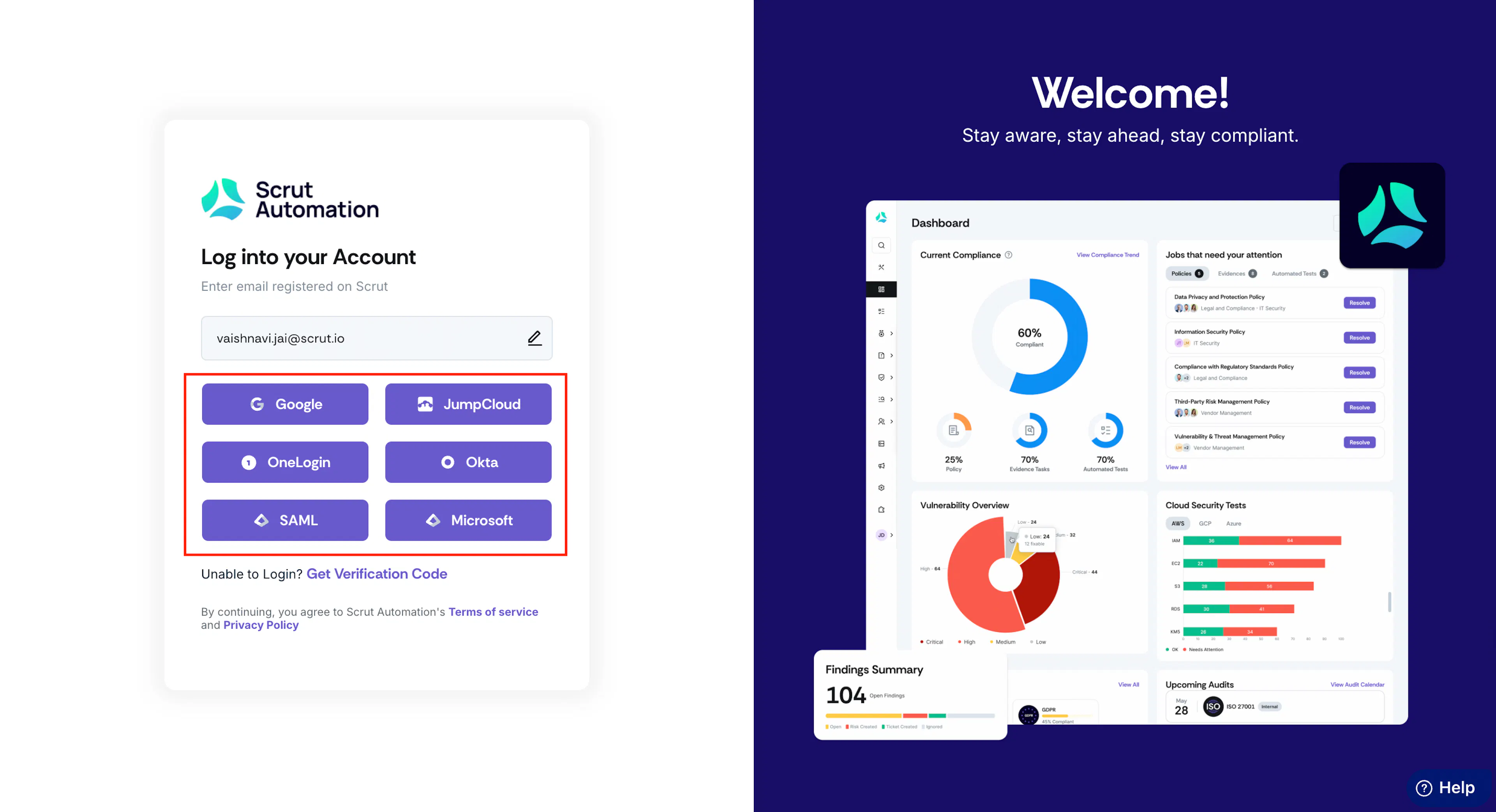
Step 3: Select Your Login Method
On this page, you can view the login methods enabled for your organization. There are two different ways to log in:
Via Single Sign-On (SSO)
- Choose the SSO option for the identity provider enabled by your organization.
- You will be redirected to the respective authentication page.
- Confirm the authentication to log in.
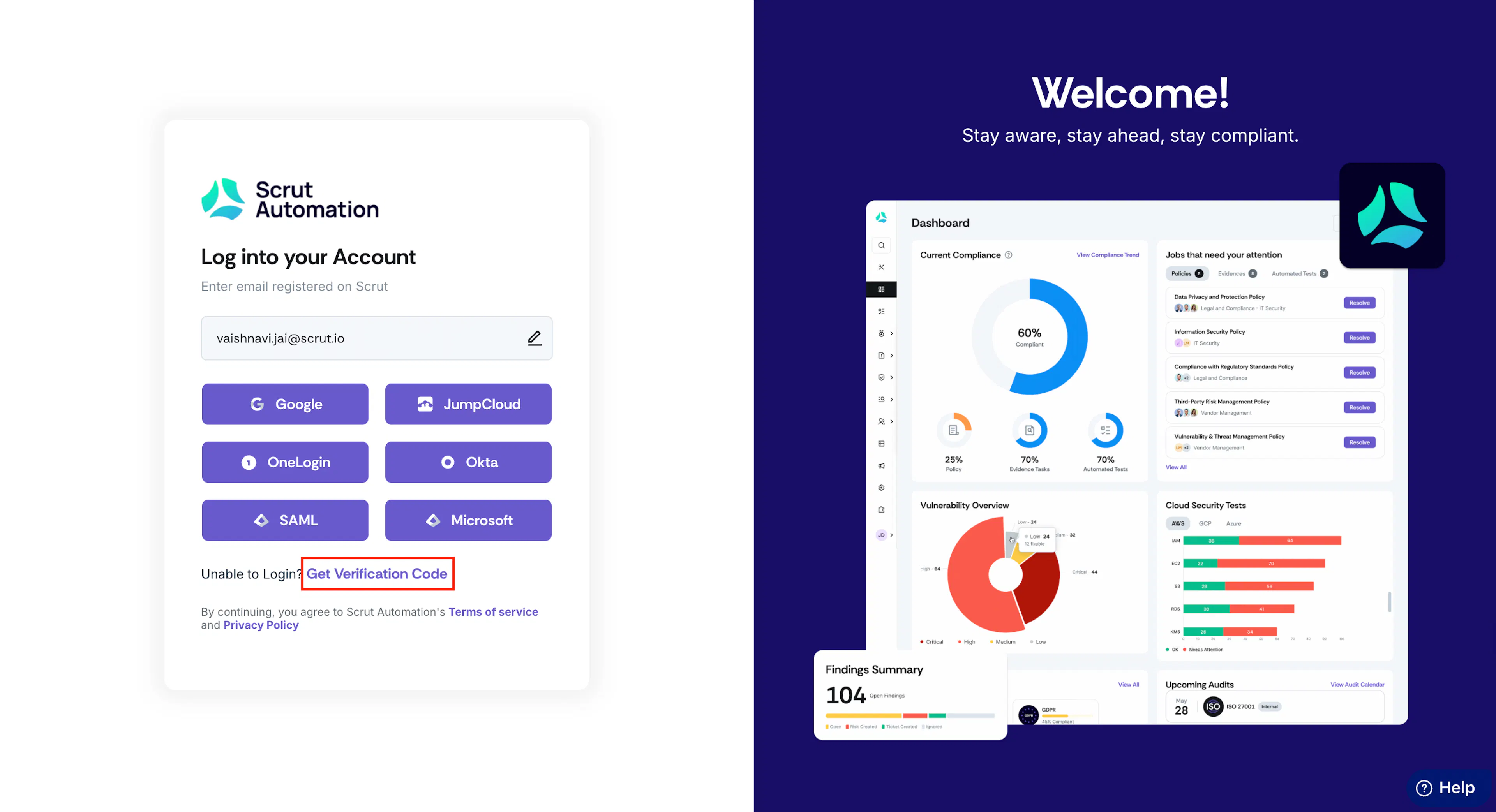
Via Verification Code
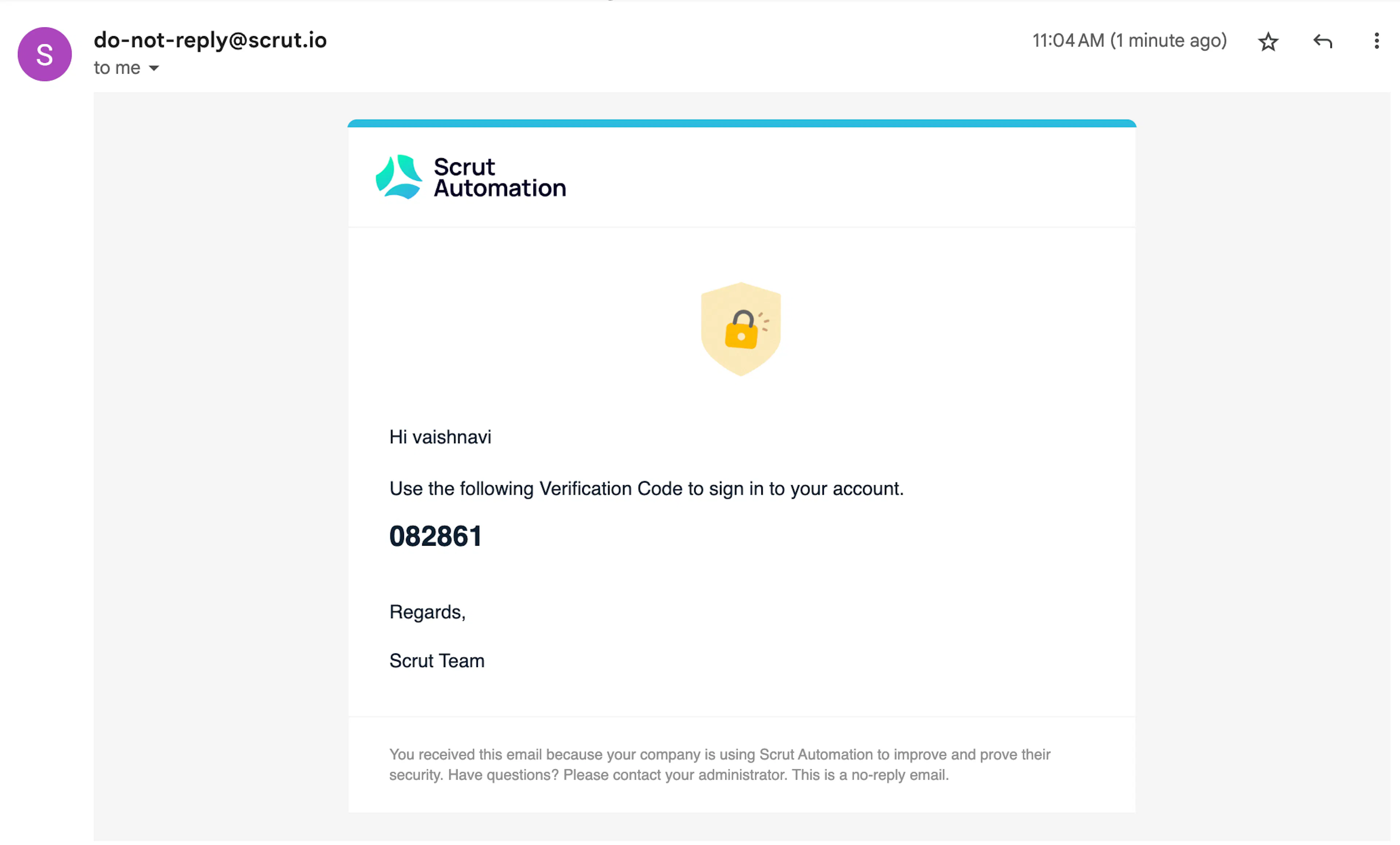
Alternatively, you can also log in using the one-time password (OTP) sent to your email.
Click Get Verification Code to receive an OTP in your email inbox.
Scrut will send a 6-digit OTP to your email. Copy-paste the code and click Continue.
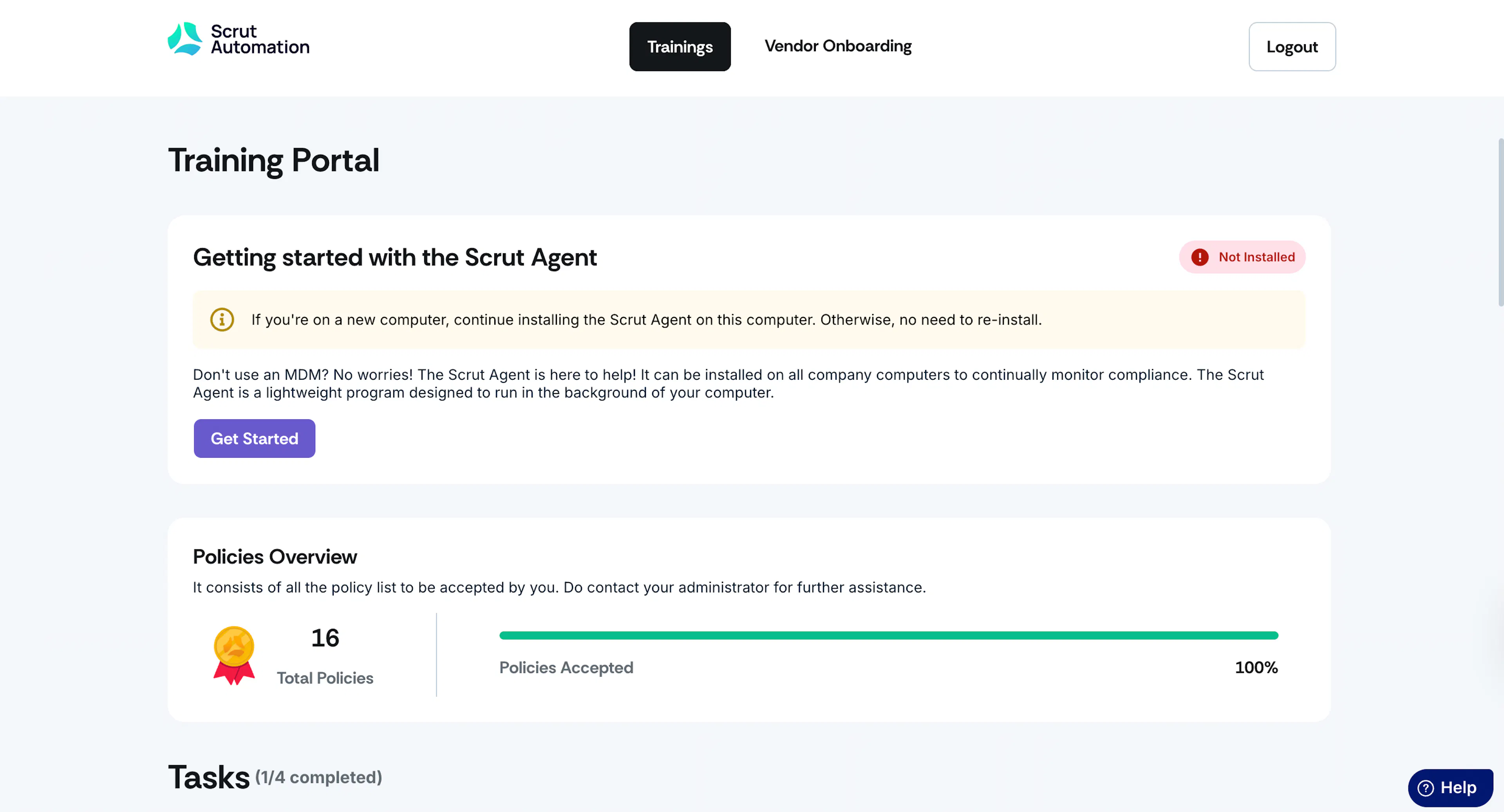
Once verification is complete, you will be signed in to the Scrut Employee Portal, where you can view the tasks, policies, and training assigned to you.
For Scrut Users
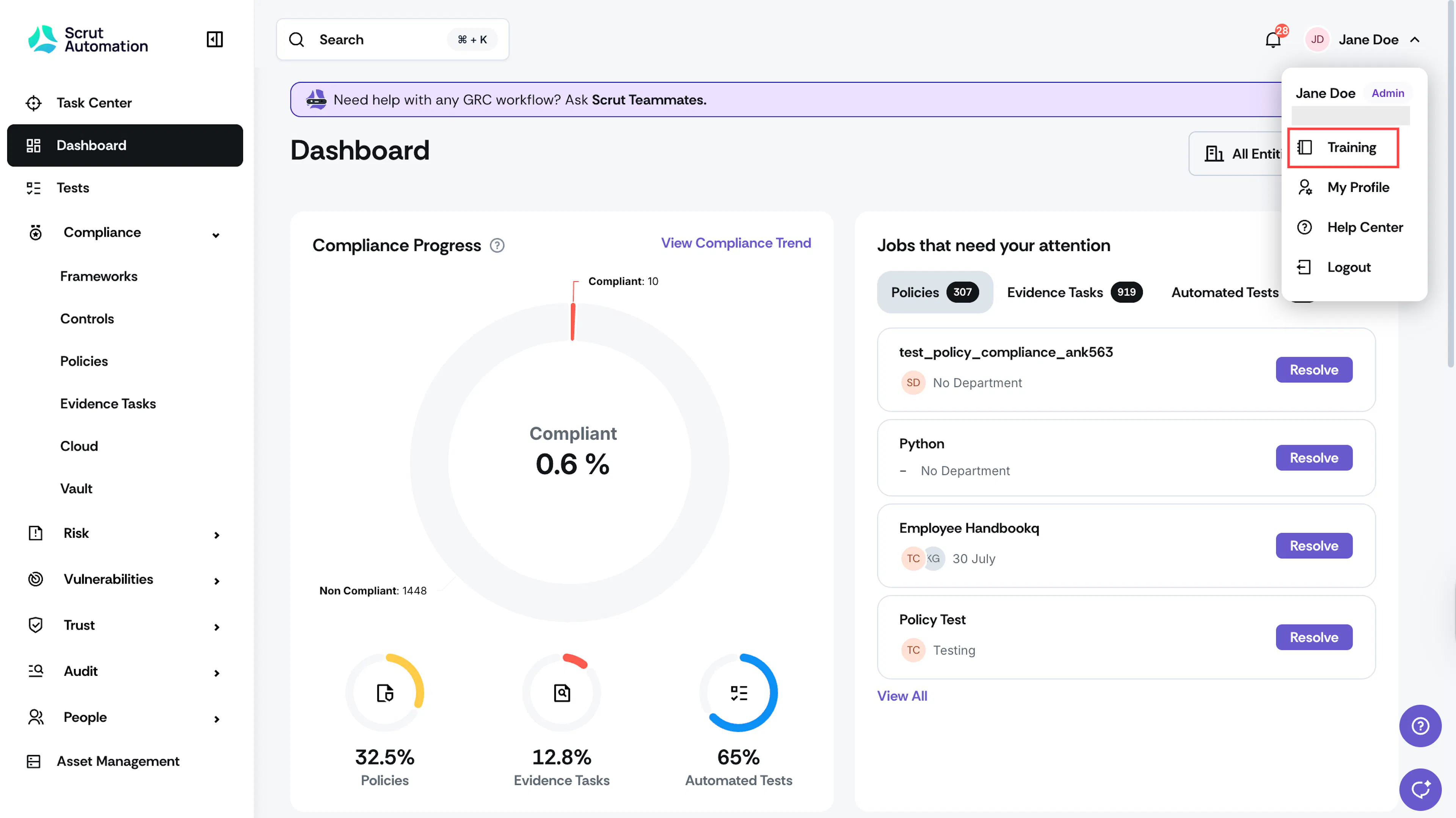
To access the employee portal as a platform user, click your profile icon in the top-right corner, then select Training. This will take you to the employee portal, where you can view and complete your required training campaigns and accept organizational policies.
To return to Scrut, click Dashboard in the top-right corner of the employee portal.