

Complete Security Training
The security of any organization relies heavily on the knowledge and vigilance of its employees. This is where the Scrut Employee Training Portal comes into the picture.
Besides using the portal to get employees to acknowledge the organizational policies in place, companies also use this portal to enhance the cybersecurity skills of employees via training campaigns. These campaigns ensure that team members are equipped with the latest information on organizational standards and cybersecurity practices.
In this article, we’ll guide you on navigating the Scrut Training Portal to complete the security campaigns assigned to you by your organization.
How to Complete Training Campaigns in Scrut
-
Log in to Scrut: Go to https://app.scrut.io/login and complete the login steps to access the employee portal. Refer to the Employee Portal Login Guide for detailed instructions.
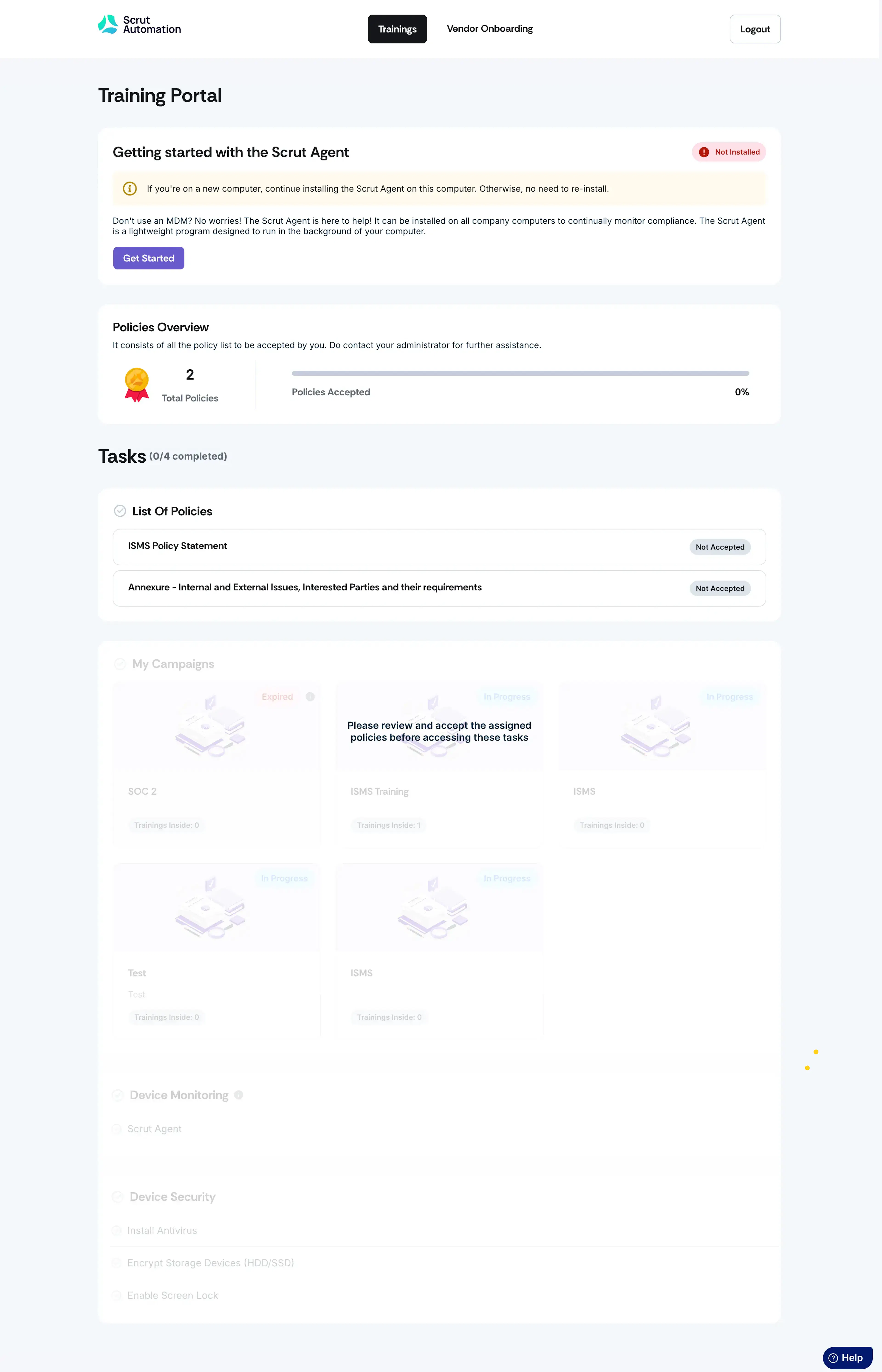
Heads Up!
Please note that your tasks will initially be grayed out. Once you've accepted the policies, the tasks will automatically unlock, allowing you to proceed with the steps below.
-
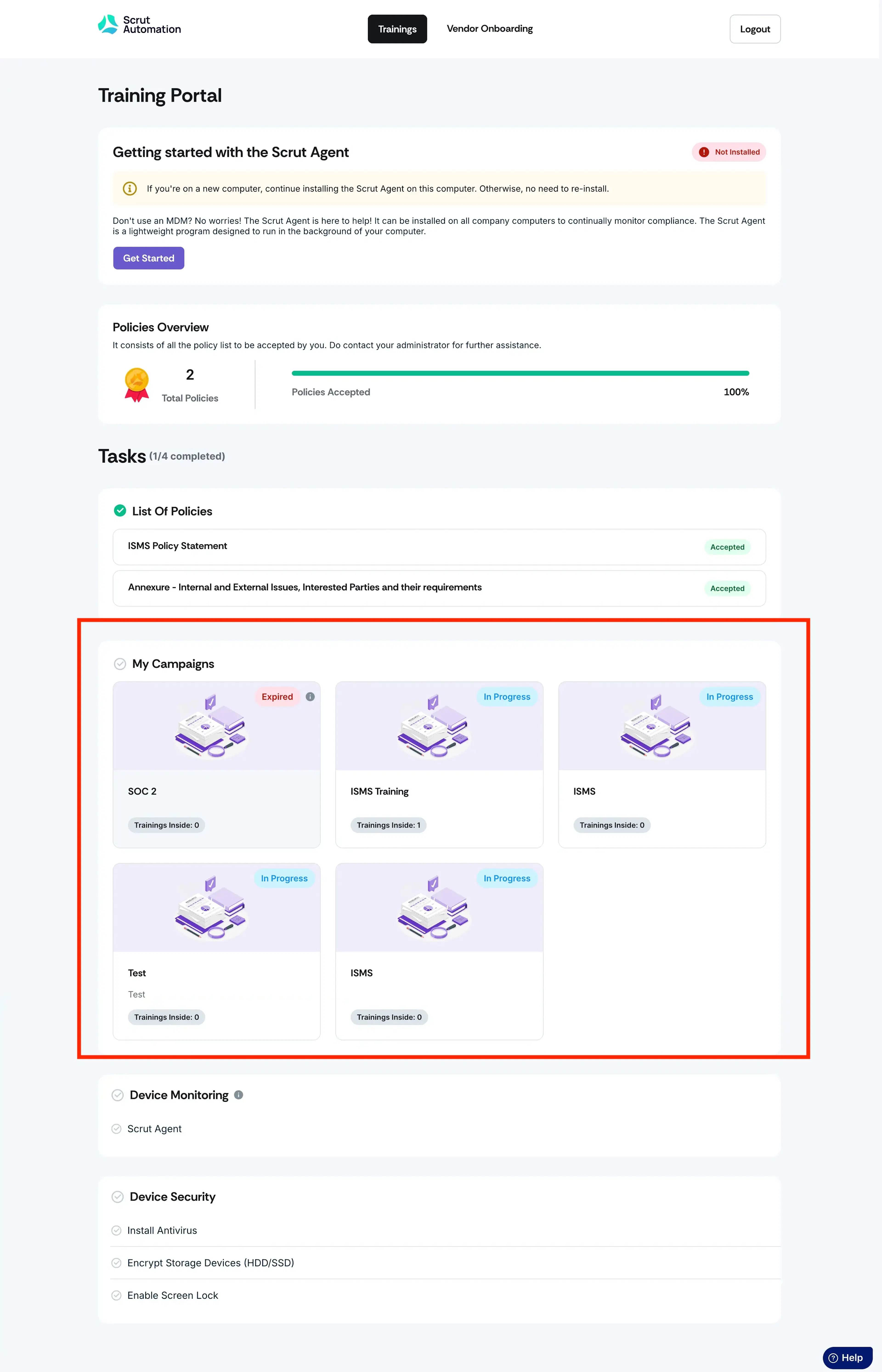
Go to My Campaigns: Scroll to the My Campaigns section to find campaigns assigned to you. The campaigns are displayed in card view, showing the name and the number of modules in each.
-
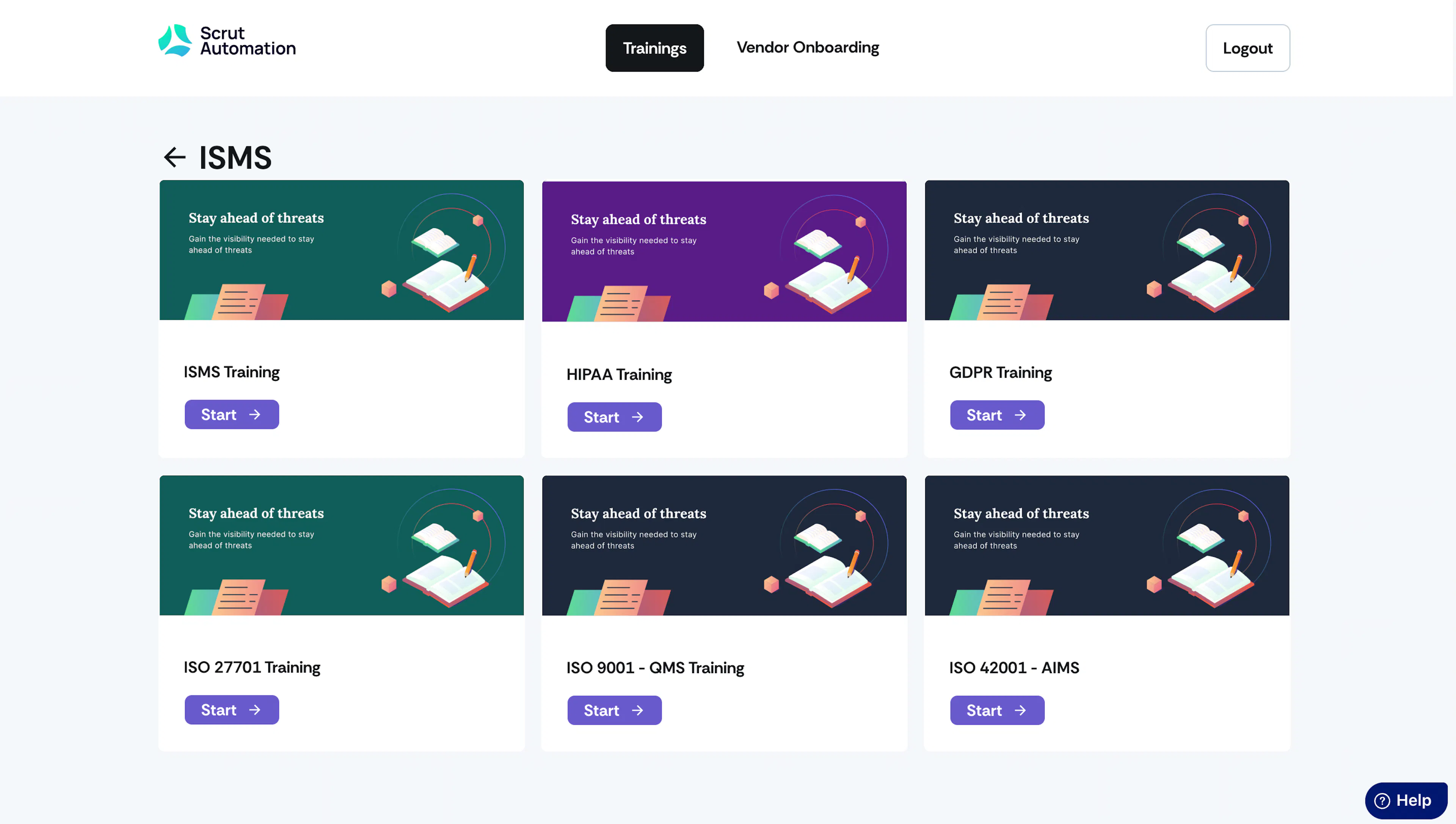
Access Campaign Details: Select a particular campaign card to access and start the training. You’ll be redirected to the page containing all the training modules associated with that campaign.
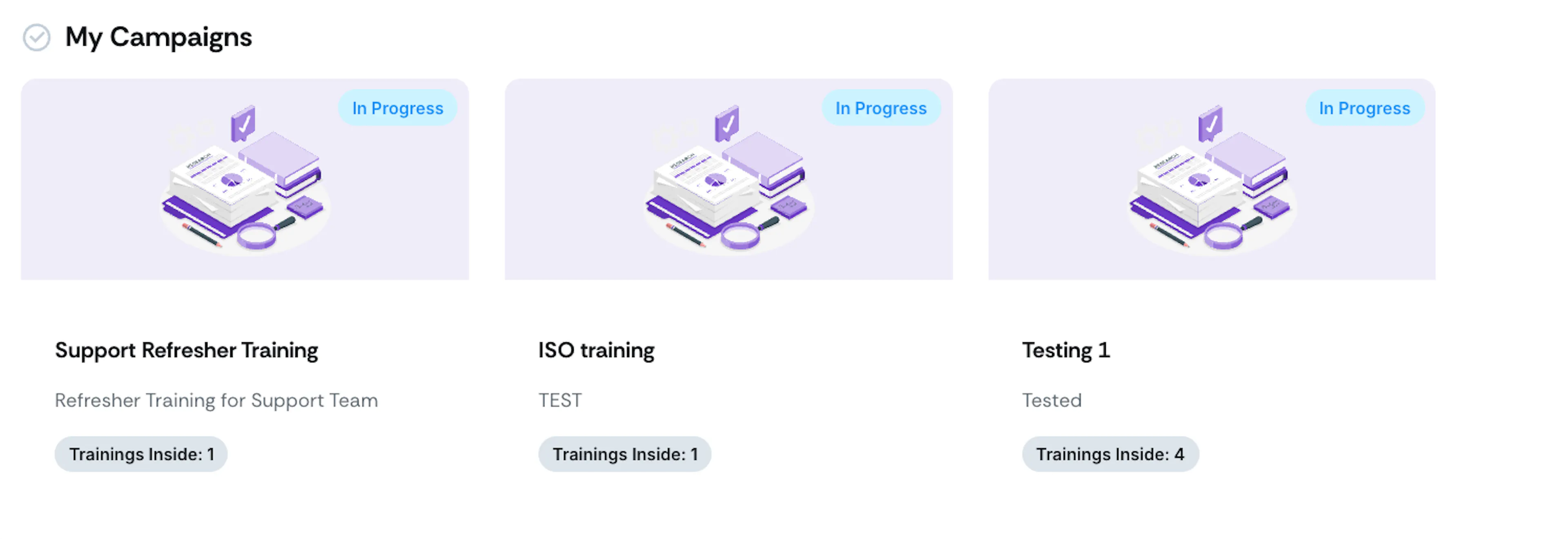
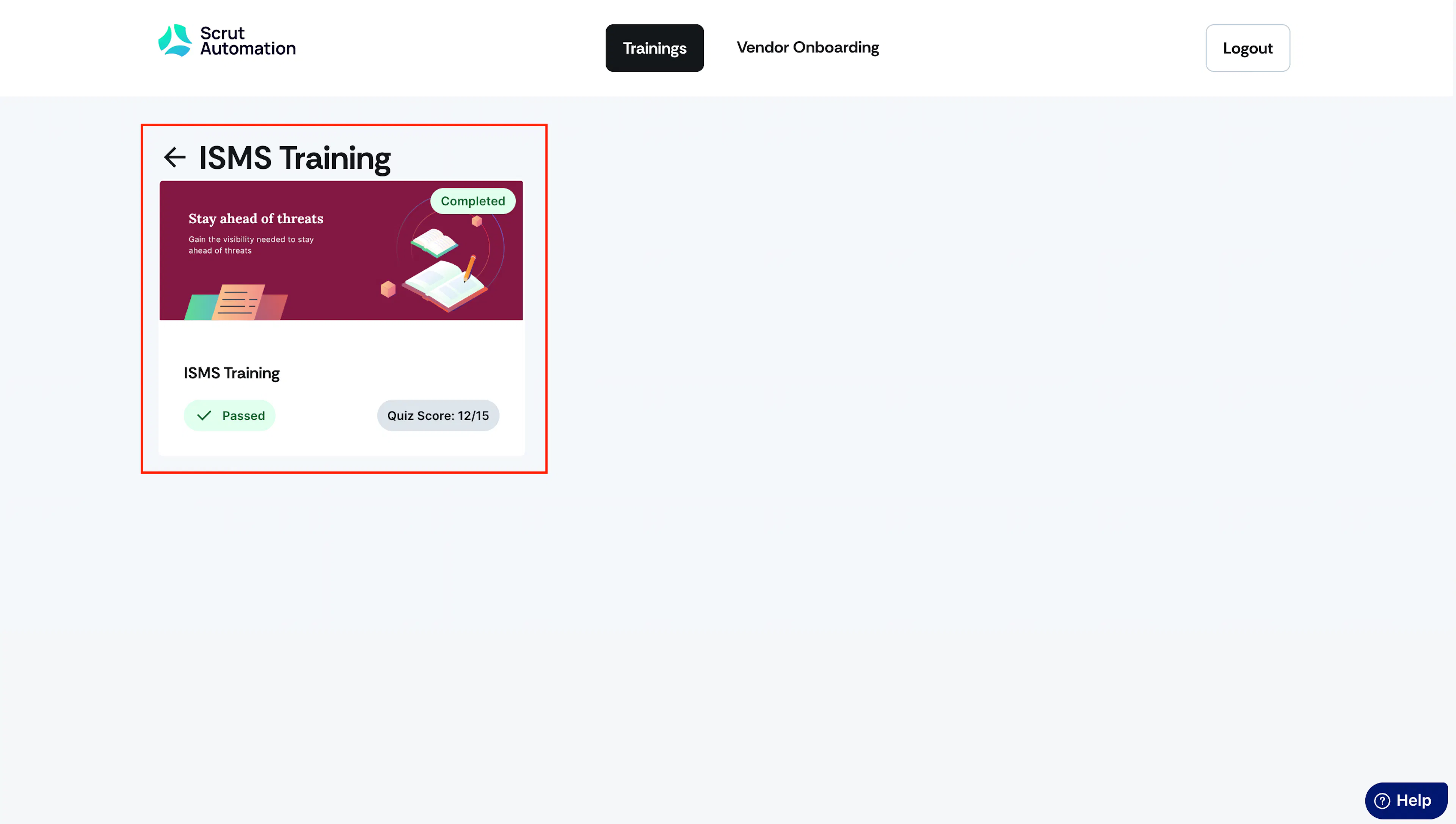
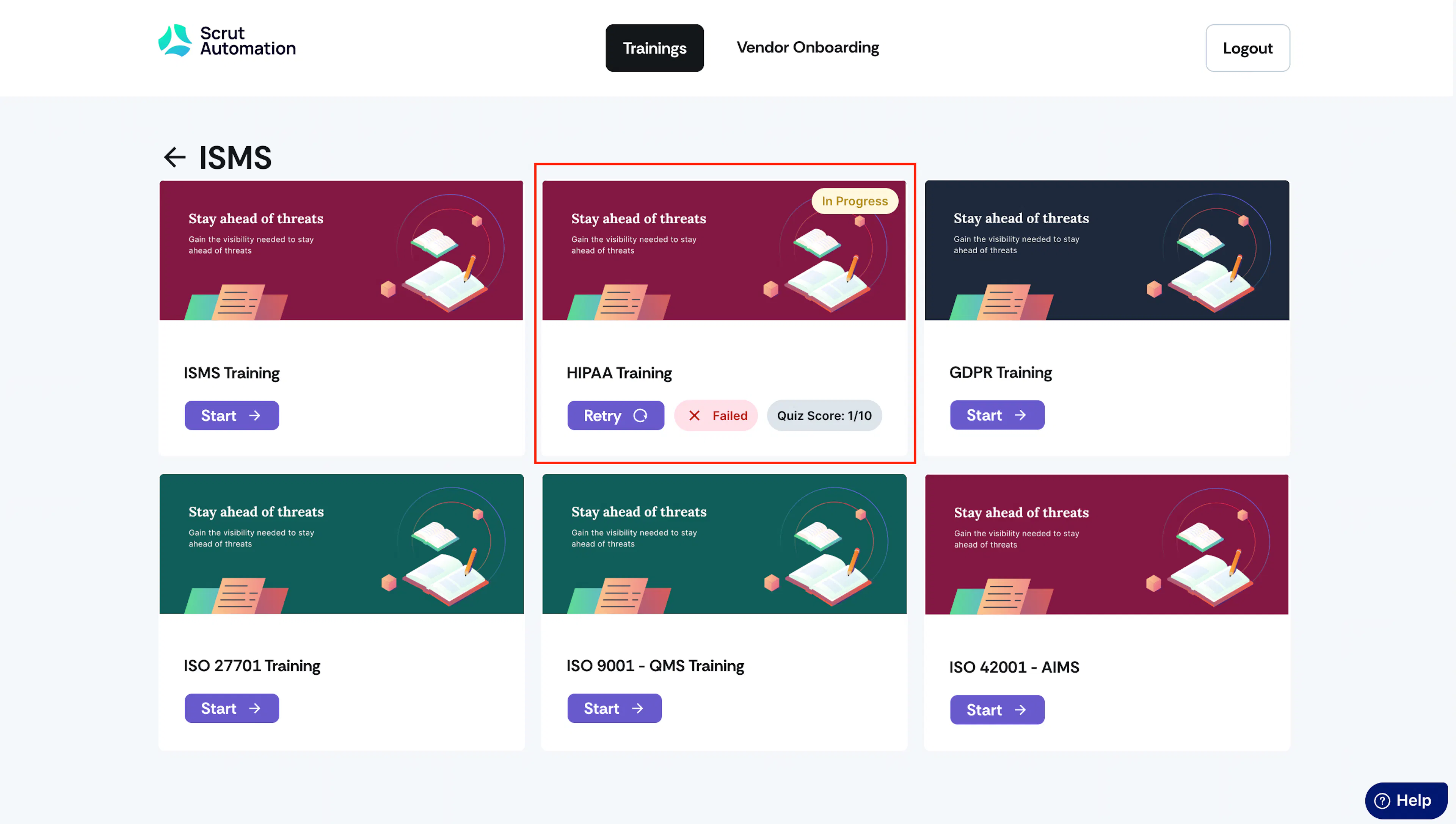
Every training card displays its status, indicating whether it's in progress or completed, along with the quiz score achieved upon finishing the training.
-
Start Training: Click on an individual training and initiate it by clicking Start.
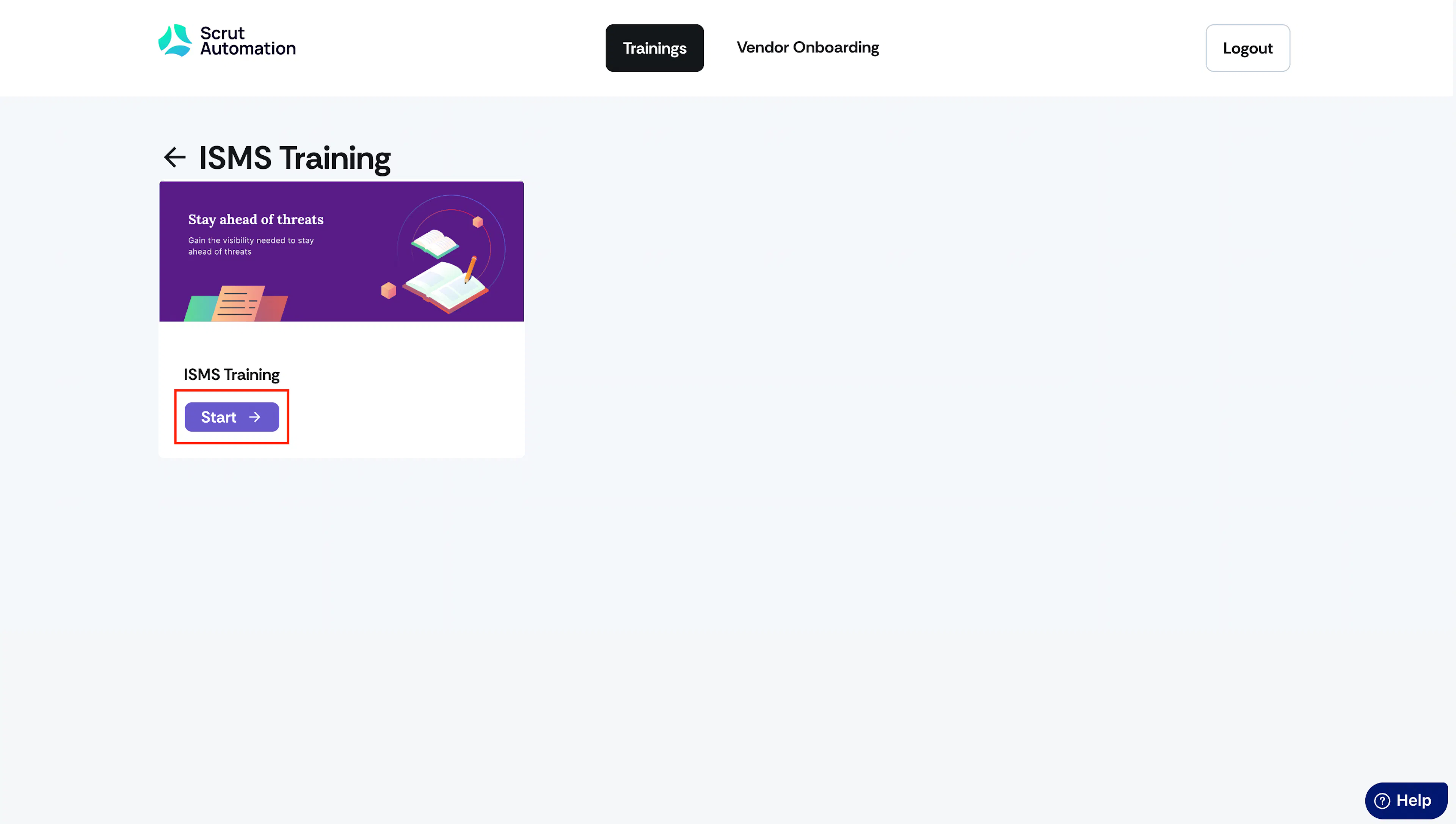
If there are multiple modules inside, you’ll need to complete them all.
-
Completion Status: Once you complete the training and pass it, Scrut will mark it as Completed and training status as Passed.
-
If you fail a training, Scrut will label it as In Progress, and the training status will be marked as Failed.
Pro Tip:
If you’ve failed a training, you can retake it.
Note:
You must complete all individual trainings in a campaign to achieve an overall Completed status for the entire campaign.