

Employee Portal: Walkthrough
The Scrut Employee Portal (app.scrut.io) provides an interface that helps your employees review your organizational policies, accept required policies and complete the security training campaigns assigned to them. In this guide, we walk you through the portal's navigation and functionalities.
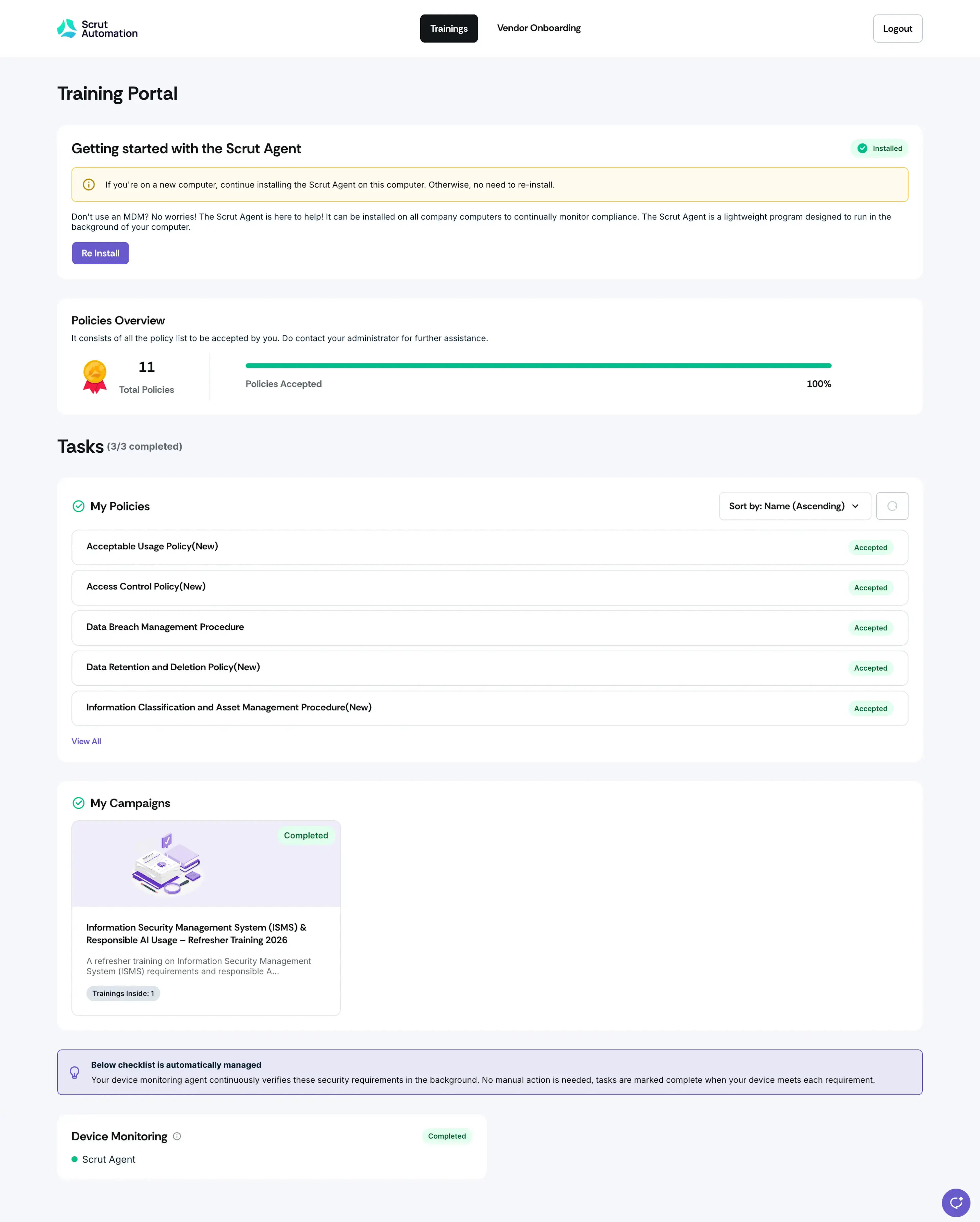
Getting Started with the Scrut Agent
Some organizations may not utilize an MDM tool for compliance tracking. In such cases, if the Scrut Agent installation is enabled, employees will see an option to install the Scrut Agent on their devices. For a deeper dive, learn more about the Scrut Agent.
Note:
This section will not be visible if your organization has disabled the Scrut Agent MDM.
Policies Overview
This section lists policies assigned to the employee, including policies that require acceptance and policies marked Read-only. This clickable section displays accepted and pending policies, along with any Read-only policies available to the employee.
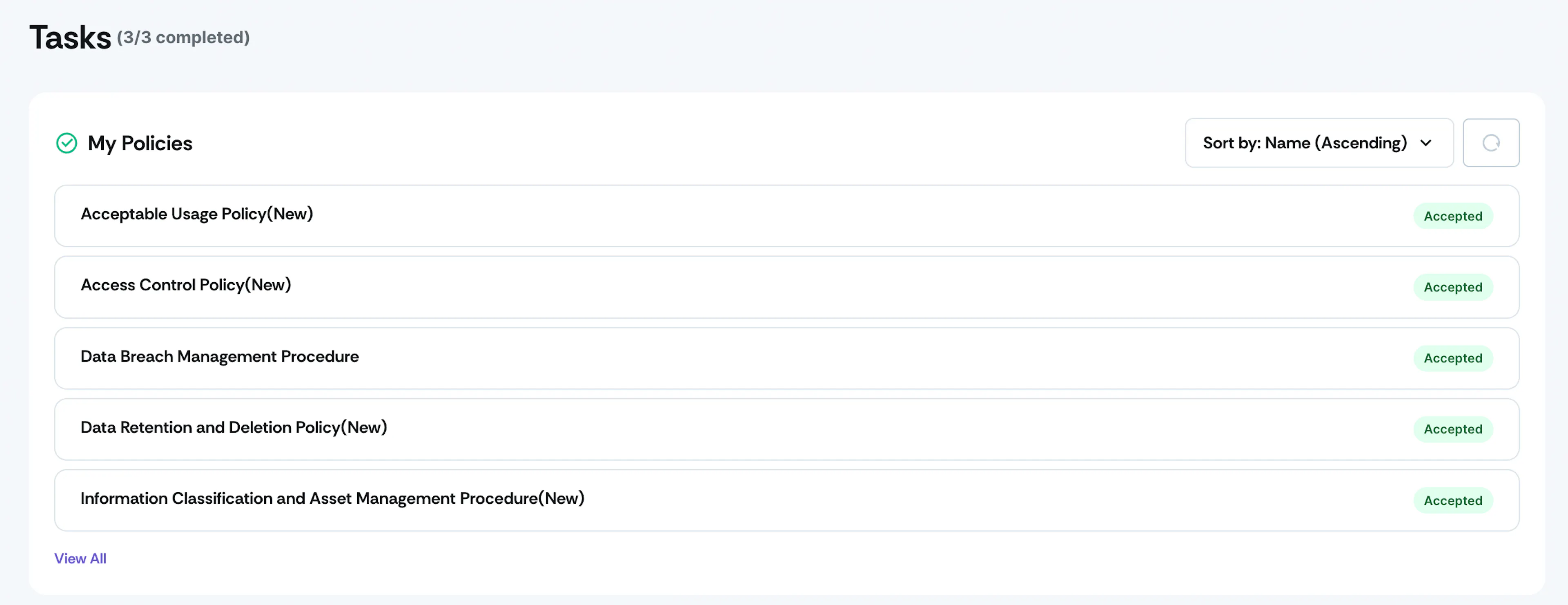
List of Policies
As the name suggests, this section displays every policy assigned to the employee, tagged as Requires Acceptance or Read-only. Click on a policy that requires acceptance to review and accept it. For a deeper dive, learn more about Accepting Policies in the Employee Portal.
Note: Read-only policies remain accessible to employees at all times and don't require acceptance. They don't appear in the employee's pending tasks.
For a deeper dive, learn more about Accepting Policies in the Employee Portal.
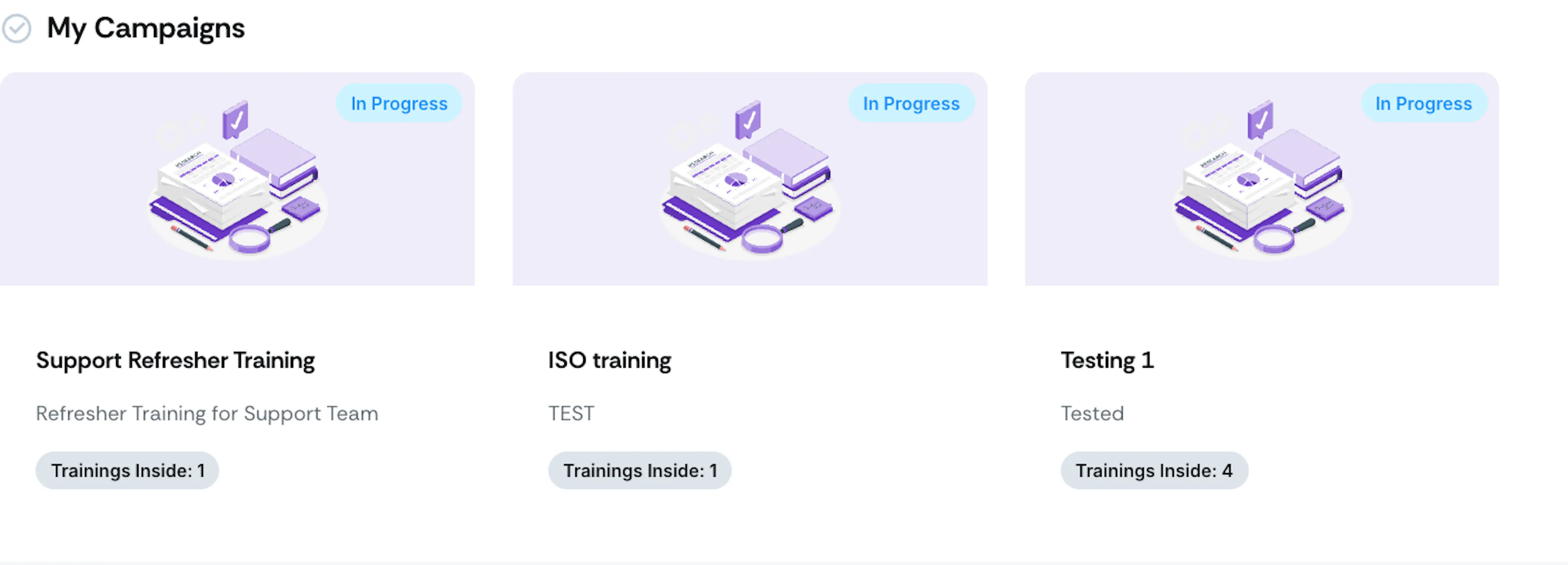
My Campaigns
This section lists any training campaigns assigned by the organization. For a deeper dive, learn more about Completing Security Training Campaigns in the Employee Portal.
Browser Compatibility for Employee Portal
To ensure smooth access to policy documents and training materials, the Employee Portal has been validated on the following browser versions. Please use one of the supported versions listed below for the best user experience.
| Browser | Validated Versions |
|---|---|
| Chrome | v121.0 ++ |
| Edge | v121.0 ++ |
| Firefox | v122.0 ++ |
| Safari | v17 ++ |