

Map Controls to Policies Using Scrut Teammates
Who can use this feature
- Supported on Foundation, Growth, and Scale plans
When you upload a policy to Scrut, Scrut Teammates AI automatically reviews the document and recommends control mappings based on its content. You can review each suggestion and adjust mappings manually before saving. This works with both standard Scrut controls and any custom controls you've configured.
Before You Begin
- Ensure that Scrut Teammates is enabled for your account.
How It Works
-
Click Compliance → Policies on the left navigation panel, and either:
- Upload a new policy: Suggestions run automatically after the upload completes.
- Open an existing policy: Navigate to the policy's mapping view and trigger suggestions from there.
-
Scrut Teammates analyzes the document and surfaces recommended control mappings. AI suggestions load automatically.
-
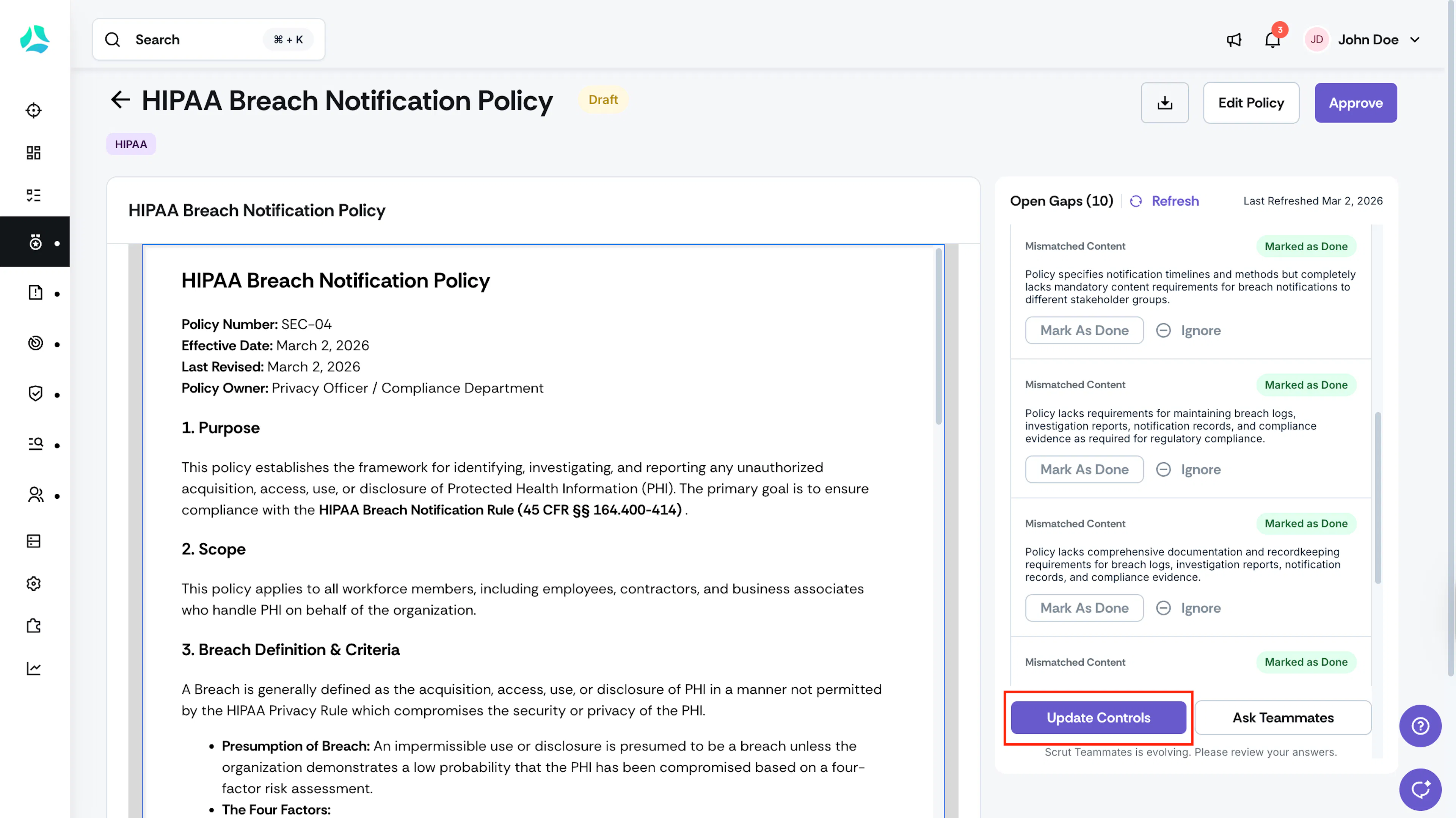
Click Update Controls to view AI-recommended controls for your policy.
-
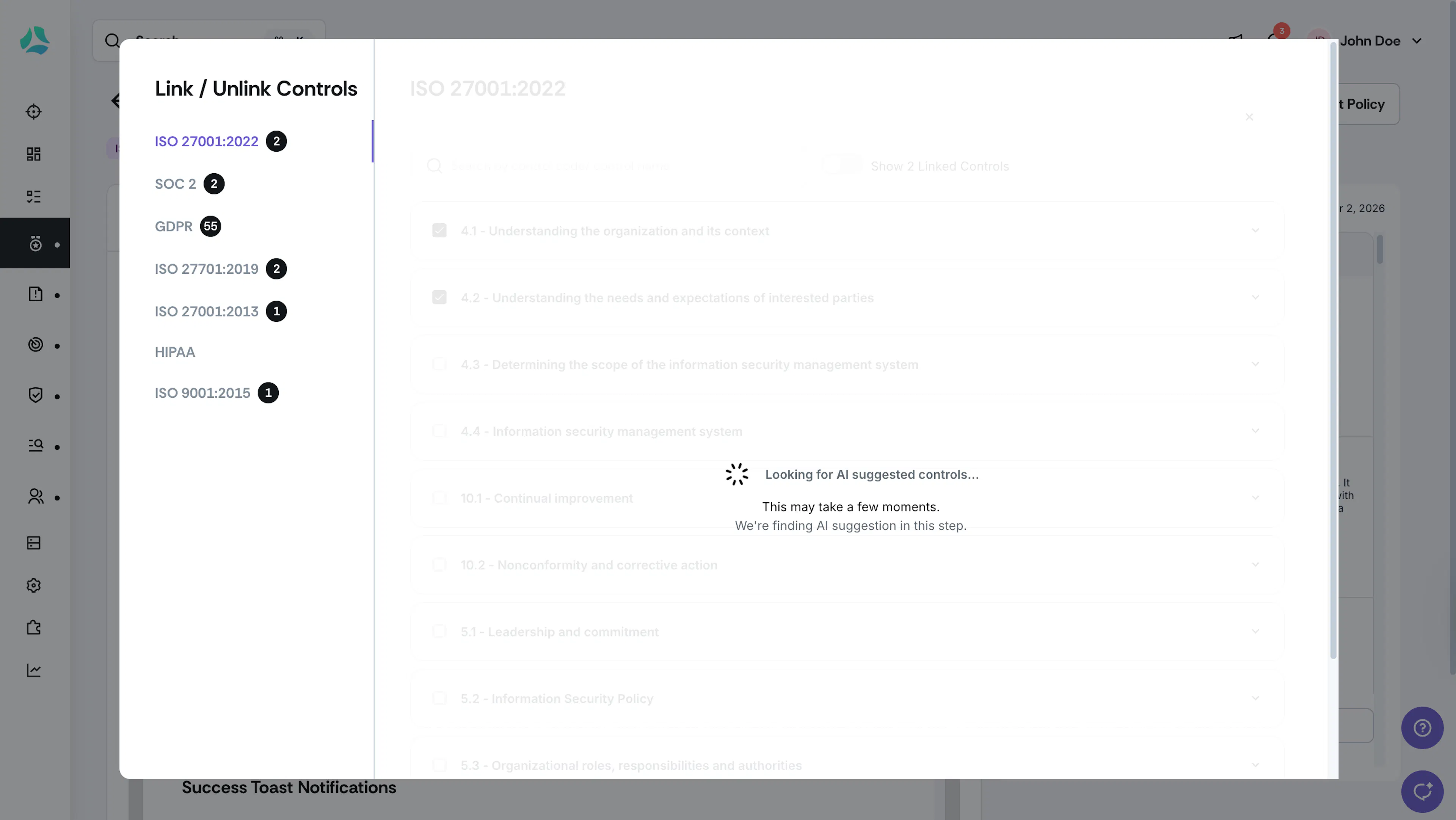
Heads Up! It might take a few minutes for the AI suggestions to load.
-
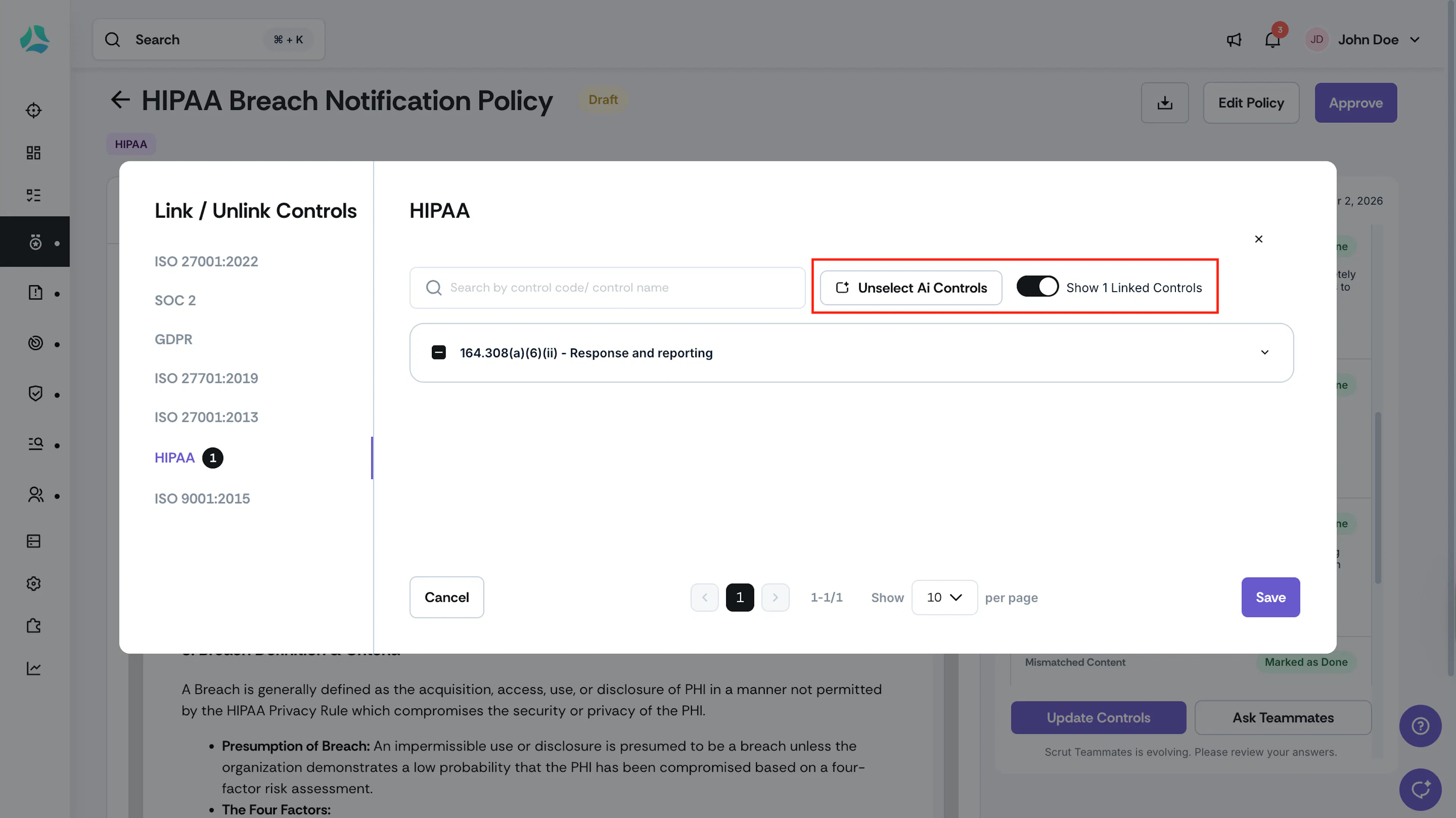
You can accept, reject, or adjust mappings as needed.
-
Save your final mappings.
-
[Optional] Click Ask Teammates to initiate a contextual conversation on what to do next.
Pro Tip!
Click Refresh to trigger the AI analysis again.