

Approve a Vendor Mitigation Task
Who can use this feature
- Supported on Foundation, Growth, and Scale plans
You can approve a mitigation task in two ways:
- Method #1: Via the Vendor Overview Page
- Method #2: Via the Mitigation Task Tab
Method 1: Via the Vendor Overview Page
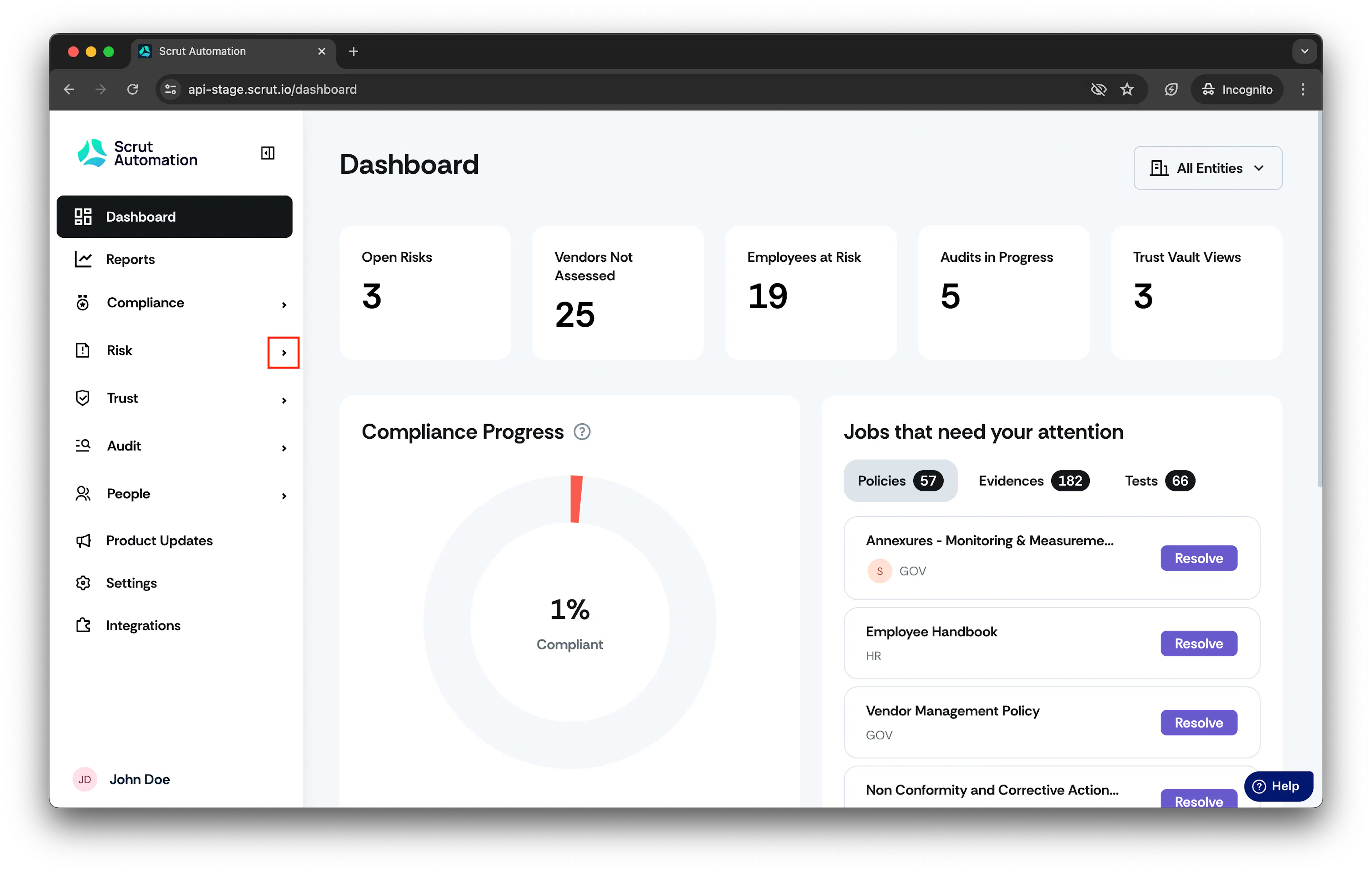
- From the left navigation panel, expand Risk menu.
-
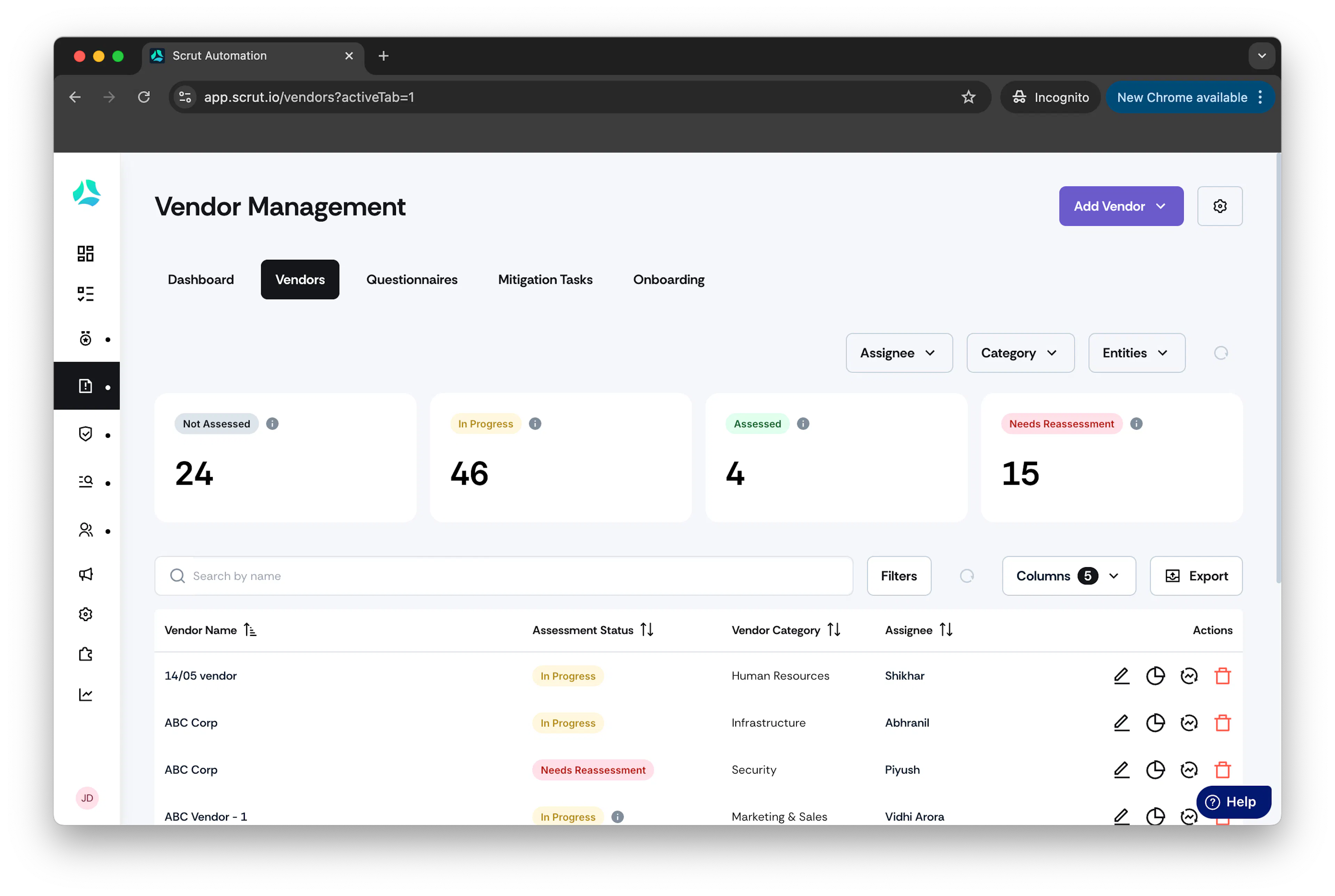
Click Vendors and go to Vendors tab.
-
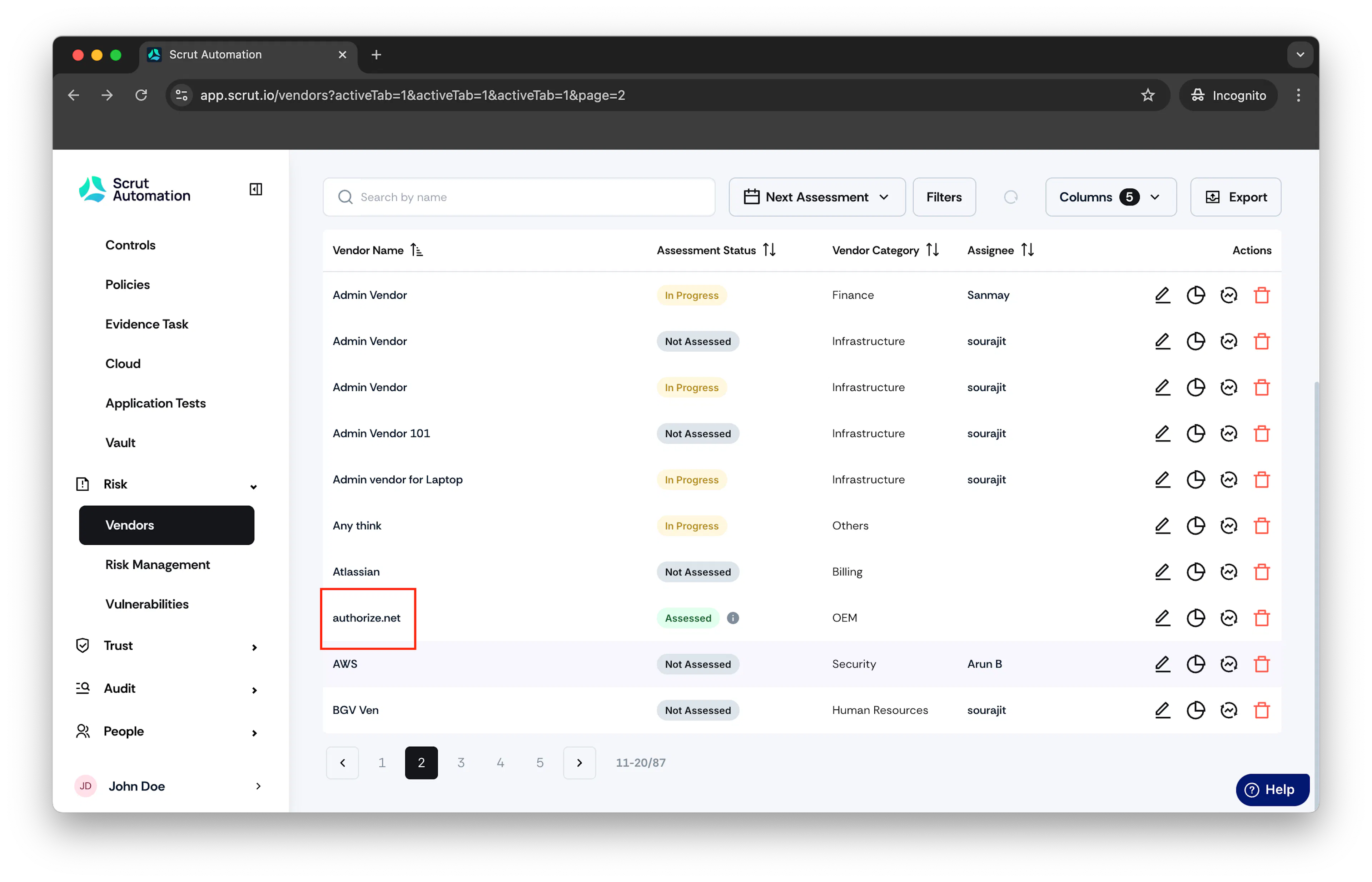
Click on the vendor you want to approve the mitigation task for.
-
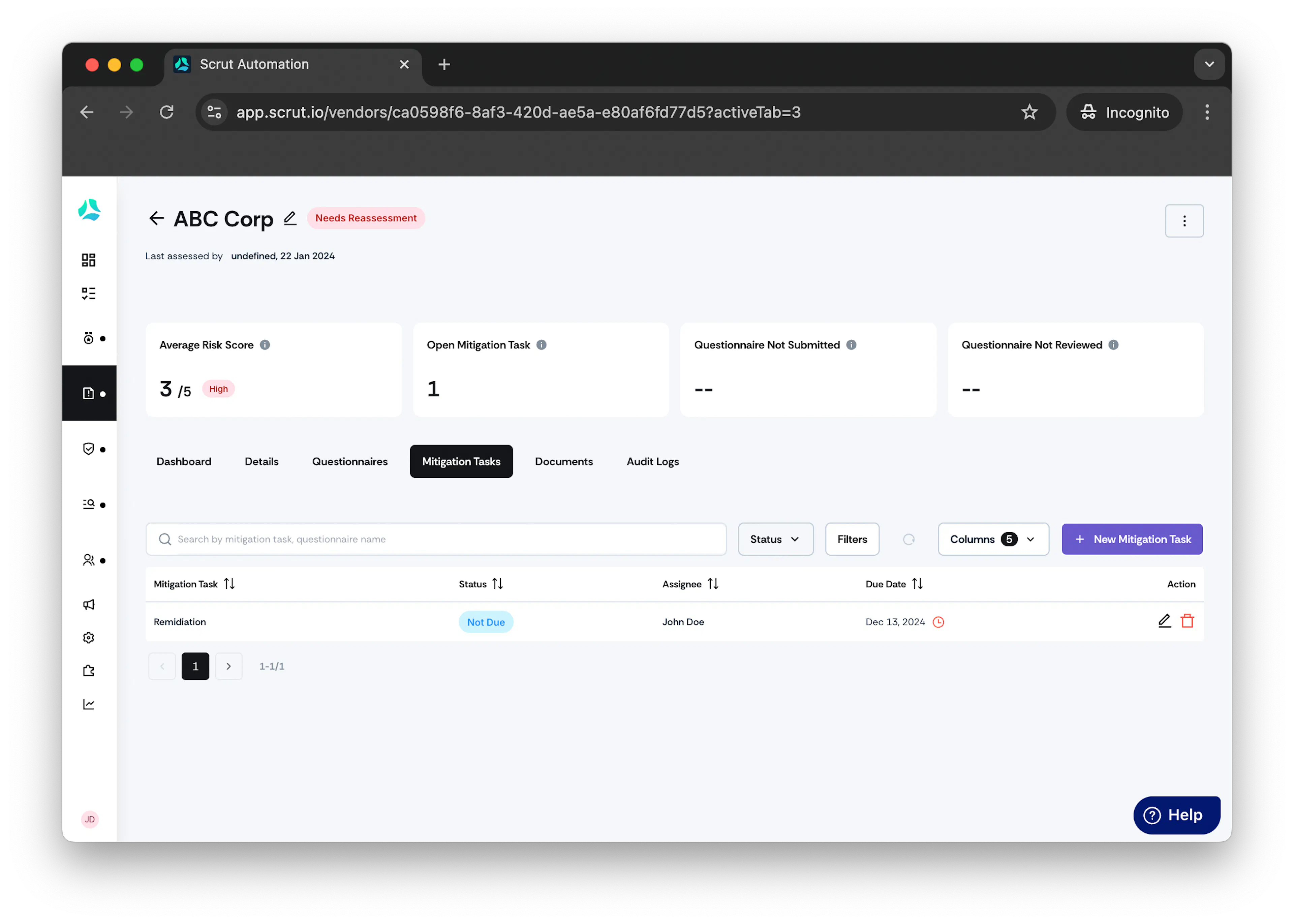
Click on the Mitigation Tasks tab.
-
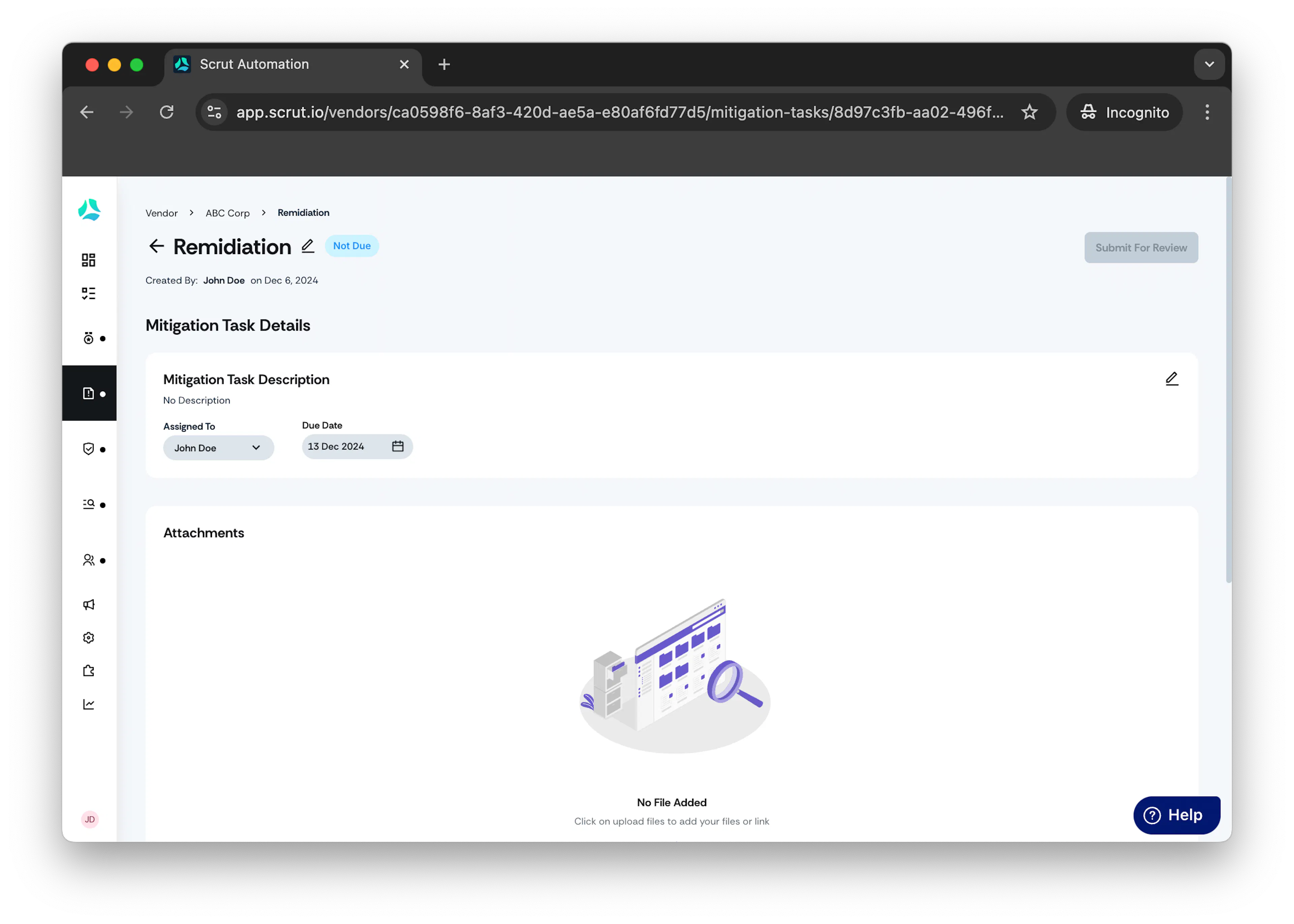
Click on the mitigation task you want to approve.
-
Click on Actions in the top right corner, then click Approve
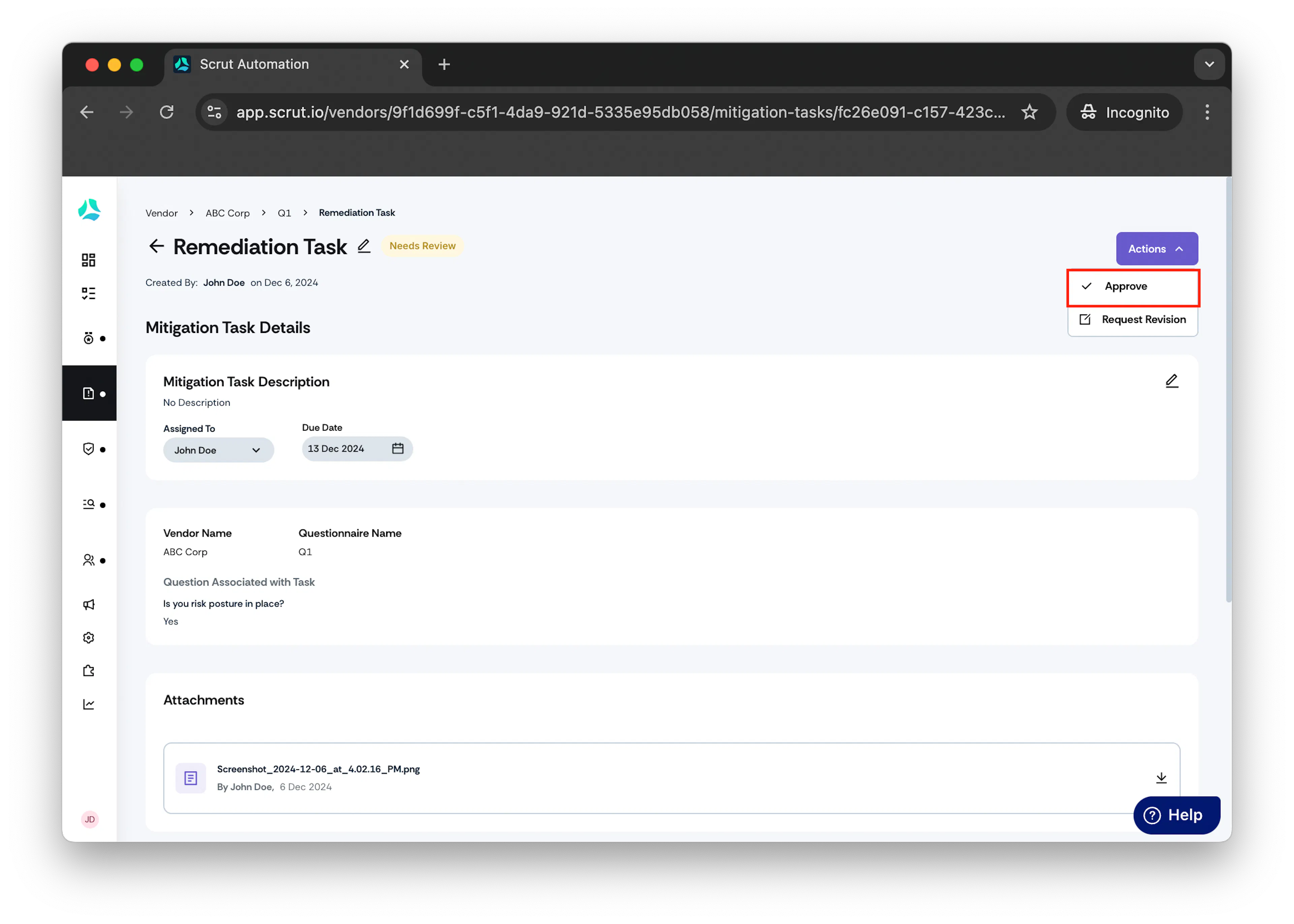
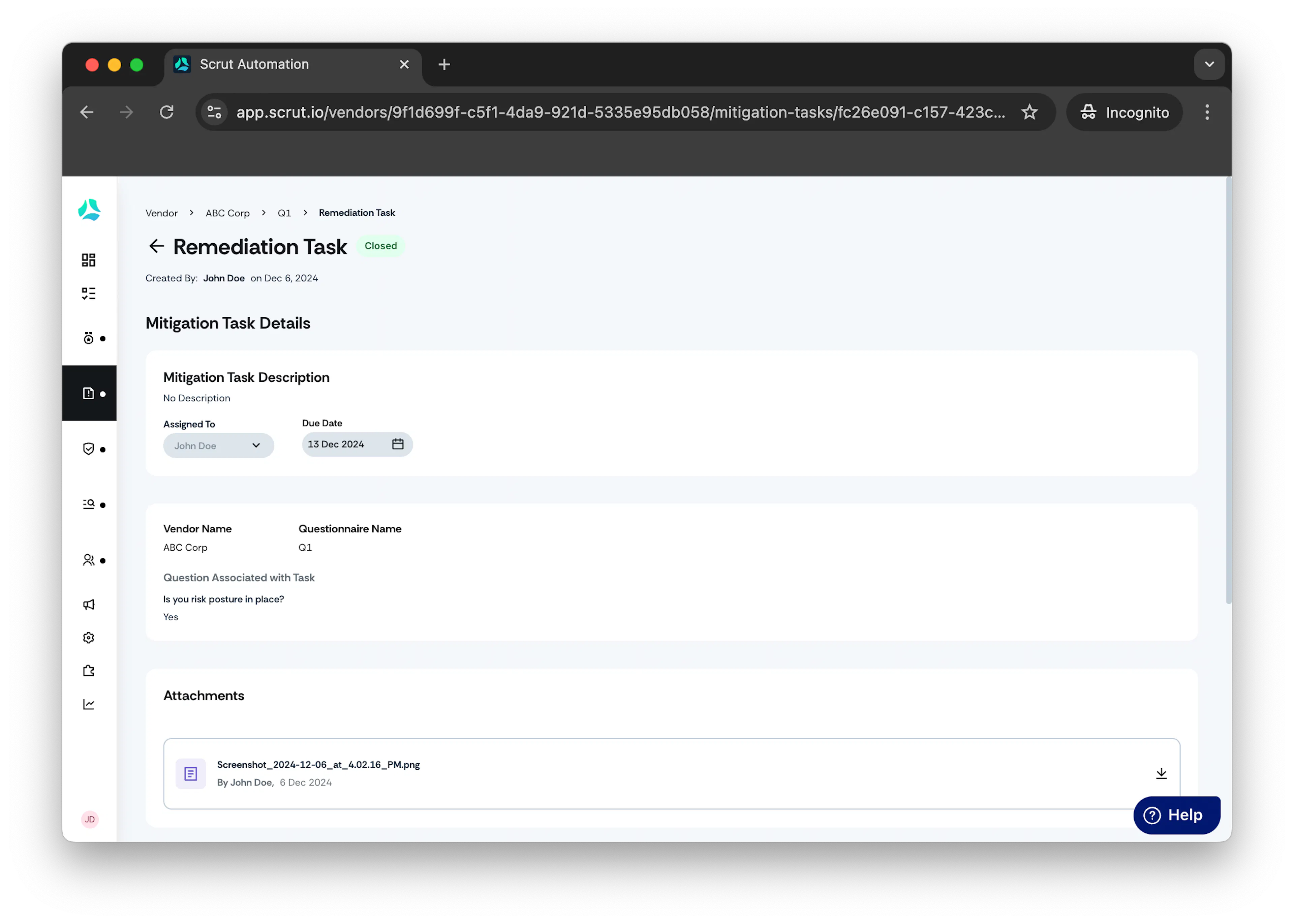
Note: Task status changes to Closed.
Method 2: Via the Mitigation Task Tab
- From the left navigation panel, expand Risk menu.
-
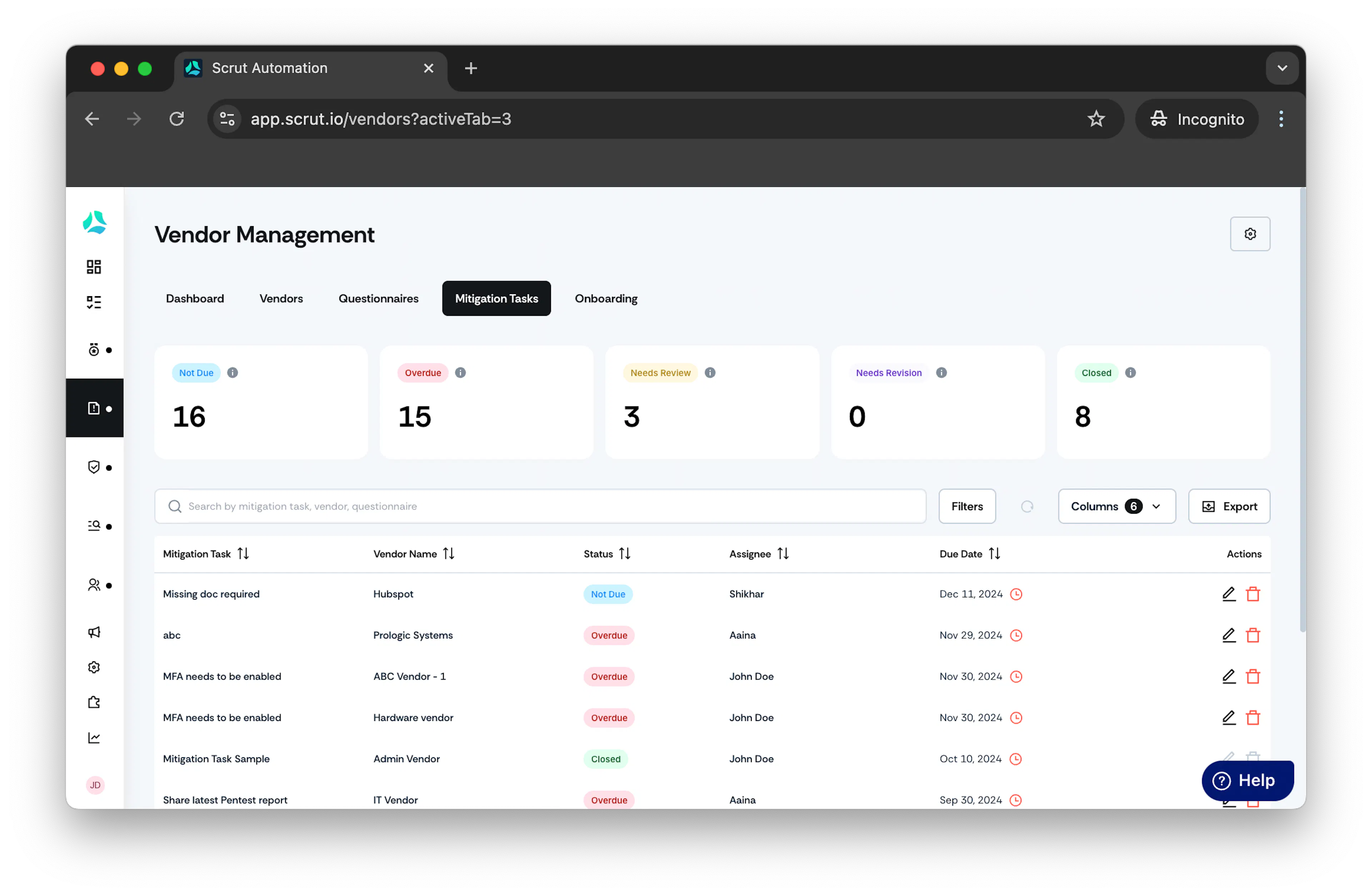
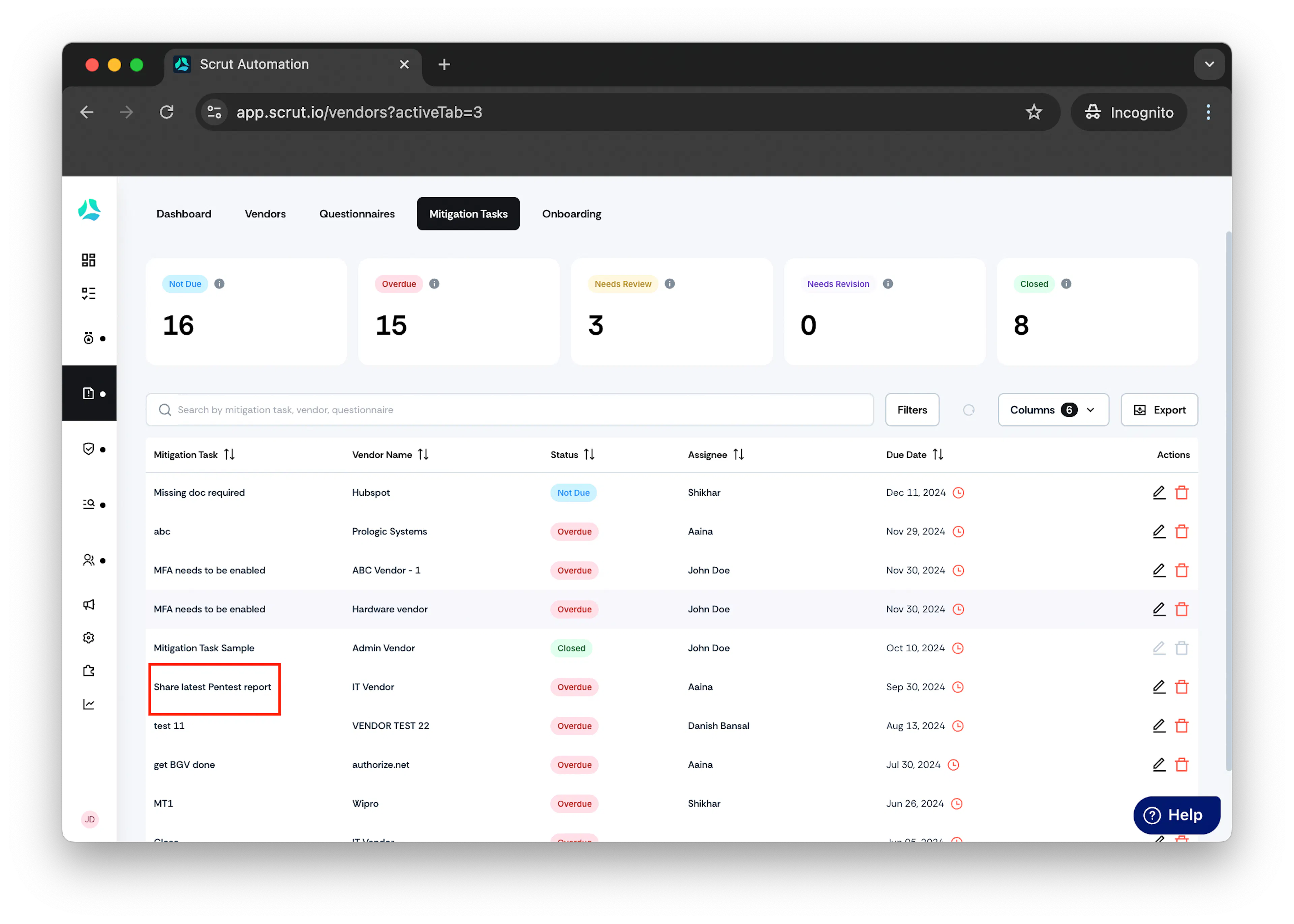
Click Mitigation Task.
-
Select the mitigation task for which you wish to approve. Optionally, you can use the search bar to search for the task.
-
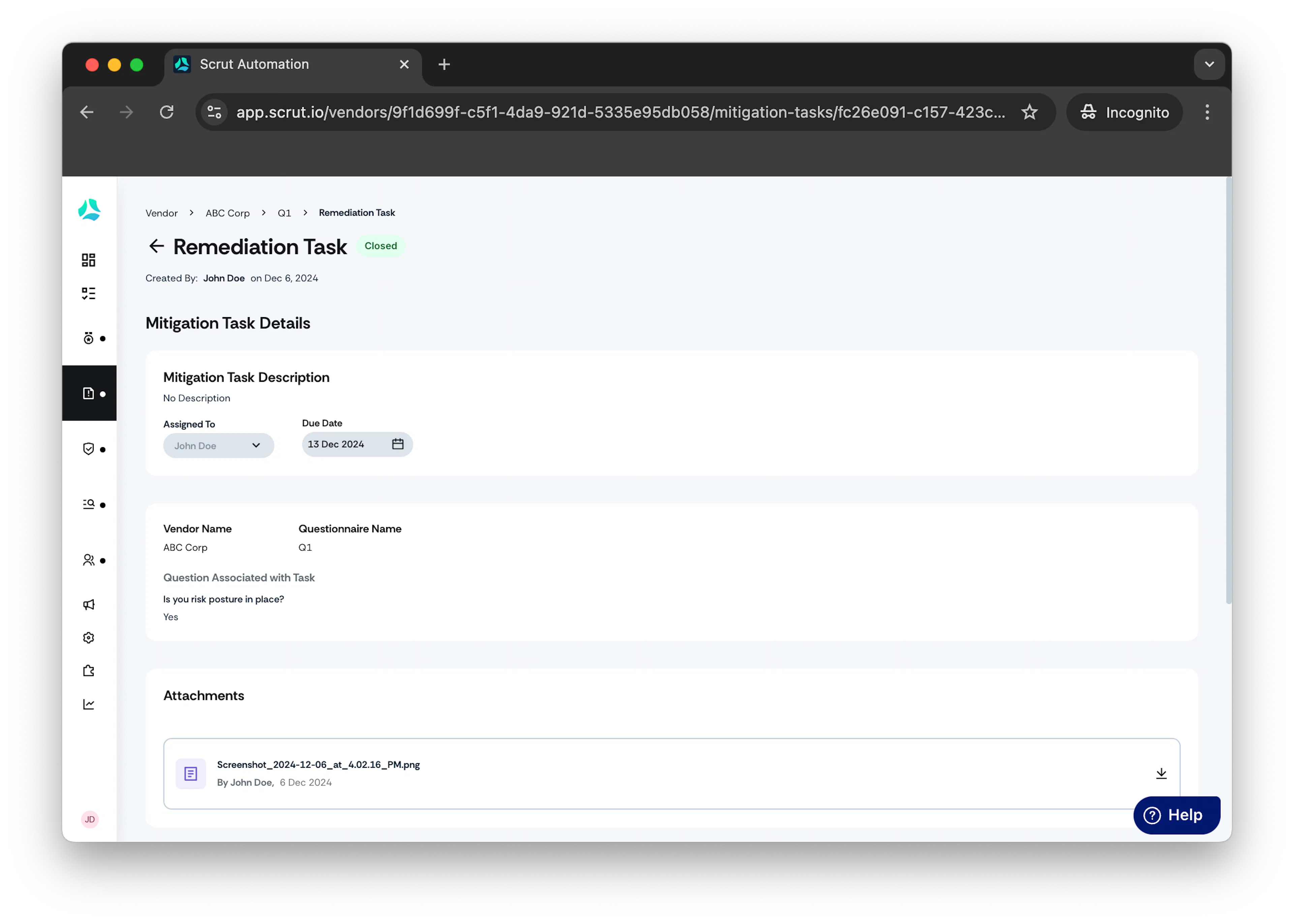
Click on Actions in the top right corner, then click Approve.
Note: Task status changes to Closed.
Was this page helpful?