

How to Access Vendor Settings
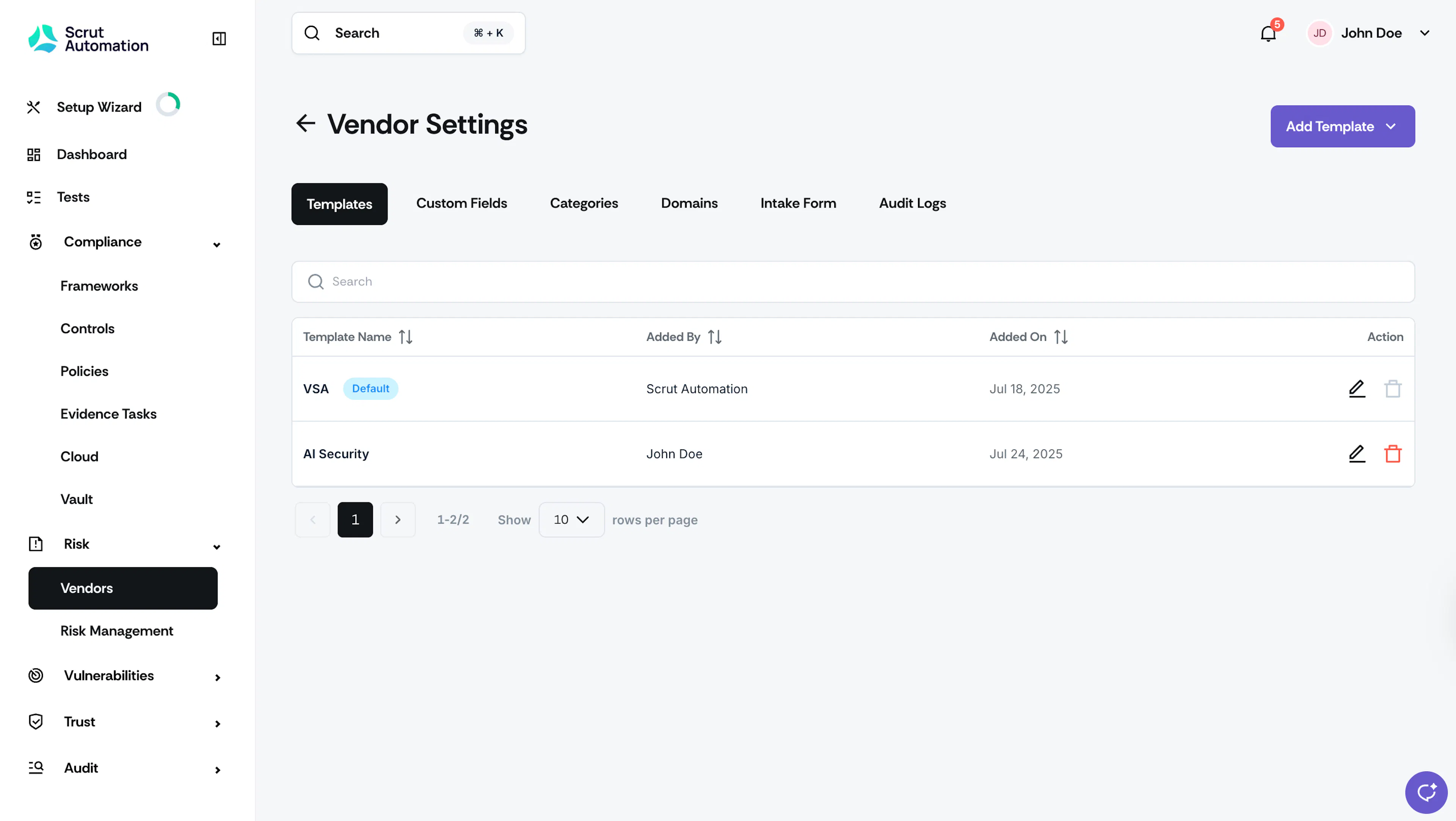
The first step to effectively using Scrut's Vendor Management module is to customize it to your organization's specific needs. The Vendor Settings page includes the following:
How To Access Vendor Settings
-
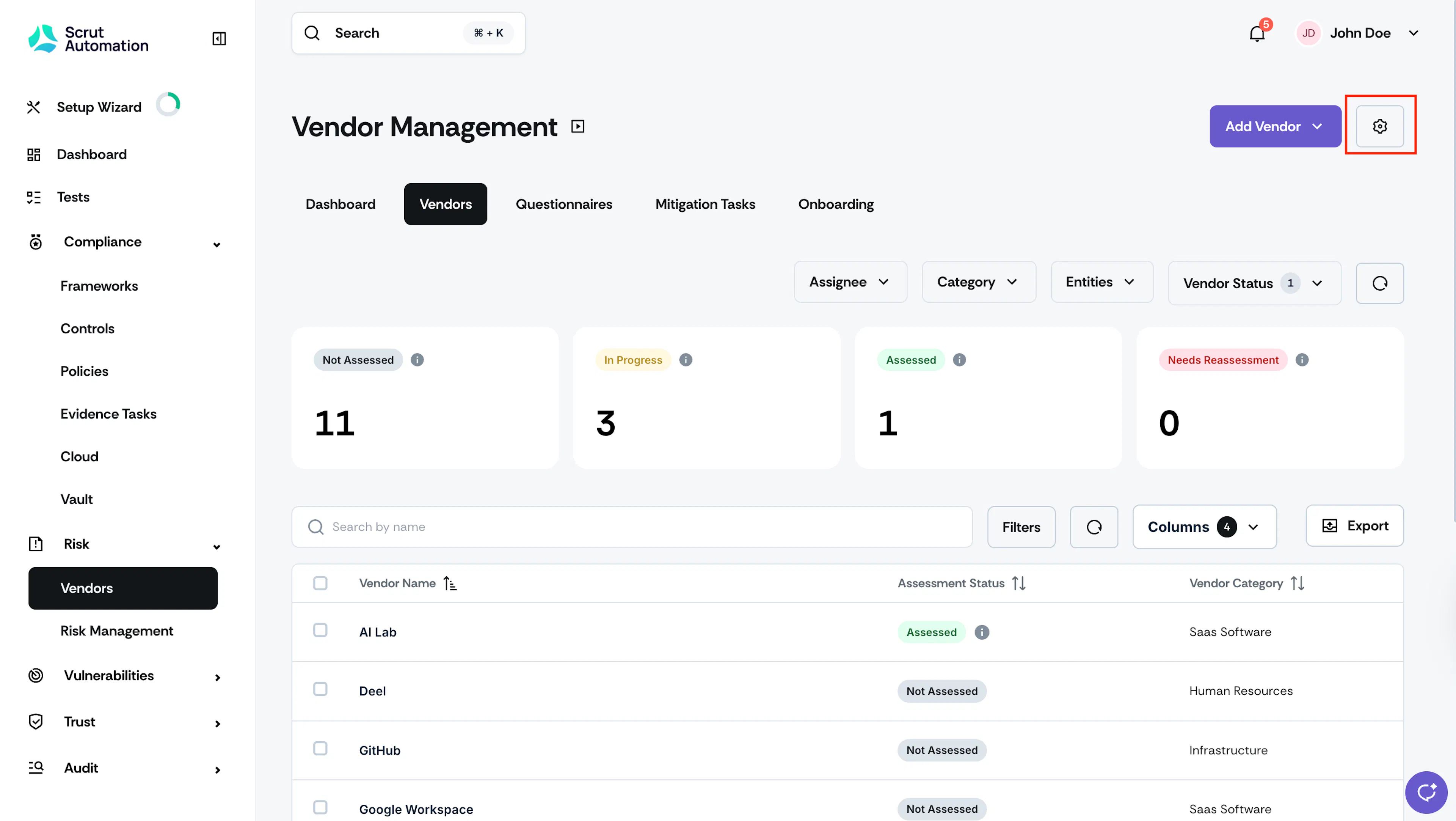
Sign in to Scrut, click Risk → Vendors on the left navigation panel.
-
Click the Settings icon on the top-right.

-
This brings you to the vendor settings page.
Was this page helpful?