

Configure Custom Vendor Categories
Who can use this feature
- Supported on Foundation, Growth, and Scale plans
The Vendor Custom Category is a feature that allows users to create and manage their own vendor categories. It addresses the need for a more flexible and tailored approach to vendor risk management.
Configuring Vendor Custom categories
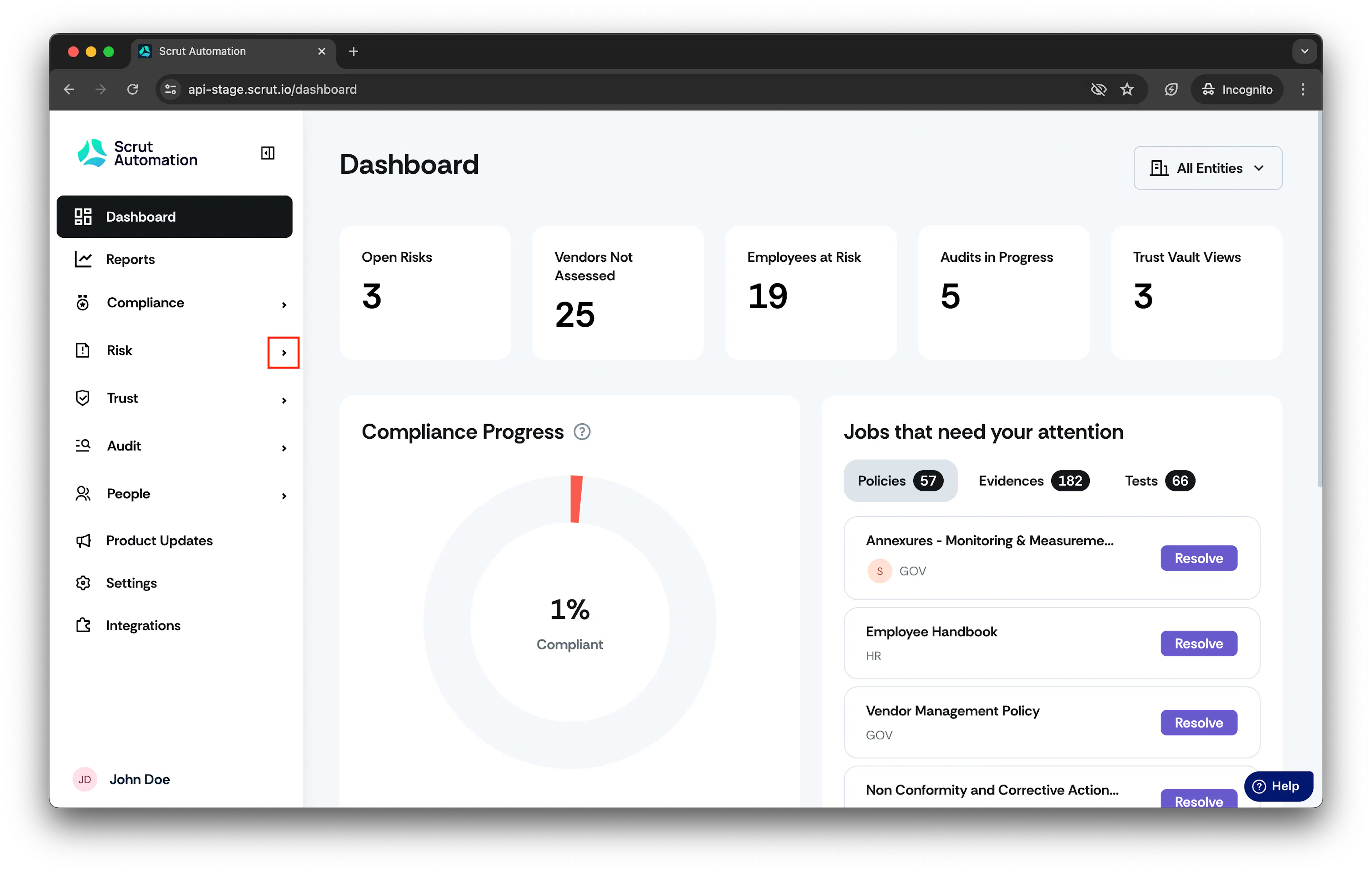
- From the left navigation panel, expand Risk menu.
-
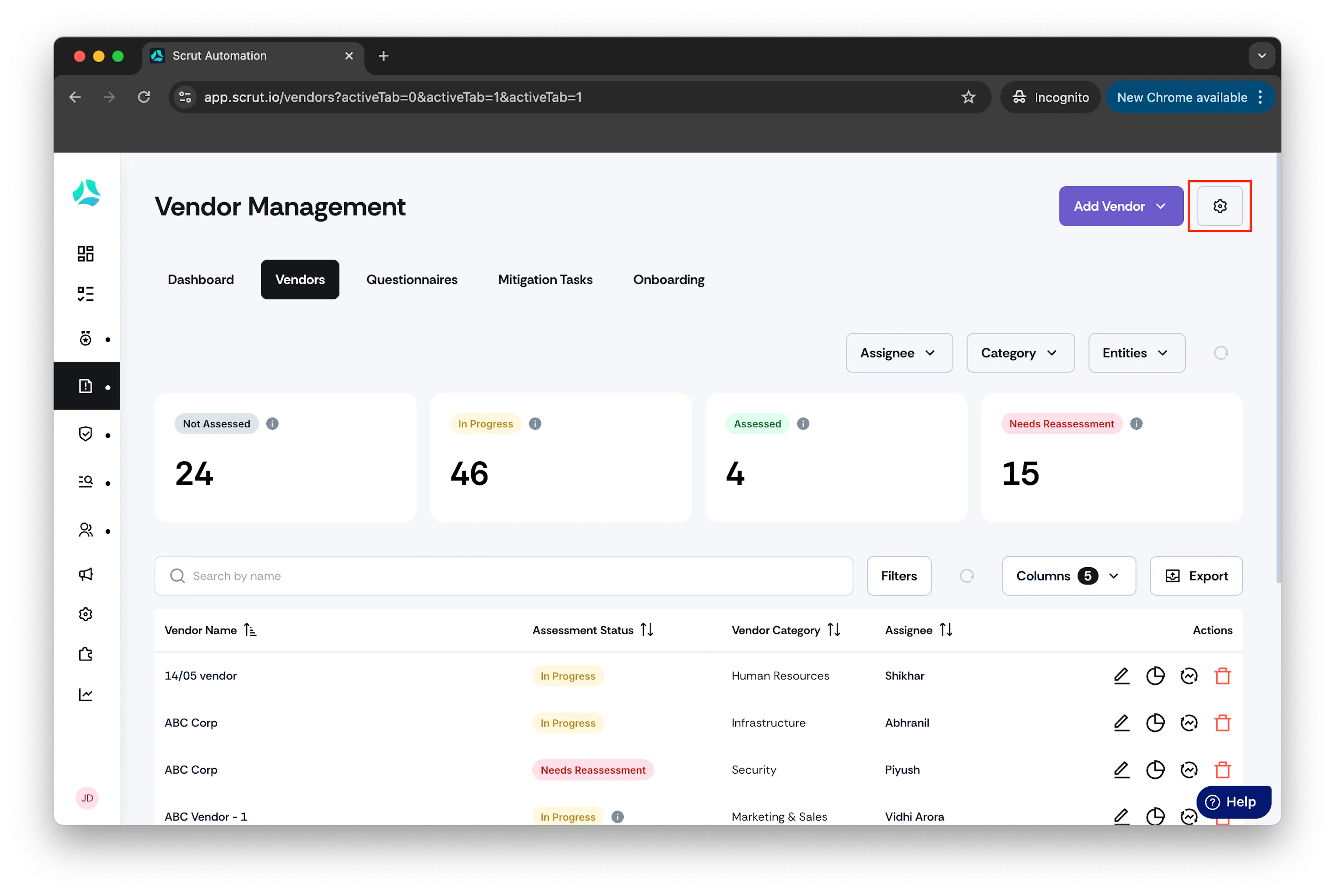
Click Vendors and go to Settings.
-
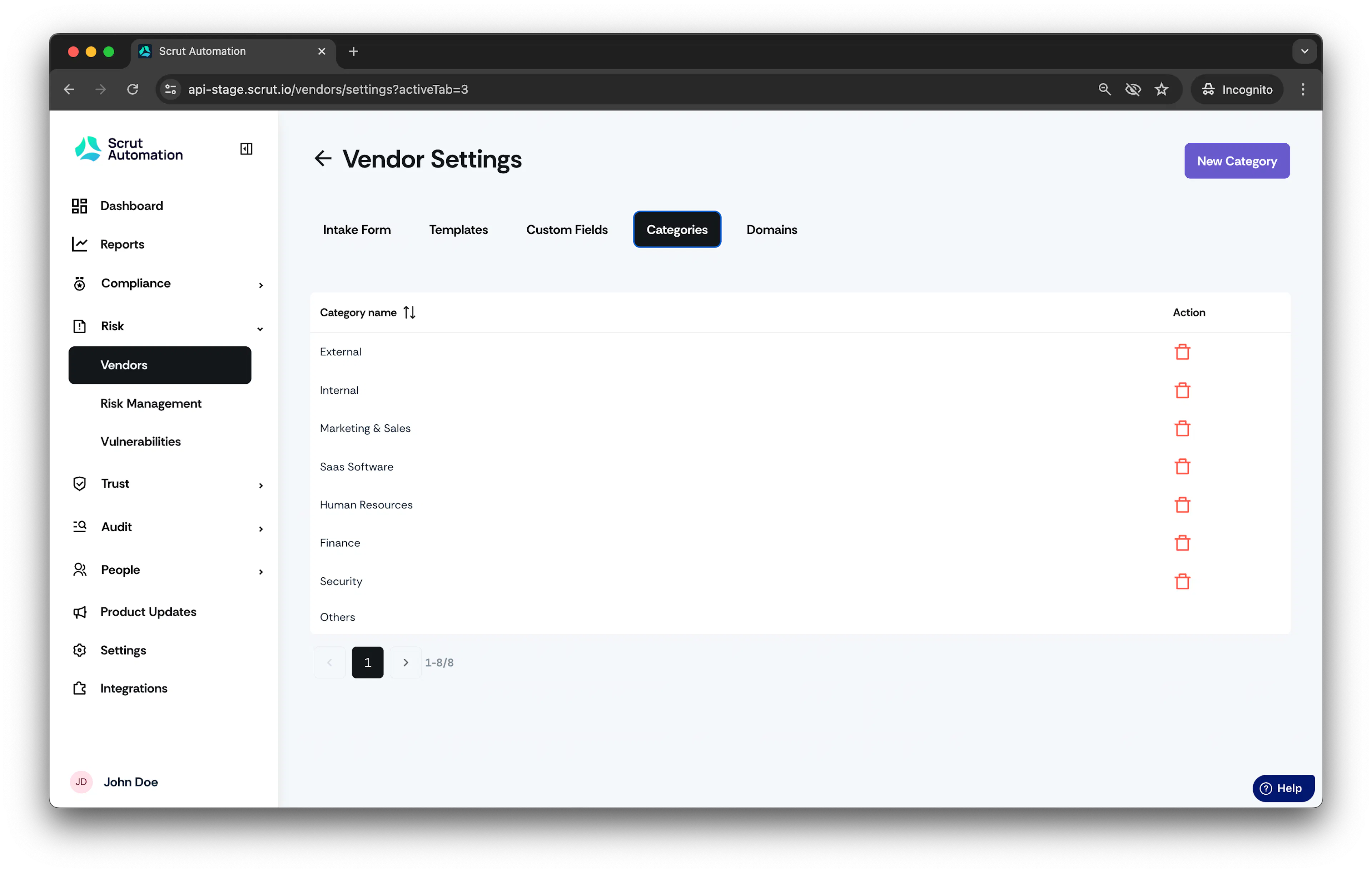
Select Category.
-
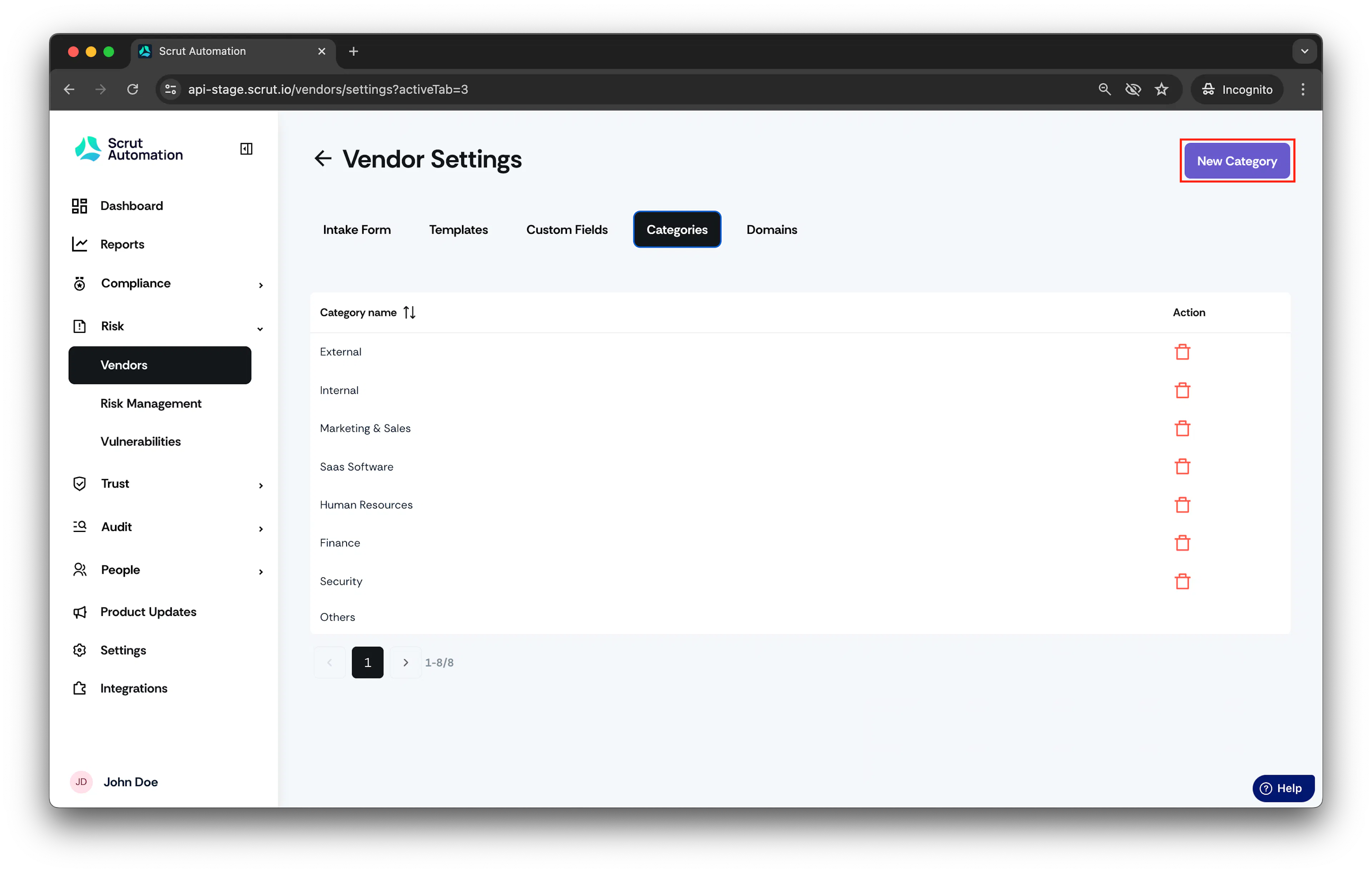
Click New category to create a new vendor category.
-
Add category name and click Save.
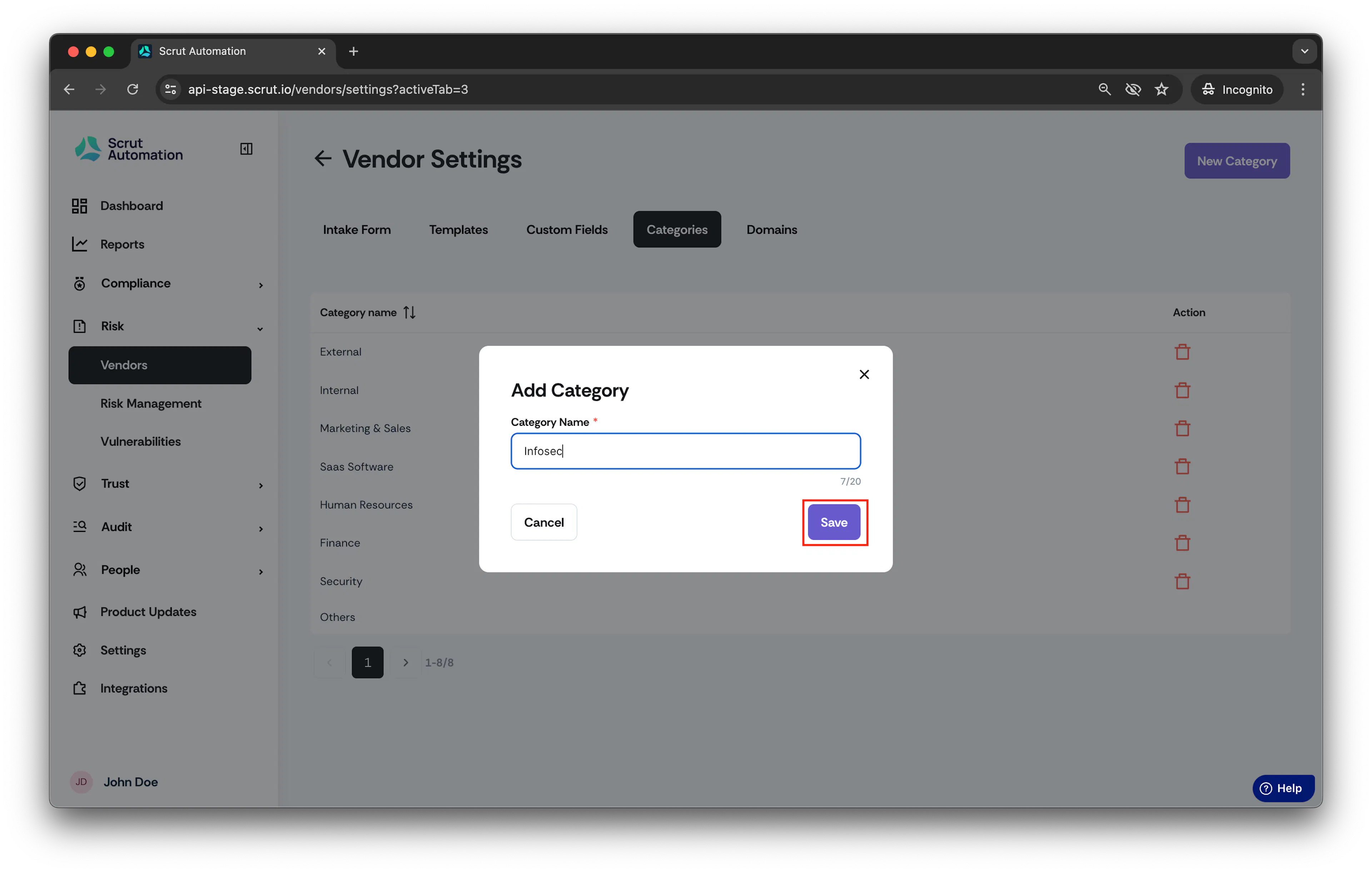
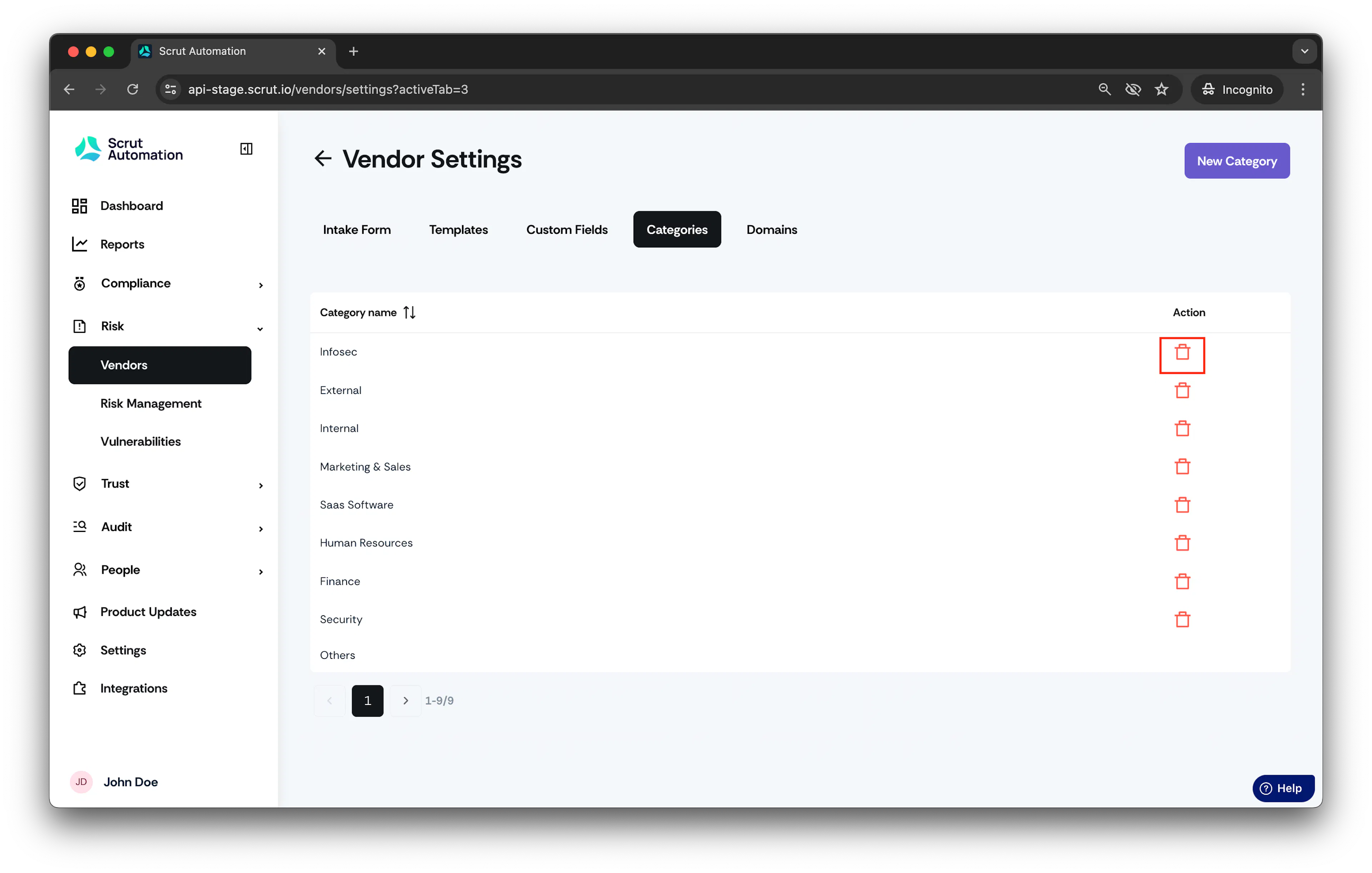
The Vendor category gets added successfully.
Note:
You can also remove vendor categories from the list by clicking on the delete icon. Associated vendors will be linked to "Others" category automatically.
Was this page helpful?