

View Audit Logs in Vendor Settings
Who can use this feature
- Supported on Foundation, Growth, and Scale plans
-
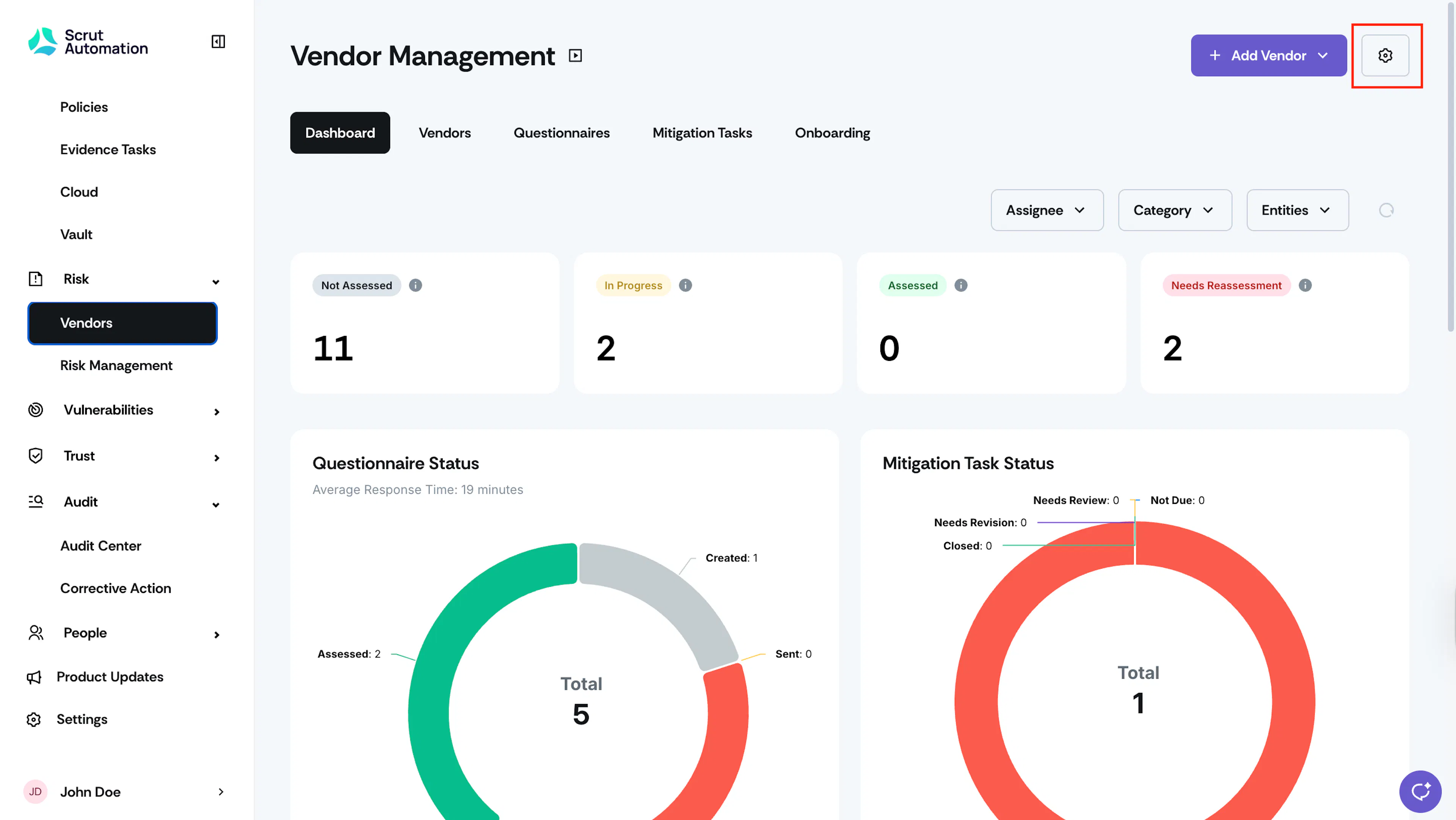
Click Risk → Vendors on the left navigation panel, and click the Settings icon on the top right.
-
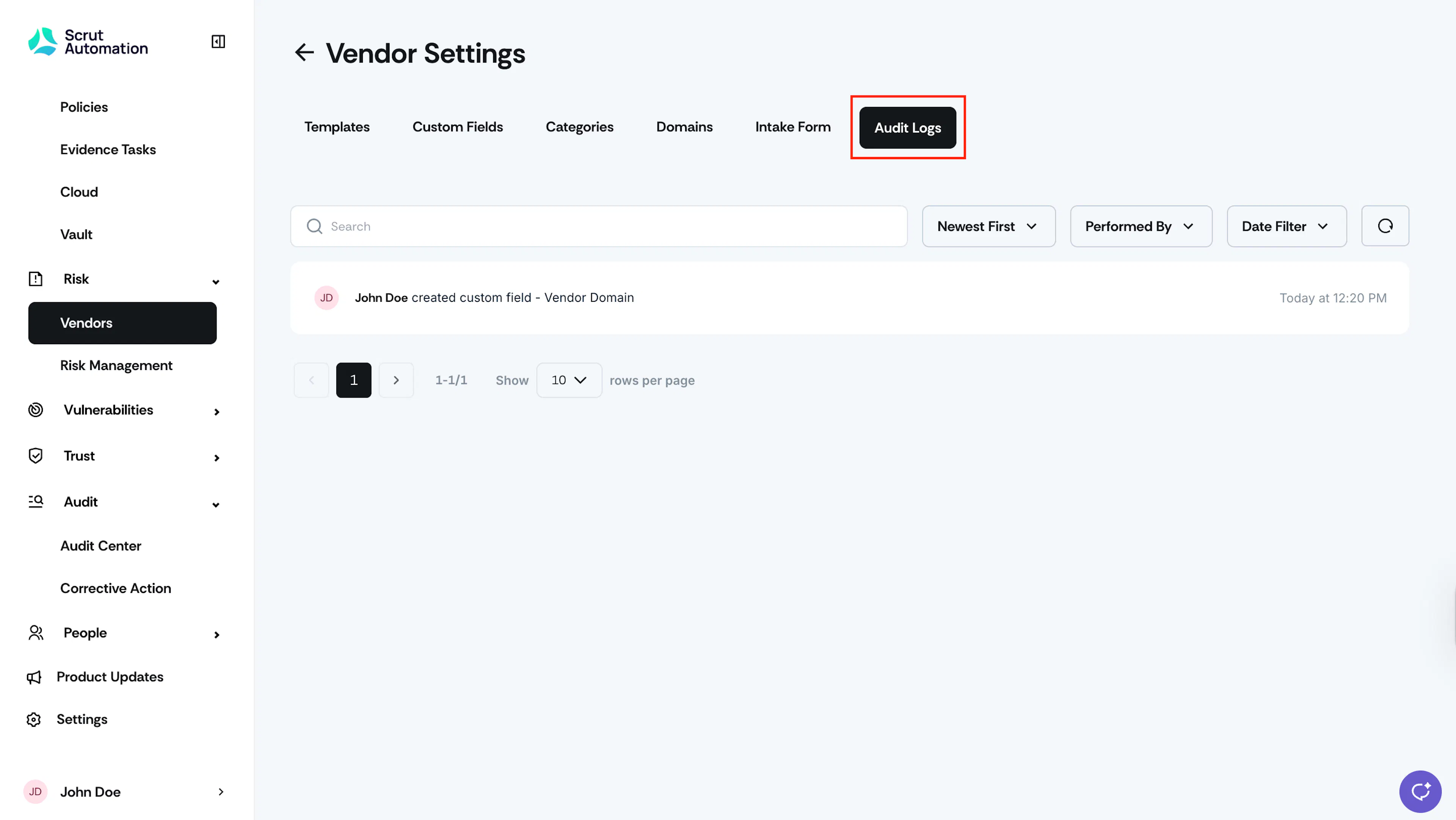
Navigate to the Audit Logs tab. This tab provides a complete chronological record of all actions taken in Vendor Settings. It helps you monitor configuration updates for better oversight and accountability.
Was this page helpful?