

Export the Risk Register
Who can use this feature
- Supported on Foundation, Growth, and Scale plans
Exporting your risk register provides a snapshot of your organization's risks for reporting, analysis, and record-keeping.
How To Export the Risk Register
-
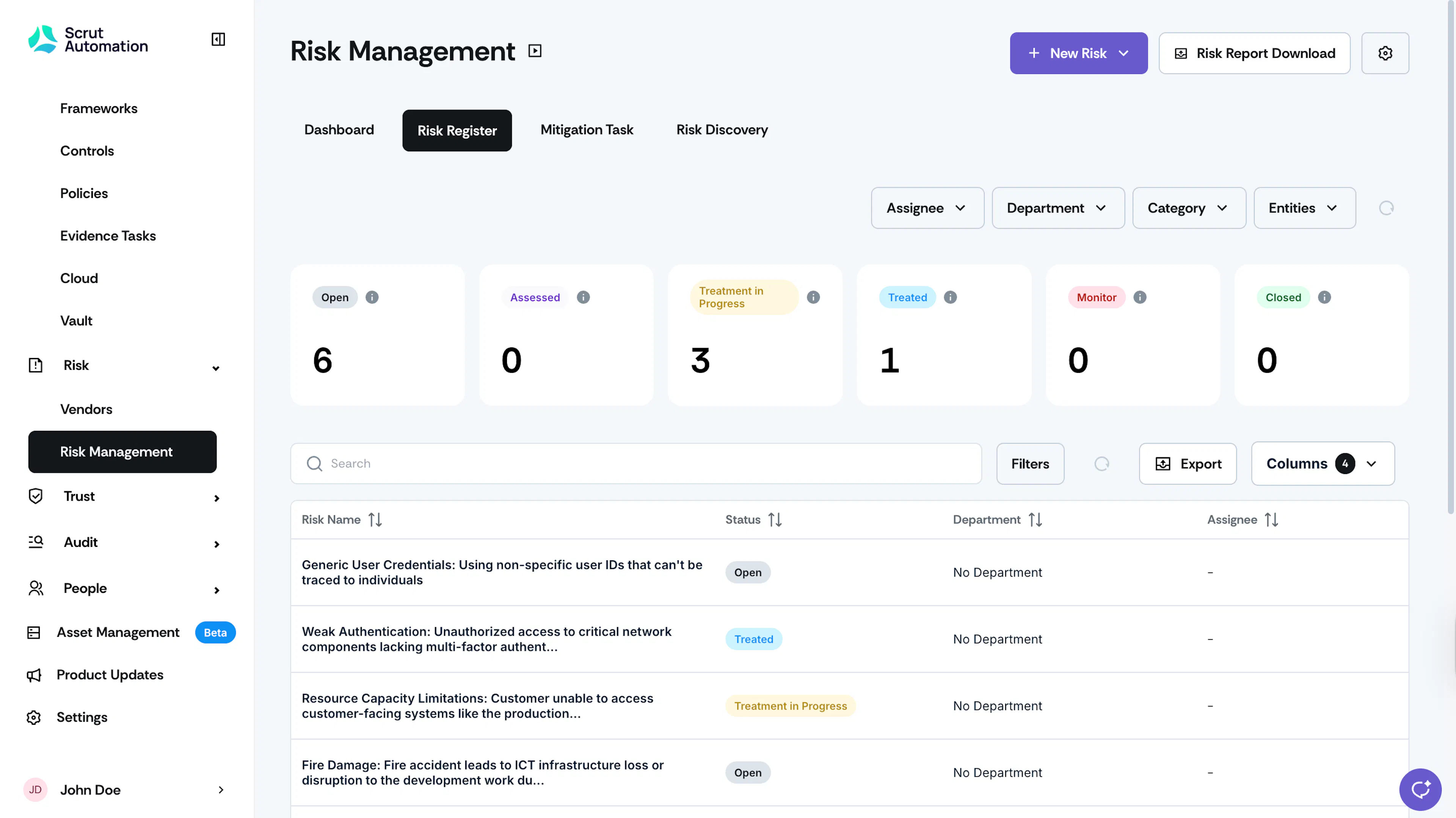
Sign in to Scrut and go to Risk → Risk Management using the left navigation panel.
-
Go to the Risk Register tab.
-
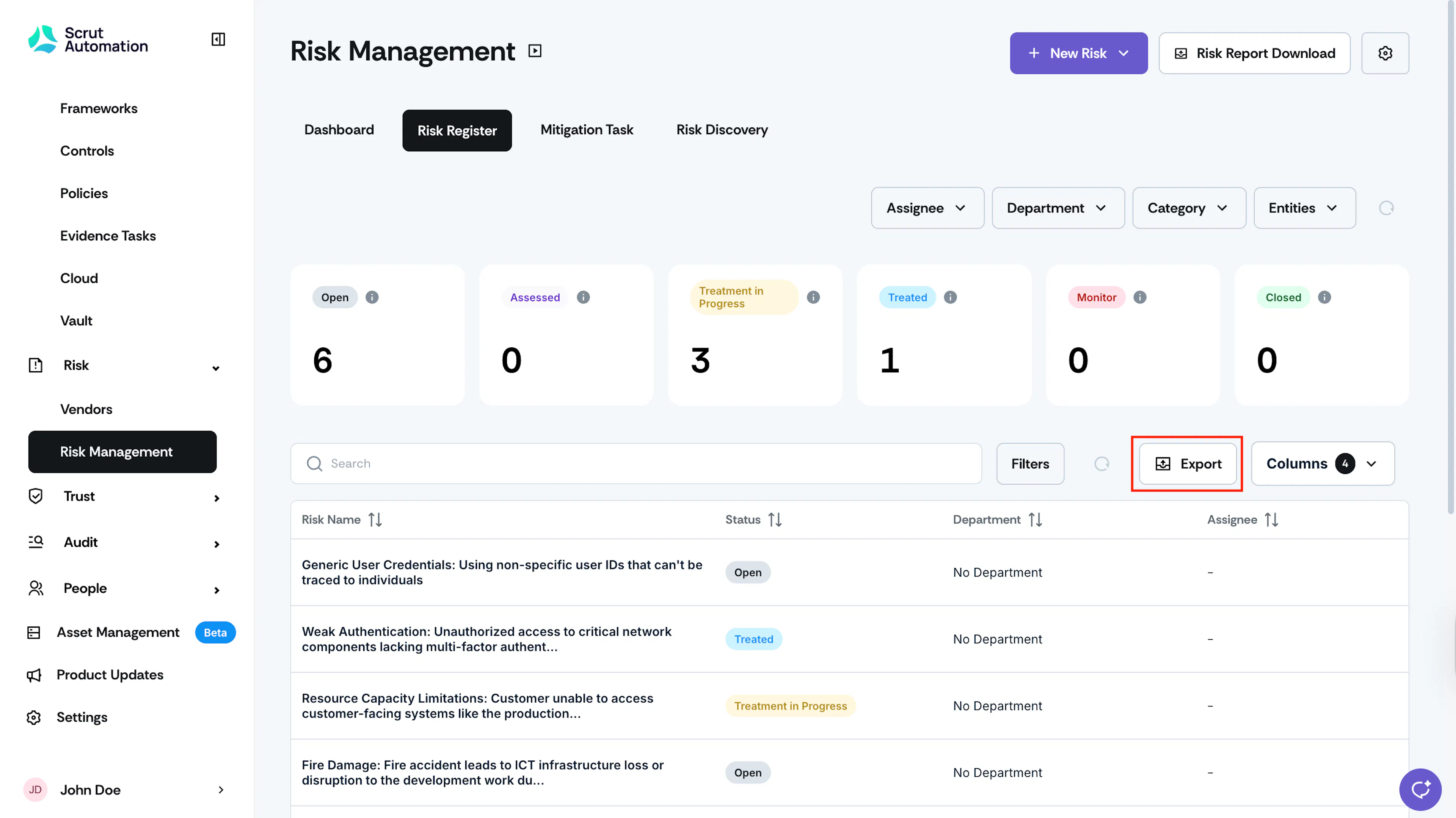
Click the Export button at the top of the risk table.
-
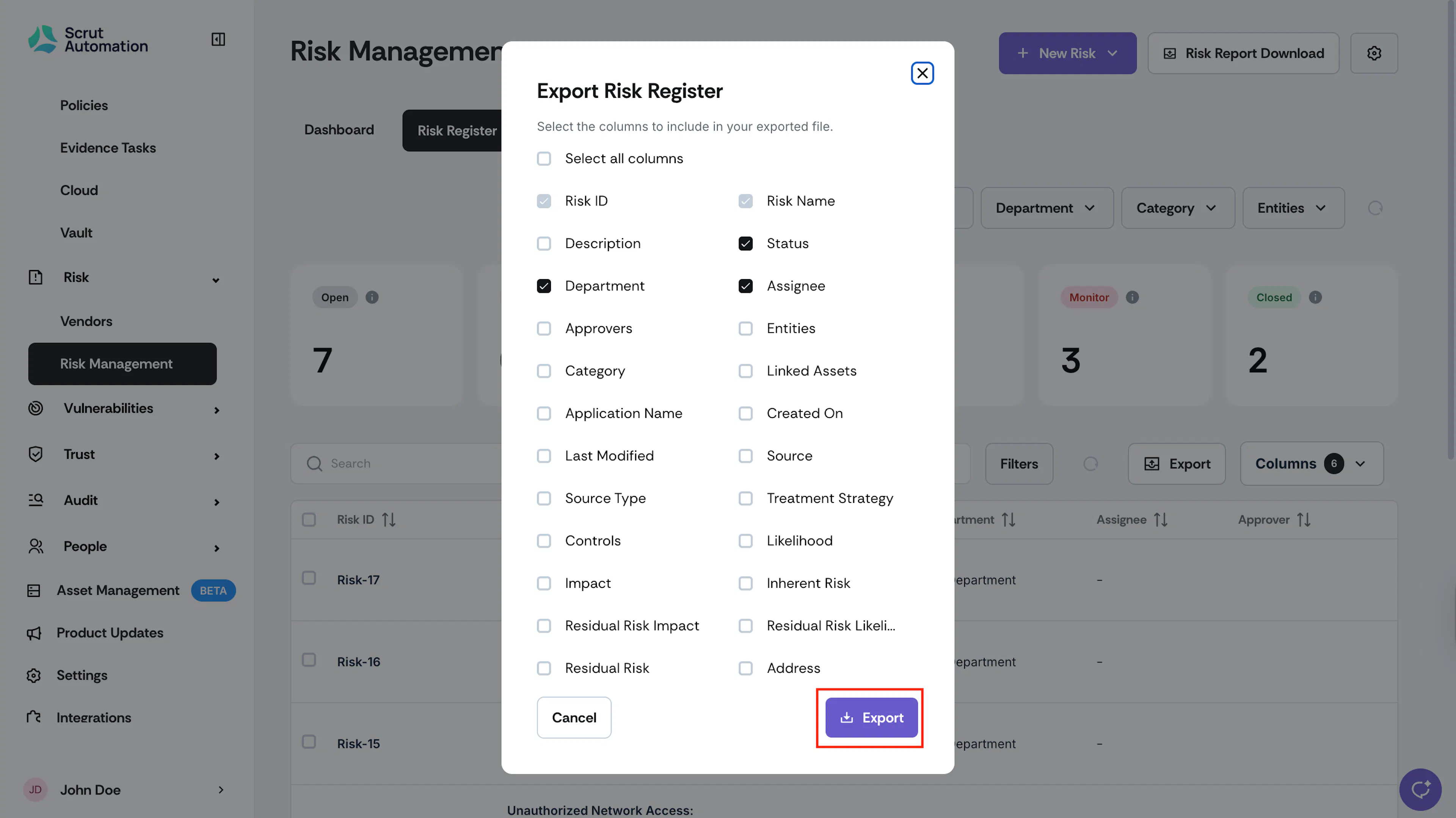
Select the columns to include in the CSV file and click Export.
-
The columns currently visible in your Risk Register table are pre-selected in the export modal.
- This includes both your organization's default columns from Table Layout and any additional columns you've viewed using the Risk Register's Columns selector.
- You can select or deselect columns in the export modal, as required.
- Note: Risk ID and Risk Name are mandatory columns and can't be deselected from the Export.
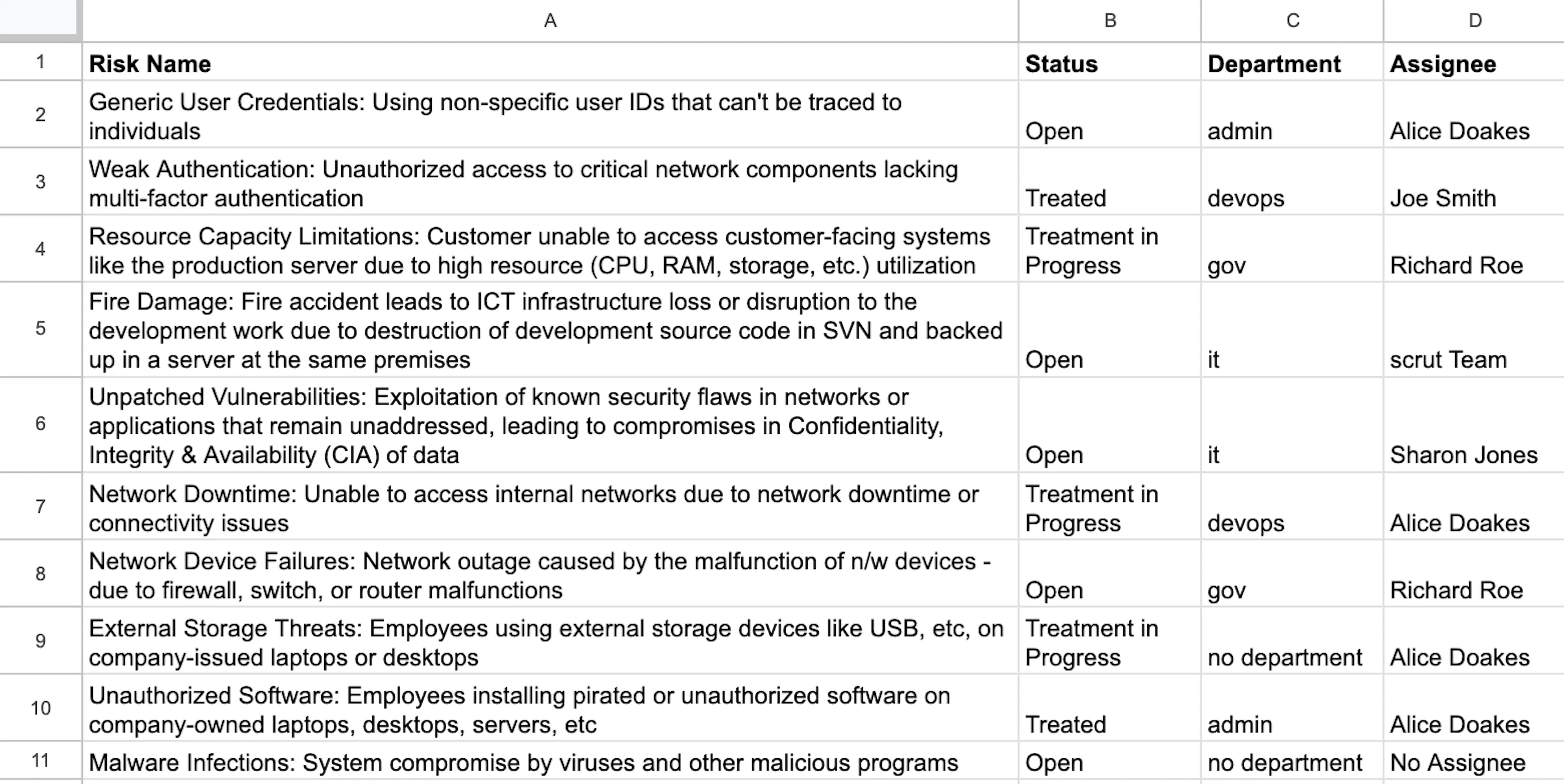
Scrut will download all the risks in your Risk Register as a CSV file. The file includes all risks in your Risk Register with your chosen details, such as risk name, status, department, and assignee.
Was this page helpful?