

Download the Risk Report
Who can use this feature
- Supported on Foundation, Growth, and Scale plans
Scrut’s Risk Report makes it easy to share critical risk information with key stakeholders. This comprehensive report automatically pulls data from your Risk Dashboard and Risk Register to create a unified view of your current risk landscape. Whether you need to share risk information to executives, board members, or other external parties, the export feature allows you to generate a customized report in just a few clicks. This guide explains how to export the Risk Report.
How To Export the Risk Report
Method 1: Via the Risk Management Module
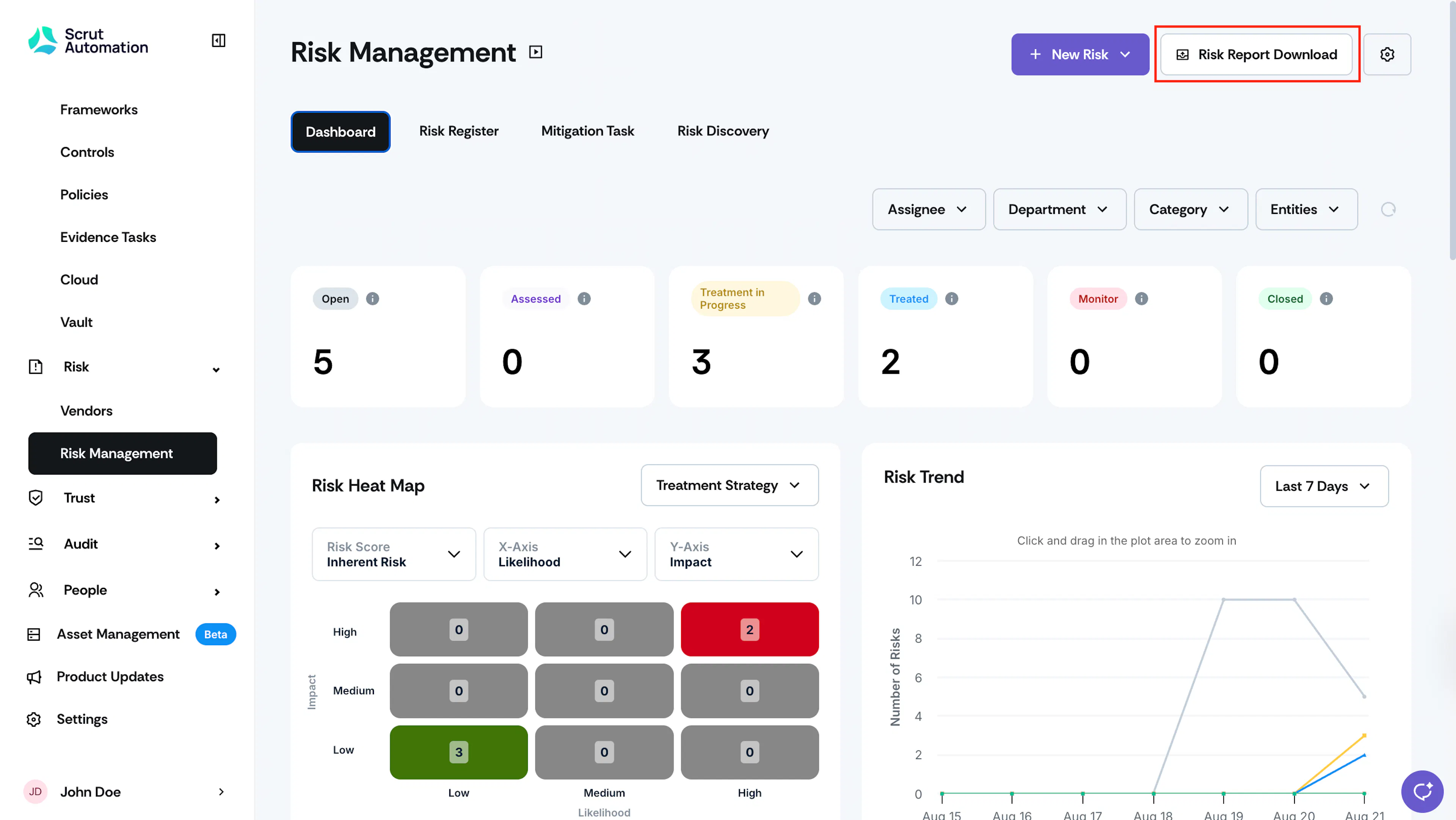
Sign in to Scrut and go to Risk → Risk Management using the left navigation panel. Click the Risk Report Download button at the top right.
Method 2: Via the Reports Module
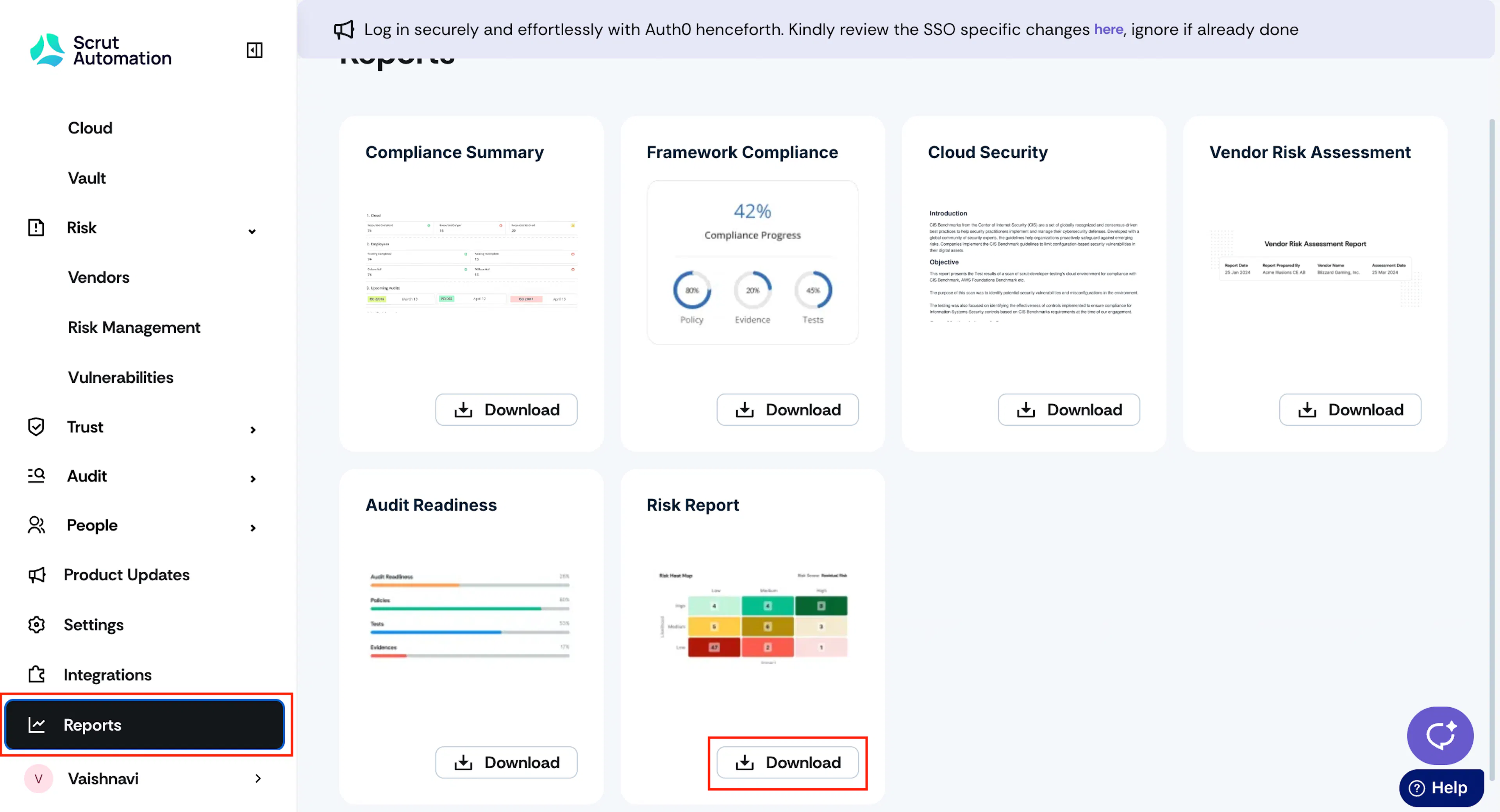
Sign in to Scrut and click Reports on the left navigation panel. Scroll to the Risk Report tile, and click the Download button.
Customizing the Risk Report
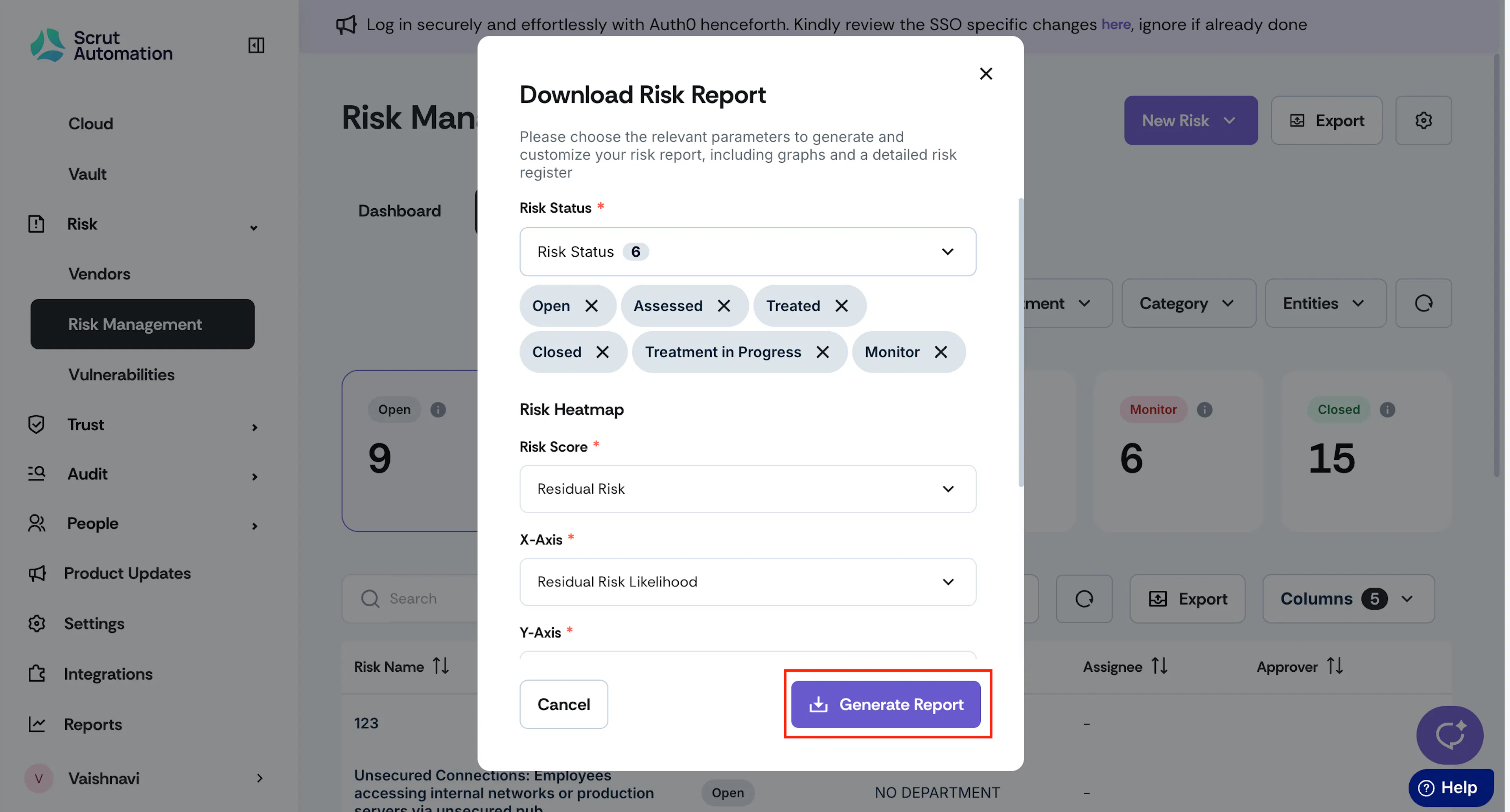
Scrut offers flexible customization options that allow you to tailor the content of the Risk Report to meet your specific requirements. When downloading the report, you can choose the relevant parameters and data points to create a customized report that matches audience needs.
Follow these steps to customize the report while exporting it:
-
Risk Status: Select whether you want to include all risks or only those with a specific status, such as:
- Open: Risks that have been identified.
- Assessed: Risks with inherent risk calculated, initial risk assessment completed, and mitigating controls linked.
- Treatment in Progress: Risks with a treatment strategy selected, but with pending mitigation tasks and residual risks.
- Treated: Risks with residual risk calculated and mitigation plan finalized.
- Monitored: Risks under observation and residual risk pending.
- Closed: Risks that have been closed and are no longer considered a risk.
-
Entity: Choose the entities for which you want to download the risk report.
Note: The name of the selected entities for which you’re downloading the report will be prominently displayed on the report's cover page. The report will include only risks associated with the selected entities.
-
Risk Heatmap: Customize the Risk Heatmap for your report by selecting the score to display. You can also customize the metrics you want to display on the X- and Y-axis of the heatmap.
-
Inherent Vs Residual Risk: Select the two risks you want to compare.
Once you’ve finalized the customizations, click Generate Report.
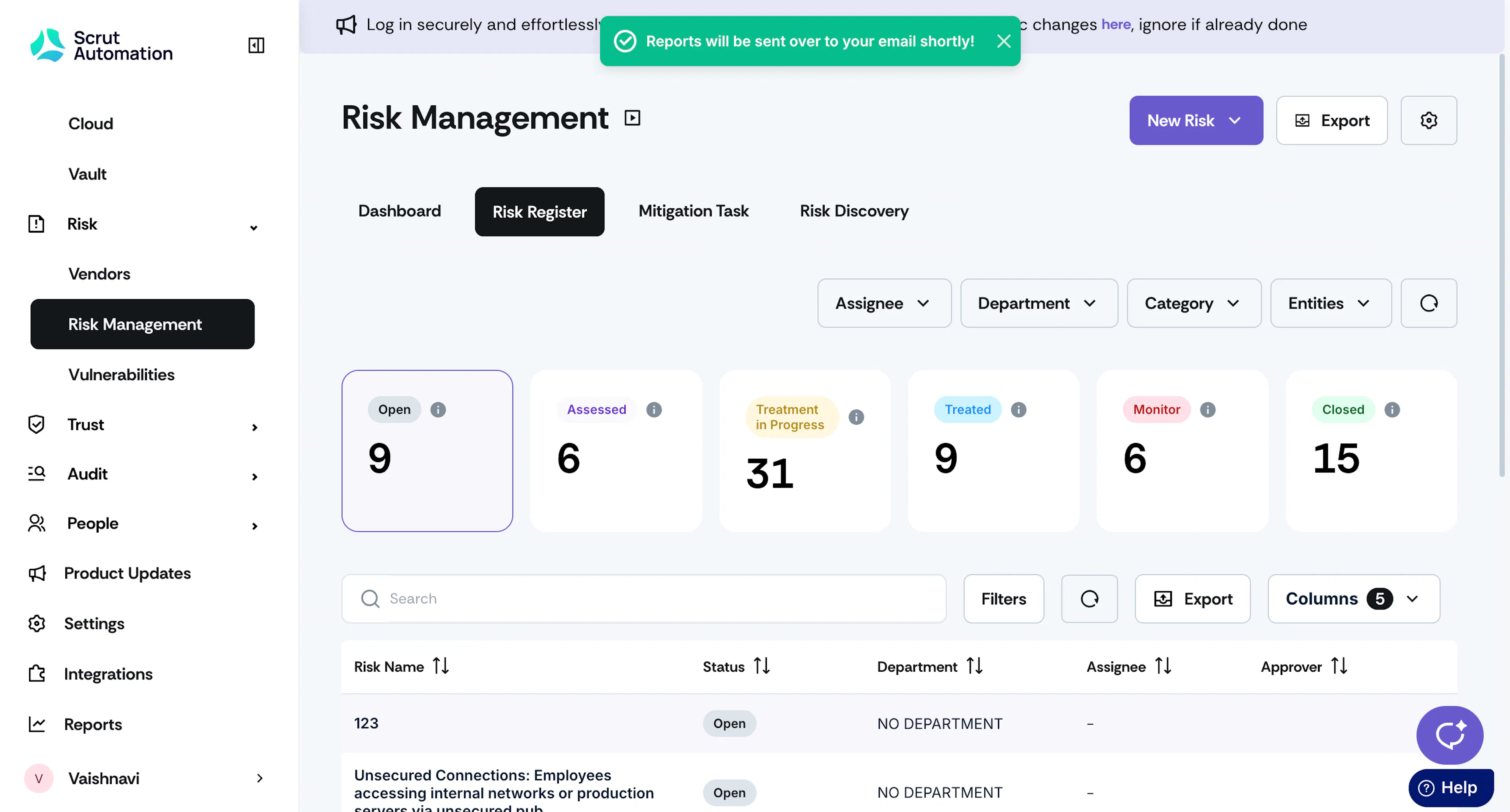
Scrut will send the risk report to your email once it’s ready.
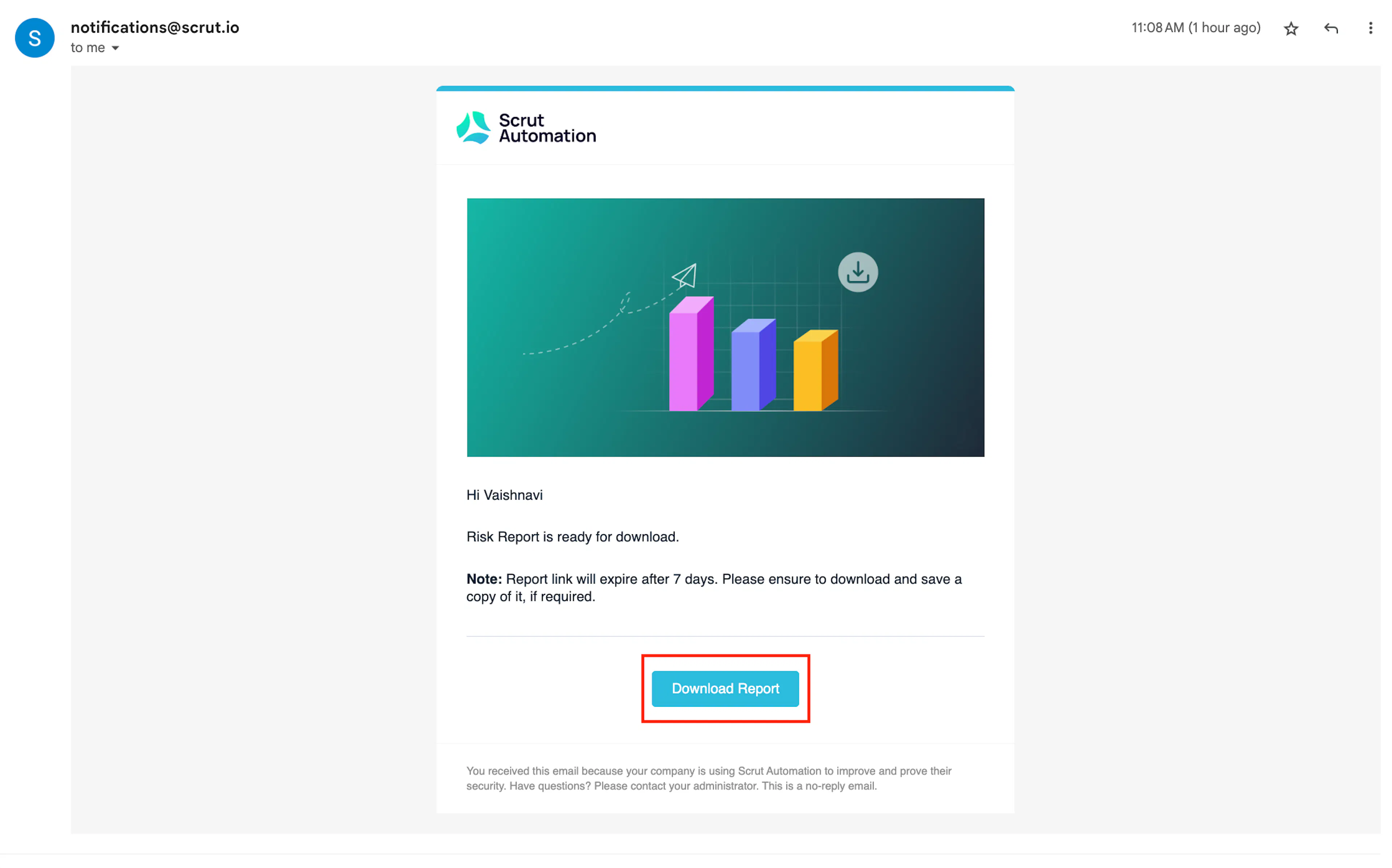
Note:
The download link will remain active for seven days. If you don't download within that time, you can regenerate the report again at your convenience.