

What is the Risk Register
Who can use this feature
- Supported on Foundation, Growth, and Scale plans
What is the Risk Register
The Risk Register is Scrut's central repository for identifying, assessing, tracking, and treating risks across your organization.
Pro Tip!
You can also customize the Risk Register to meet your specific organizational requirements
How to Access the Risk Register
- From the left navigation panel, navigate to Risk → Risk Management.
- Click the Risk Register tab.
- The Risk Register opens, showing all risks along with their current status, assignee, and other details.
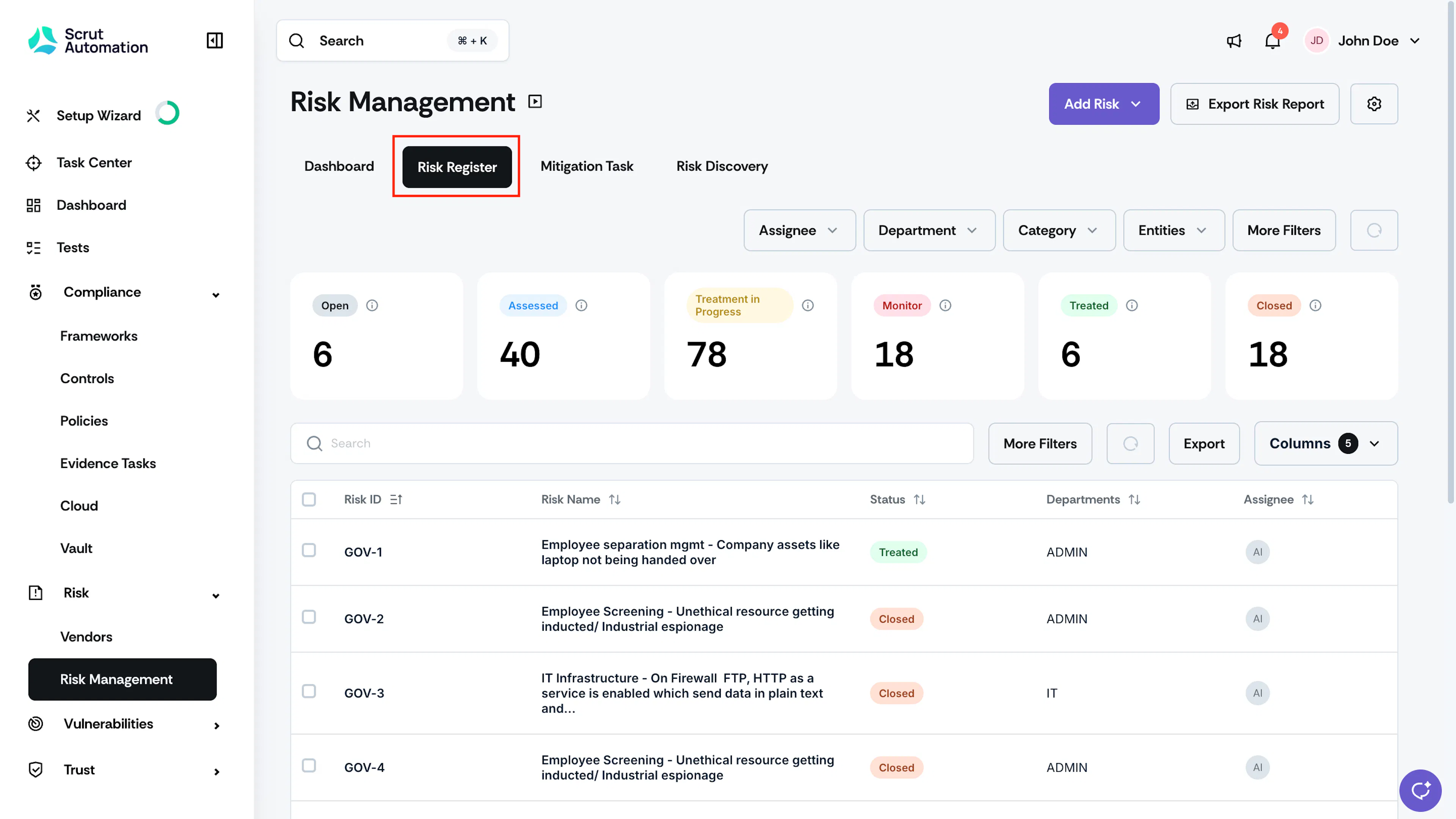
Risk Register Overview
The Risk Register page is built around the following components.
Add Risk
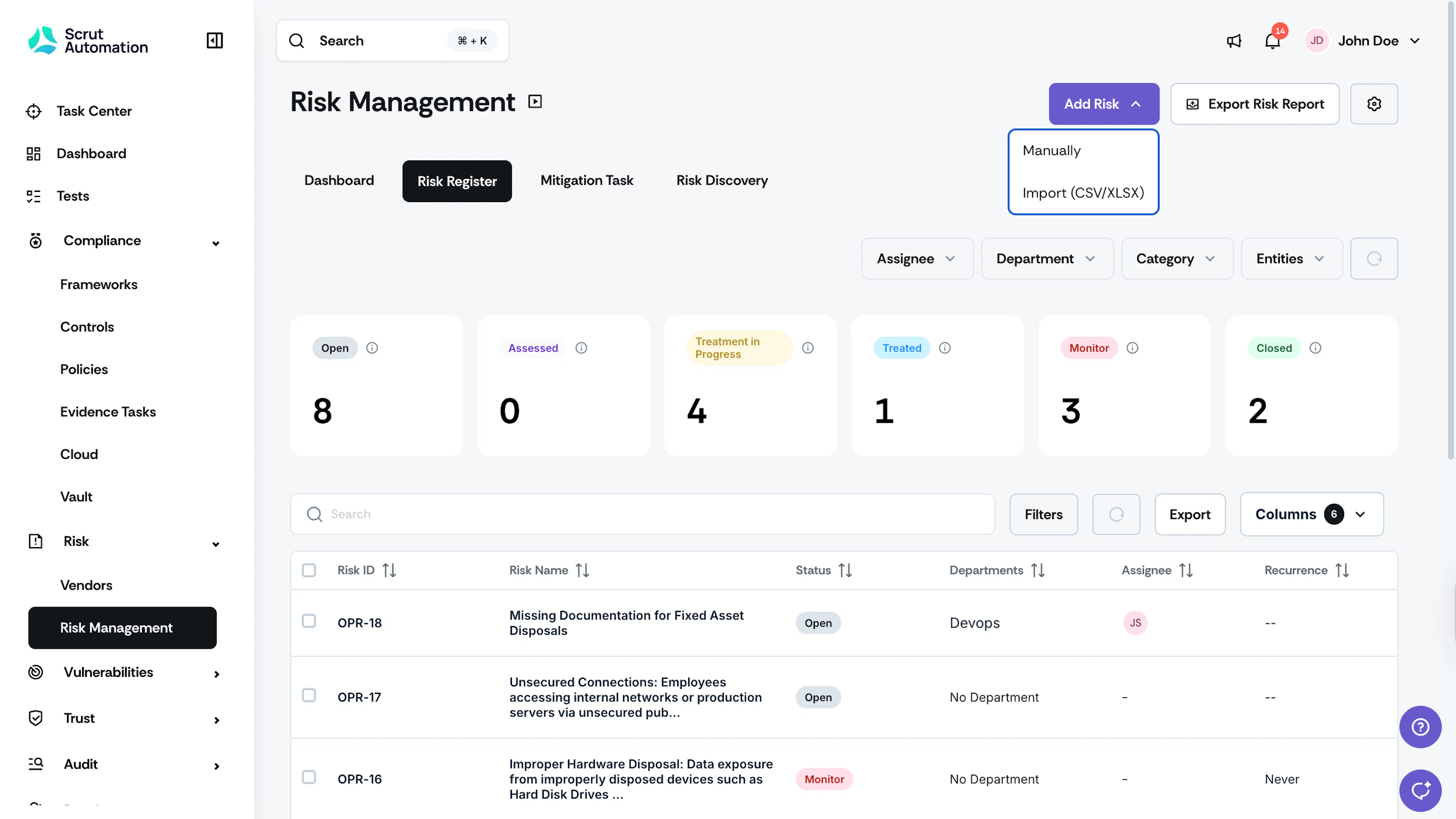
Click the Add Risk button to create a risk using any of Scrut's four methods: Risk Discovery, manual entry, bulk import, or another Scrut module. See Add a Risk for details on each method.
Risk Settings
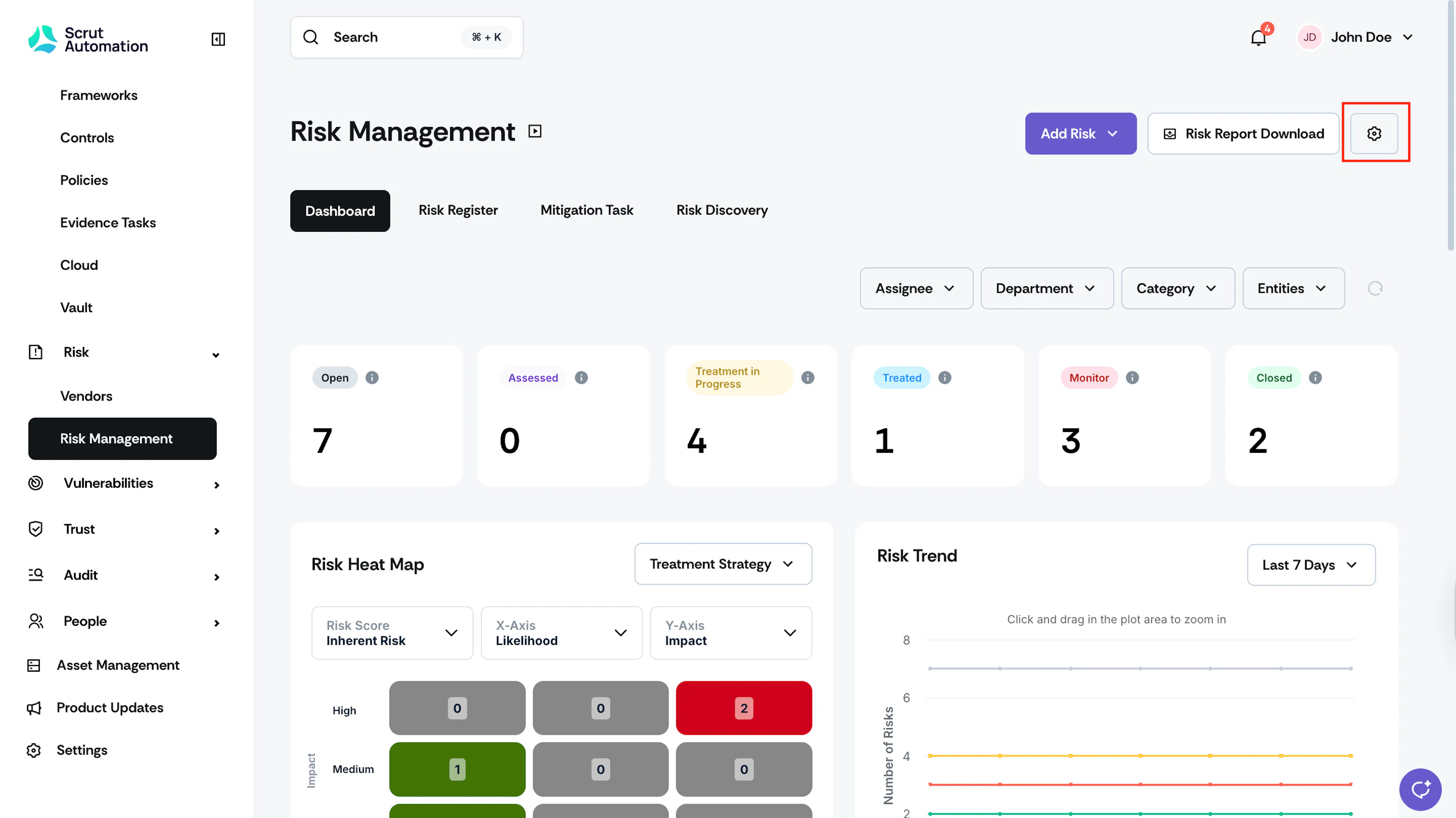
Click the Settings icon in the top right and navigate to the Table Layout tab to configure the Risk Register. See here for more details.
Metrics Overview

The metric cards across the top show a live count of risks in each status: Open, Assessed, Treatment in Progress, Monitor, Treated, and Closed. Hover over the info icon on any card to view the description of that status. See Risk Statuses for a full explanation of each one.
Table View Filters
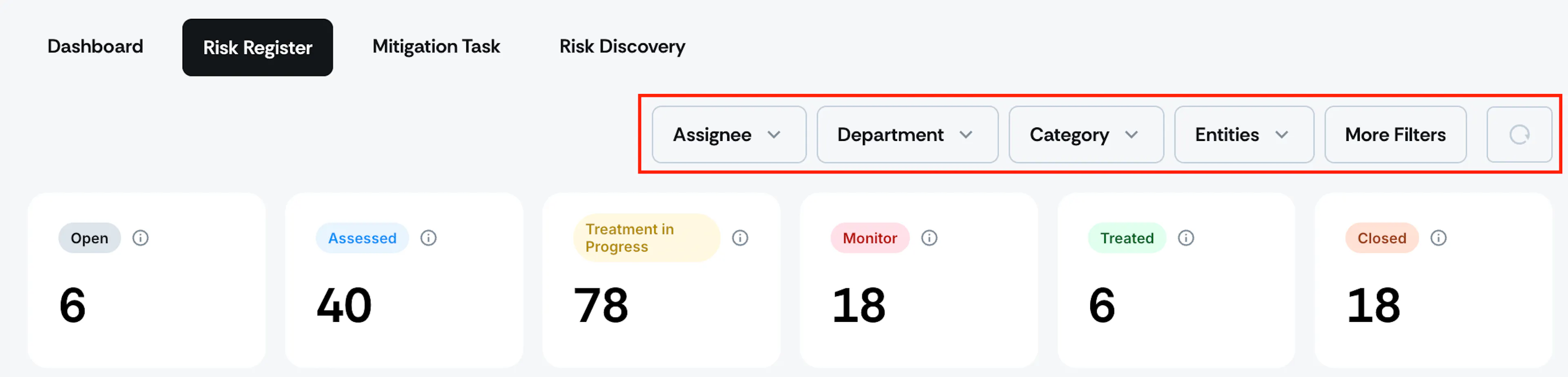
Use the Assignee, Department, Category, and Entities dropdowns above the metric cards to narrow what the page shows. Click More Filters for additional criteria. Click the circular reset icon next to the filters to clear everything you've applied.
Risk Table
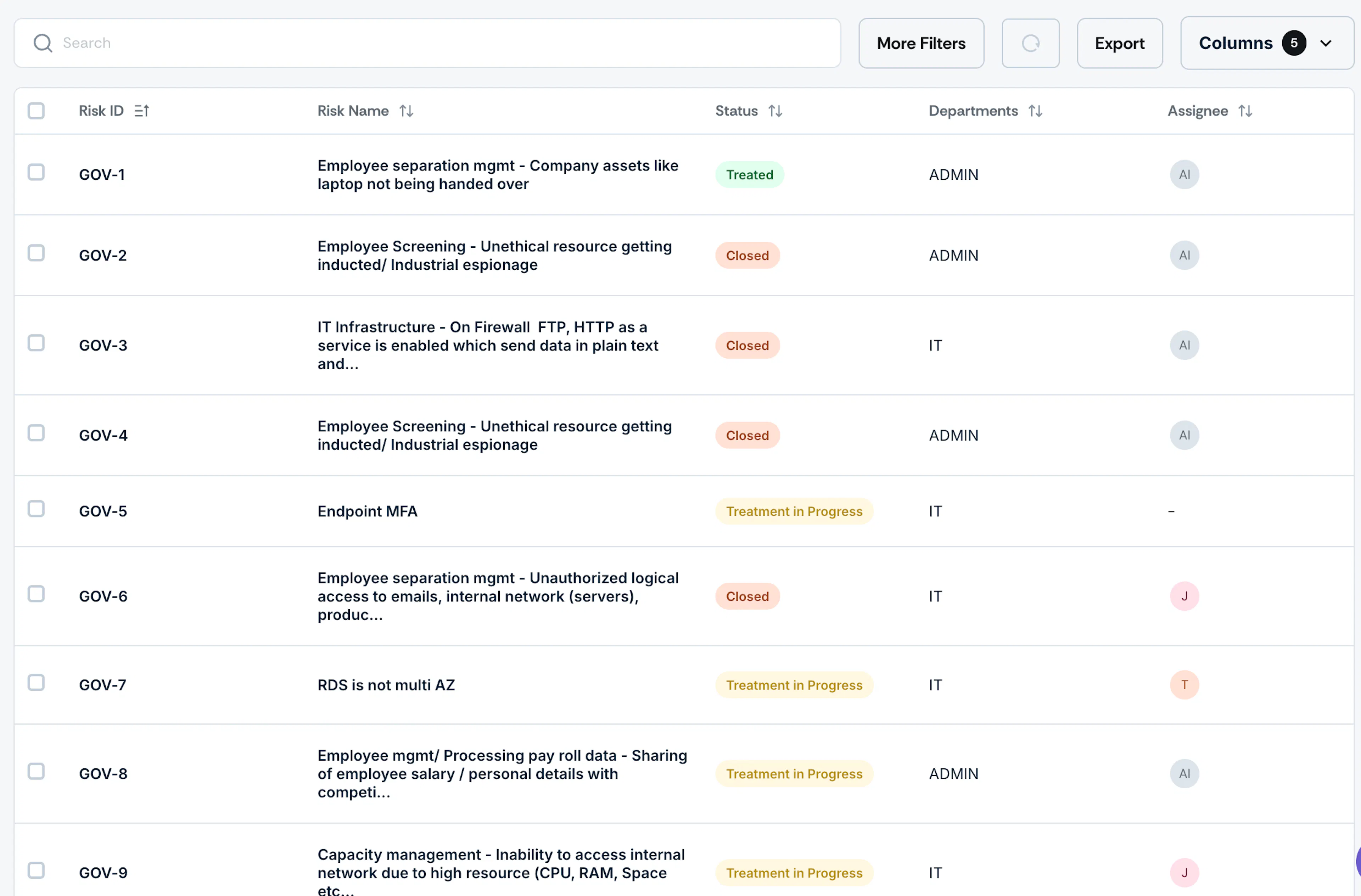
The risk table lists every identified risk with a quick snapshot of its status, assignee, and other details, so you can assess your risk landscape at a glance.
- Search: Use the search bar above the table to find risks by title, custom field values, or other keywords.
- Filters: Click More Filters to refine the table by Added On, Last Modified, Source Type, Treatment Strategy, Type, Major/Minor Risk, or Recurrence. Apply your selections to view the filtered results.
- Column Selector: Click Columns to choose which fields appear in the risk table beyond your organization's default set. See Configure Risk Register Layout for how the default column set and order are configured, and how this selector relates to them.
Export
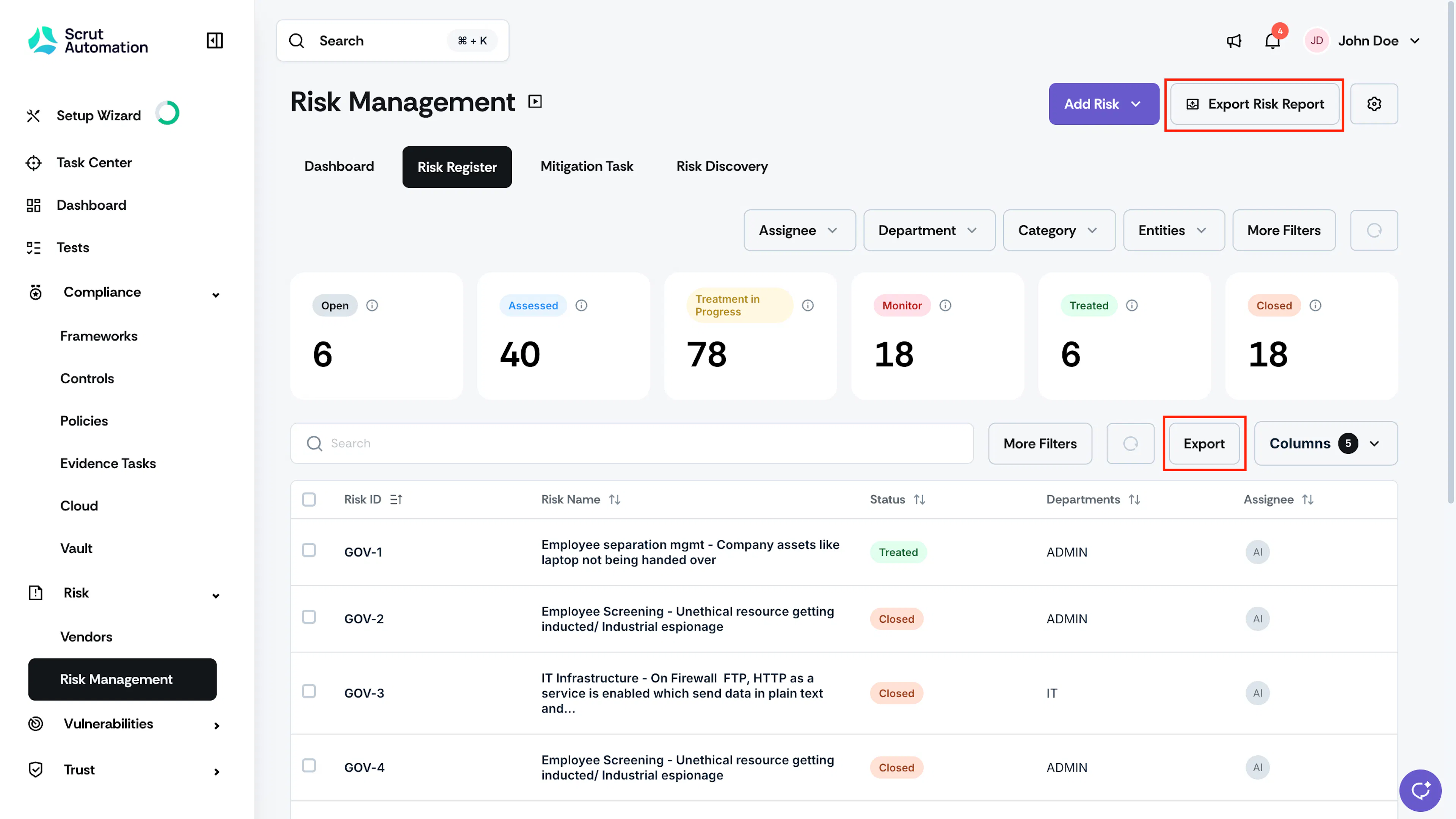
Scrut gives you two ways to export risk data.
- Export Risk Report, in the top right of the page, generates a formatted risk report.
- Export, above the risk table, downloads the current table view as a CSV file. See Export the Risk Register for details.
Reach out to support@scrut.io or contact your CSM for further assistance.