

Delete a Risk
Who can use this feature
- Supported on Foundation, Growth, and Scale plans
If you have created a risk for testing purposes, deleting it removes it permanently from your Risk Register.
Important:
- Deleting a risk is permanent and cannot be reversed.
- You cannot delete risks that are in Closed status.
How To Delete a Risk
-
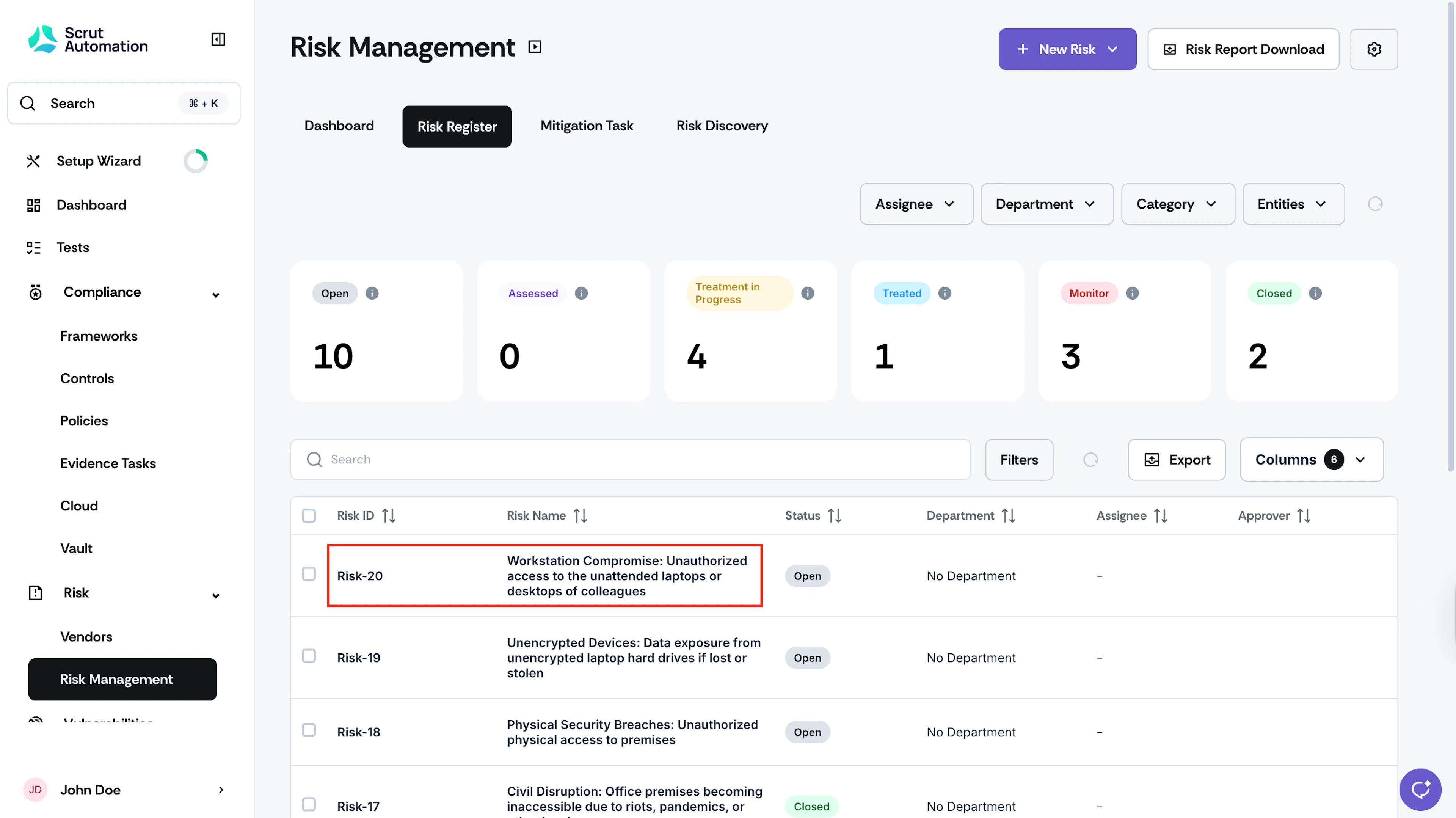
Click Risk → Risk Management on the left navigation panel, and go to the Risk Register tab.
-
Click on the risk you want to delete.
-
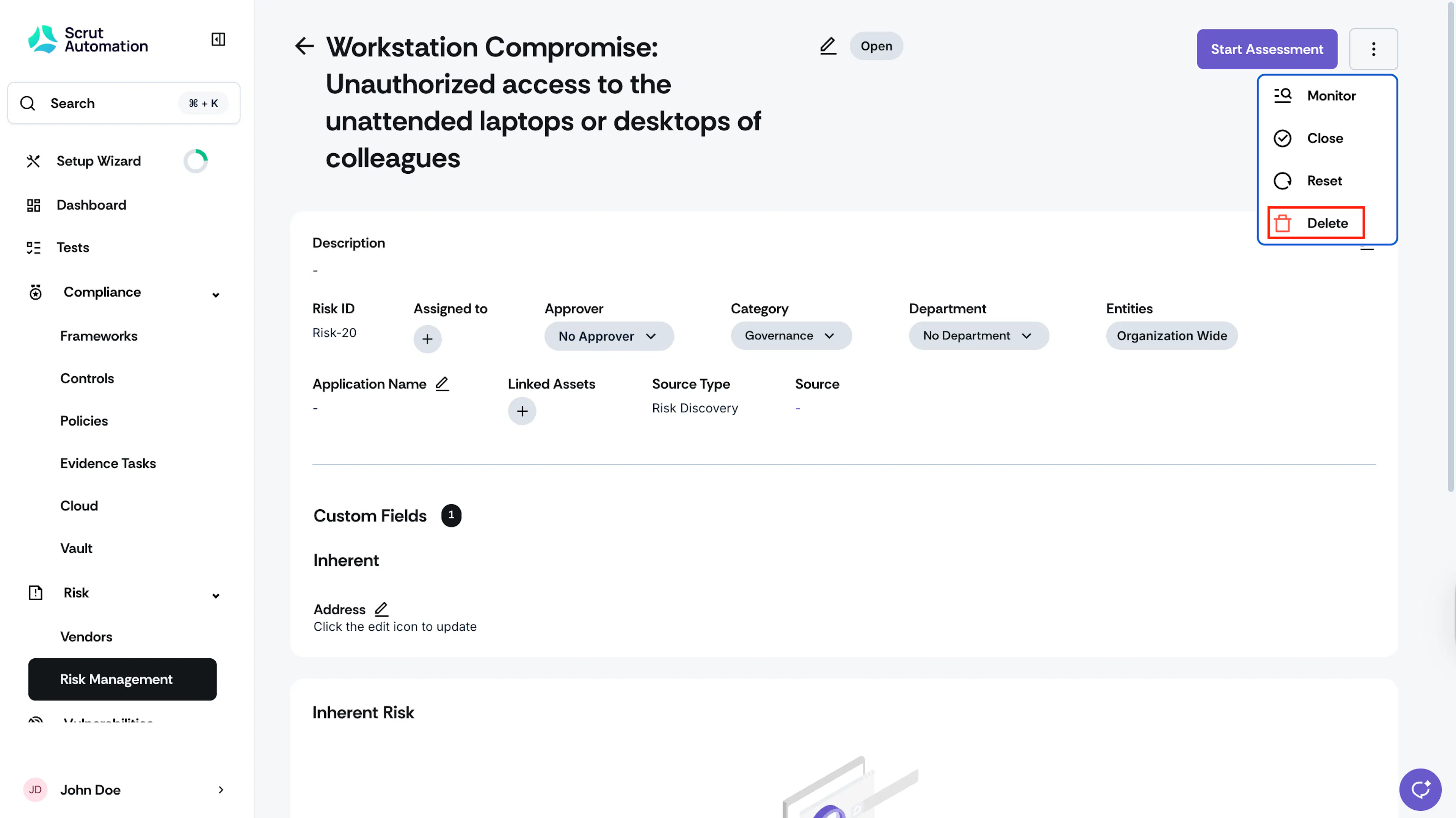
Click the three-dots icon at the top right, and click Delete.
-
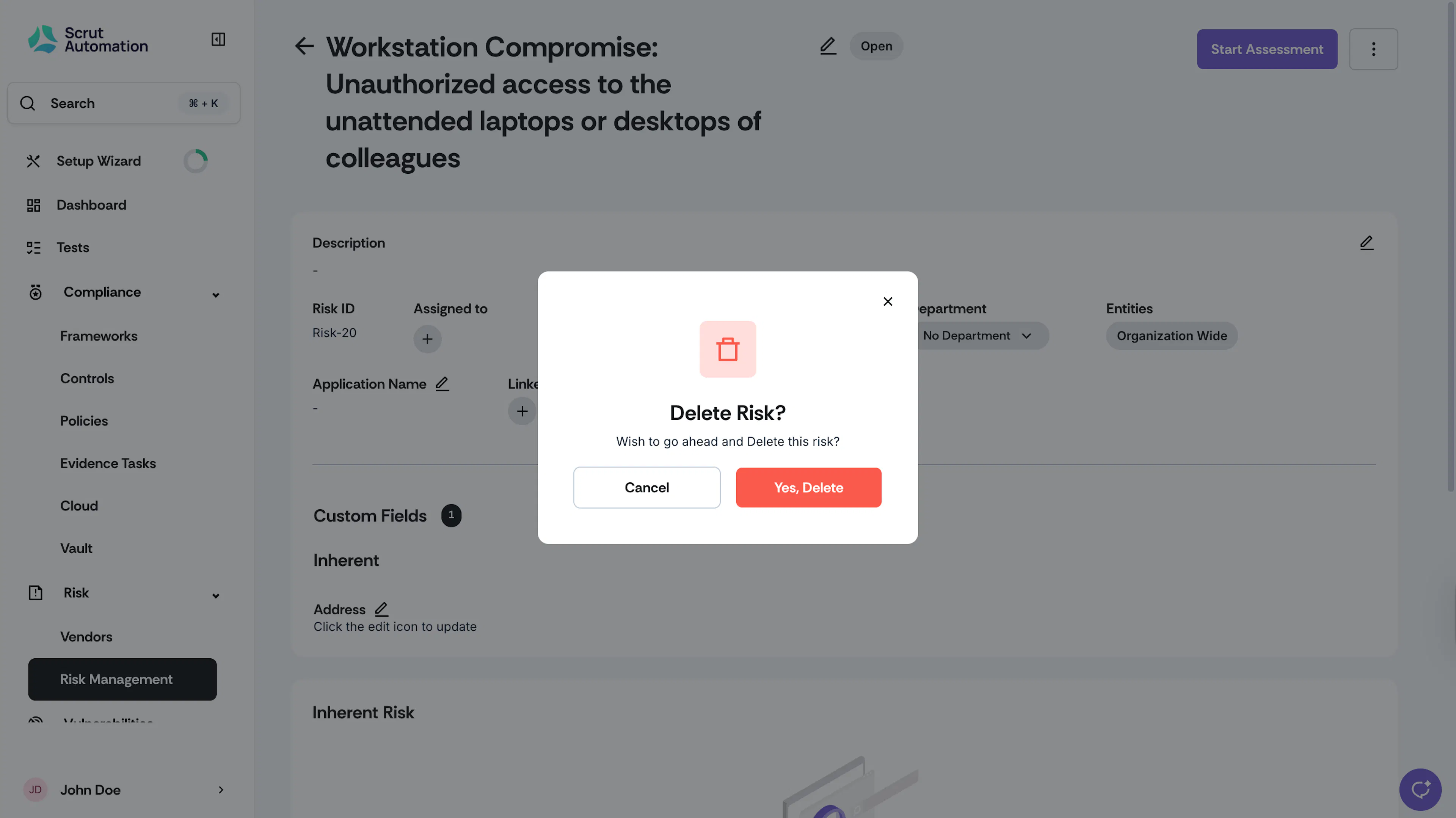
Confirm your action to proceed.
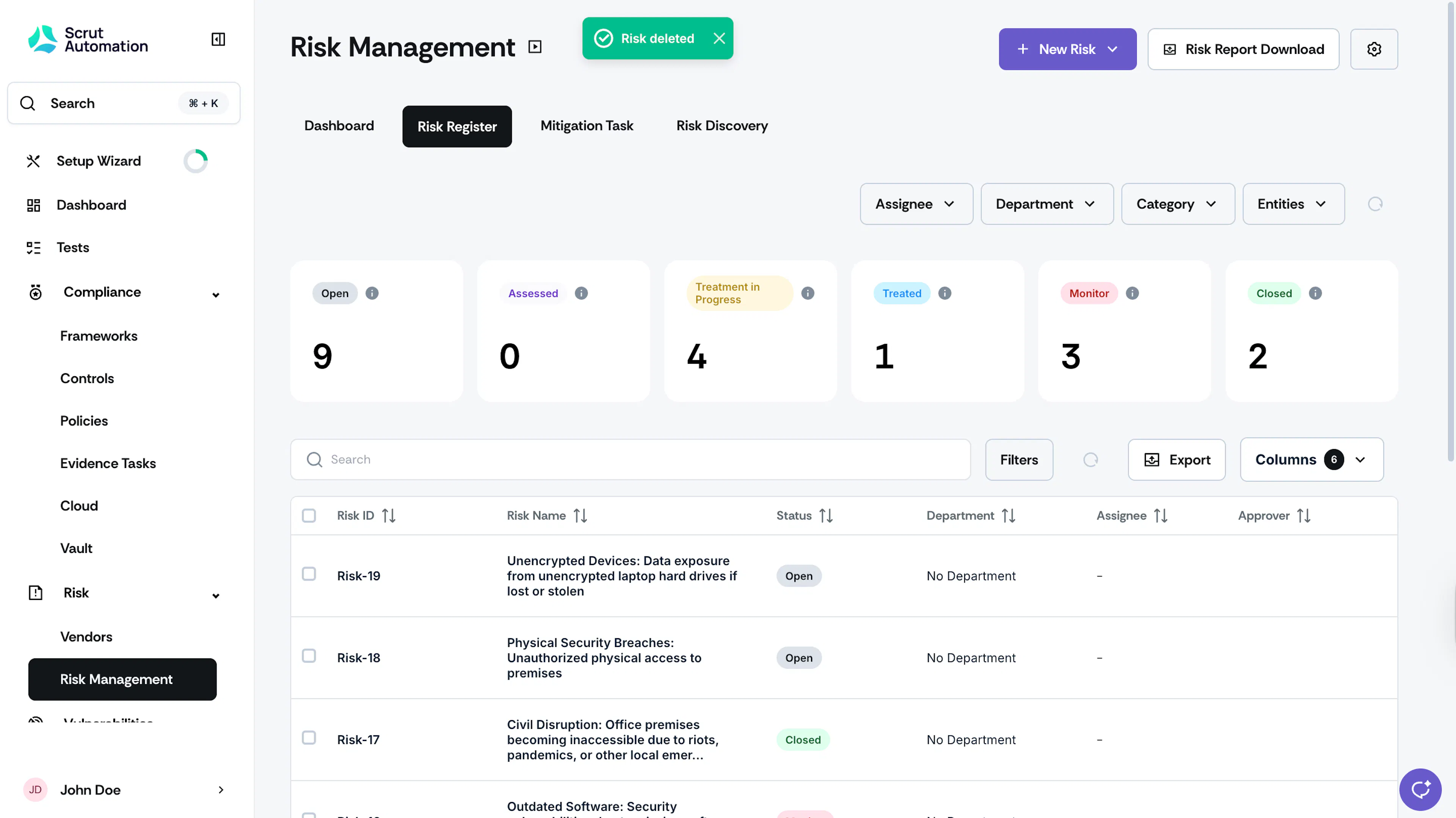
Scrut will remove the risk permanently from your Risk Register.
Deleting Multiple Risks
You can also delete several risks at the same time.
-
Click Risk → Risk Management on the left navigation panel, and go to the Risk Register tab.
-
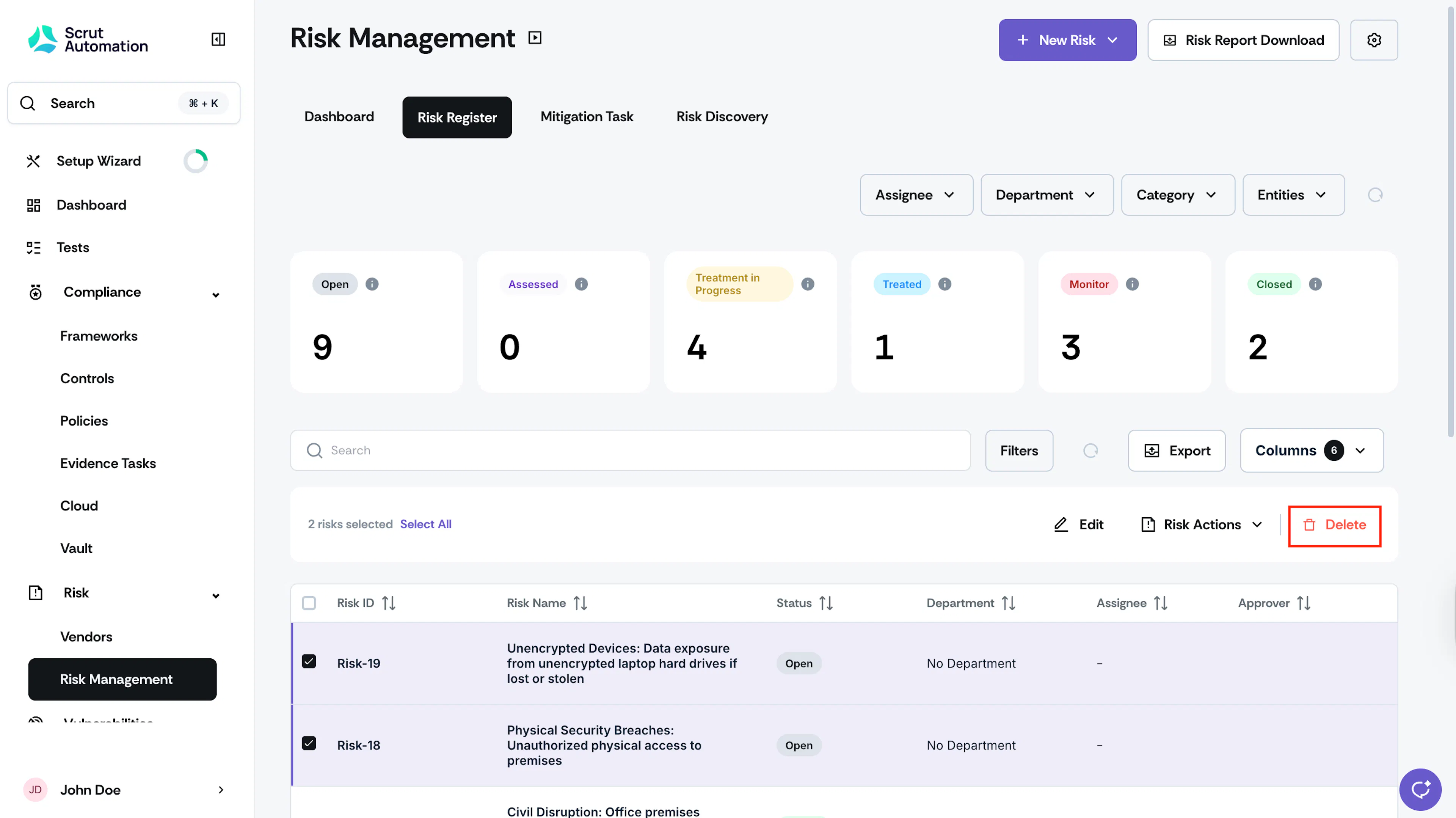
Select the risks you want to delete.
-
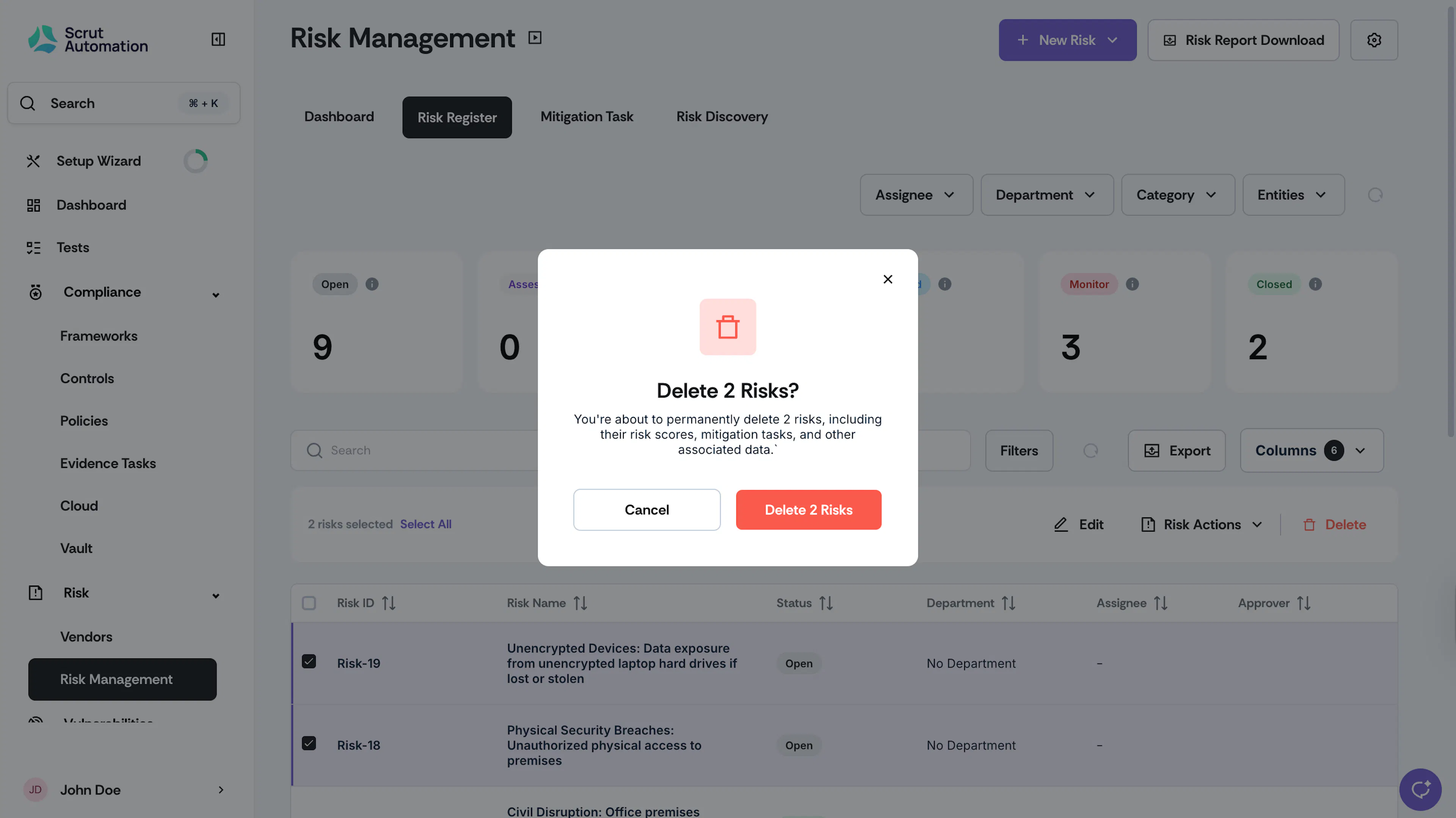
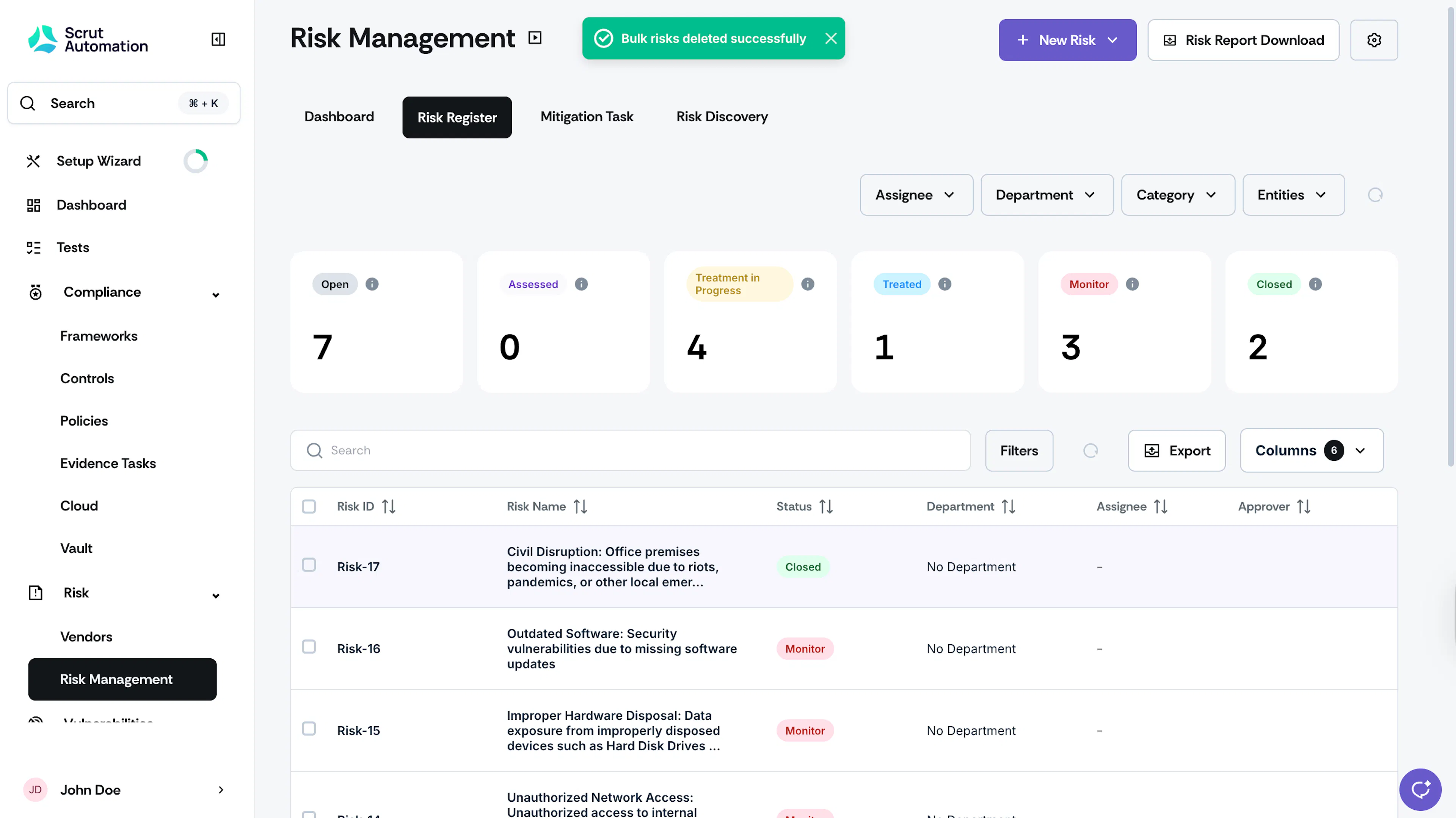
Click Delete.
Was this page helpful?