

Integrate Certn
Certn integration enables users to collect evidence related employee background checks, within the Scrut platform.
Integrating Certn
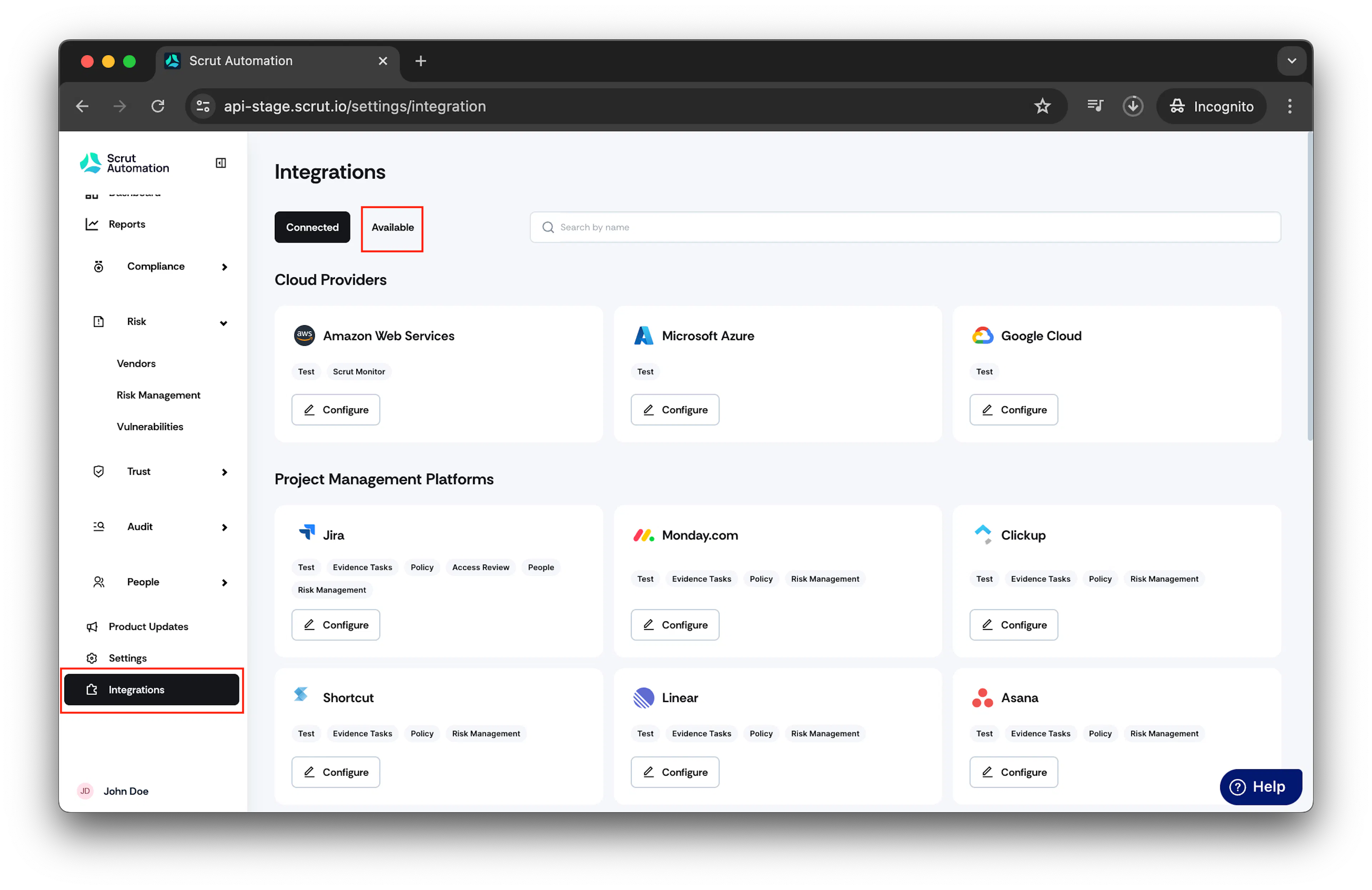
- From the left navigation panel, select Integrations.
- Click on Available.
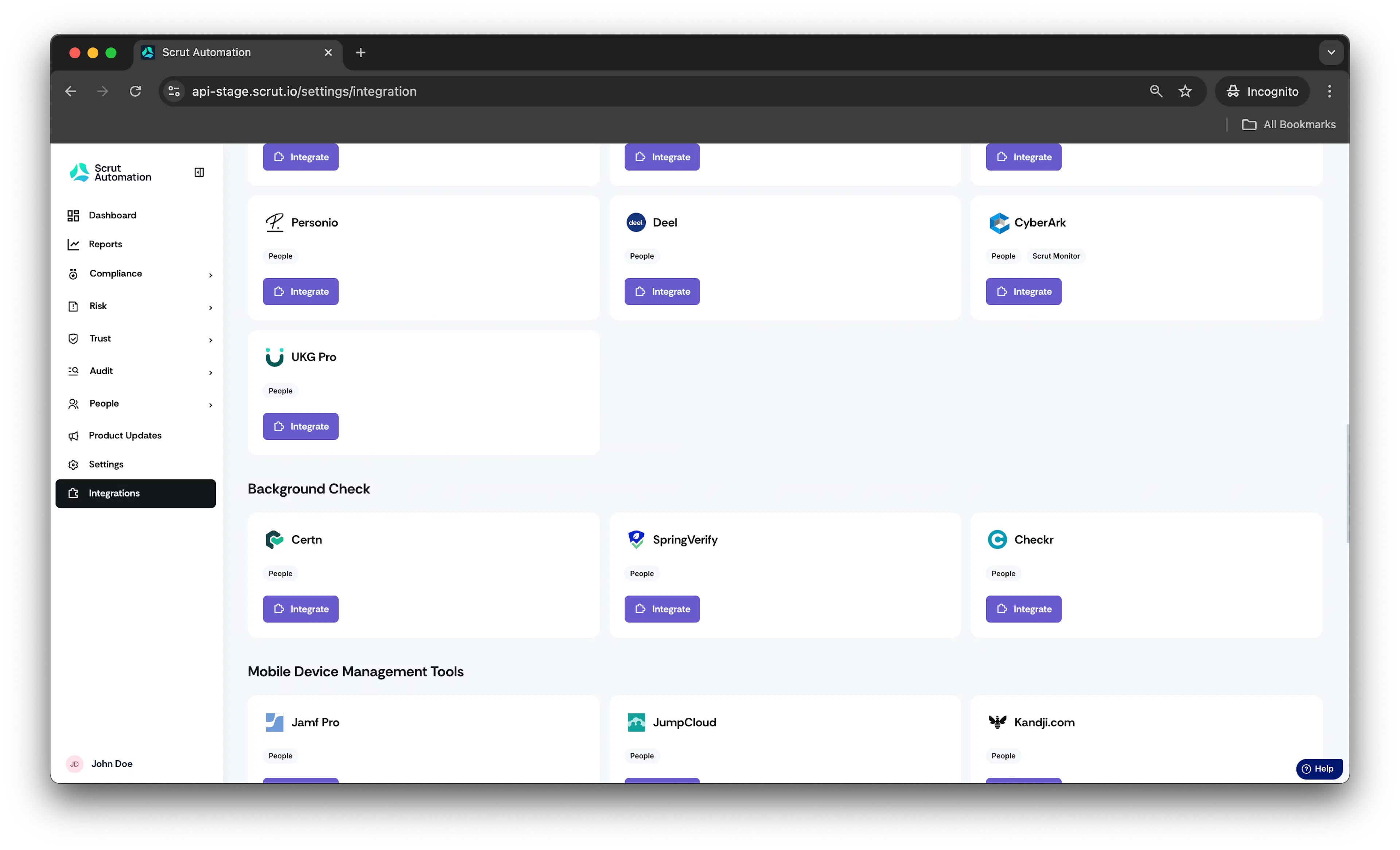
- Scroll to Background Check section and find Certn.
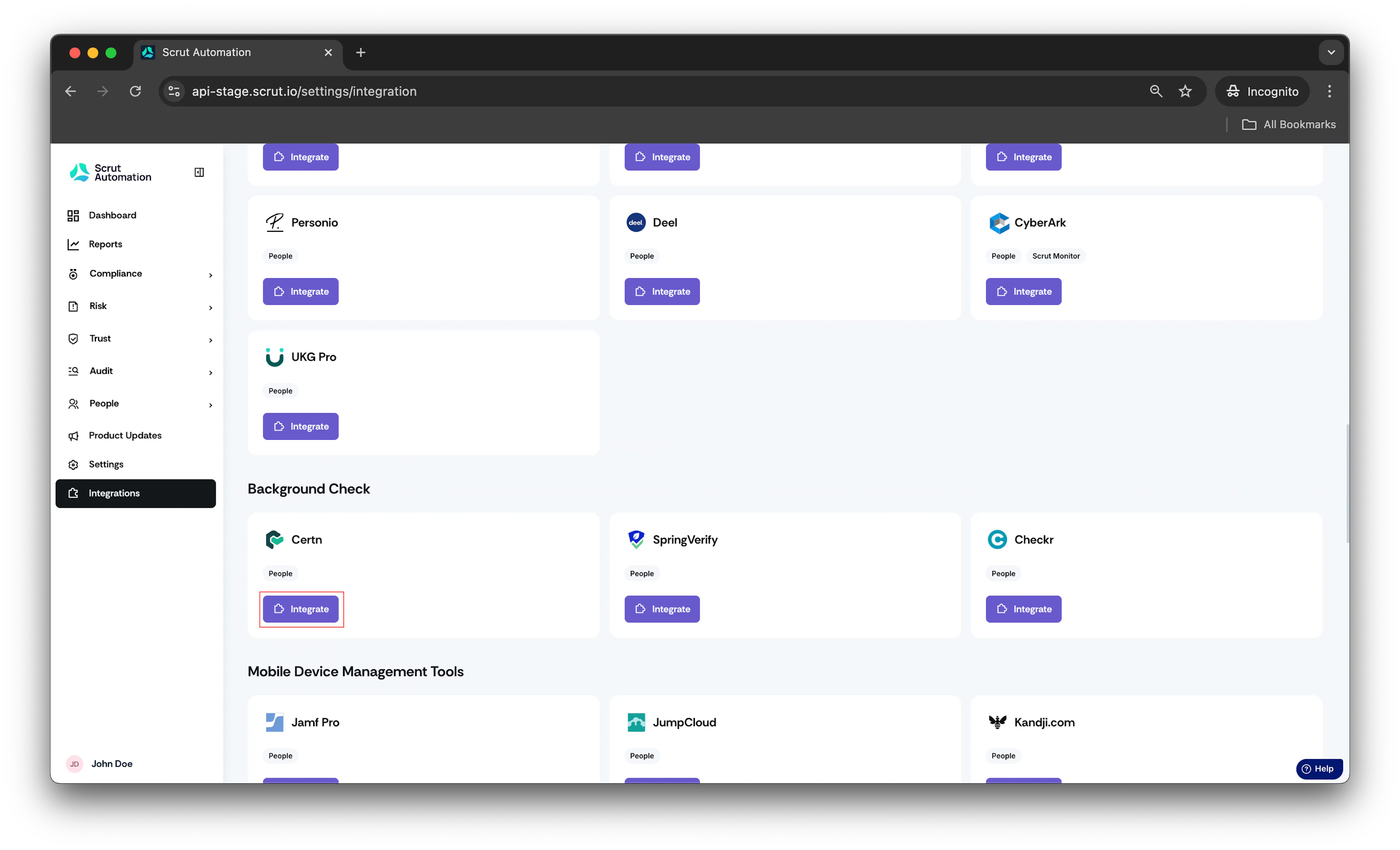
- Click Integrate.
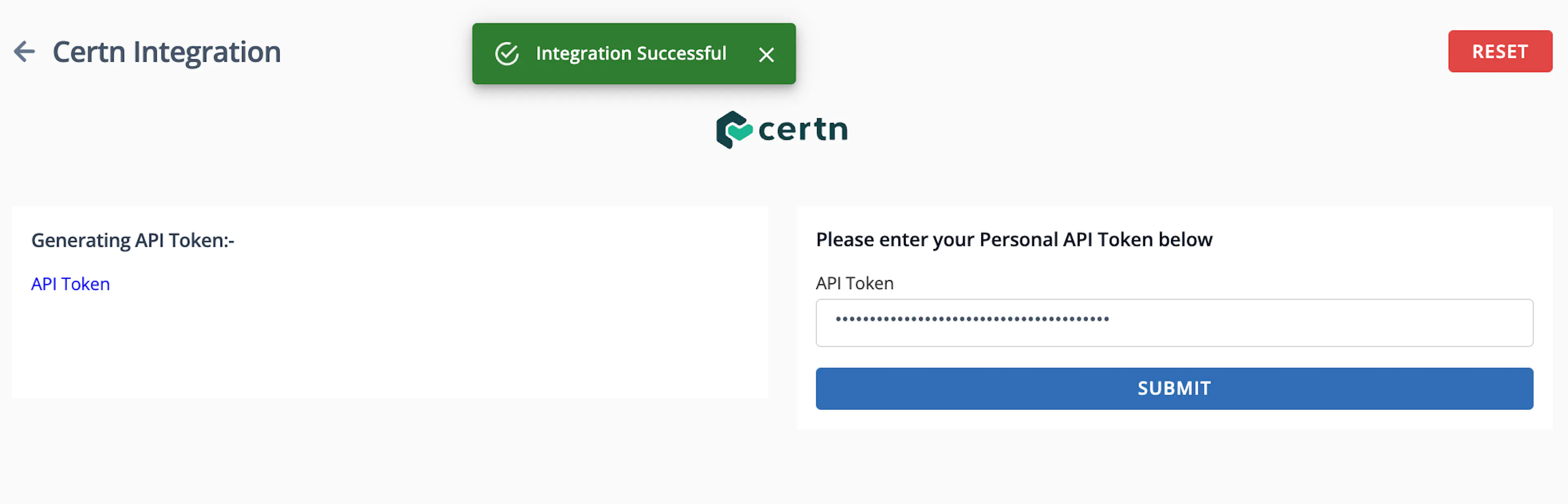
- In API Token field, enter your Certn account API Token.
How to obtain API Token?
Refer to this Certn Guide for obtaining API Token.
- Click Submit. Upon successful integration, you will receive a notification at the top indicating that the integration was successful.
- Background check data syncs every 24 hours.
- Data can also be manually synced by clicking the three dots and choosing the Sync Now option.
Was this page helpful?