

Integrate EC Council
Integrating Scrut with EC Council saves hundreds of hours by automatically collecting evidence of an employee's security awareness training.
How to Integrate EC Council with Scrut
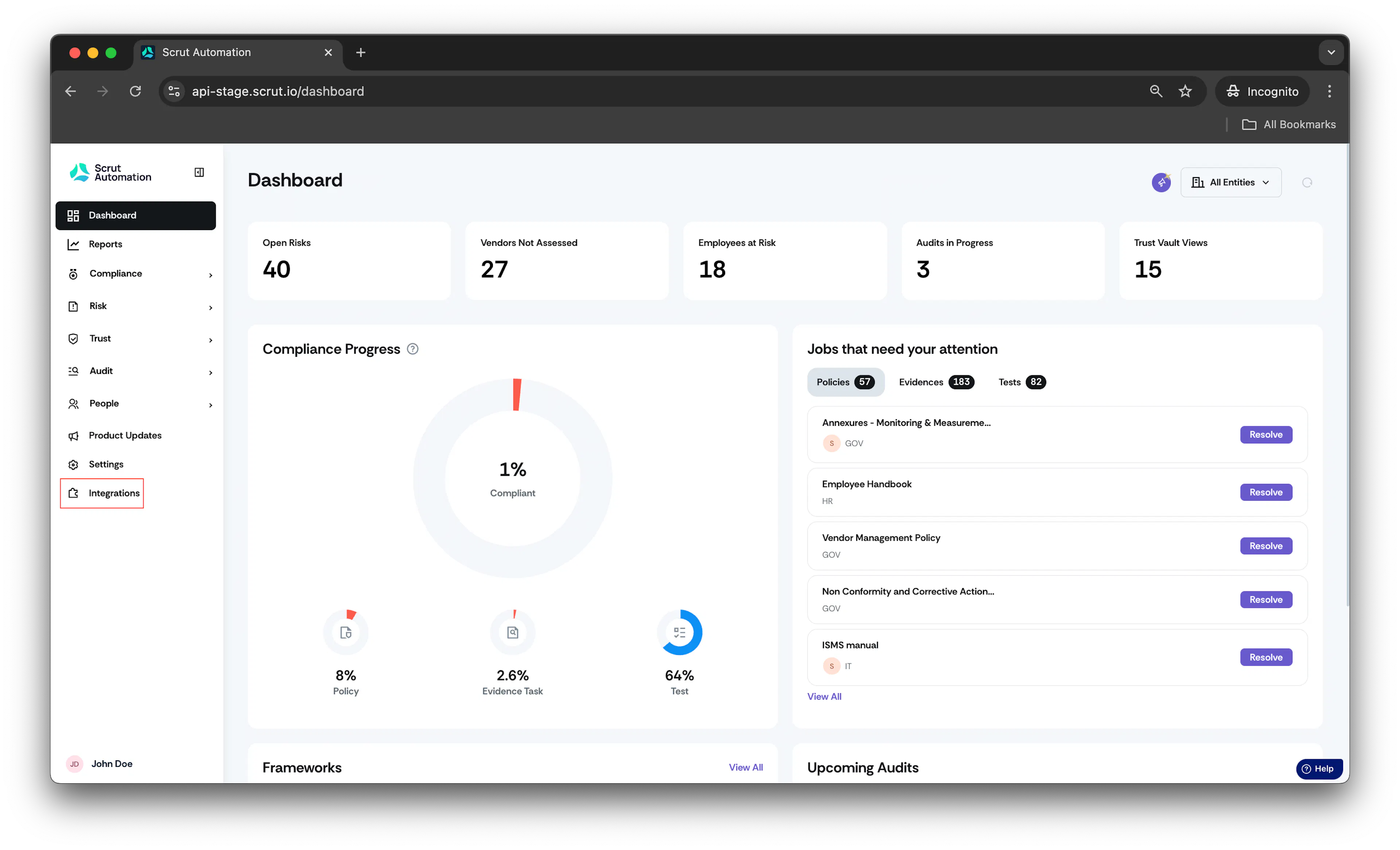
- From the left navigation menu, click Integrations
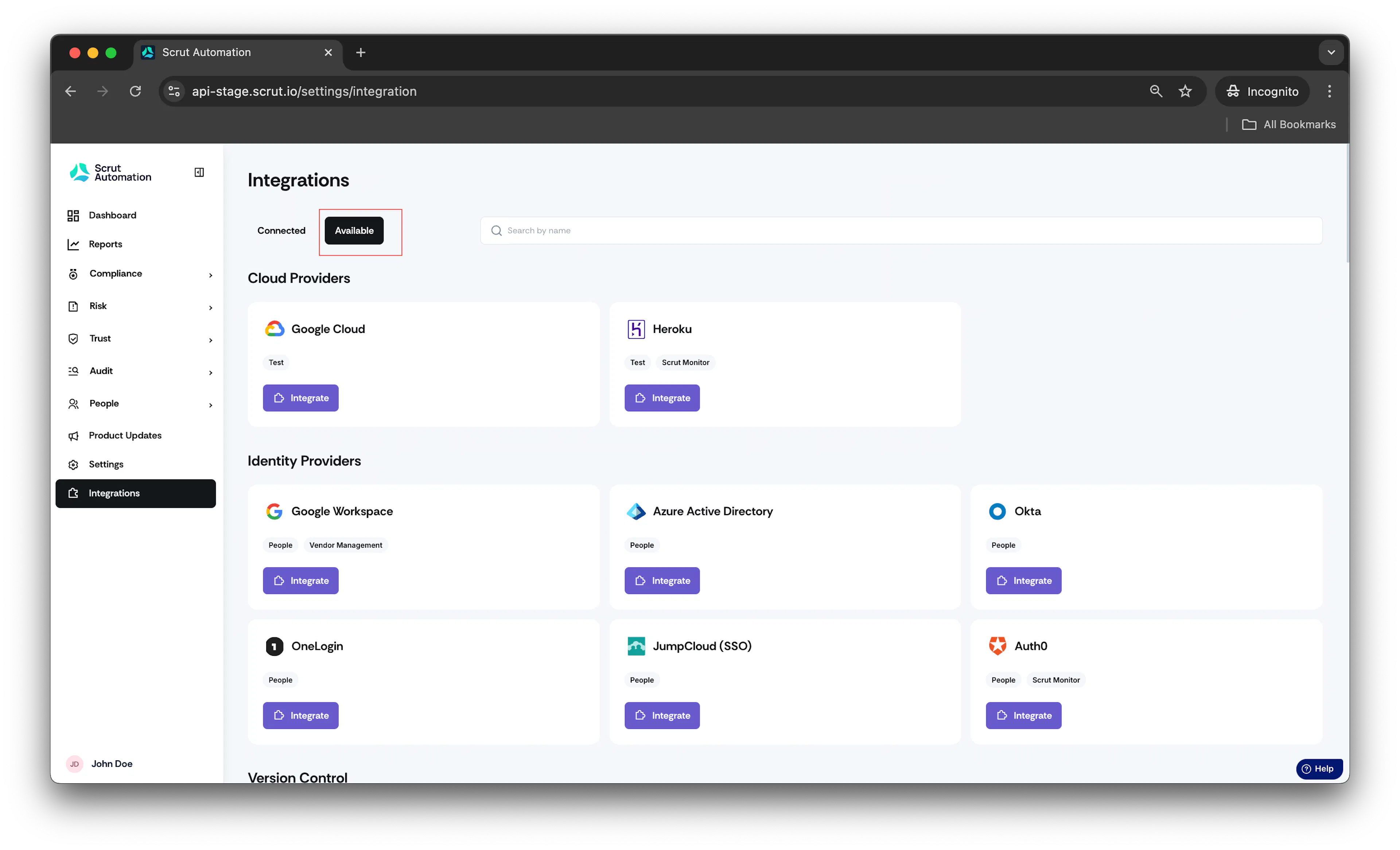
\2. Click on Available
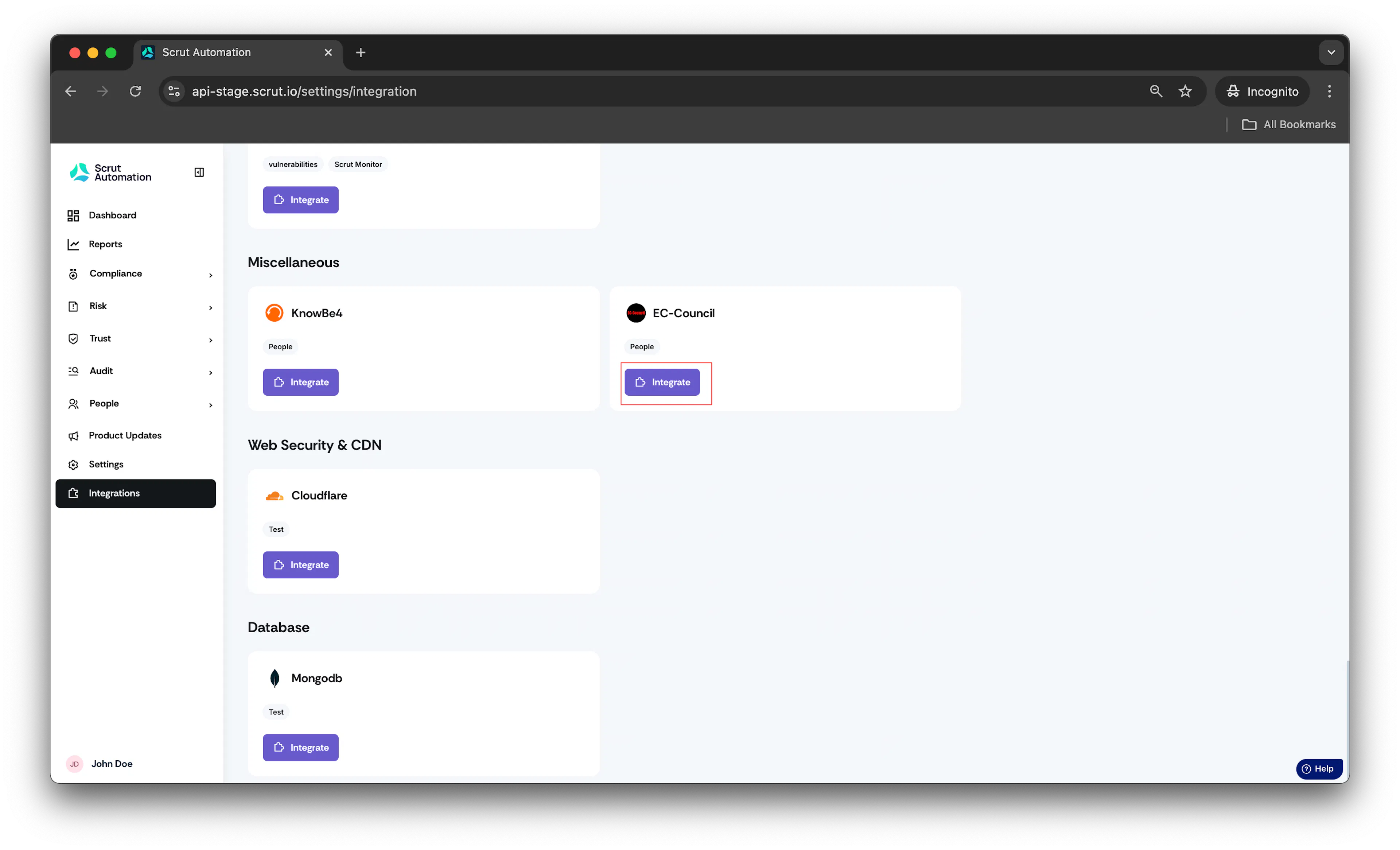
- Scroll to the Miscellaneous section, find EC Council, and click Integrate.
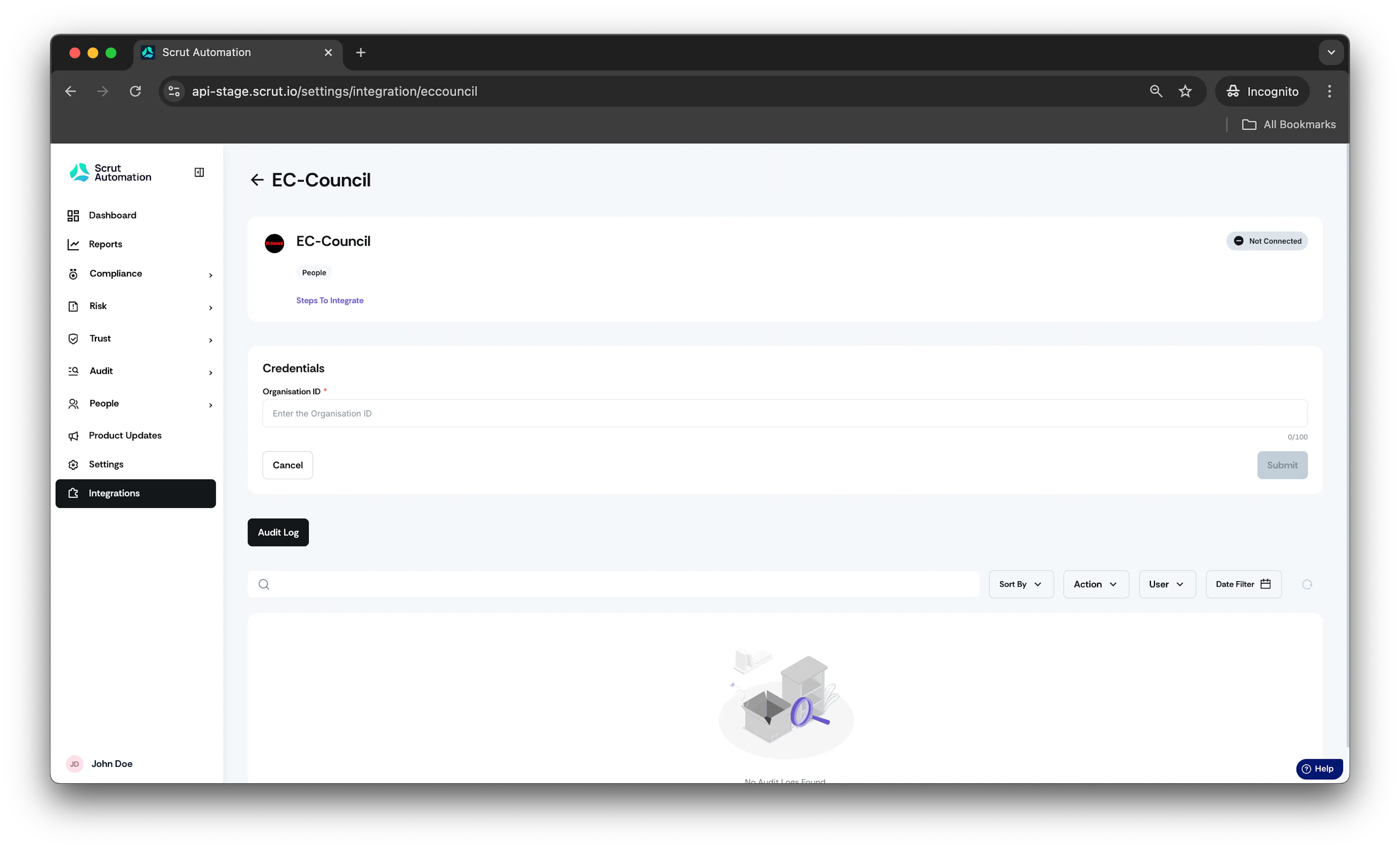
\4. Enter the Organization ID and Click Submit.
- Once the integration is complete, click on the three dots in the top right corner and select Configure Campaigns.
- A list of available campaigns will be displayed.
- Toggle on the campaigns you want to enable.
- Once configured, the campaign details will be shown under the employee tab of the people section.
Was this page helpful?