

Integrate ThreatCop
Integrating Scrut with ThreatCop saves hundreds of hours by automatically collecting evidence of an employee's security awareness training.
Integrating ThreatCop
- From the left navigation menu, Click Integrations.
- Click on Integrations Library.
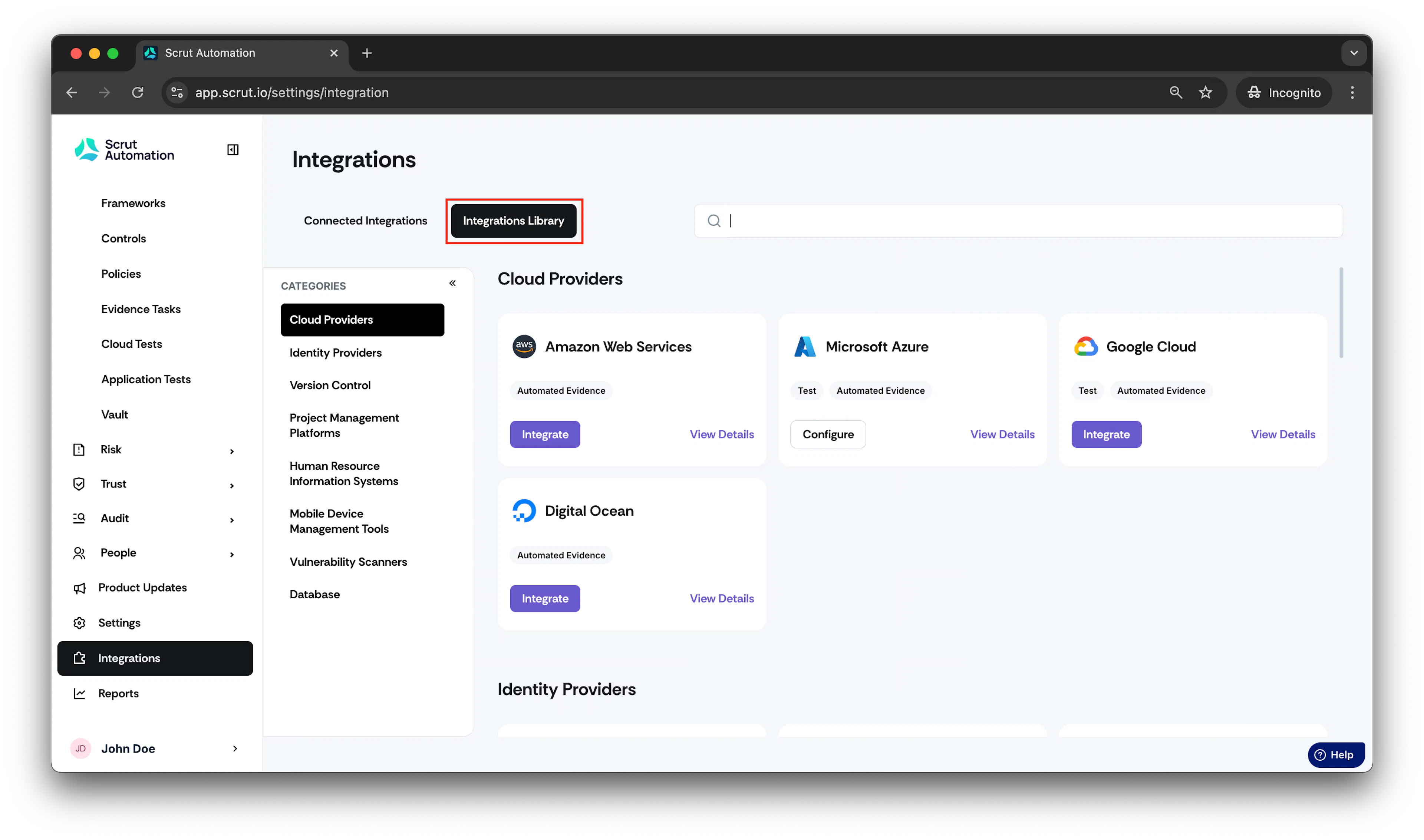
-
Scroll to Campaigns & Trainings section and find ThreatCop.
-
Click Integrate.
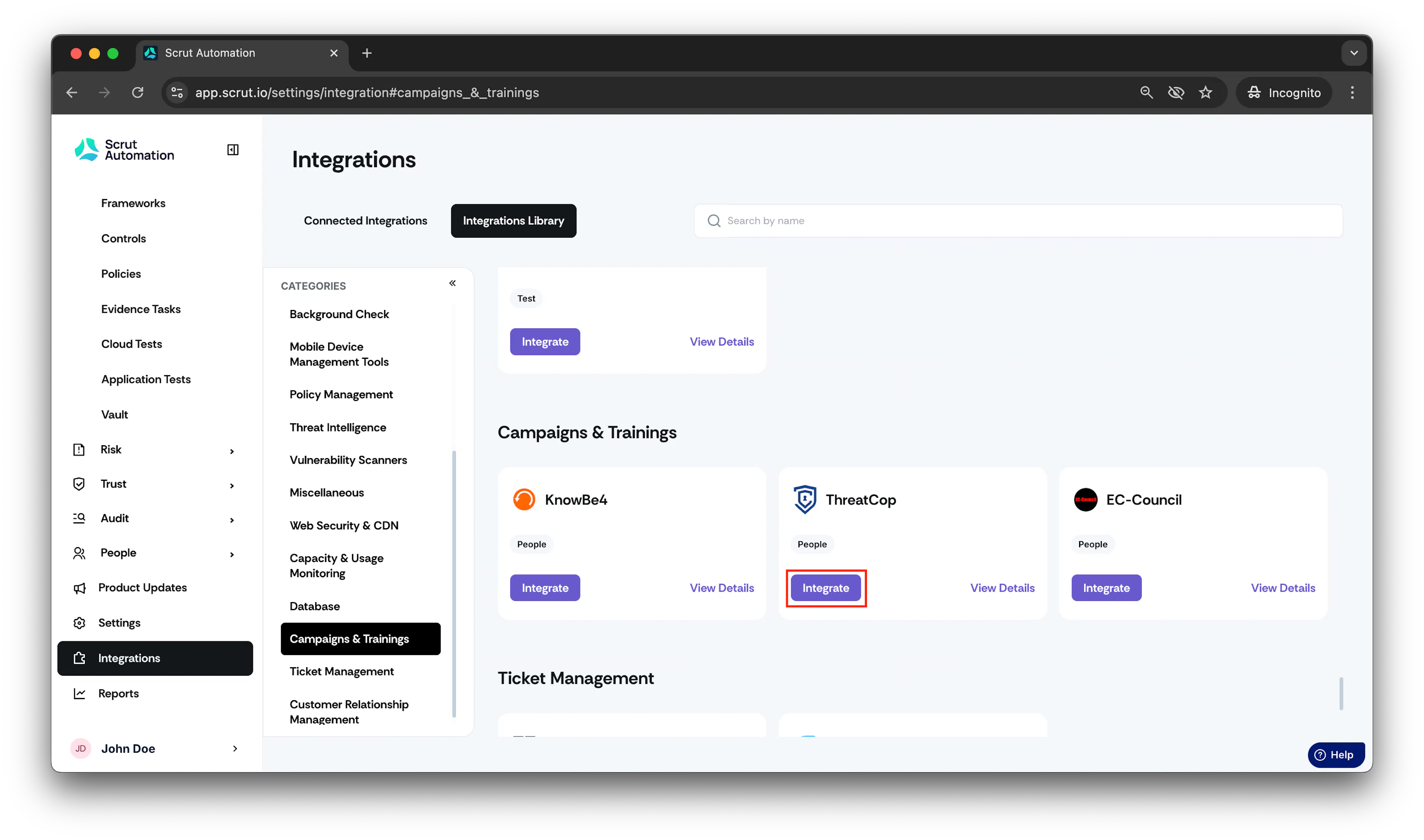
- The ThreatCop integration page will open.
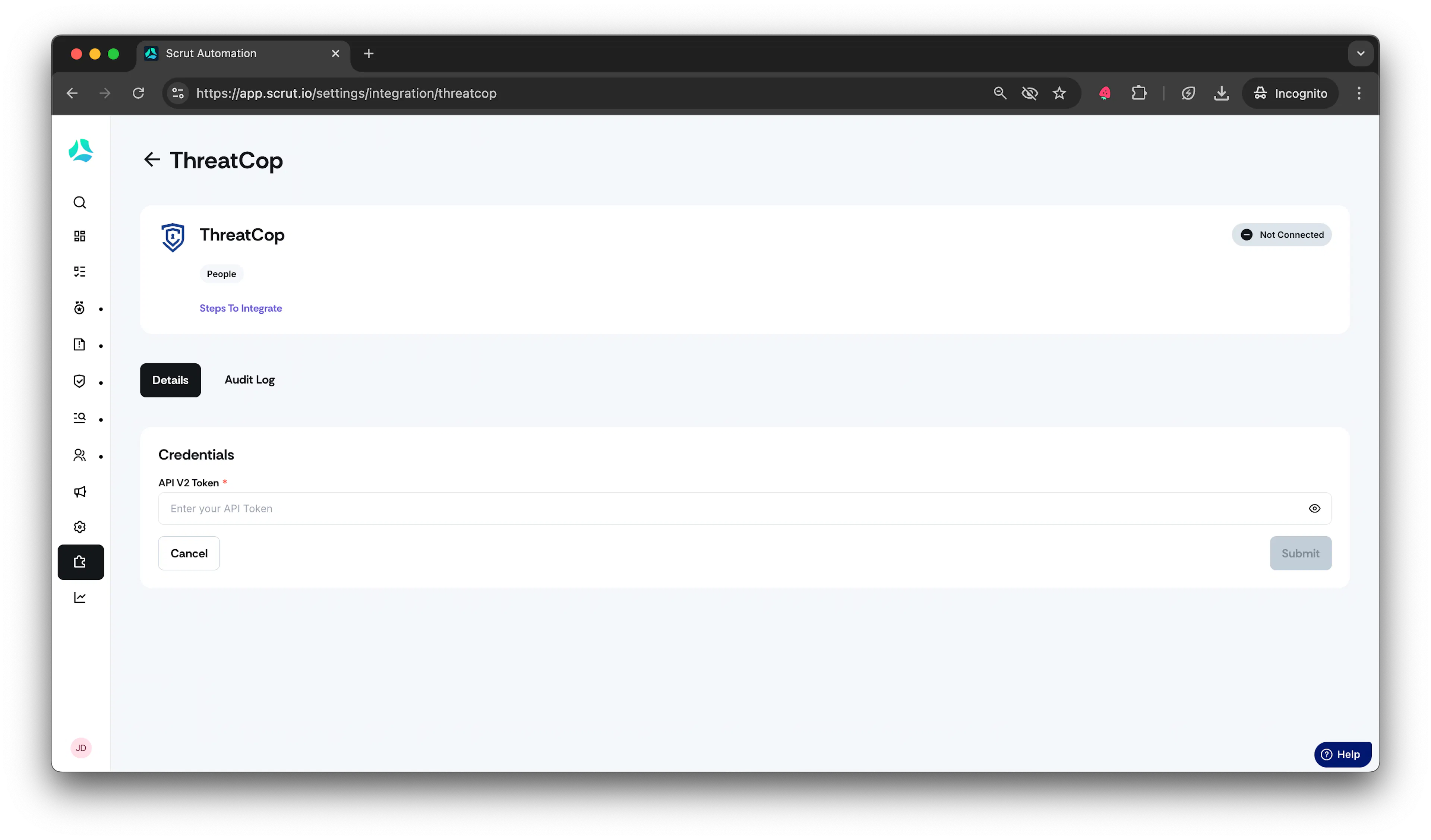
Enter your ThreatCop API V2 token in the designated field.
-
To obtain the API V2 token, reach out to the ThreatCop team directly.
-
Paste the API key in the field and click Submit.
-
Upon successful integration, you will see the status marked as Connected.
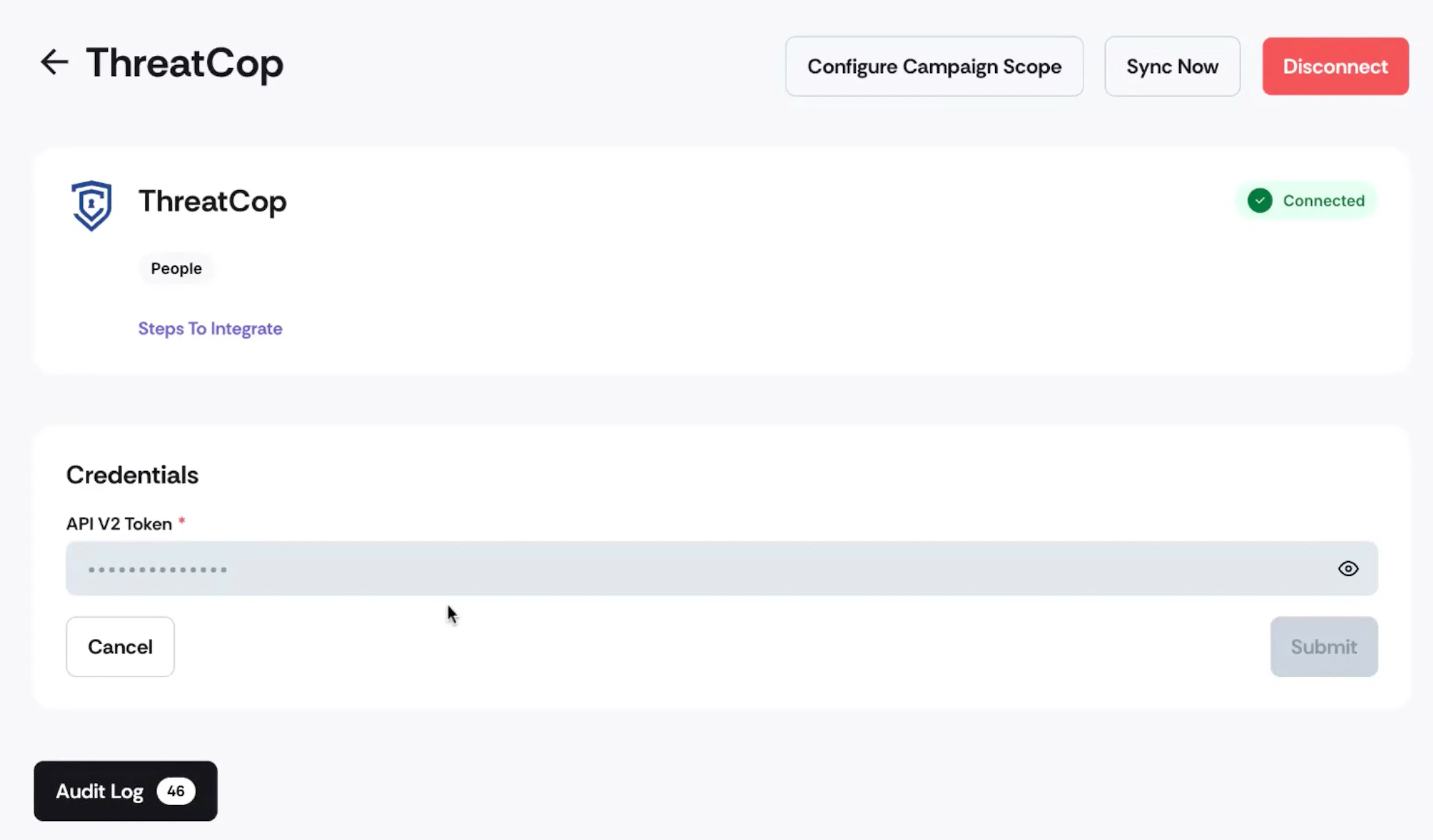
- Click on Configure Campaign Scope.
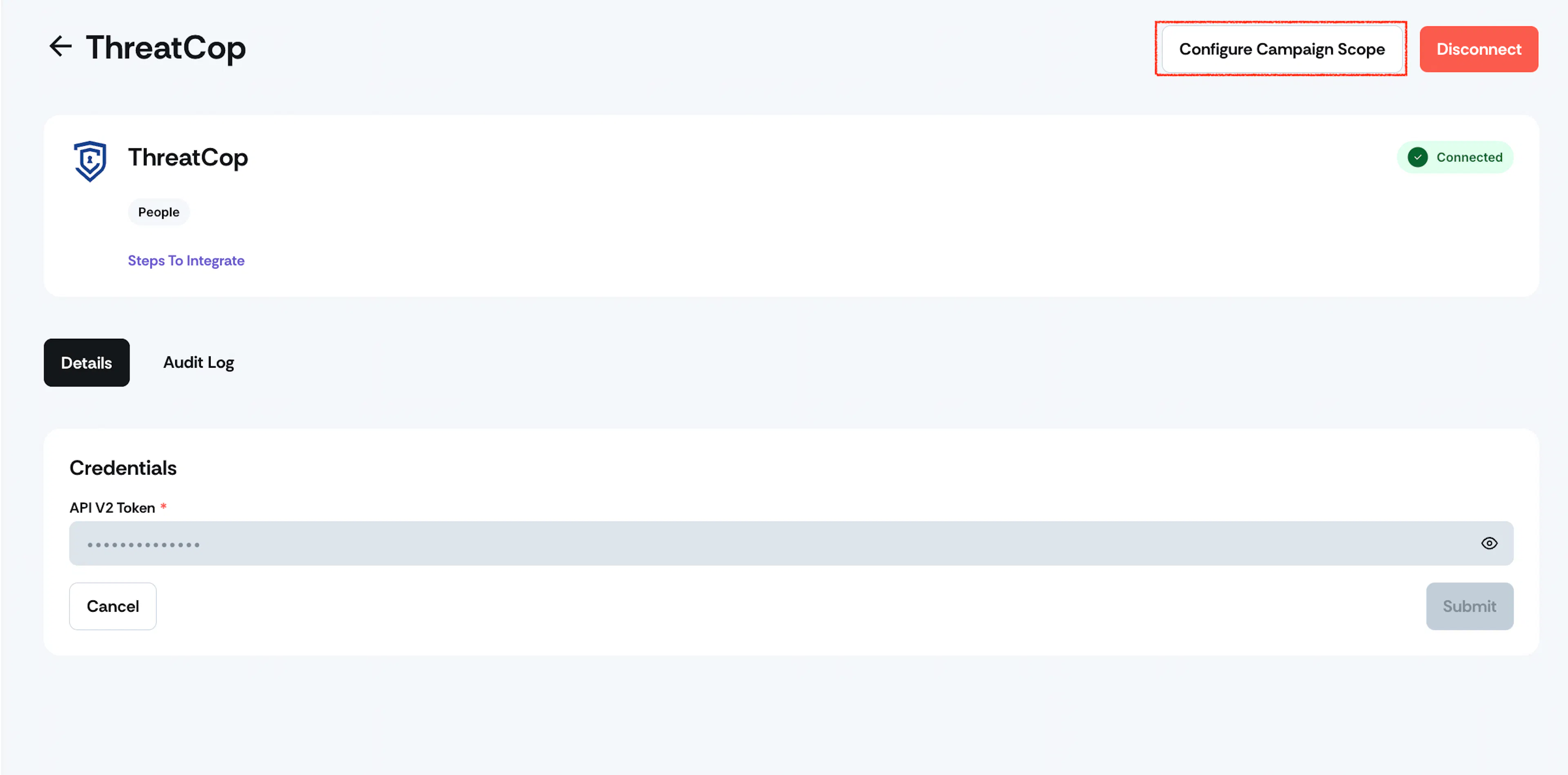
- Select the campaign for which the data should be synced for employees.
Was this page helpful?