

Integrate Zendesk
Integrating Zendesk
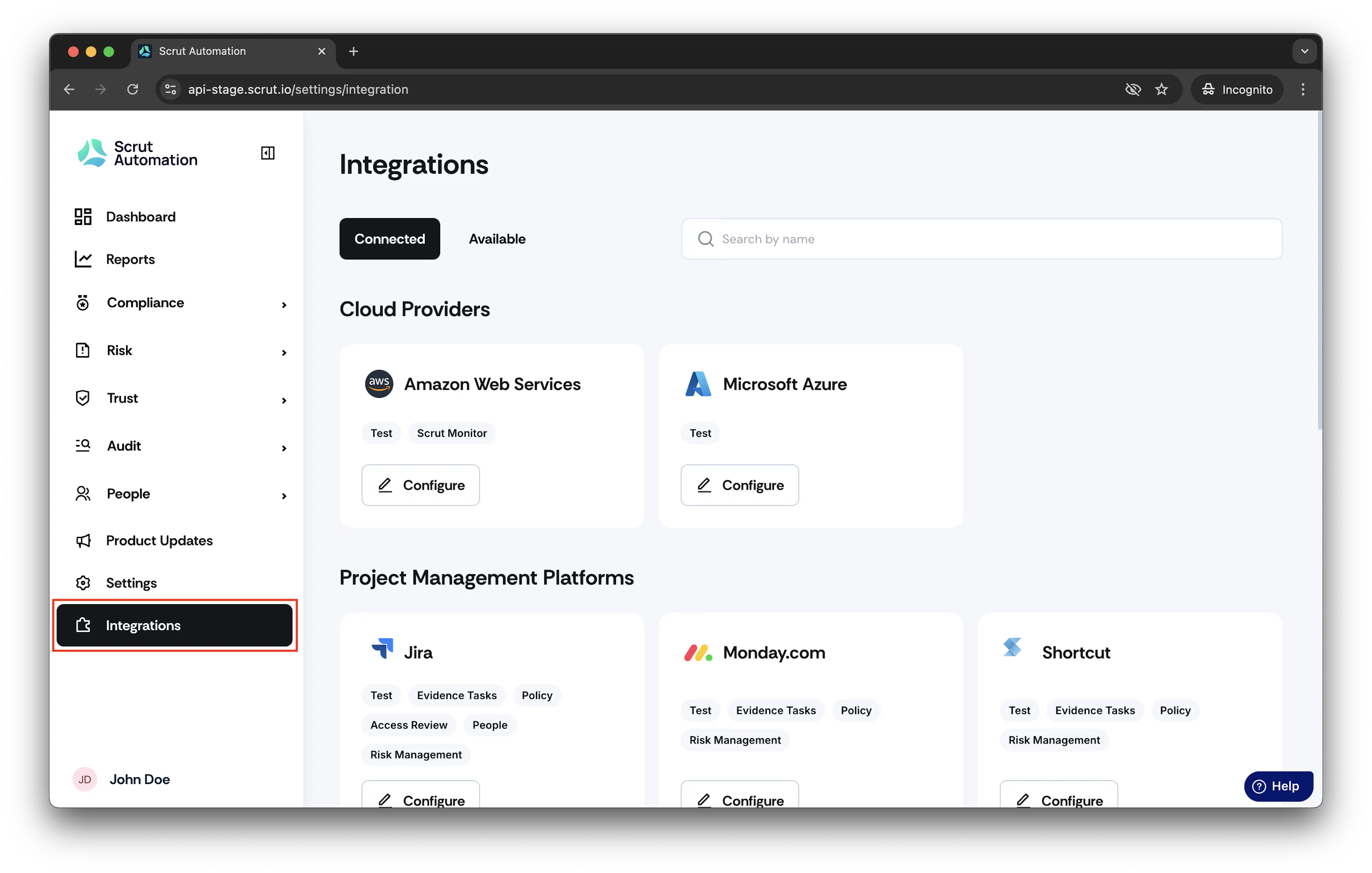
- From the left navigation menu, click Integrations.
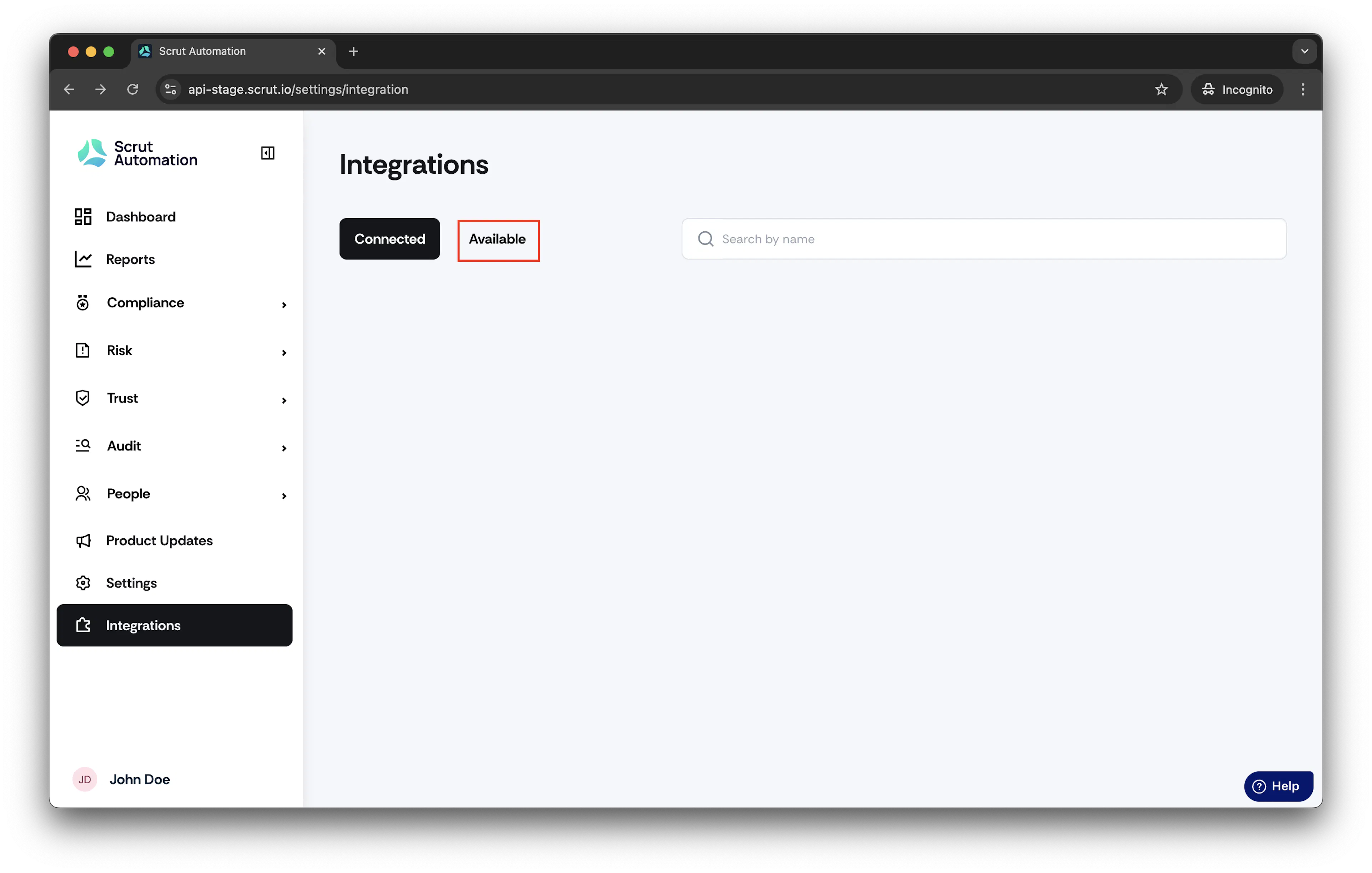
- Click Available.
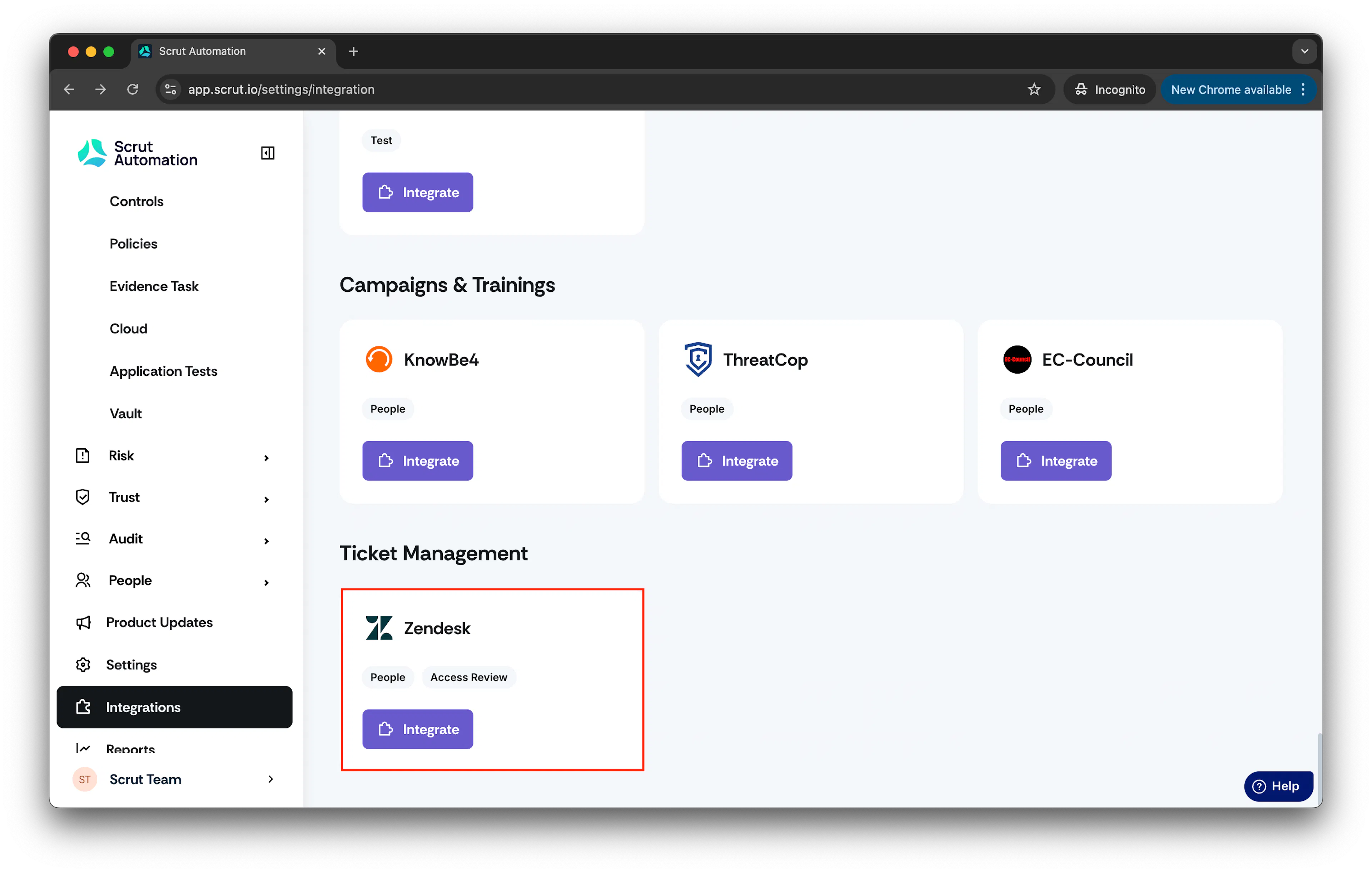
- Scroll to Ticket Management section and select Zendesk.
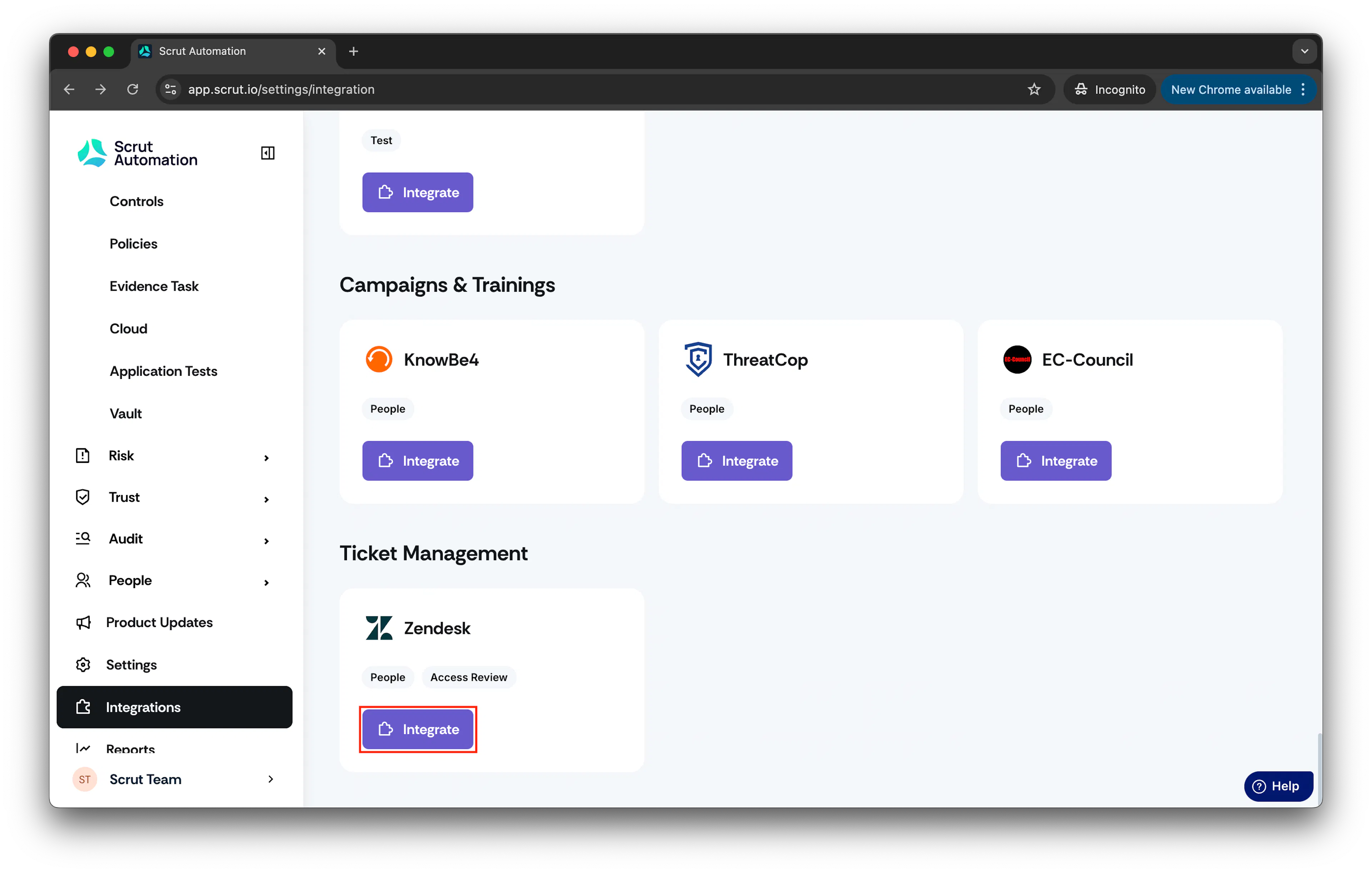
- Click on Integrate.
- Enter the Zendesk Subdomain in the designated field.
The integration uses OAuth-based authentication, ensuring a secure connection. Your Zendesk subdomain is the unique part of your Zendesk URL. It typically looks like this:
https://yoursubdomain.zendesk.com
You can find this in the address bar when you log into Zendesk.
-
Click Connect. This will redirect you to Zendesk’s OAuth authentication page.
-
On the OAuth page, log in to Zendesk (if prompted) and allow Scrut to access your Zendesk data.
-
Once OAuth authentication is successfully completed, your Zendesk account will be connected to Scrut. You’ll be redirected back to Scrut, and the integration will be active.
Was this page helpful?