

Manage Entities
Who can use this feature
- Supported on Scale plan
This guide explains how to add and manage multiple entities in your Scrut organization.
What are Entities?
Entities represent different divisions, subsidiaries, geographies, or business units within your organization. By creating multiple entities, you can manage compliance controls, frameworks, and artifacts separately for each while maintaining a centralized organization structure.
Once you create an entity, you can assign specific frameworks, controls, or artifacts to that entity based on its unique needs or compliance requirements. For artifacts that are relevant to all entities, you have the option to categorize them as “Organization-wide.”
How To Add an Entity
-
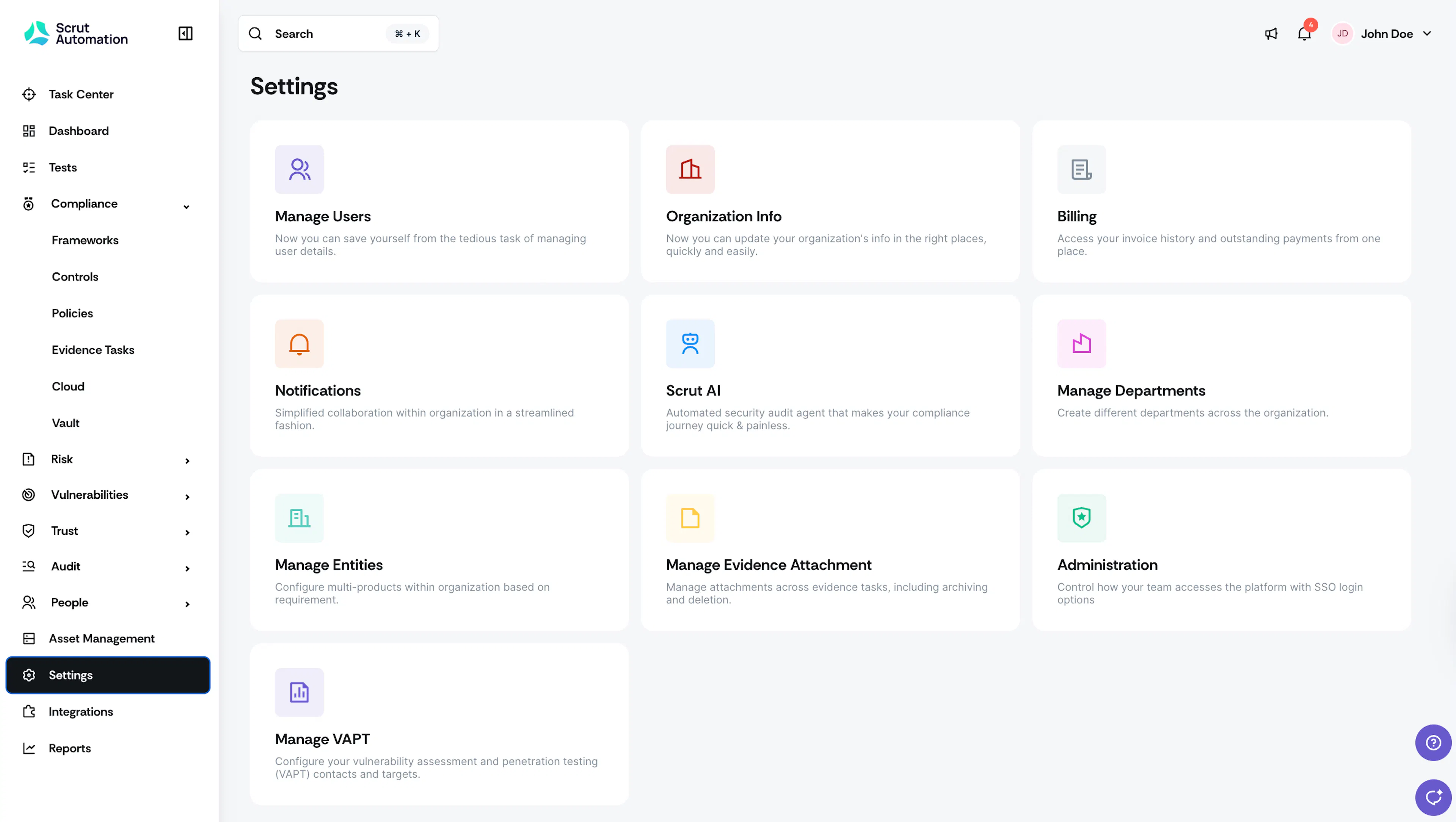
Sign in to your Scrut account, and click Settings on the left navigation panel.
-
Click the Manage Entities section.
-
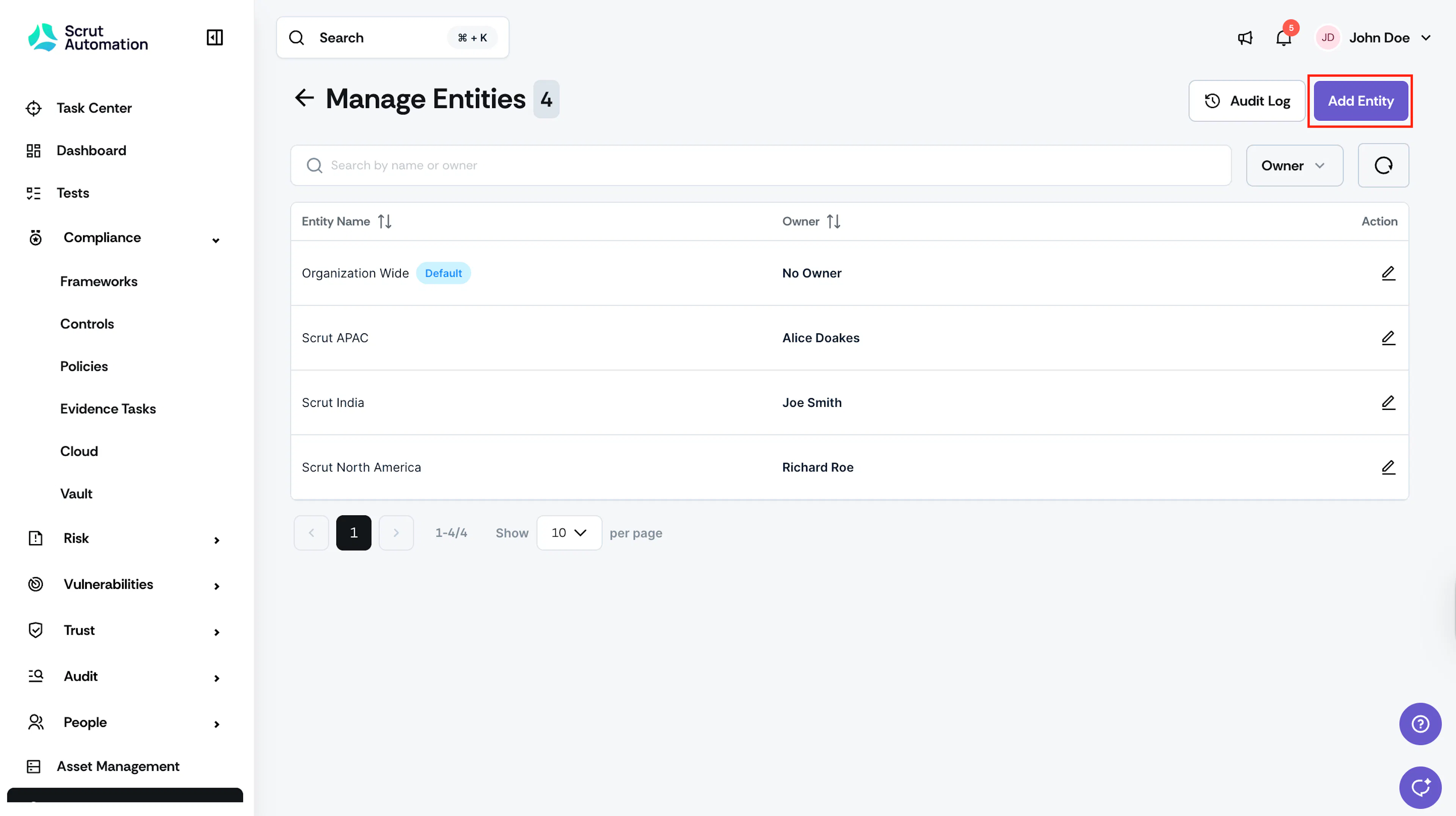
Click the Add Entity button at the top right.
-
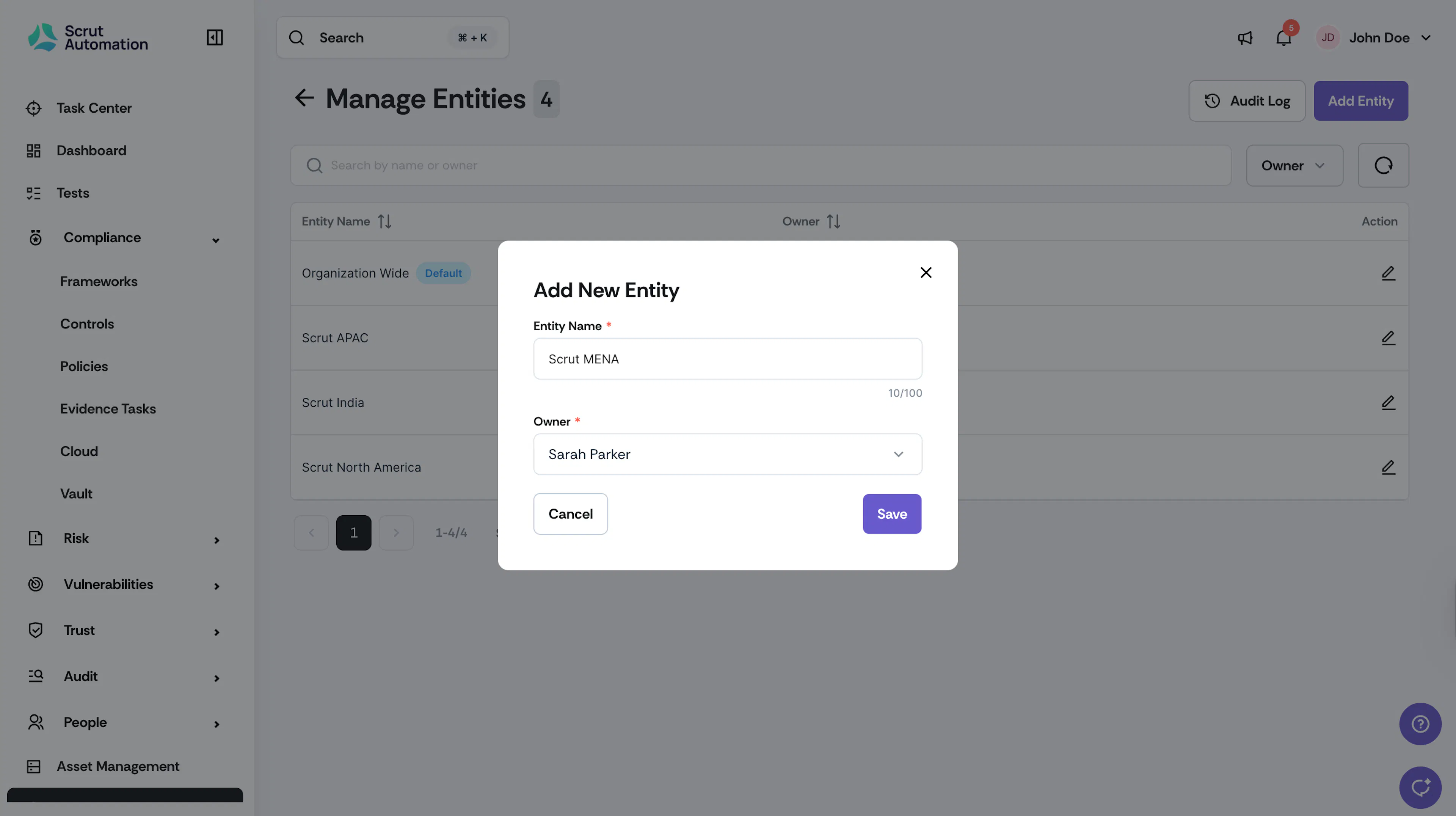
Enter the Entity Name (for example, Acme North America, Acme Subsidiary, etc.)
-
Select an Owner to manage the entity.
-
Click Save.
How To Edit an Entity
-
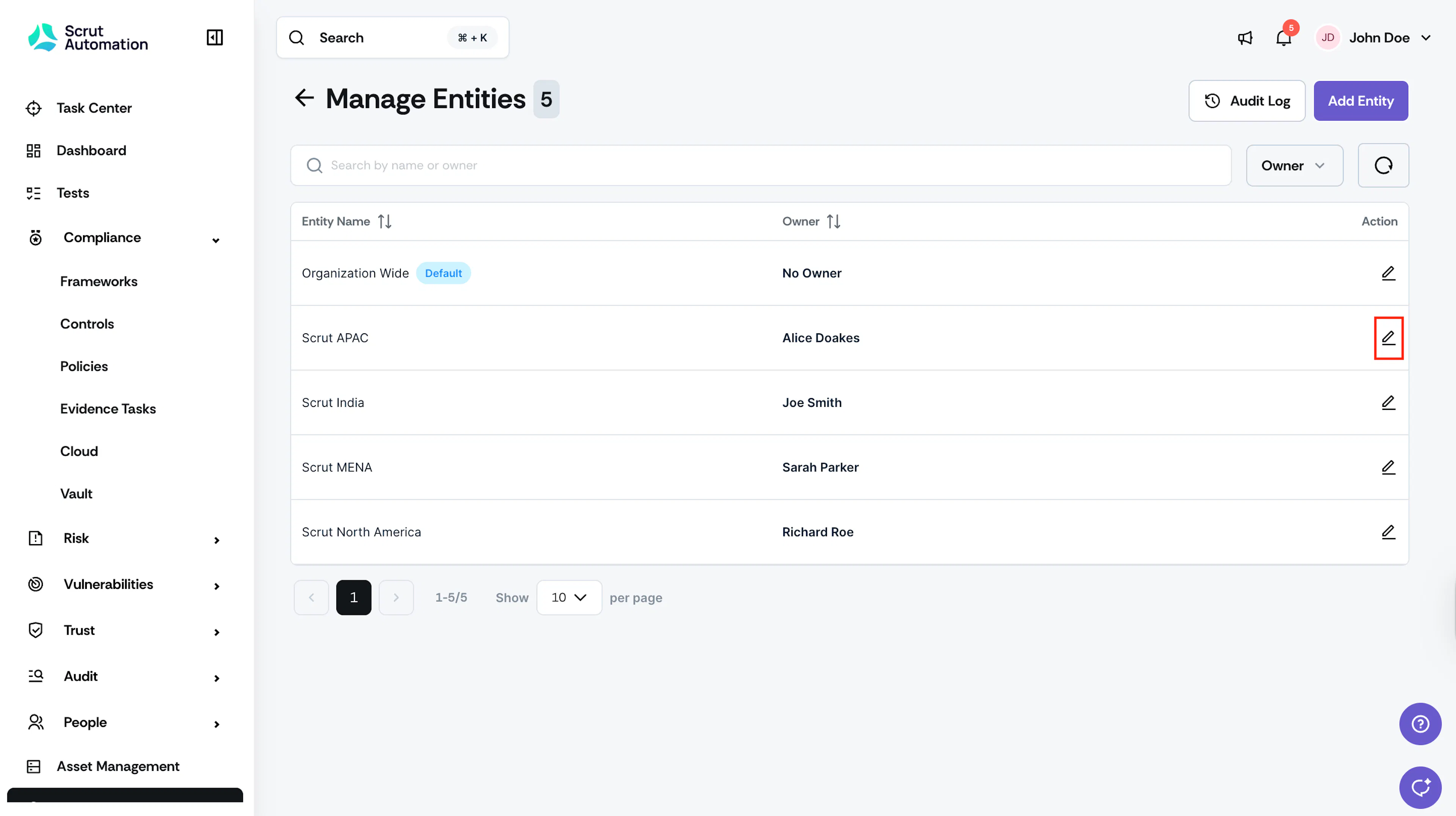
Go to Settings → Manage Entities and select the pencil icon next to the entity you want to edit.

-
Update the Entity Name and Owner, as required.
-
Click Save.