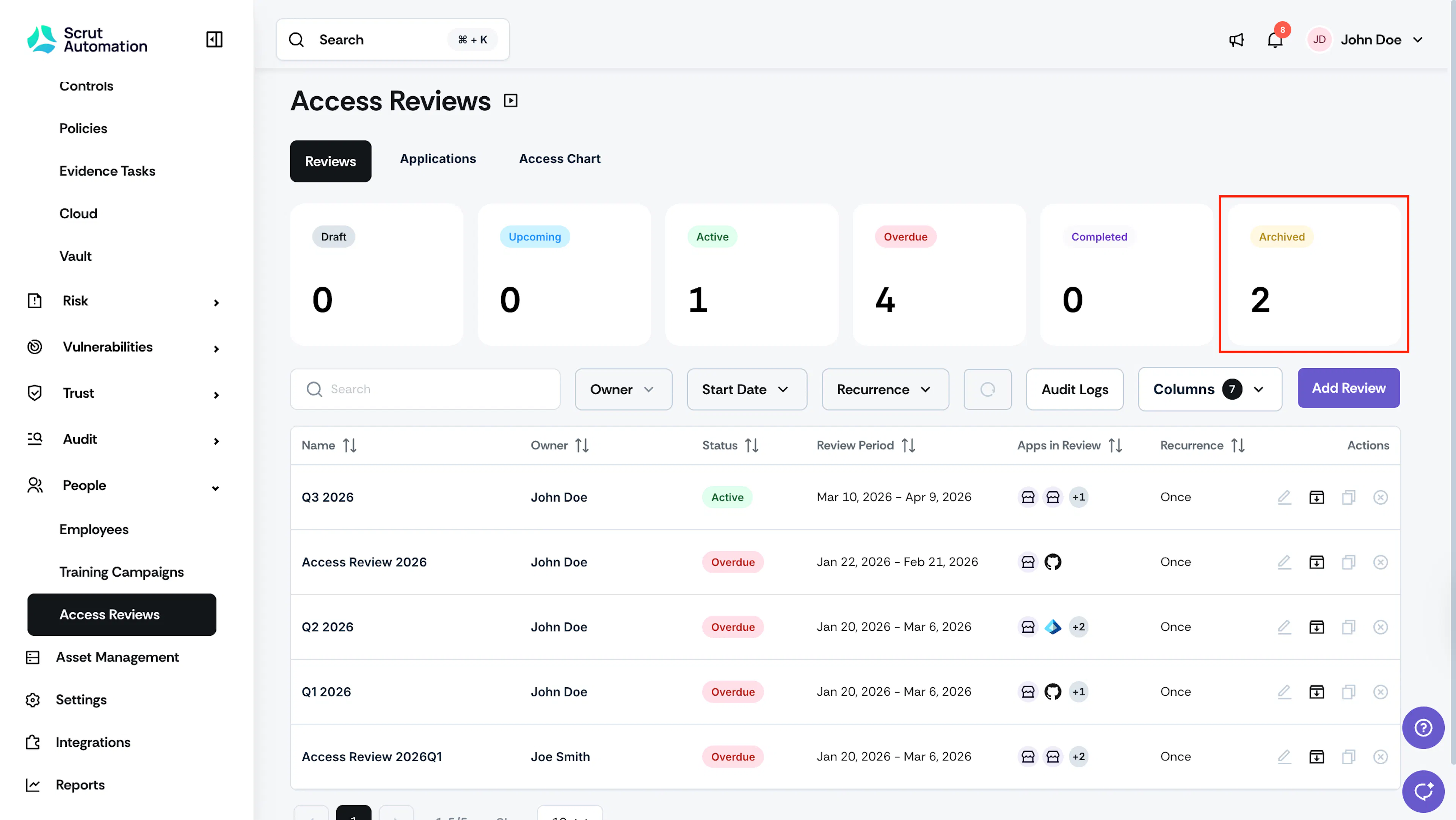
What to Do After Completing an Access Review
Once the review is concluded, you can perform the following actions:
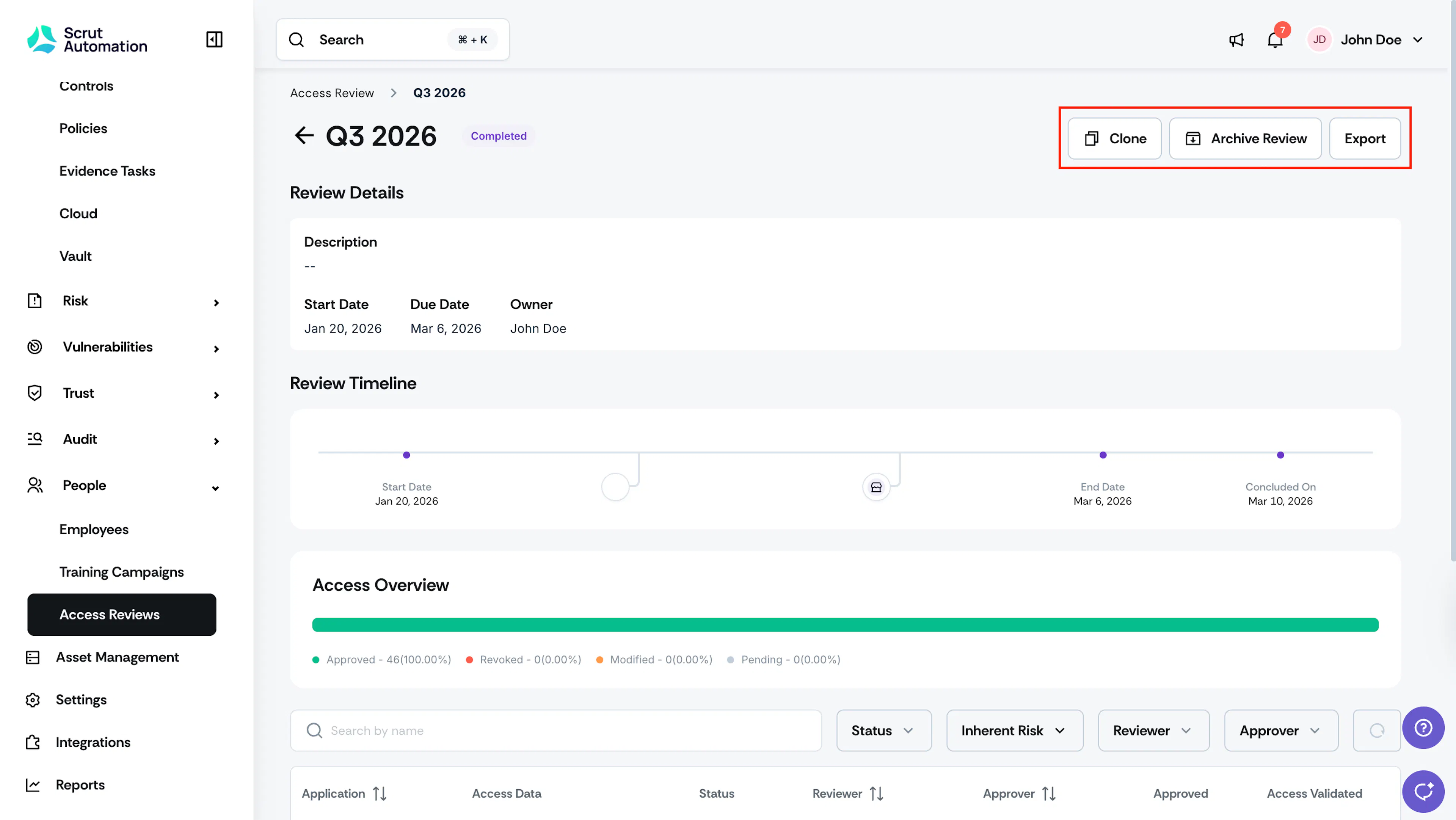
Export Review Report
Click Export to generate a comprehensive report. The report includes key details of the review, such as critical dates, access changes, applications included in the scope, and user details for each application.
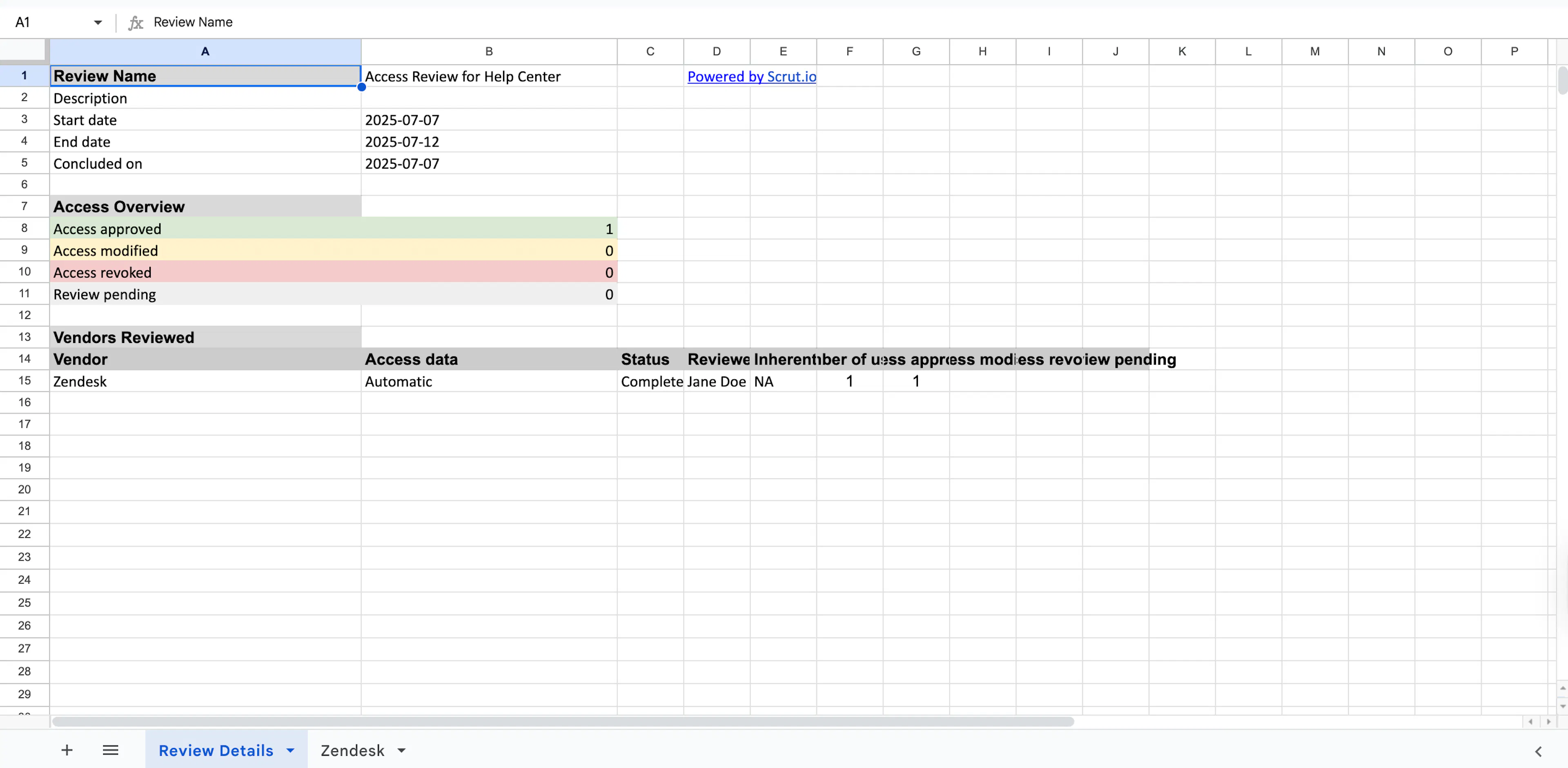
Clone Review
To streamline future access review, you can clone the current review configuration. This allows you to duplicate the current review settings, saving significant setup time. When cloning, you can modify the review name, description, in-scope applications, and other details, as needed.
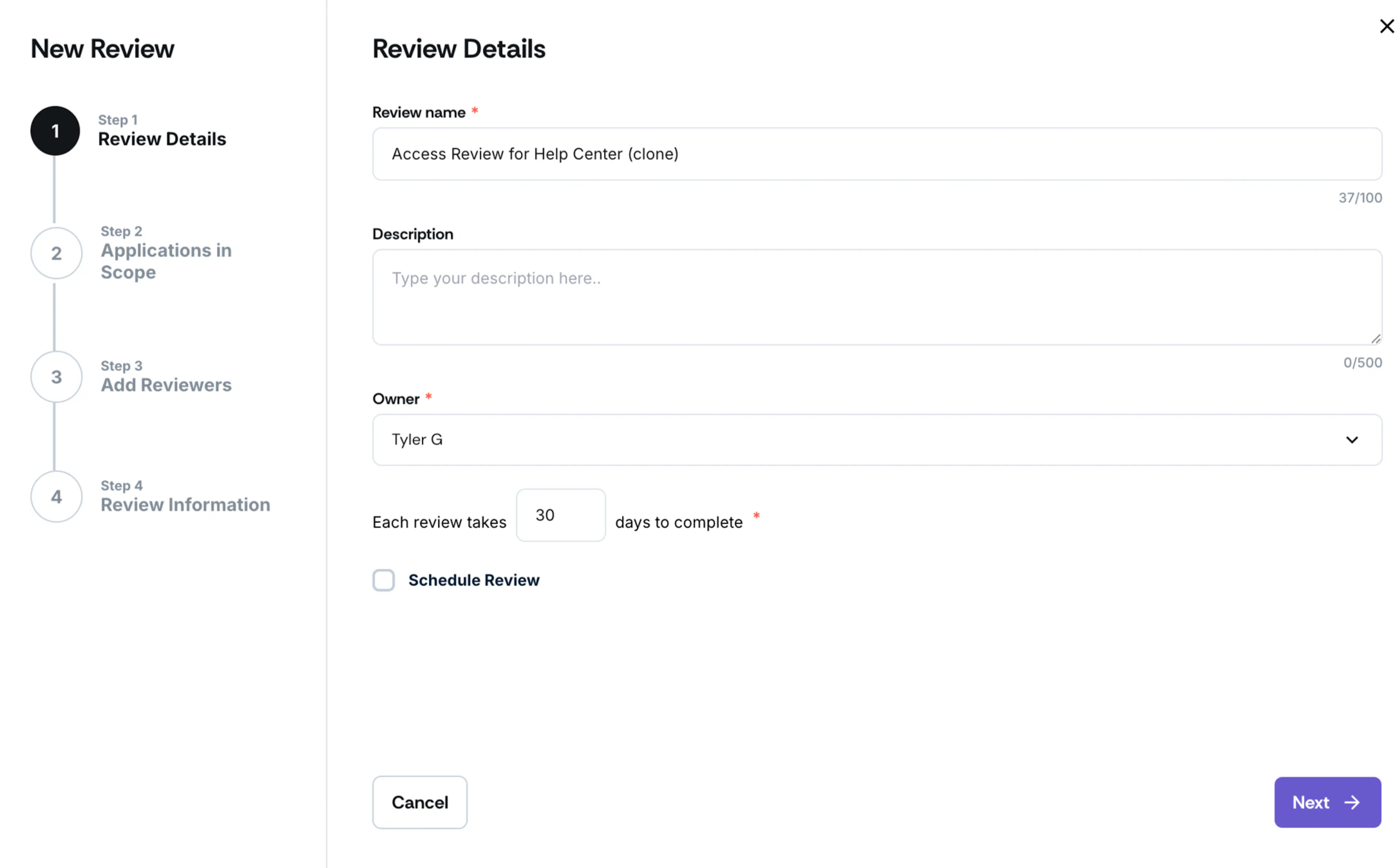
Archive Review
Scrut allows you to archive the completed review for future reference. This helps you track access trends over time and support compliance audits.
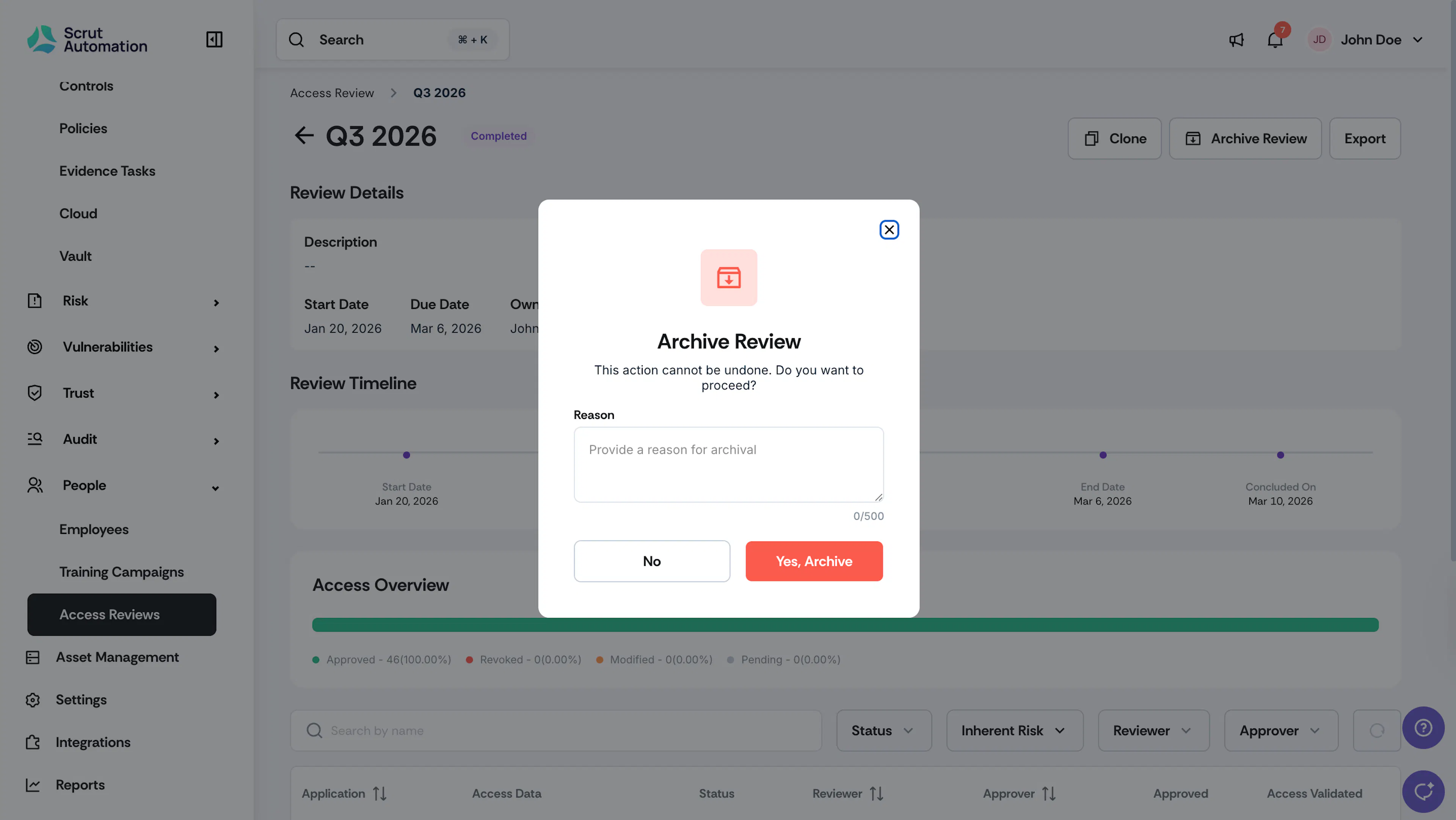
You can only archive active, overdue, or completed reviews. You cannot archive a review that is in the Draft state.
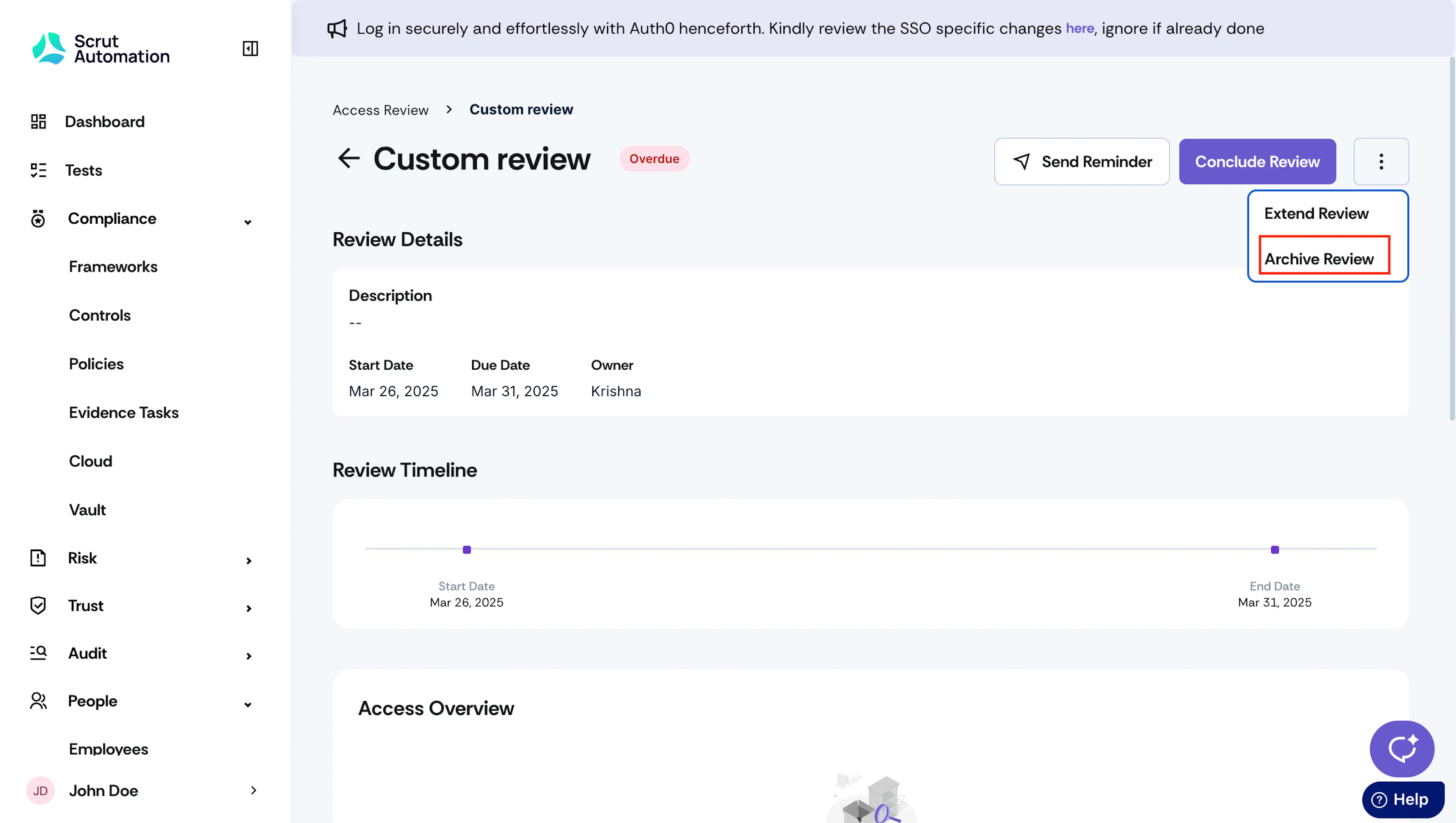
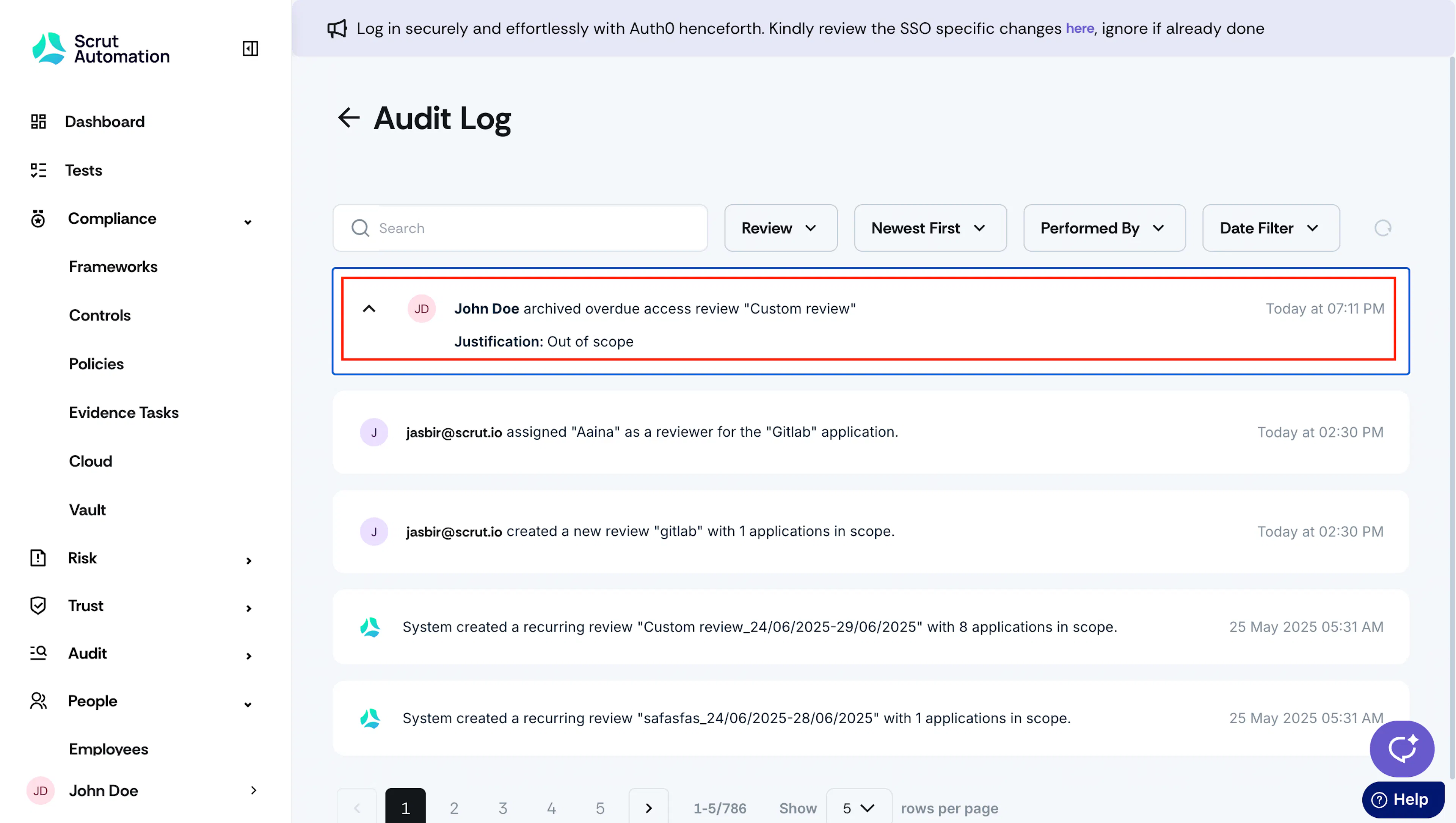
When marking a review as “archived,” you must provide a reason for active and overdue reviews. For completed reviews, the reason field is optional. The archive action is recorded in the Audit Log, which includes the user's name, timestamp, review name, and reason (if provided).
Users can access archived reviews in read-only mode by navigating to the Archived tab.