View Vulnerability Details in Third-Party Scans
Who can use this feature
- Supported on Foundation, Growth, and Scale plans
The Vulnerability Details page provides in-depth information about vulnerabilities discovered through third-party scans.
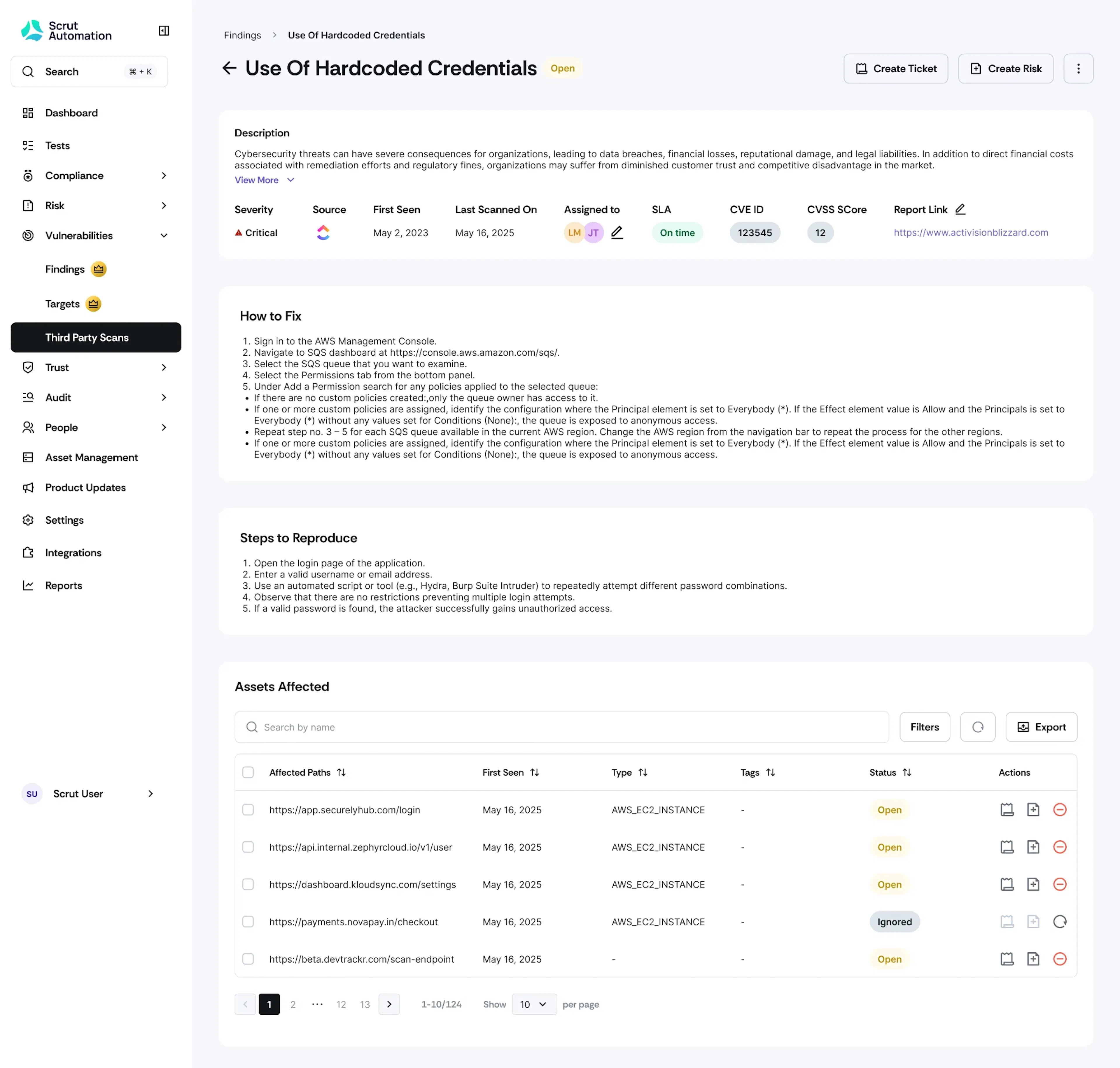
To access it:
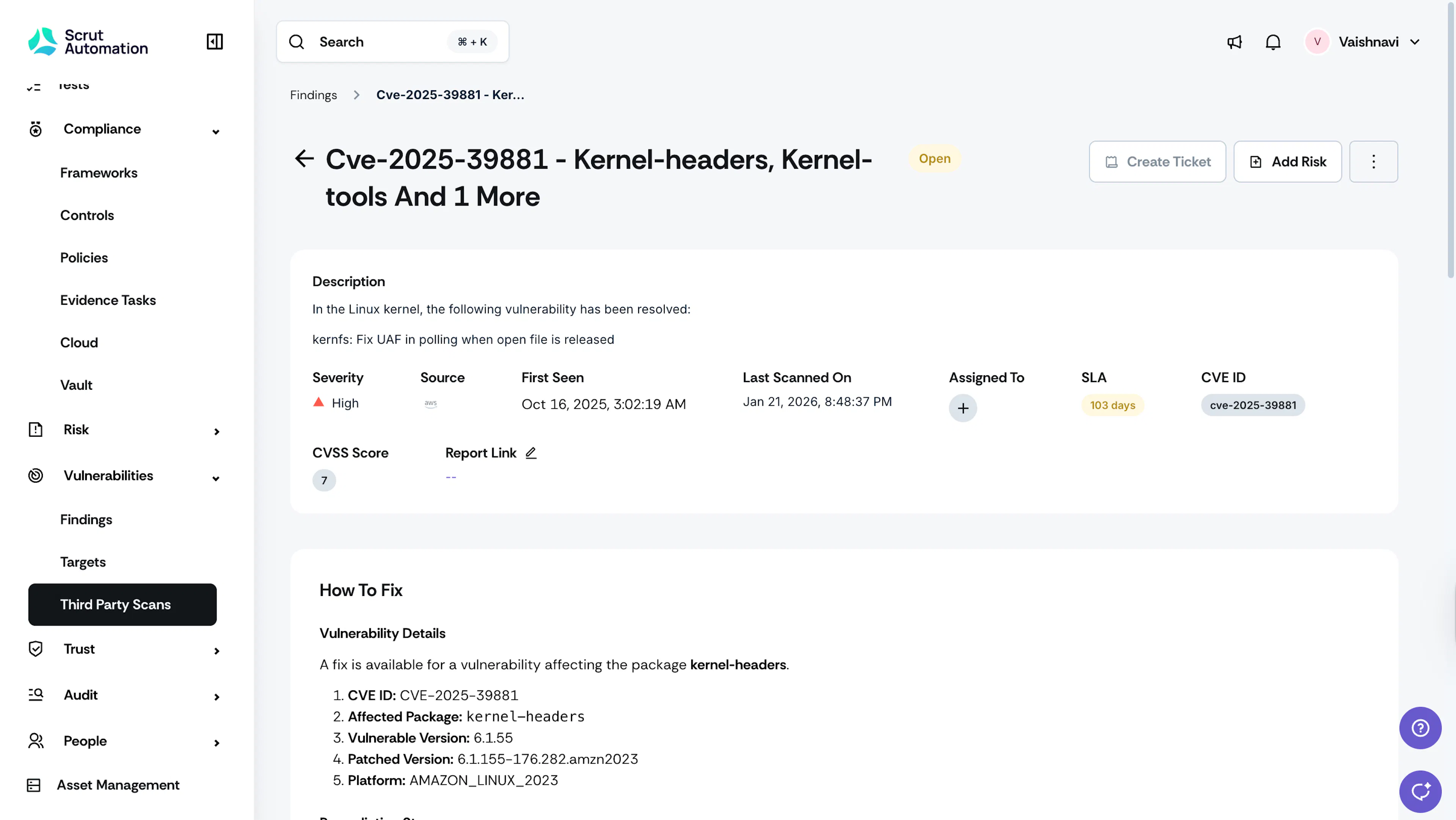
- Click Vulnerability → Third Party Scans on the left navigation panel.
- Click on any vulnerability you want to view.
Key Sections
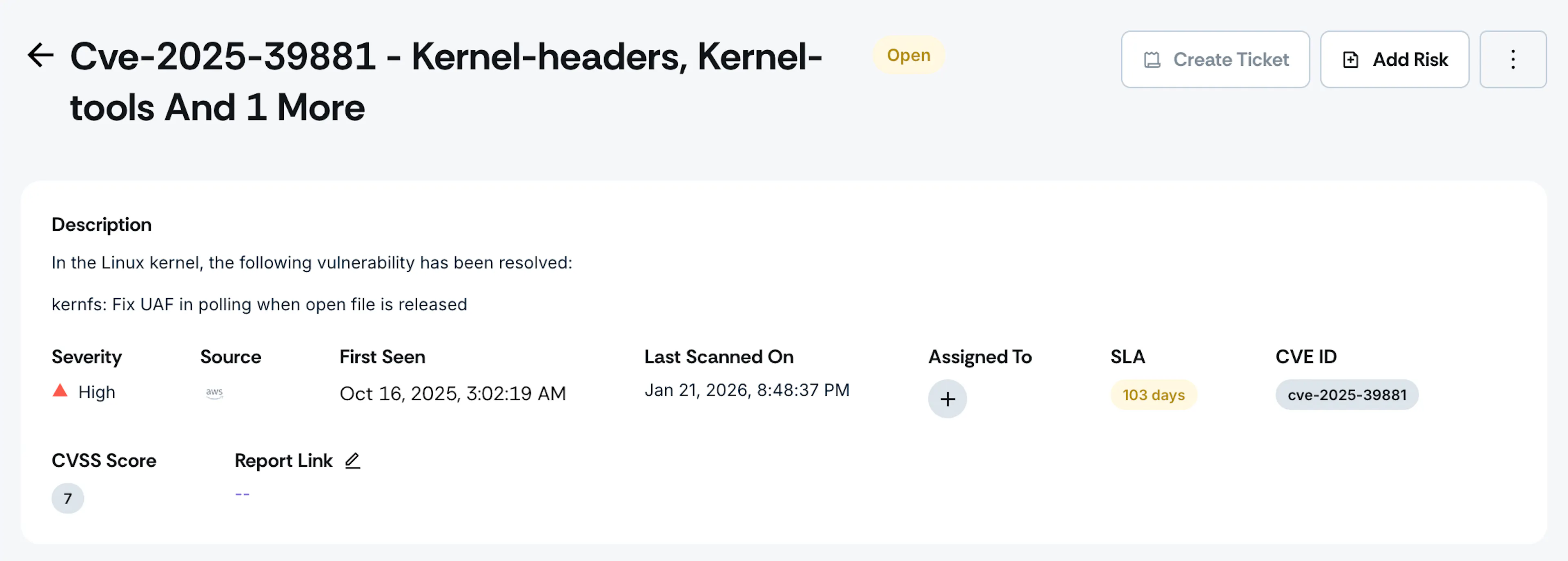
Vulnerability Details
This section displays the key details of the vulnerability, including description, severity level, source, first seen, last scanned on, assigned to (owner), SLA, CVE ID (if available), CVSS score, and other relevant metadata.
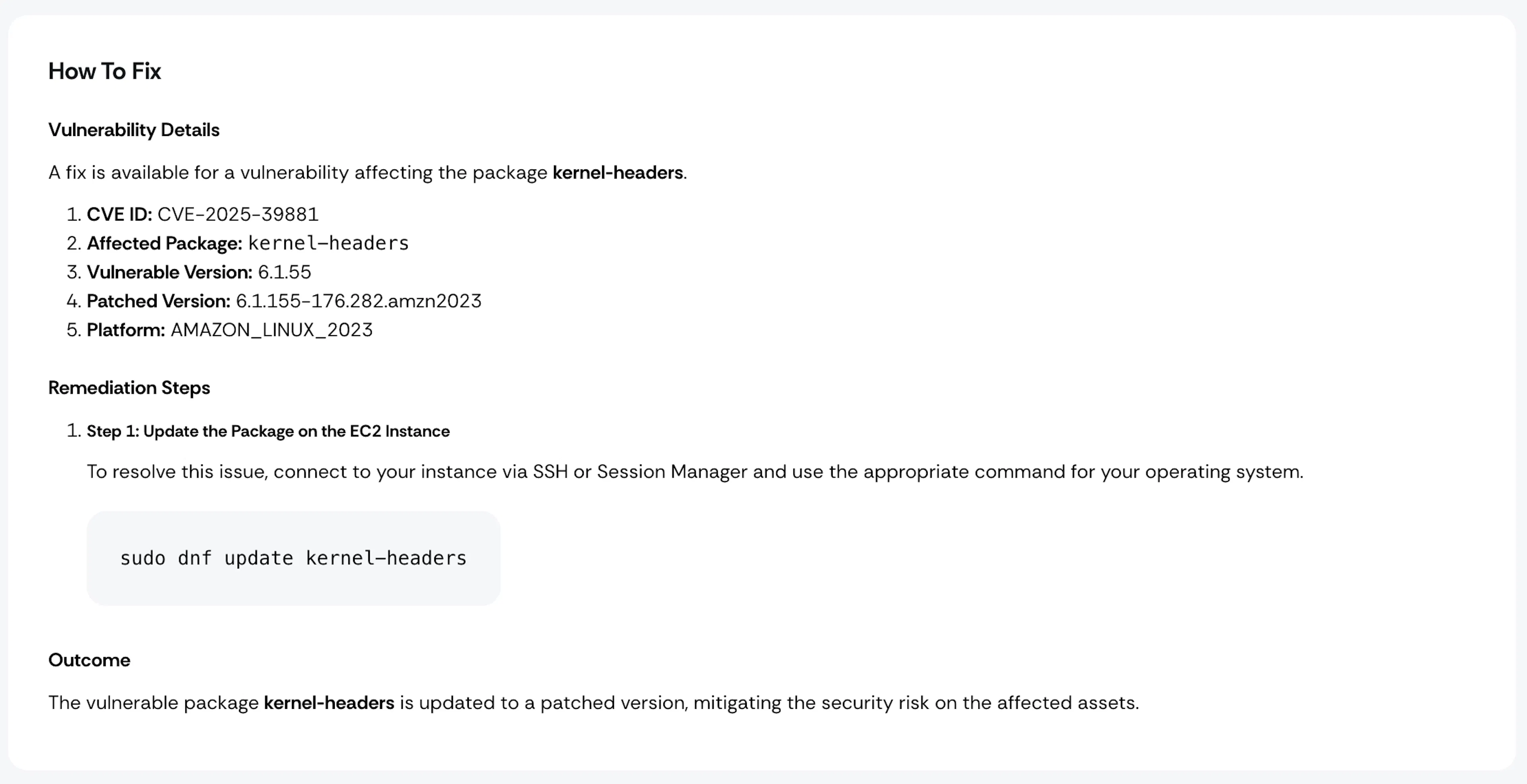
How to Fix
This section outlines the treatment strategy for remedying the vulnerability.
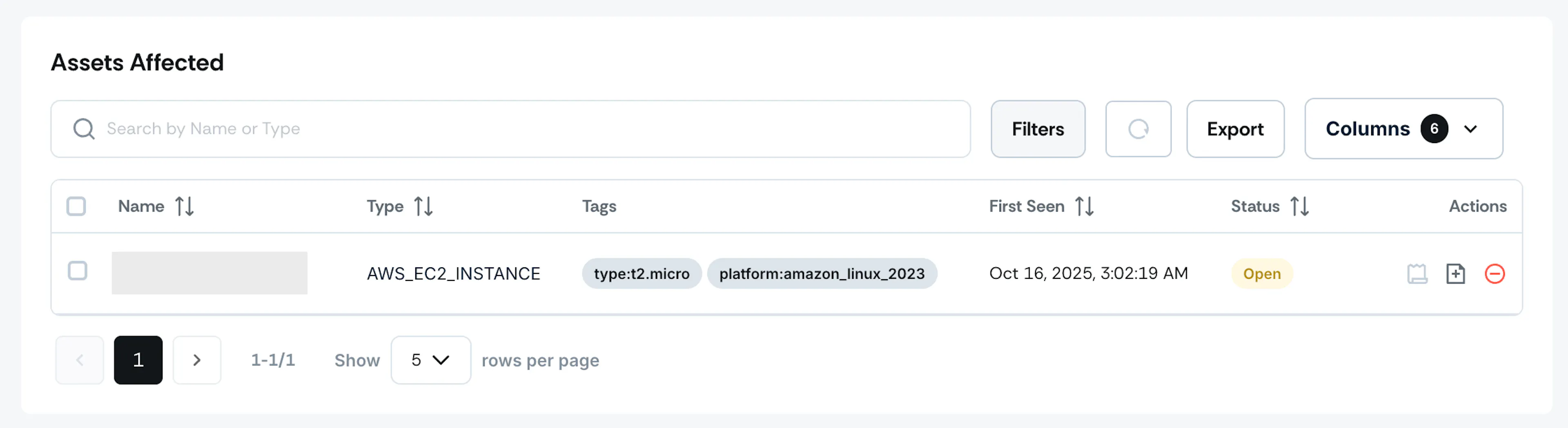
Assets Affected
This section lists the assets impacted by the vulnerability, including the asset name and type.
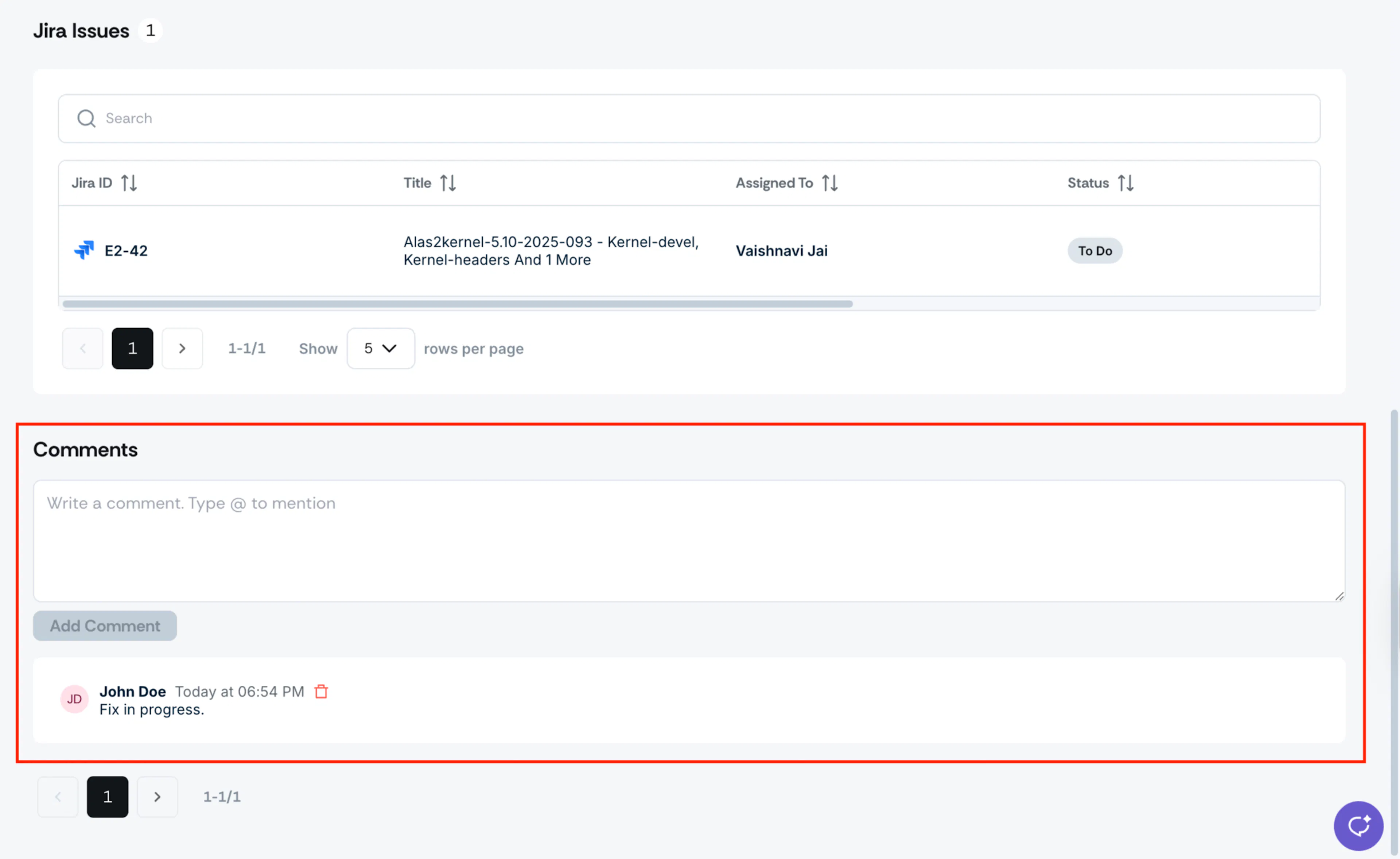
Jira Tickets
This section lists the Jira tickets you’ve linked to this vulnerability.
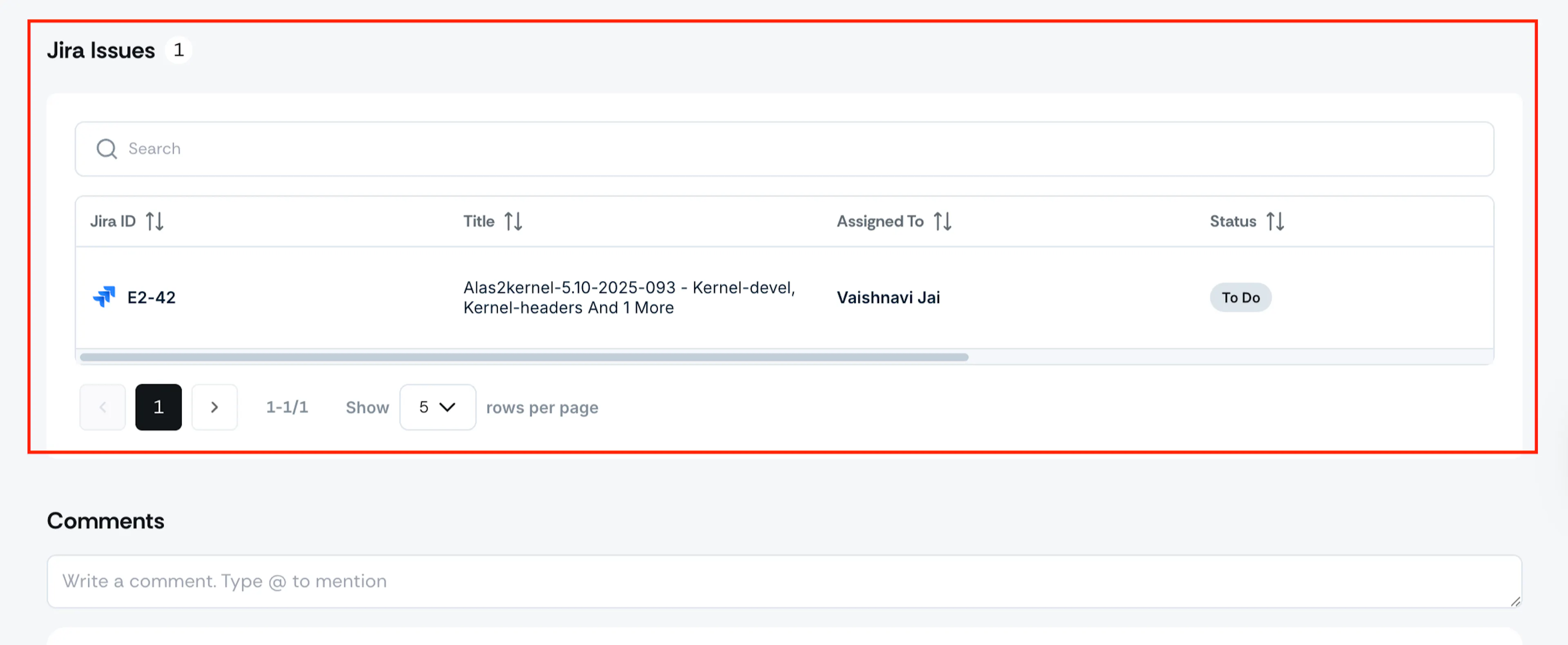
Pro Tip!
Clicking on the Jira ID in the table redirects you directly to the linked ticket in Jira.
Comments
Use this section to add any comments or additional notes about the vulnerability.