

Edit Users
-
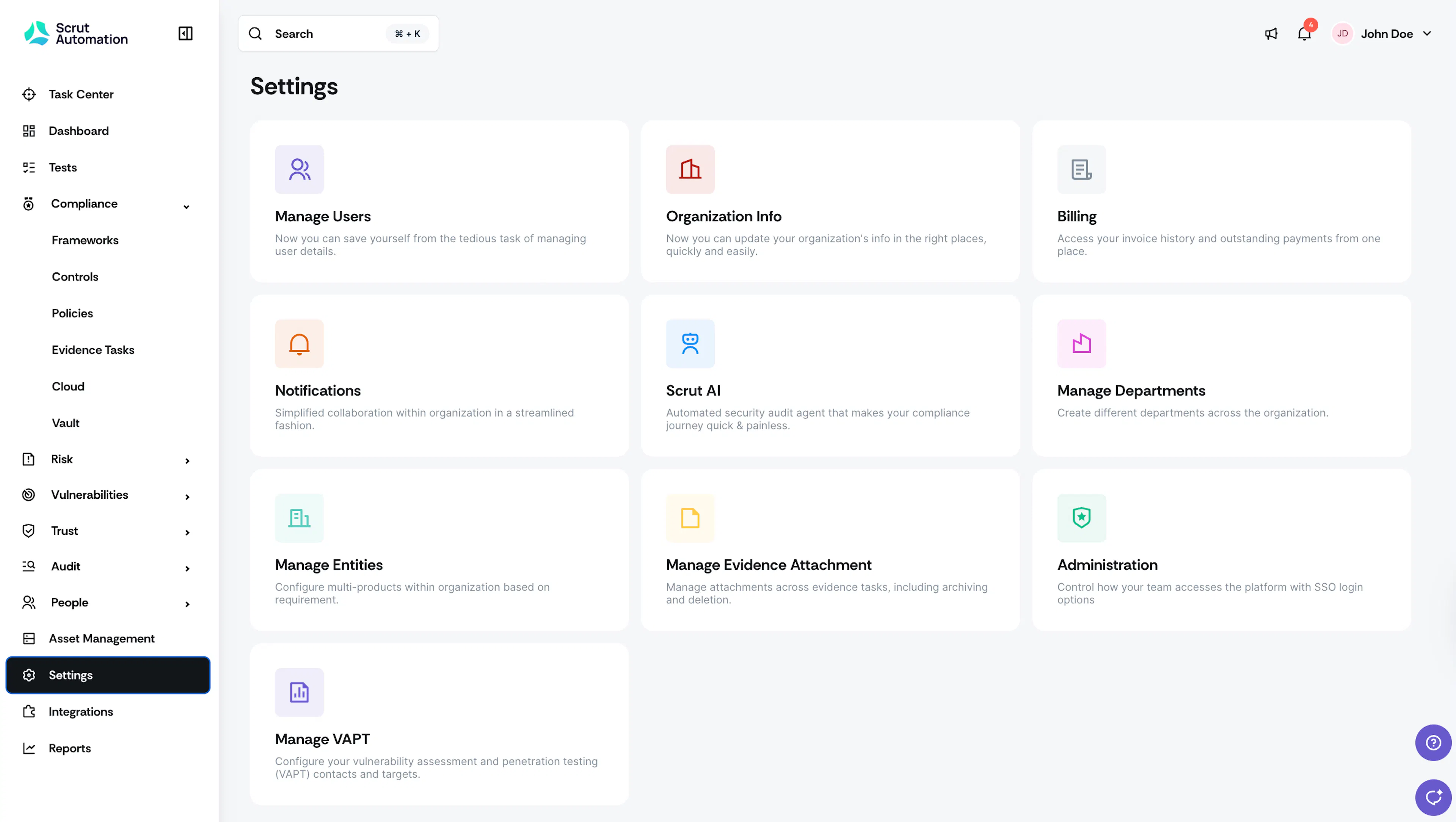
Sign in to your Scrut account, and click Settings on the left navigation panel.
-
Click Manage Users.
-
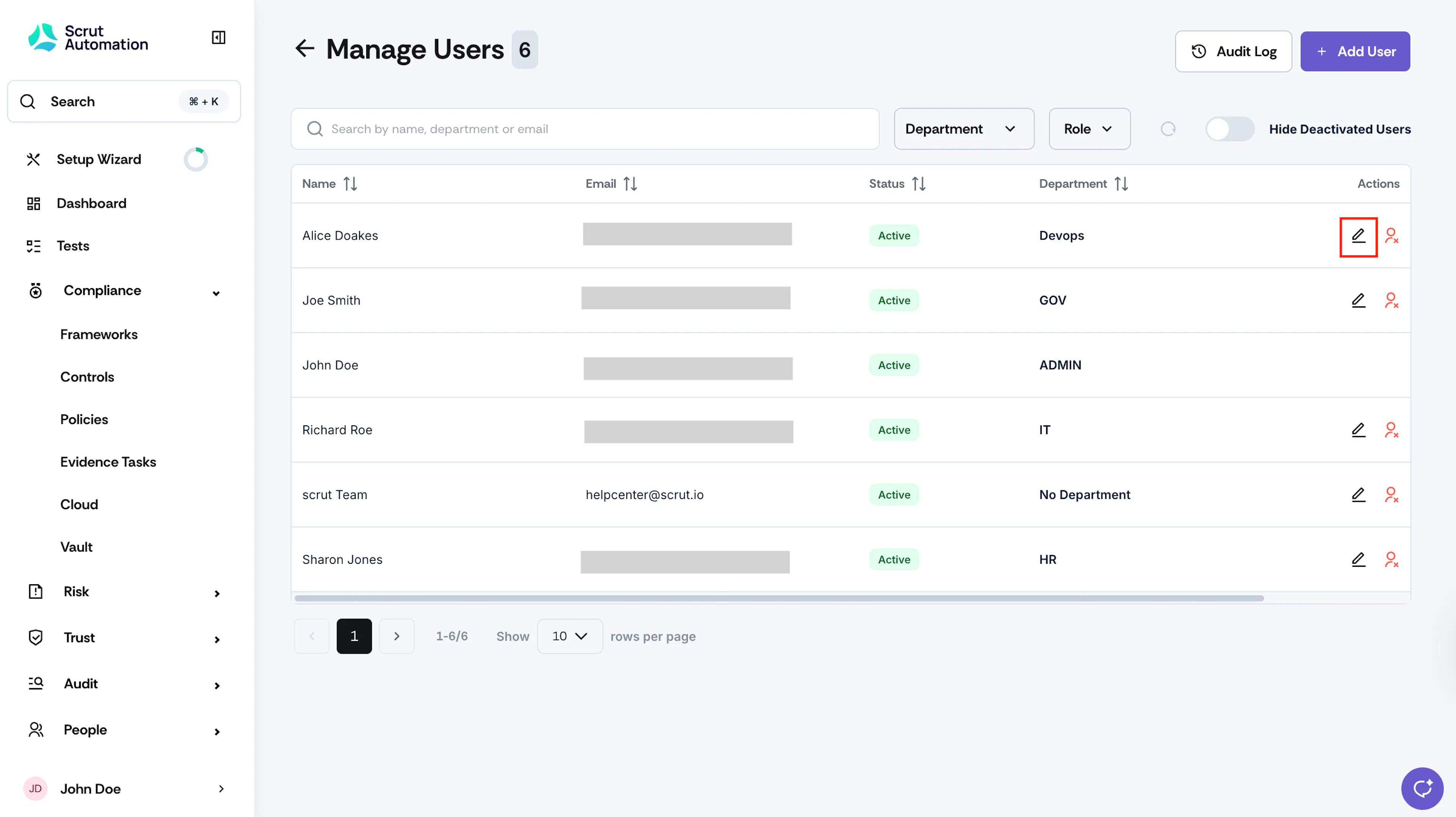
Click the edit icon in the Actions column for a specific user.

-
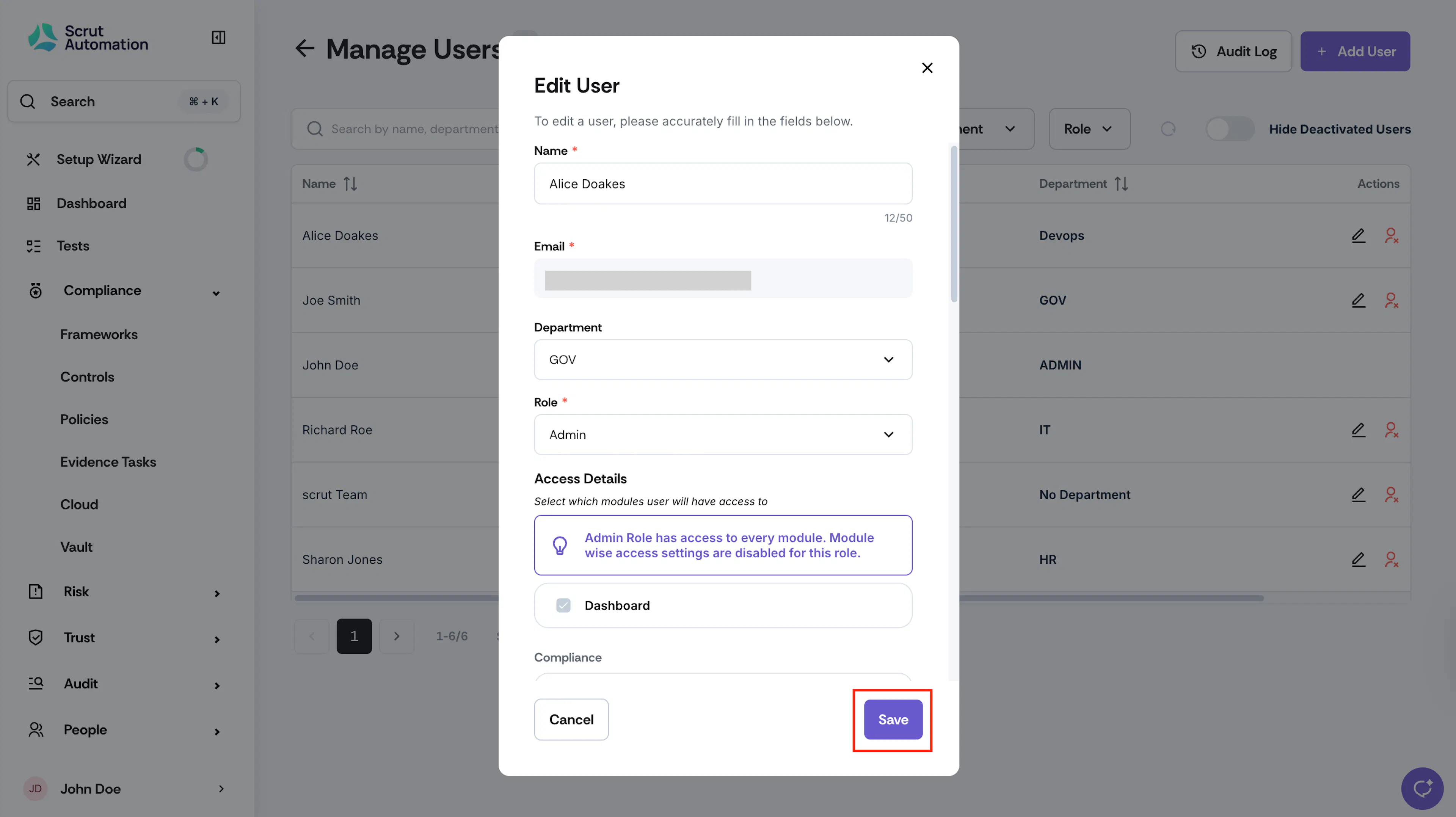
You can modify all fields except for the user email.
-
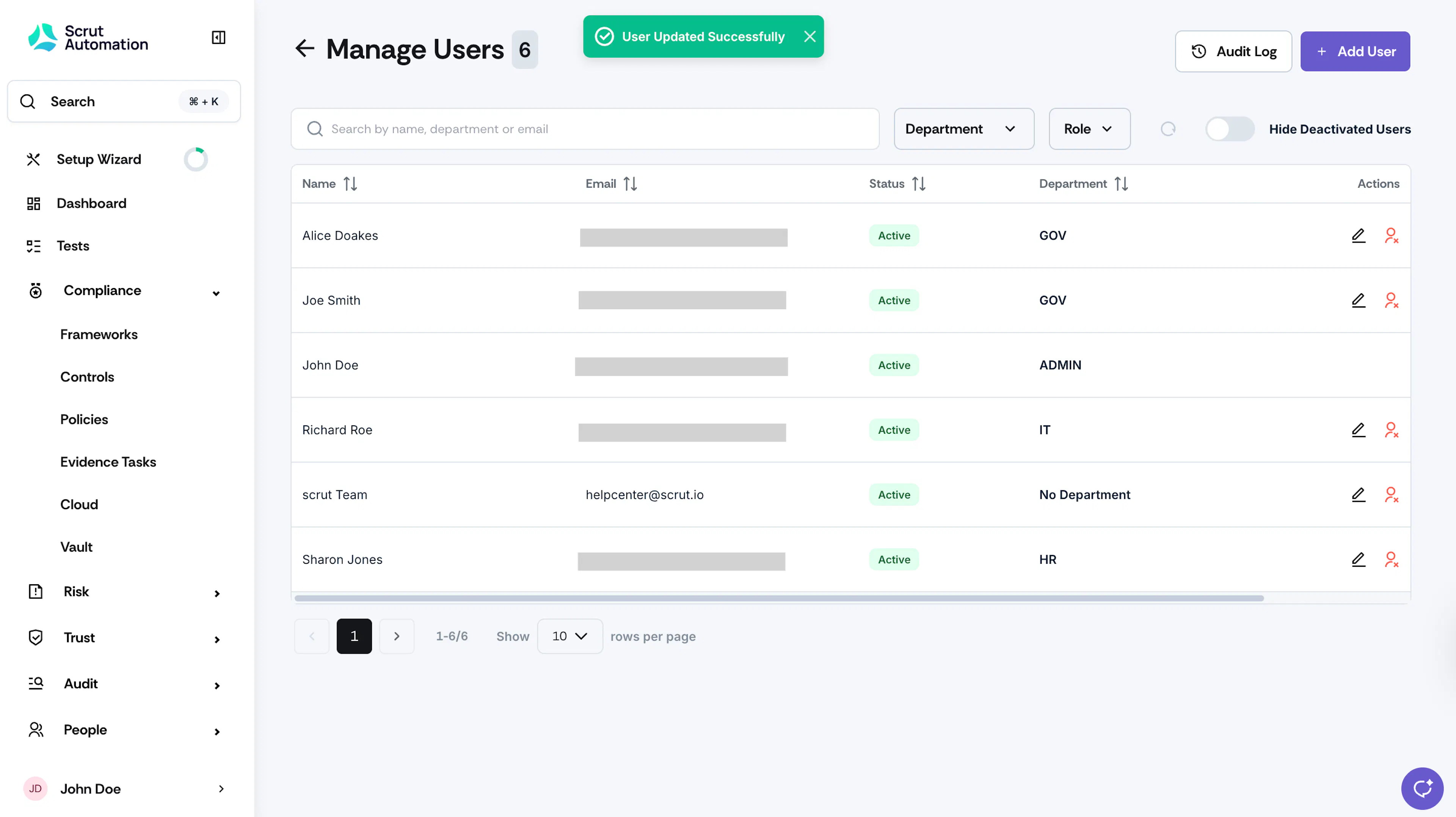
Make the required changes and click Save.
Was this page helpful?