

Import Tests from the Test Library
What is the Test Library?
The Test Library is a repository of new and updated tests. As the Scrut team creates new tests or updates an existing test, these will be added to the Test Library. You can then review and decide whether to include them in your compliance workflow.
How to Import Tests from the Test Library
-
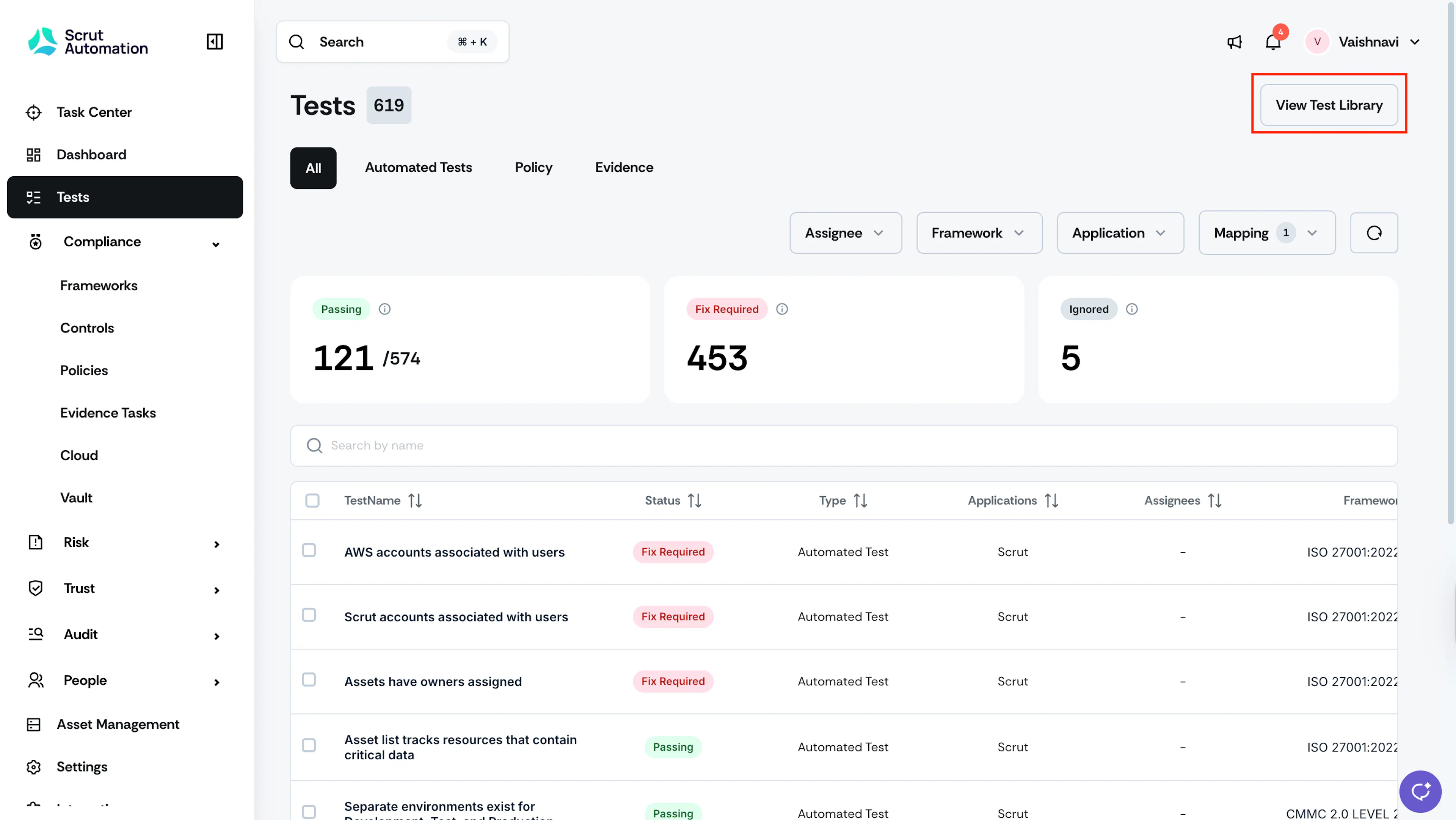
Click the View Test Library button in the top right of the Tests module.
-
Use the filters (Application and Mapping) to find specific tests.
-
Click on a specific test to view its full details, such as title, description, current status, remediation steps, related resources, controls, etc.
-
Assess how the test aligns with your compliance requirements and determine if it’s relevant to your organization.
-
Make a decision. You have two options:
-
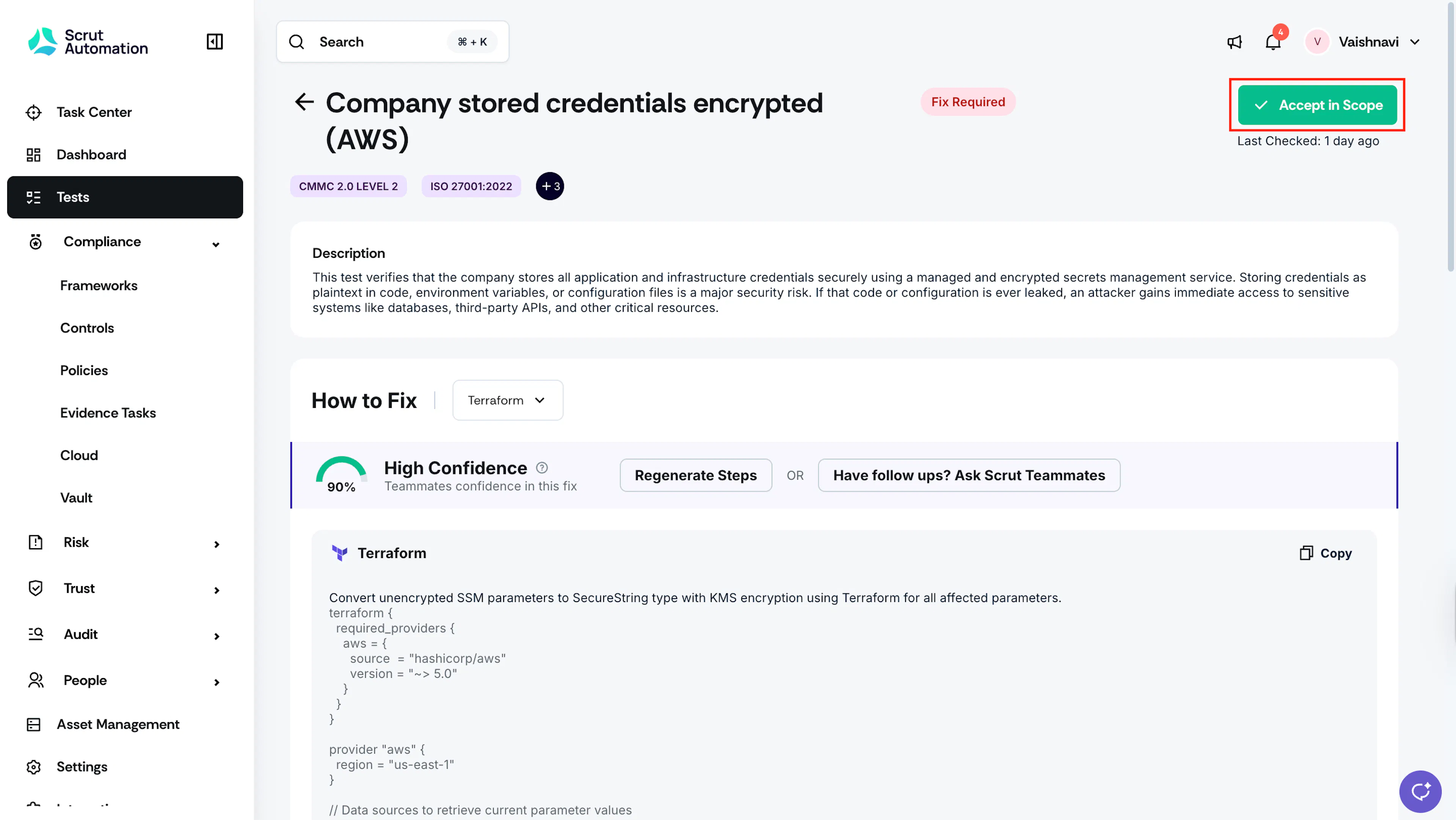
Mark it in Scope: Click the Accept in Scope button on the top right. Once you do this action, the test will move to the All Tests page in the Tests dashboard. The New tag will remain visible on the test for 7 days. You can now work on the test as usual, by assigning it to specific team members, creating tickets, fixing it, etc.
-
Ignore the Test: If the test is not immediately relevant to your organization, you do not need to perform any action. In this case, the test will remain in the Test Library.
-