

Step 2: Run Scans
Scrut automatically runs DAST scans on your target at the chosen frequency. However, you can also start a manual scan if needed.
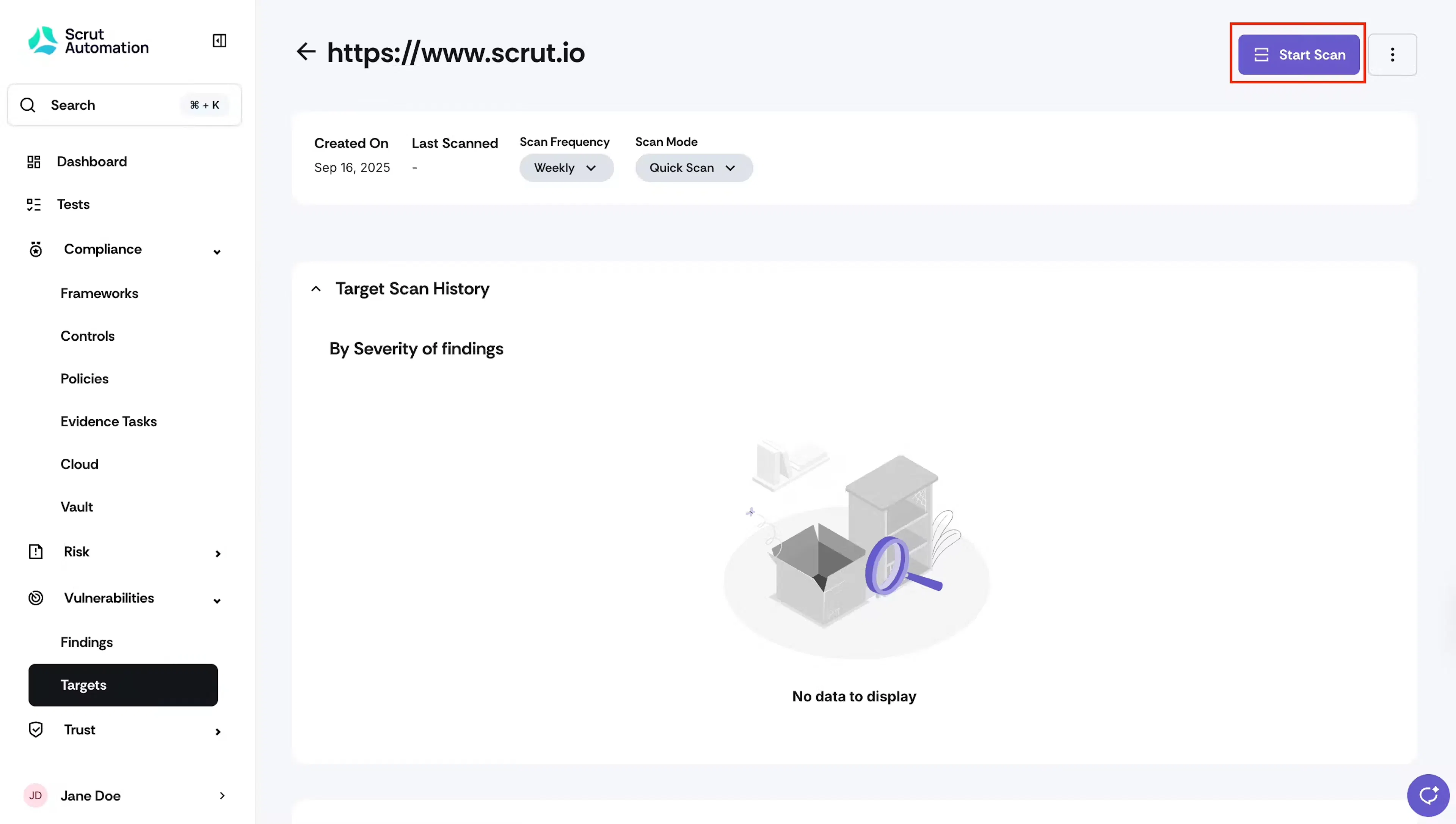
- Click the target you’ve configured from the target list.
- Click Start Scan to begin a manual scan.
- The scan runs automatically in the background. The status tag shows the scan status in real-time.
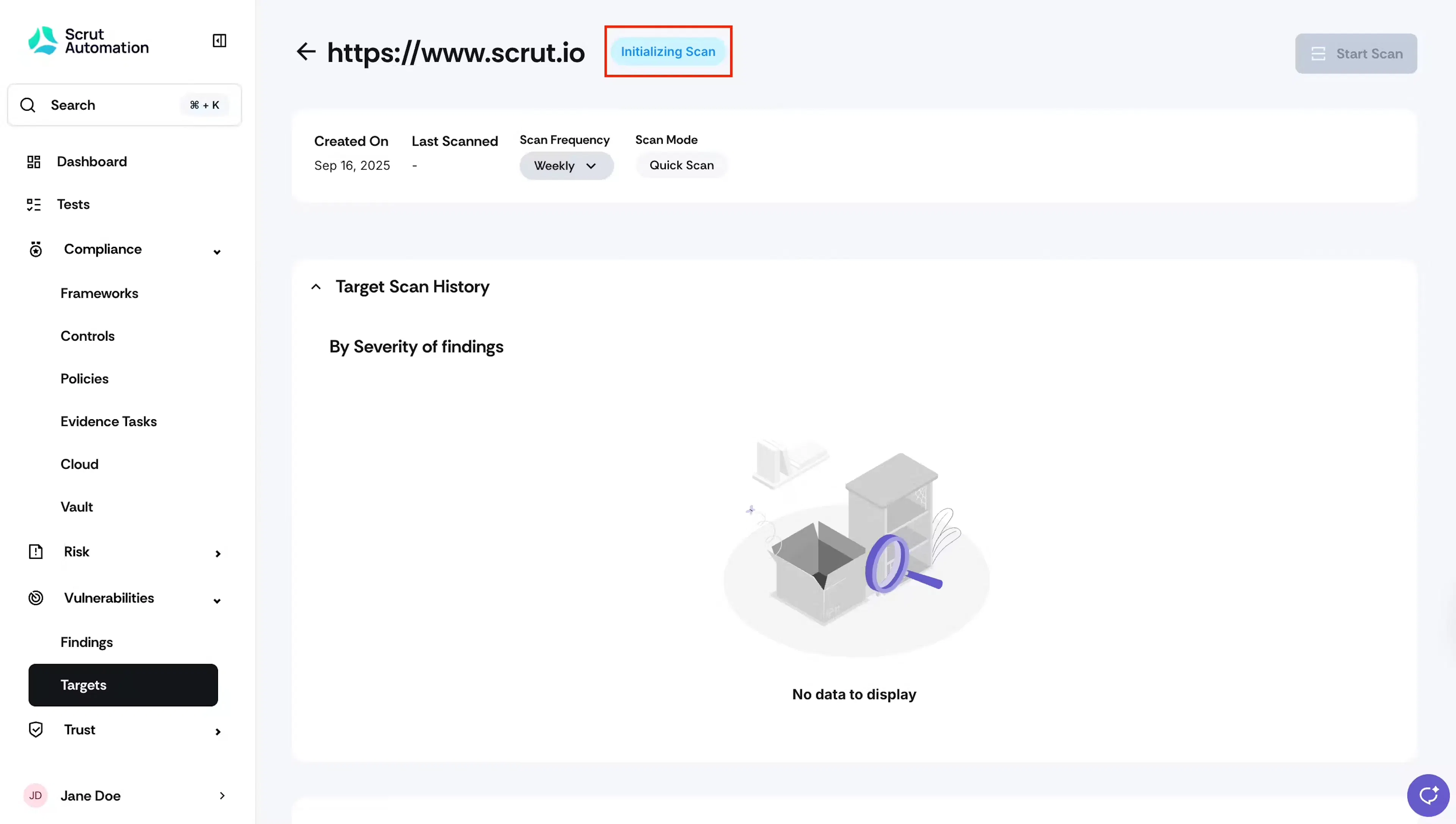
Initializing Scan
Points to Note
- Scan duration varies based on several factors, including target size, the number of paths/pages discovered, and application complexity.
- Generally, quick scans take around 20 to 30 minutes to complete, while full scans take several hours.
- Scan time is directly proportional to the application's volume.
- You can check the scan status on the Vulnerabilities → Targets page.
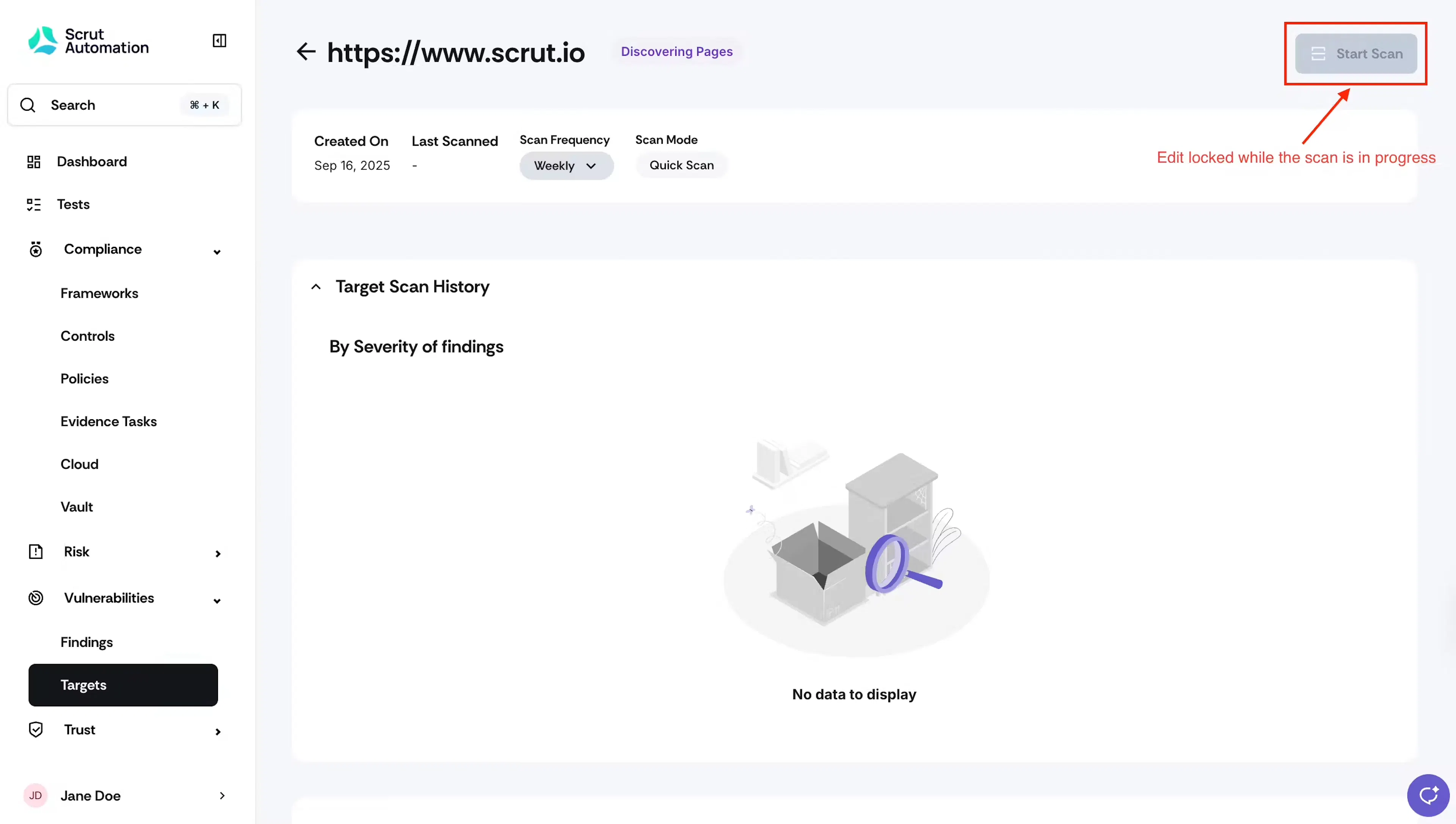
- While the scan is in progress, you can't edit the target details.
Was this page helpful?