Archive or Unarchive a Vendor
In Scrut, you can mark inactive vendors as archived in the Vendor module. When you archive a vendor, their status changes to read-only. This means you can still view and export their data, but you cannot take any further actions on them. Scrut retains all historical data for archived vendors on the platform.
How To Archive a Vendor
Follow these steps to archive a vendor:
-
Select the vendor(s) you want to archive.
-
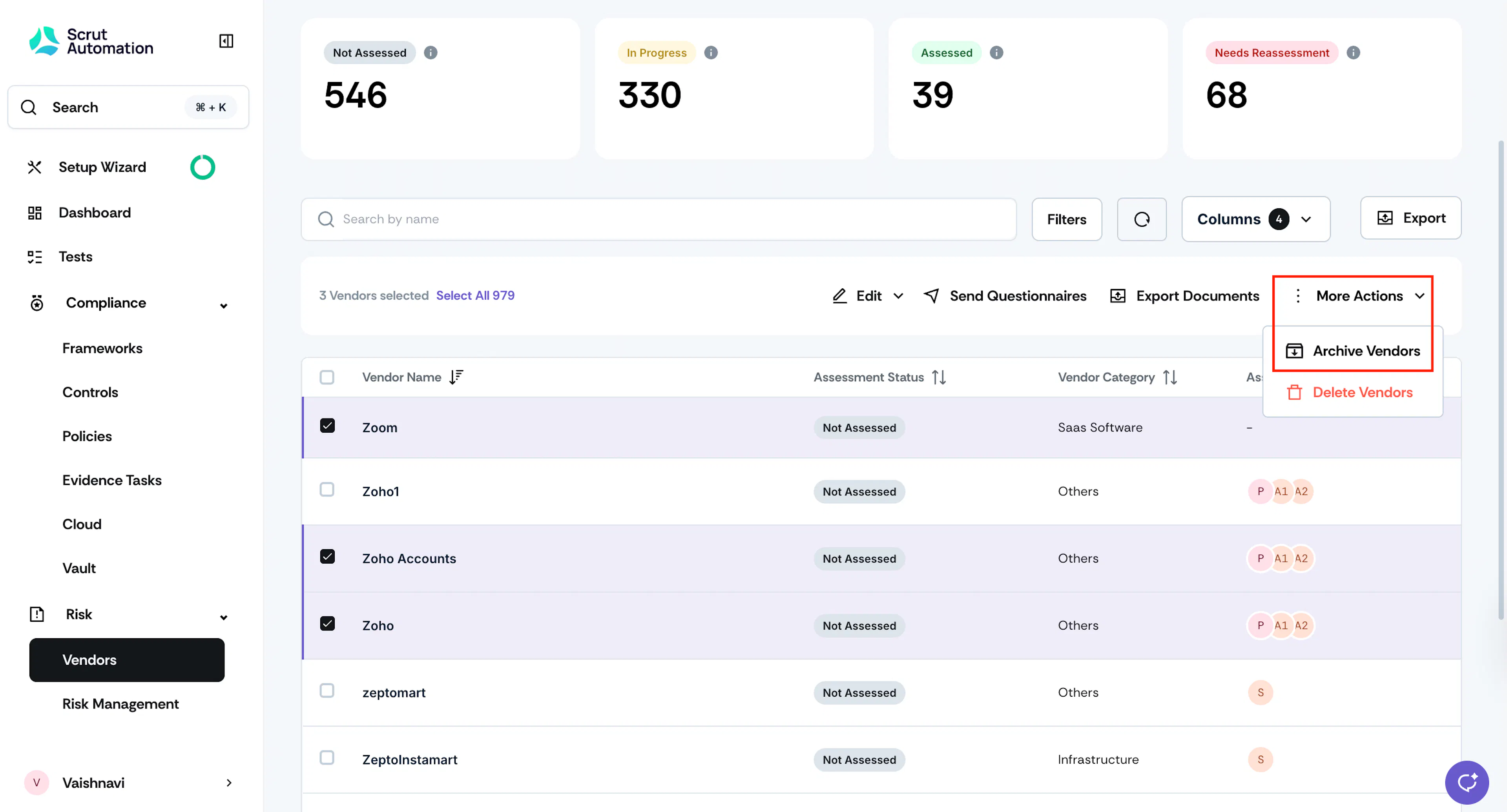
Click More Actions and select Archive Vendors.
-
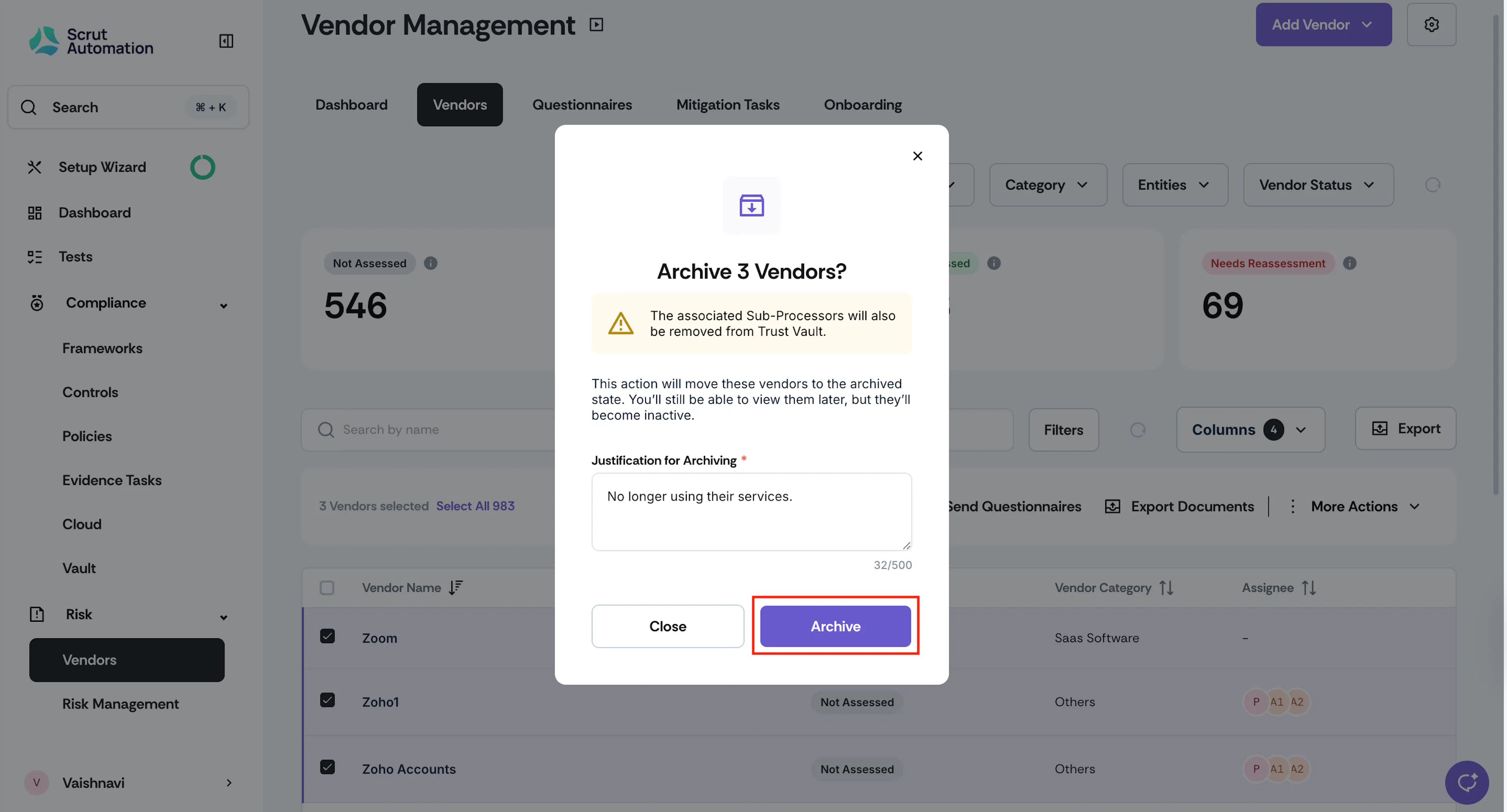
Enter the justification and click Archive to confirm the action.
-
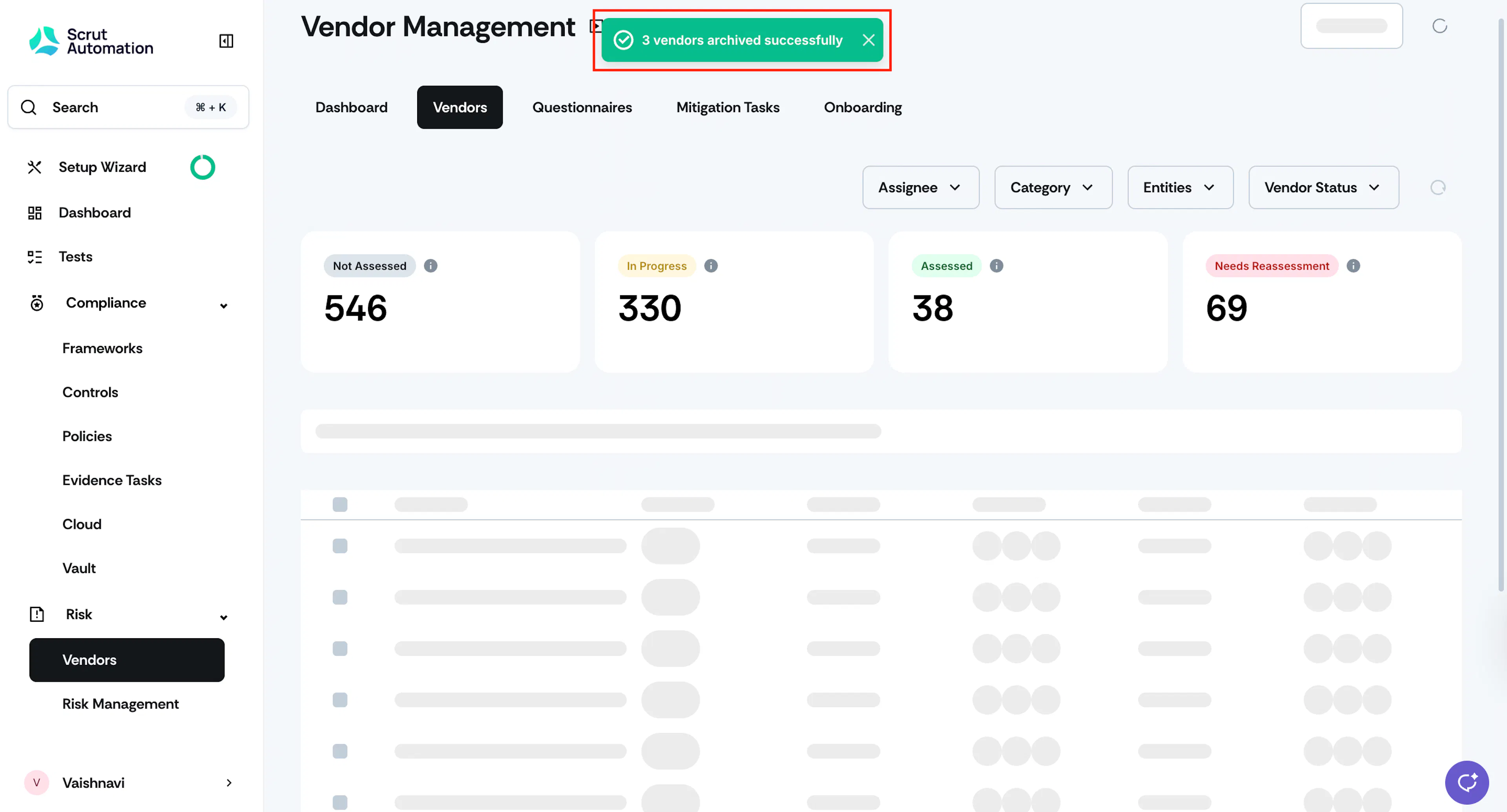
Watch out for the success notification.
-
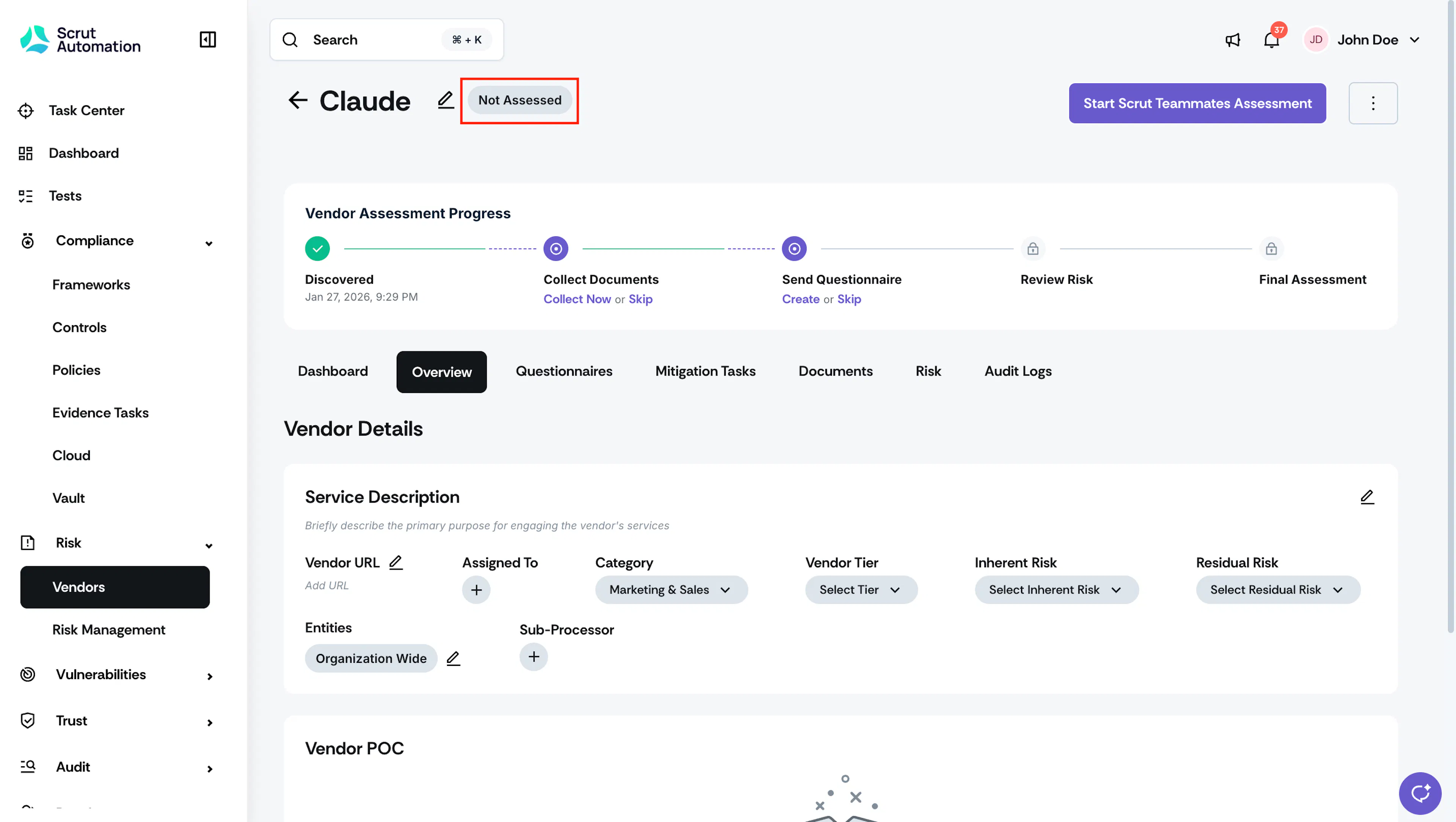
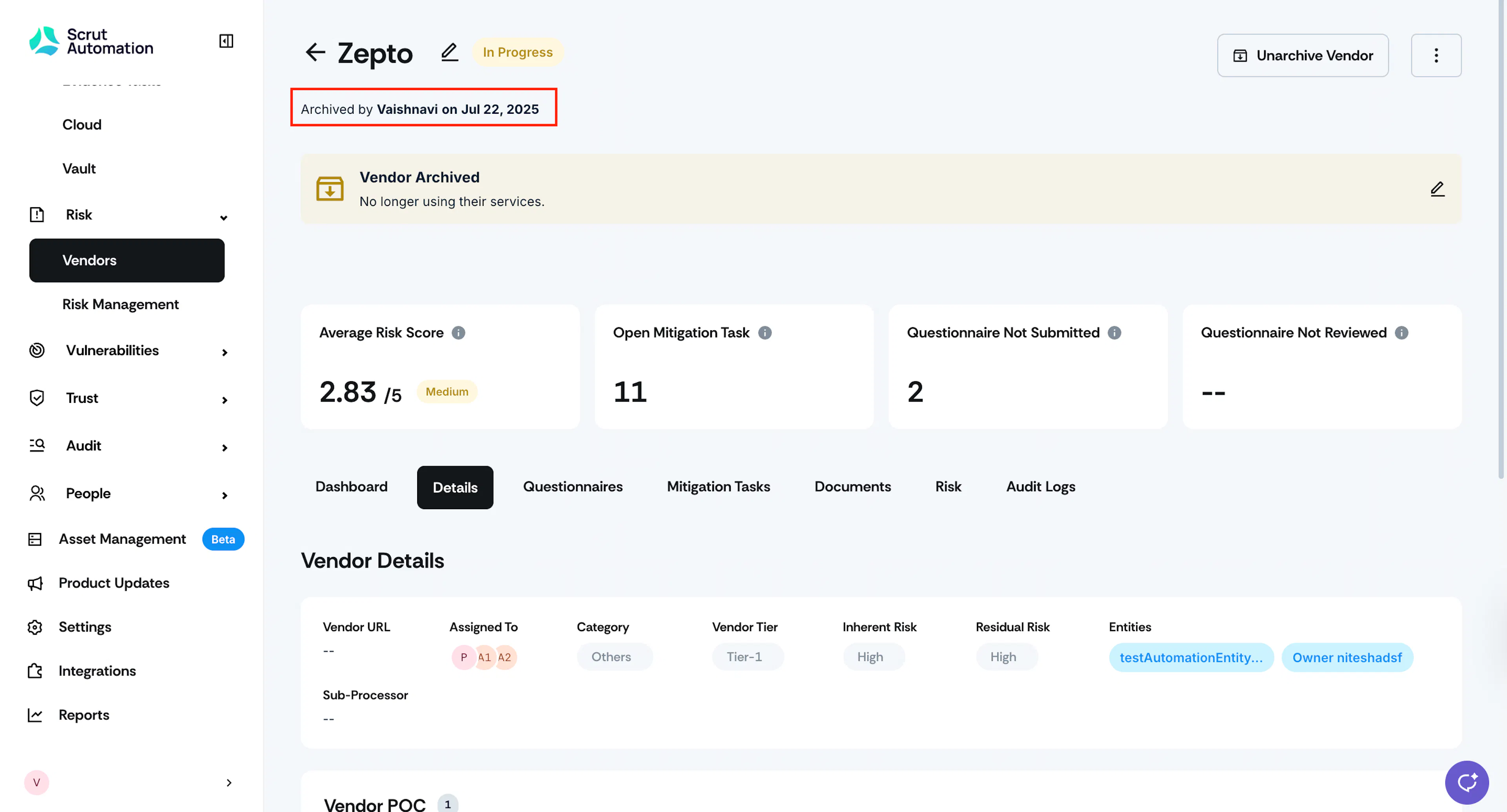
After a vendor’s page is archived, it becomes read-only. The only field you can edit is the justification for archiving.
Viewing Archived Vendors
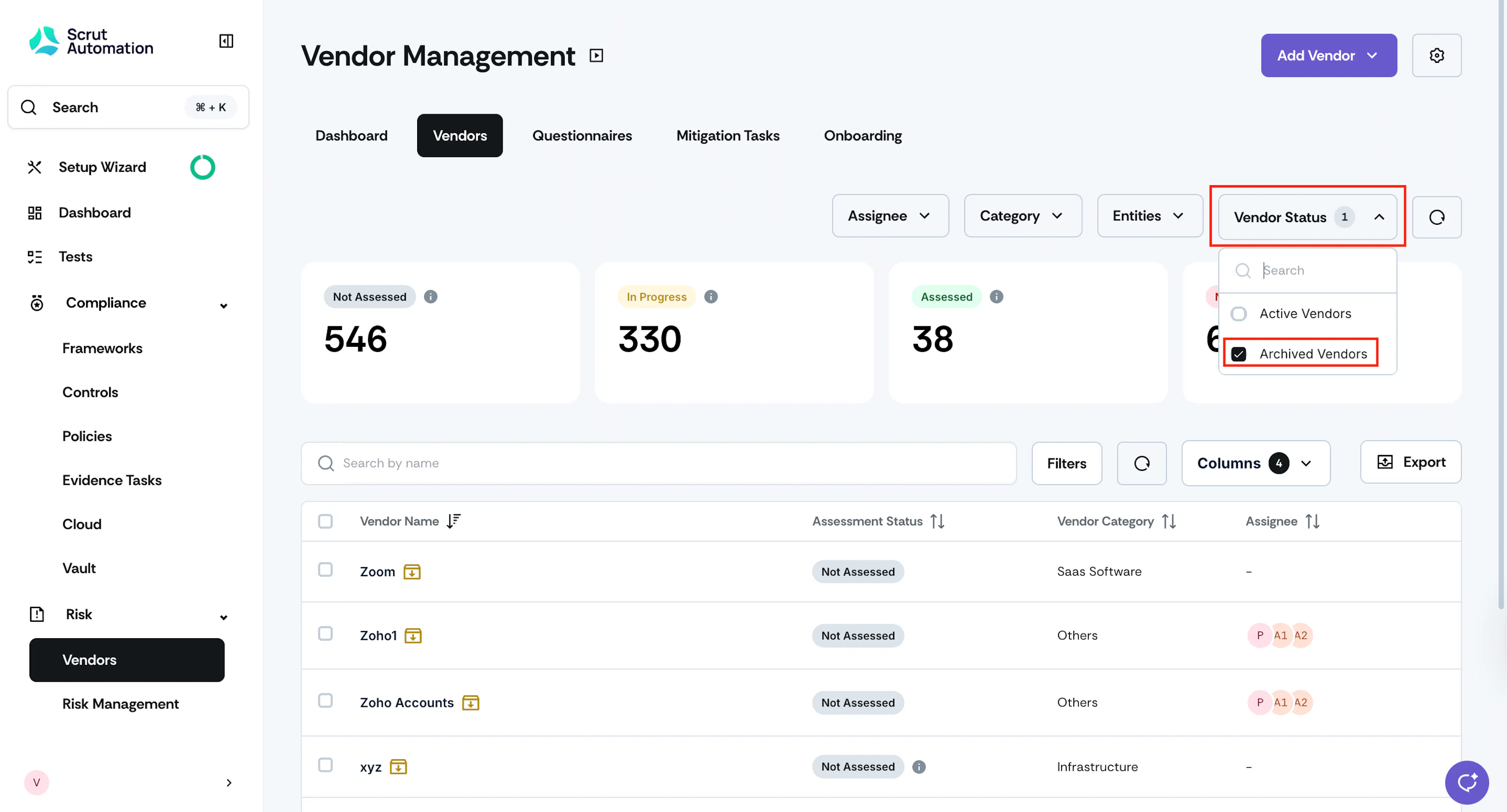
To view archived vendors, click the Vendor Status filter and select Archived Vendors.
Impacts of Archiving a Vendor
- The vendor is no longer on the active vendor list.
- All existing questionnaires and mitigation tasks related to this vendor become read-only, and you cannot create any new risks, questionnaires, or tasks.
- Any existing risks for the vendor will remain unchanged in the Risk Register. Clicking on the risk will take you to the archived vendor's page.
- Note: Archiving a vendor does not automatically close any associated risks. Risks linked to the vendor remain open in the Risk Register because some risks may still be in progress at the time of archival. To close these risks, go to the Risk Register and manually mark each one as closed.
- Archived vendors will not appear in the assessment status overviews.
- If an archived vendor is a sub-processor in the Trust Vault, Scrut will remove it from the sub-processor section on the Trust Vault page.
- Vendor POCs will no longer have access to questionnaires on the vendor portal.
How To Unarchive a Vendor
-
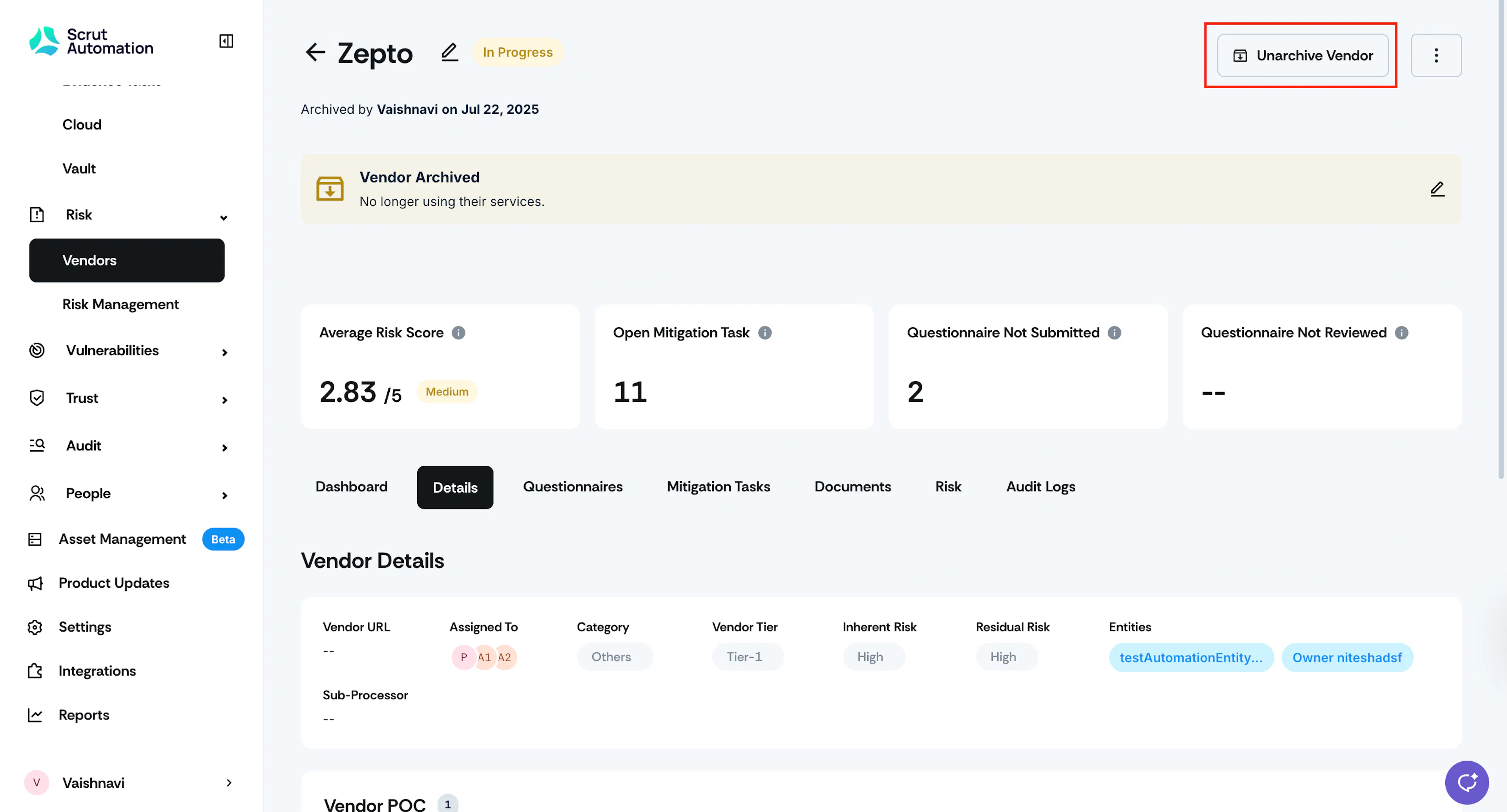
To unarchive a vendor, go to the Vendor details page and click the Unarchive Vendor button.
-
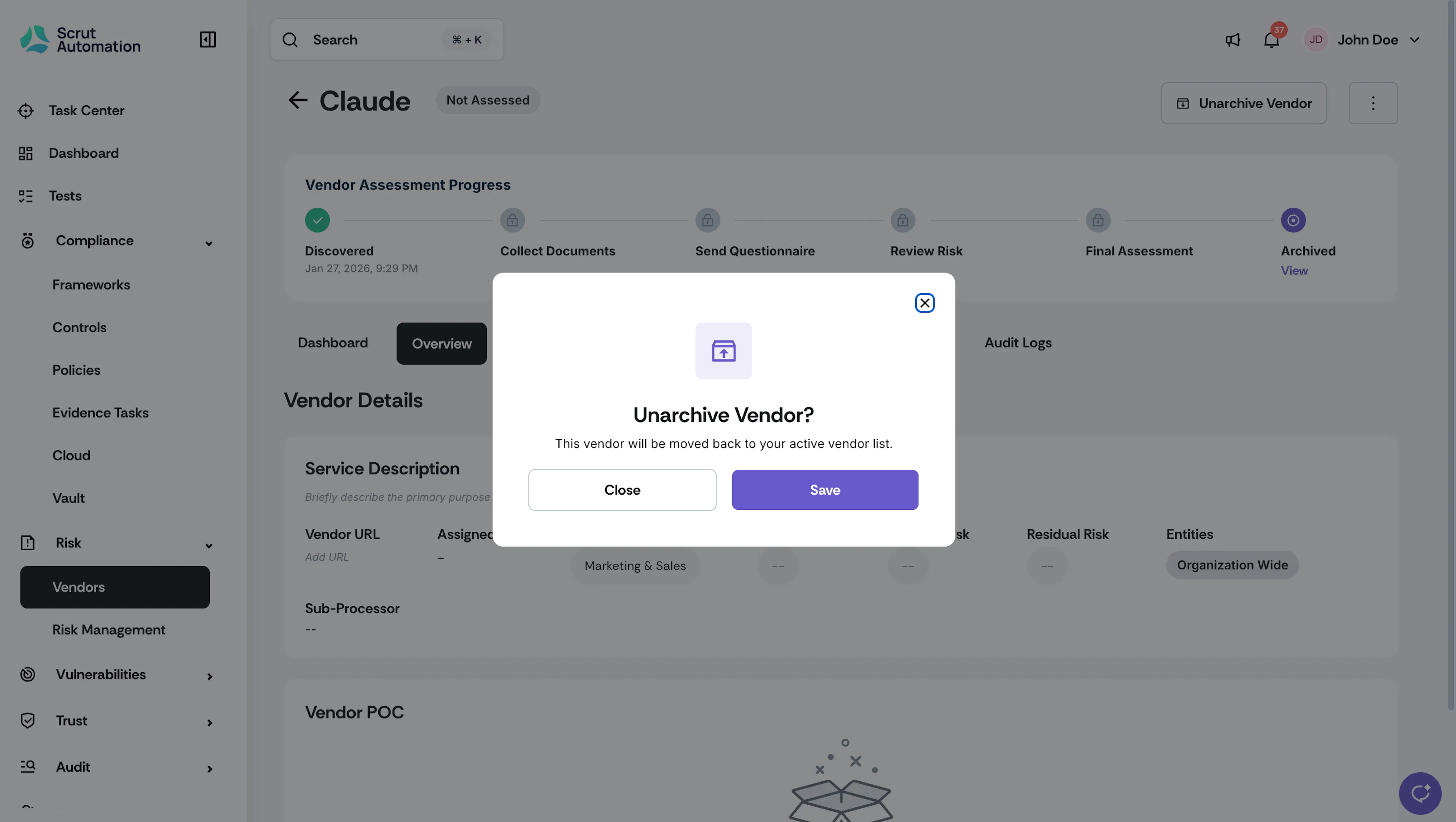
Click Save to confirm.
Heads Up!
Scrut automatically restores the vendor's prior assessment progress when you unarchive.