

View Trust Vault Audit Logs
Use the Audit Logs tab to track and monitor team actions on your Trust Vault.
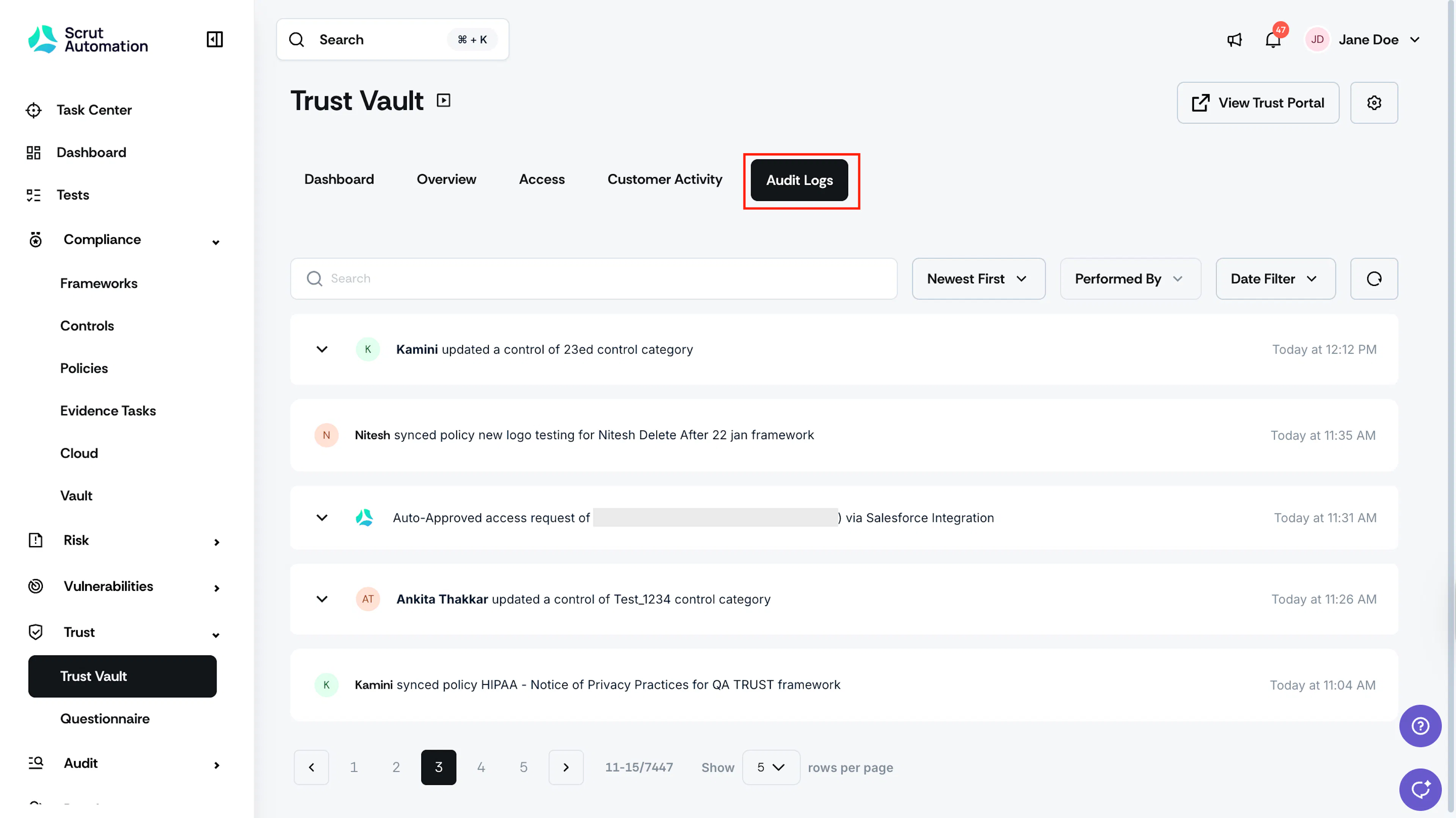
The Audit Logs track every action performed within the Trust Vault module. This comprehensive log helps you monitor team activity. To access it, select Trust → Trust Vault in the left navigation panel, then click Audit Logs. Each entry in the audit log can be expanded to reveal detailed information about the action, including:
- Who performed the action
- What was changed or accessed
- When the action occurred
- Additional context or parameters
Pro Tip!
Expand a log entry to see the complete action history and understand exactly what changed in your Trust Vault.
Was this page helpful?