

Cloud vs. Automated Tests
In this article, we’ll highlight the differences between Cloud Tests and Automated Tests.
1: Type of Tests
The Cloud Tests module is limited to three cloud integrations: AWS, Azure, and GCP.
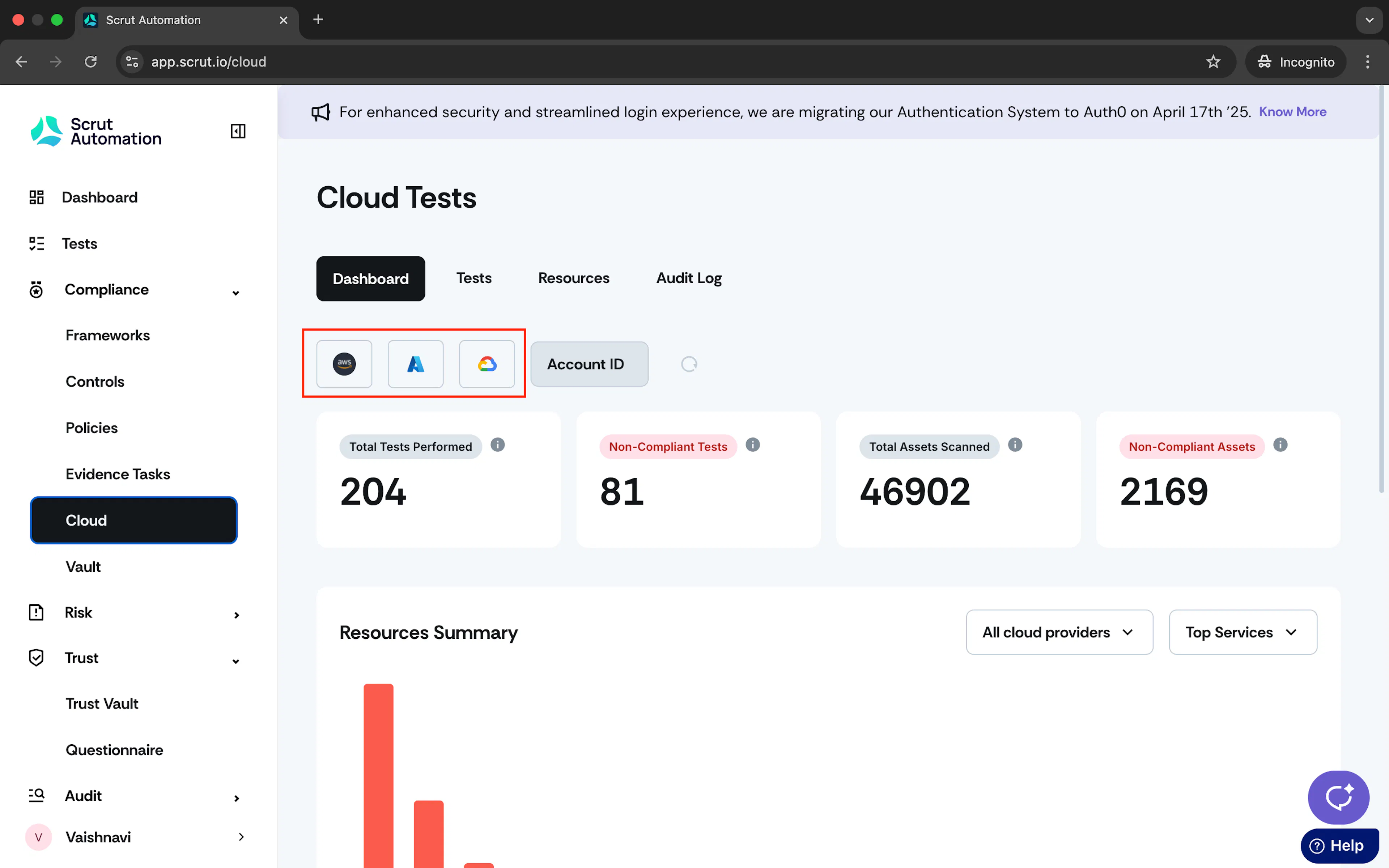
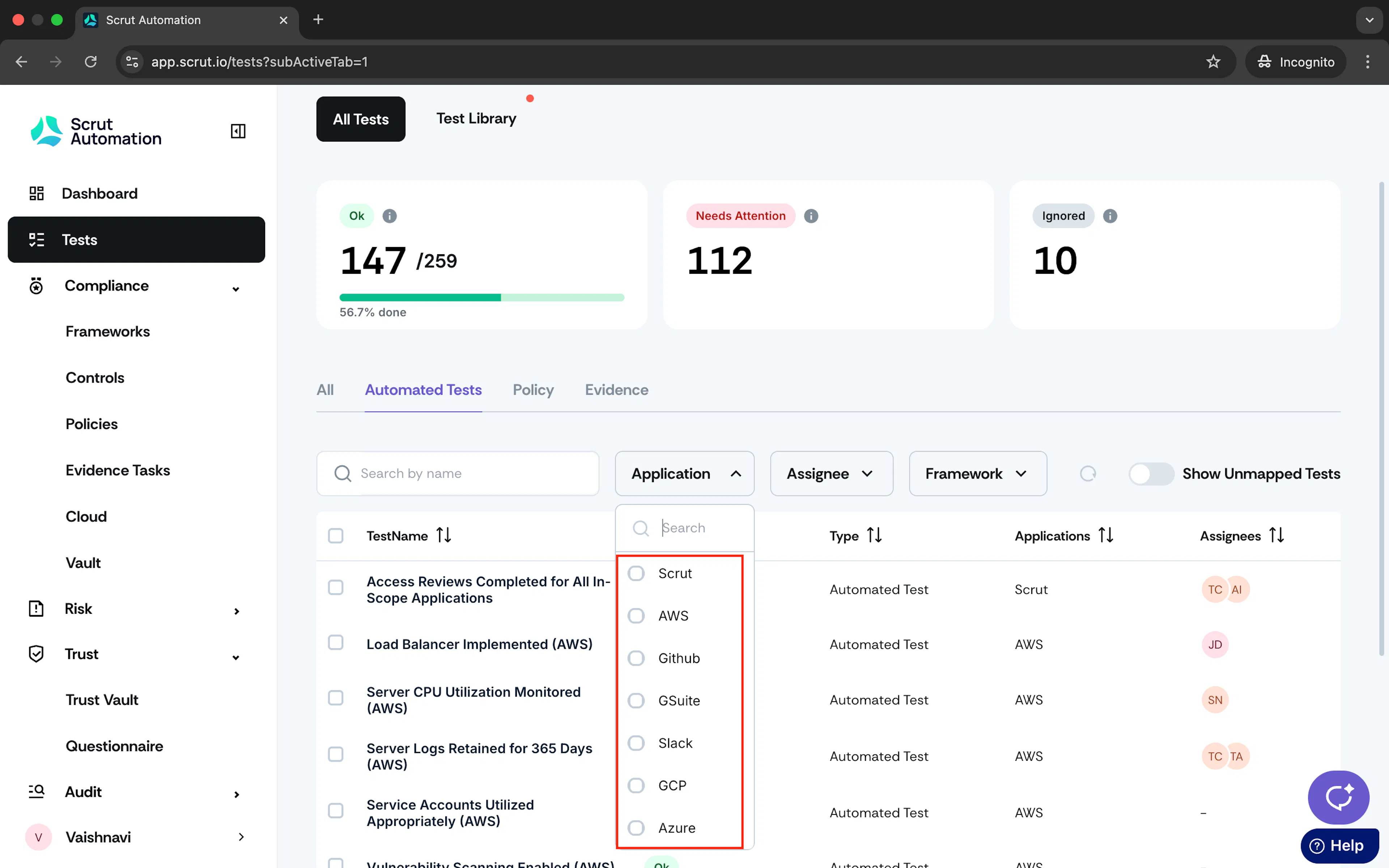
The Automated Tests module offers a unified dashboard that compiles tests on:
- Cloud providers
- Scrut-recommended tests
- Tests from other integrations
2: Filters
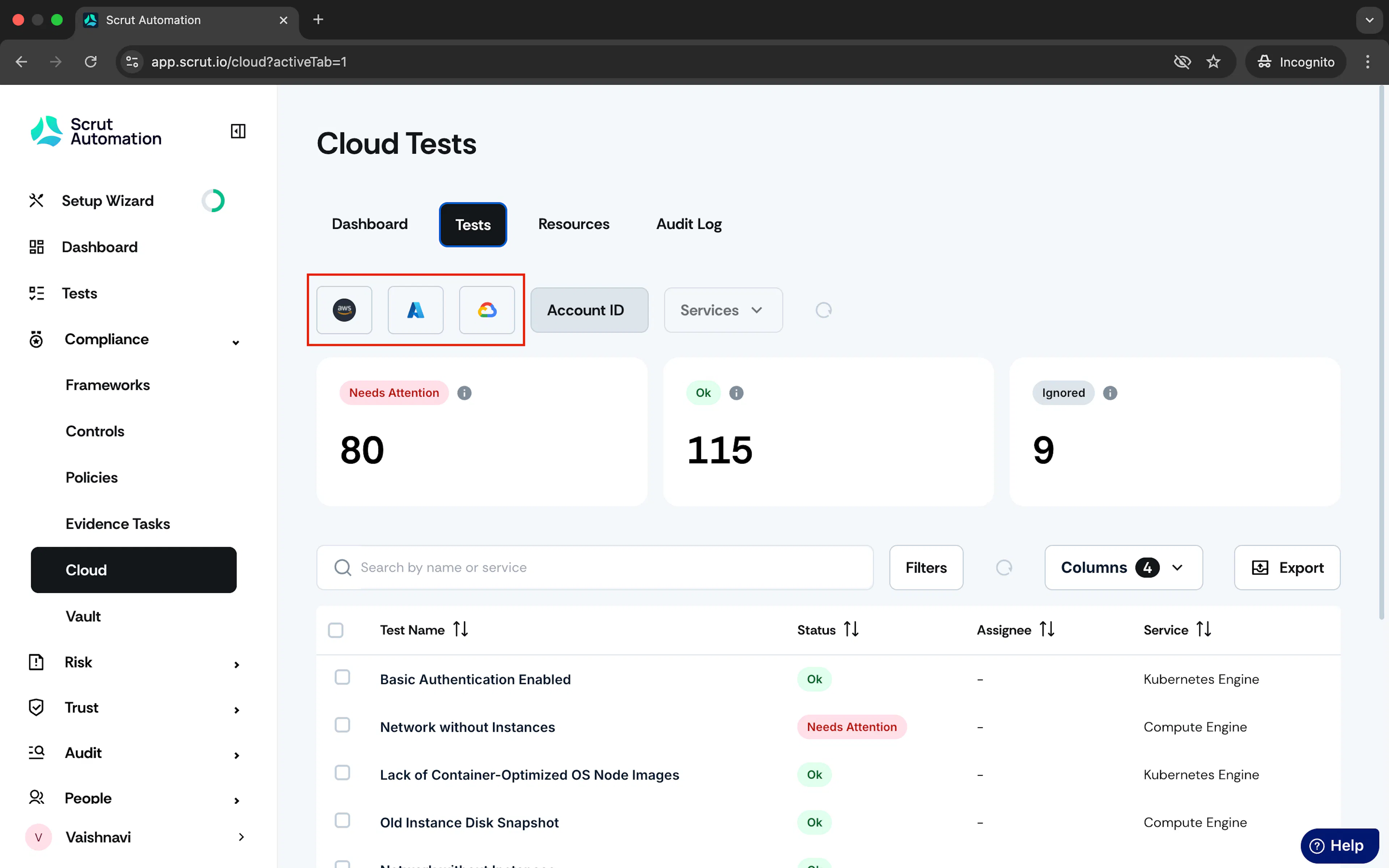
In the Cloud Tests module, click the respective provider’s icon to view the tests Scrut runs for that provider.
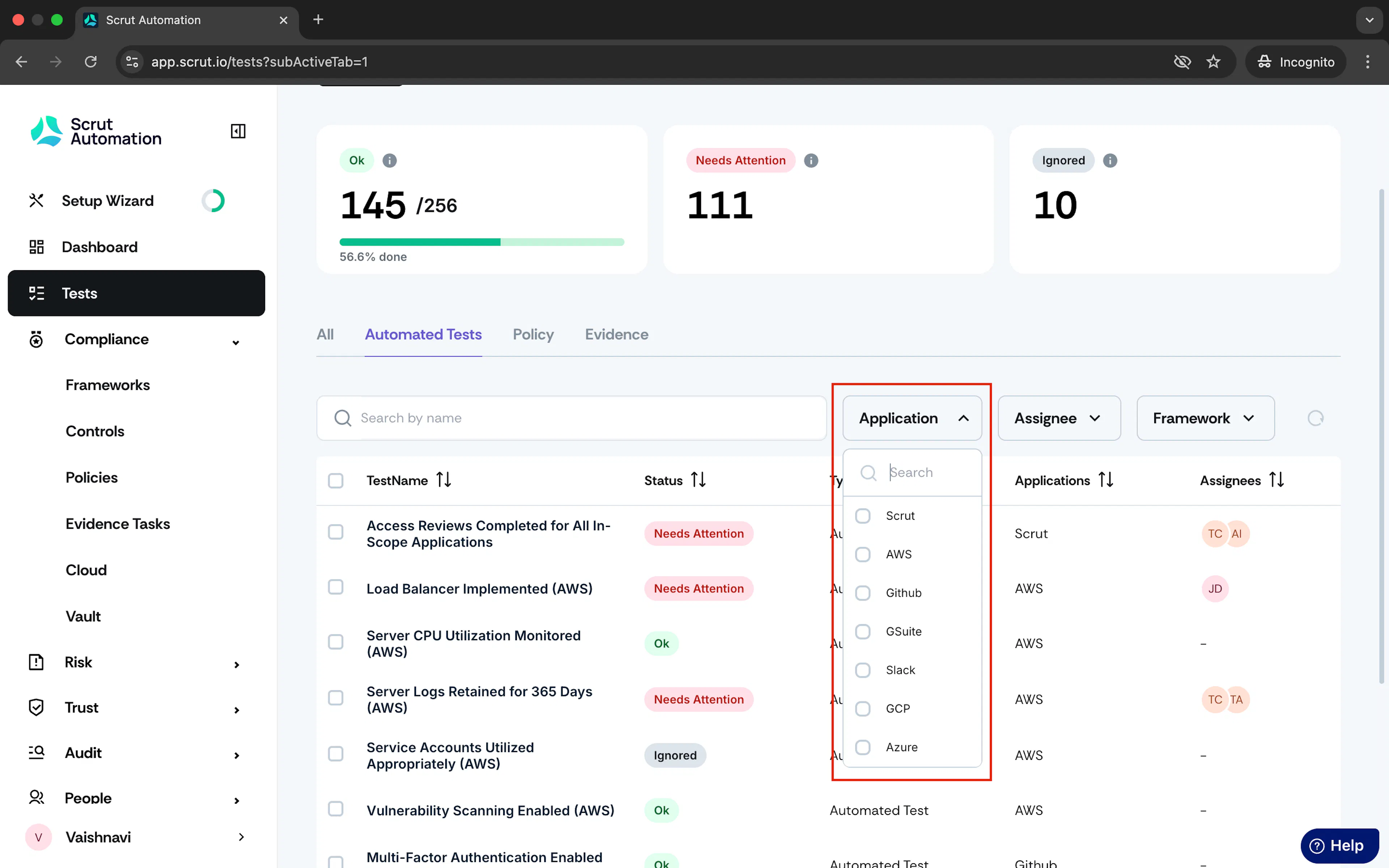
In the Automated Tests module, you can use the Application filter to view tests specific to a particular cloud provider or integration.
3: Test Status
To simplify the workflow, Scrut has reduced the number of test statuses in the new Tests module. This table helps you understand how test statuses from the legacy Cloud module compare with those in the new Tests module.
| Old Test Statuses | New Test Statuses |
|---|---|
| Danger | Needs Attention |
| Warning | Needs Attention |
| Compliant | Ok |
| Ignored | Ignored |
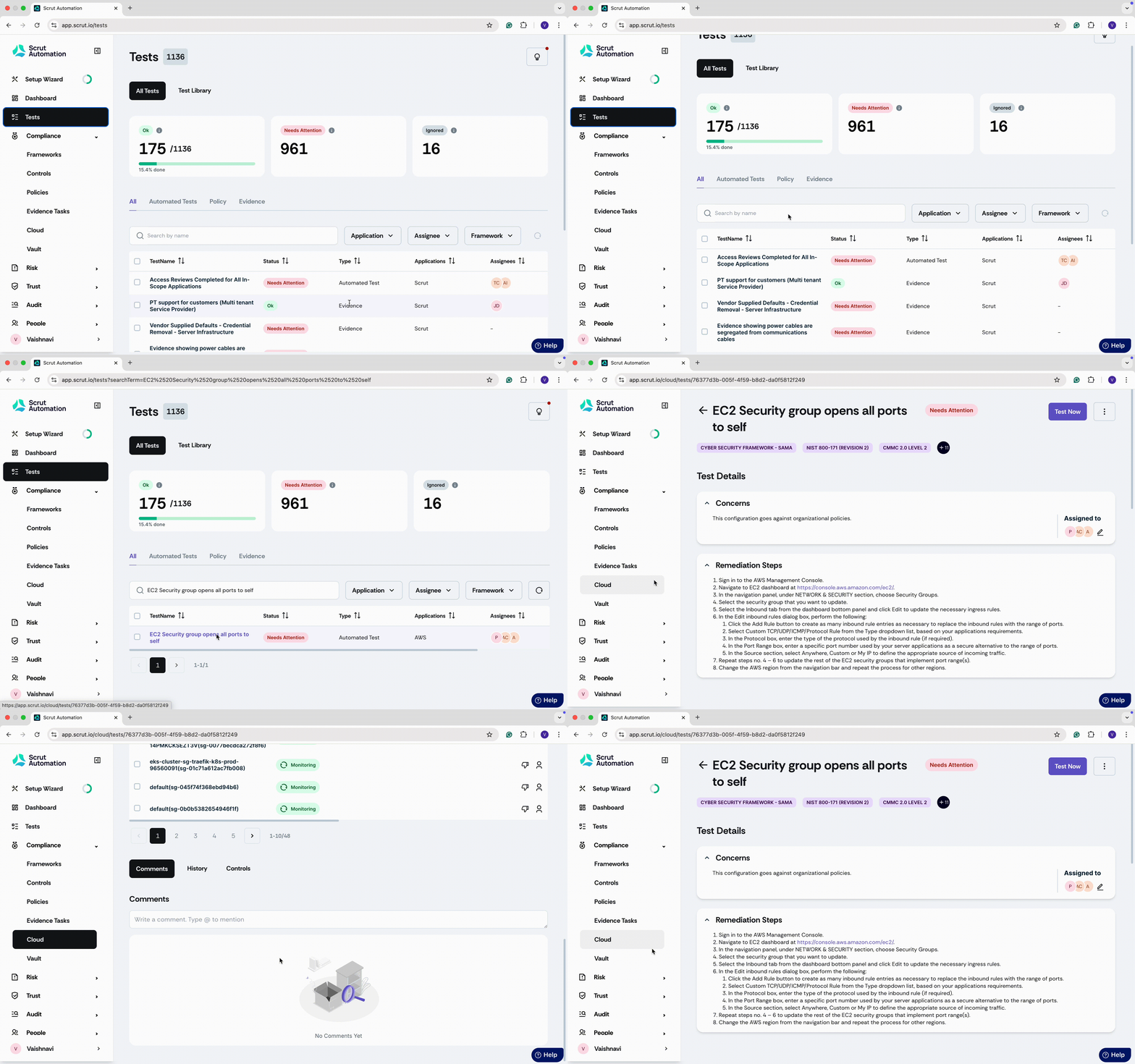
Clicking on any individual cloud test in the Tests module will take you to the Cloud Tests page, where you can take action.
Pro Tips!
- We encourage you to start using the new Tests module as it offers an updated and more intuitive user experience.
- The underlying test data and functionality between these two modules remain the same, so you can confidently switch over to the new module without worrying about losing your progress.
- For any additional queries or assistance, please reach out to your CSM or contact the Scrut support team.