

Create a Custom Control
Who can use this feature
- Supported on Growth and Scale plans
Scrut offers an extensive library of over 1,100 controls, carefully designed to align with a diverse range of regulatory and industry standards, including GDPR, HIPAA, ISO 27001, and others. These controls have been thoughtfully mapped to specific requirements outlined by these standards, making it remarkably efficient for organizations to tailor their compliance efforts.
However, we recognize that each organization might have its own distinct operational processes, security needs, or other specific requirements. In such cases, our platform allows you to create a custom control that is unique and not covered by our existing library.
You can create a control in either of the two ways:
Create a Single Control
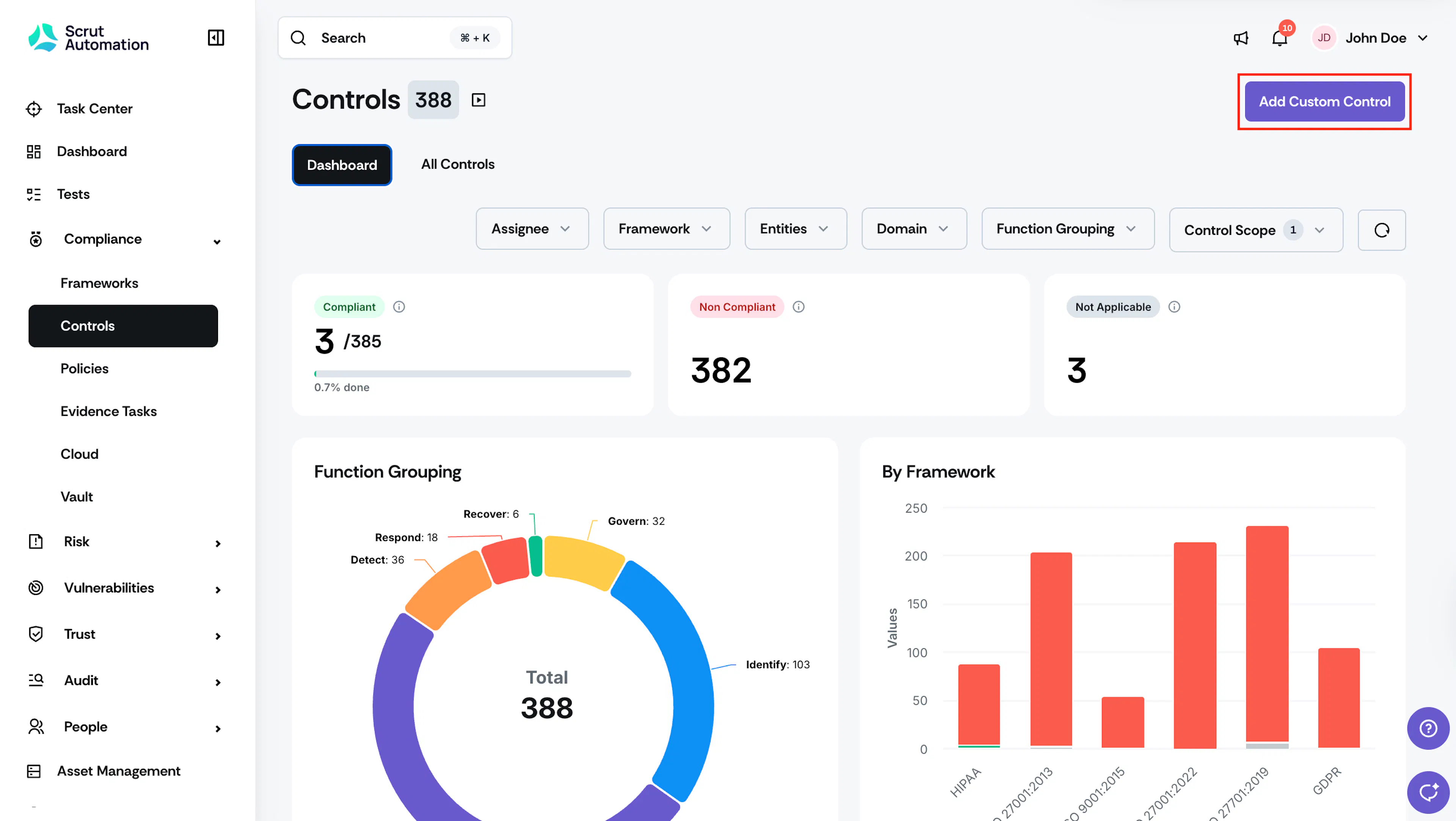
- Sign in to Scrut, click Compliance → Controls on the left navigation panel.
- Click Add Custom Control.
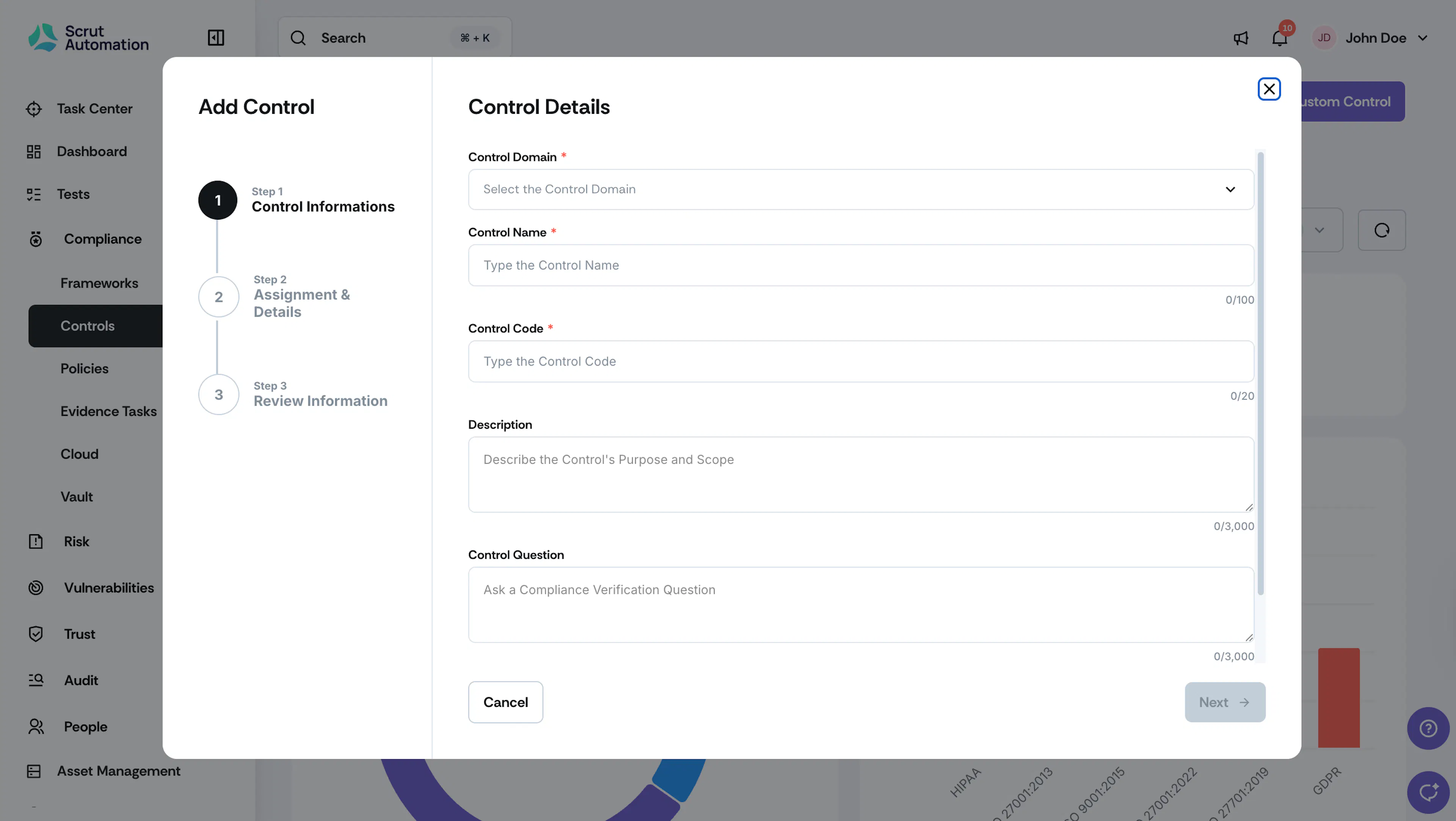
- Enter the required details:
- From the Control Domain dropdown, select the domain to which the control pertains.
- In the Control Name field, enter a descriptive name for the control.
- In the Control Code field, enter a unique code for the control.
- Optionally, in the Description field, enter a detailed description of the control.
- Optionally, in the Control Question field, enter a question that the control should ask your organization.
- From the Functioning Group dropdown, select the functioning group to which the control pertains
- Once the page is filled, click Next.
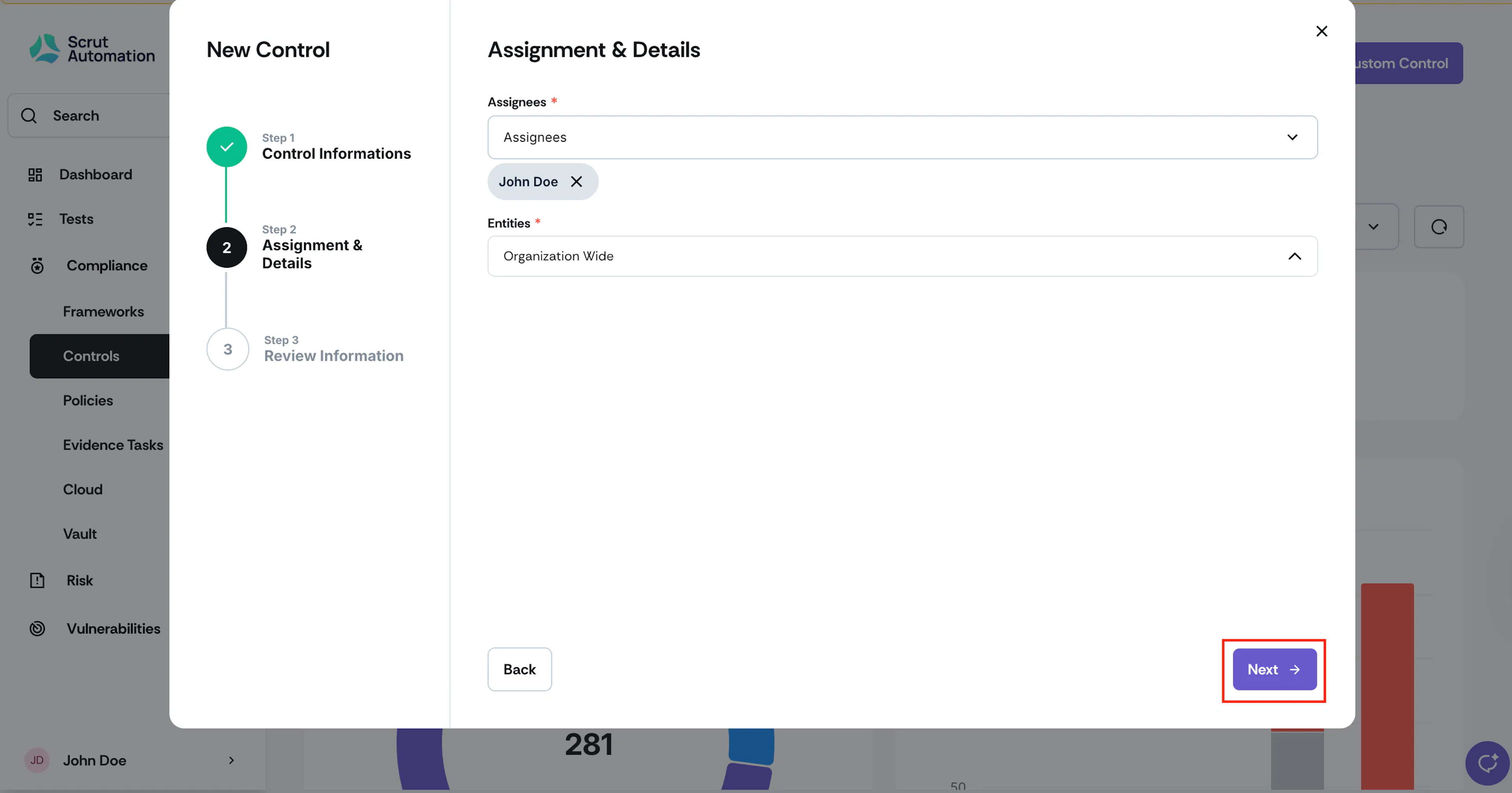
- Click Add Assignee to assign one or more users to the control.
- Click on Entities to assign an Entity to the control.
- Click Next.
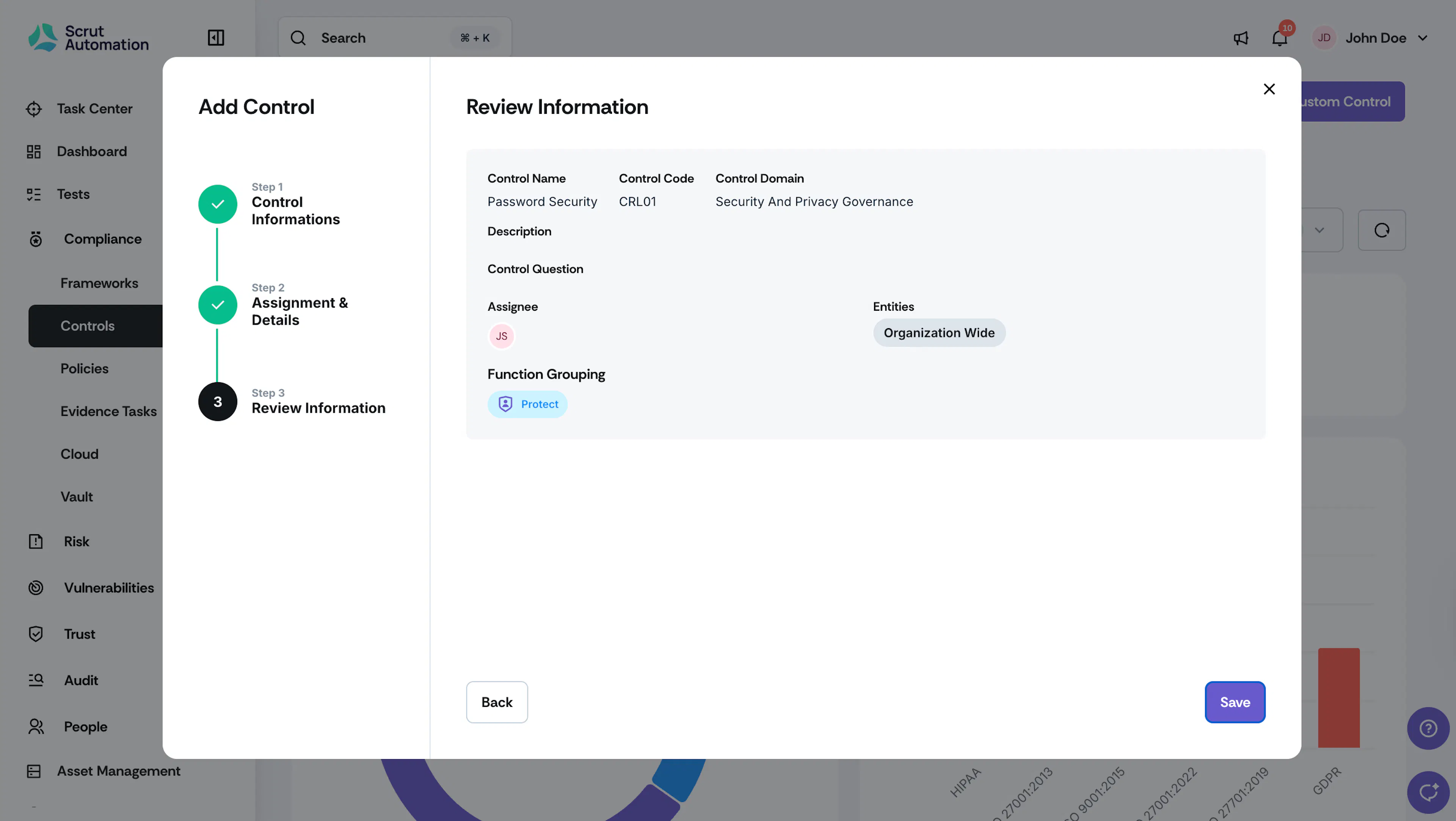
- Review the data and click Create Control.
Import Multiple Controls
- Download the template provided below.
- Replace the file's contents with your own controls.
Helpful Tips!
- Do NOT remove the first row. It contains column headers.
- Remove the second row. It contains a description of each column.
- Create a row for each control.
- Control Code must be unique.
- The Control Name, Domain, and Functioning Group are mandatory fields.
- Template headers are case-sensitive; ensure that the downloaded format matches the imported format.
- After filling the template, please share it with your Customer Success Manager, who will import it from the backend.
Was this page helpful?