

Export Controls
Who can use this feature
- Supported on Foundation, Growth, and Scale plans
How to Export Controls
-
Sign in to Scrut, and click Compliance → Controls on the left navigation panel.
-
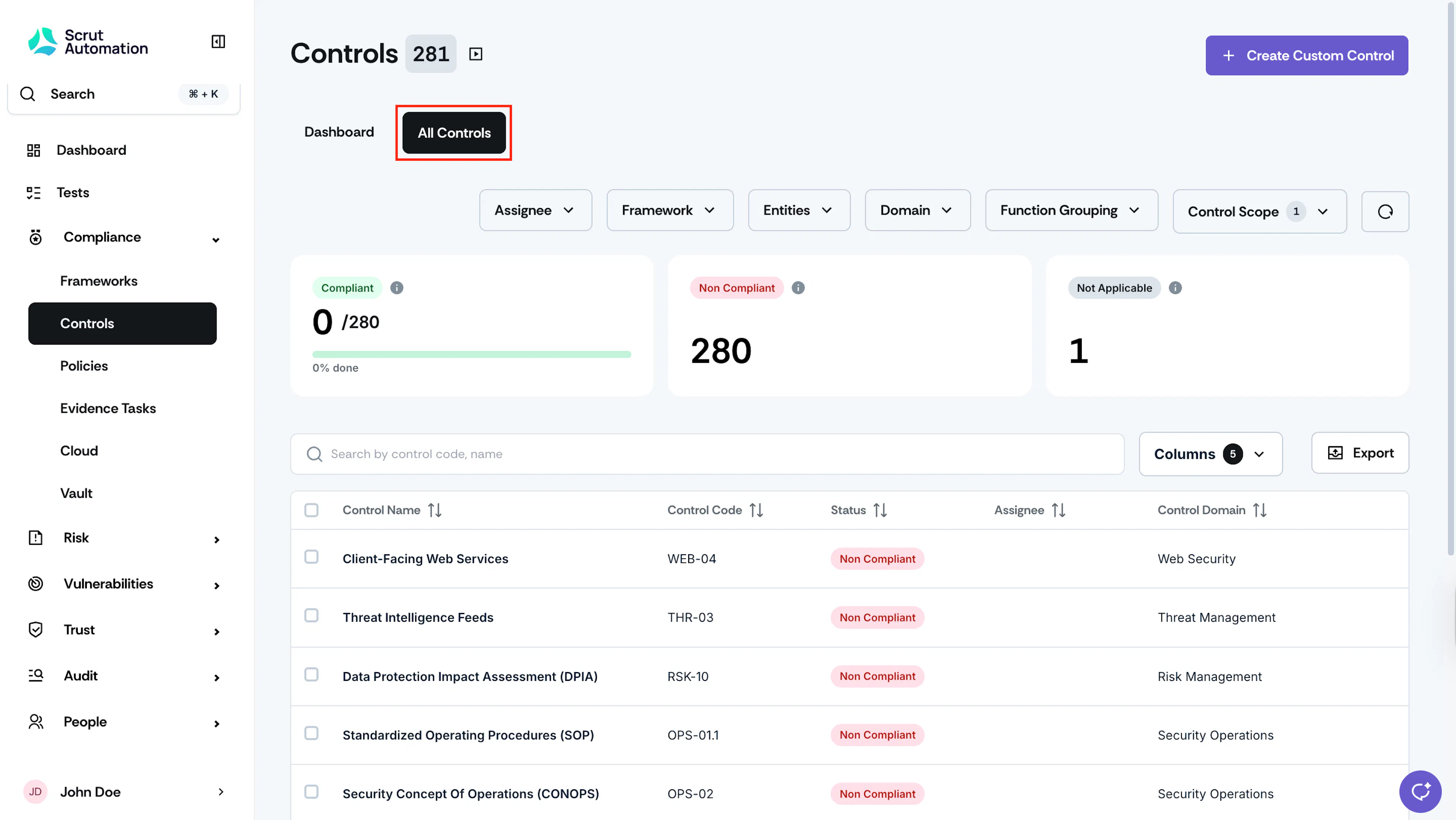
Go to the All Controls tab.
-
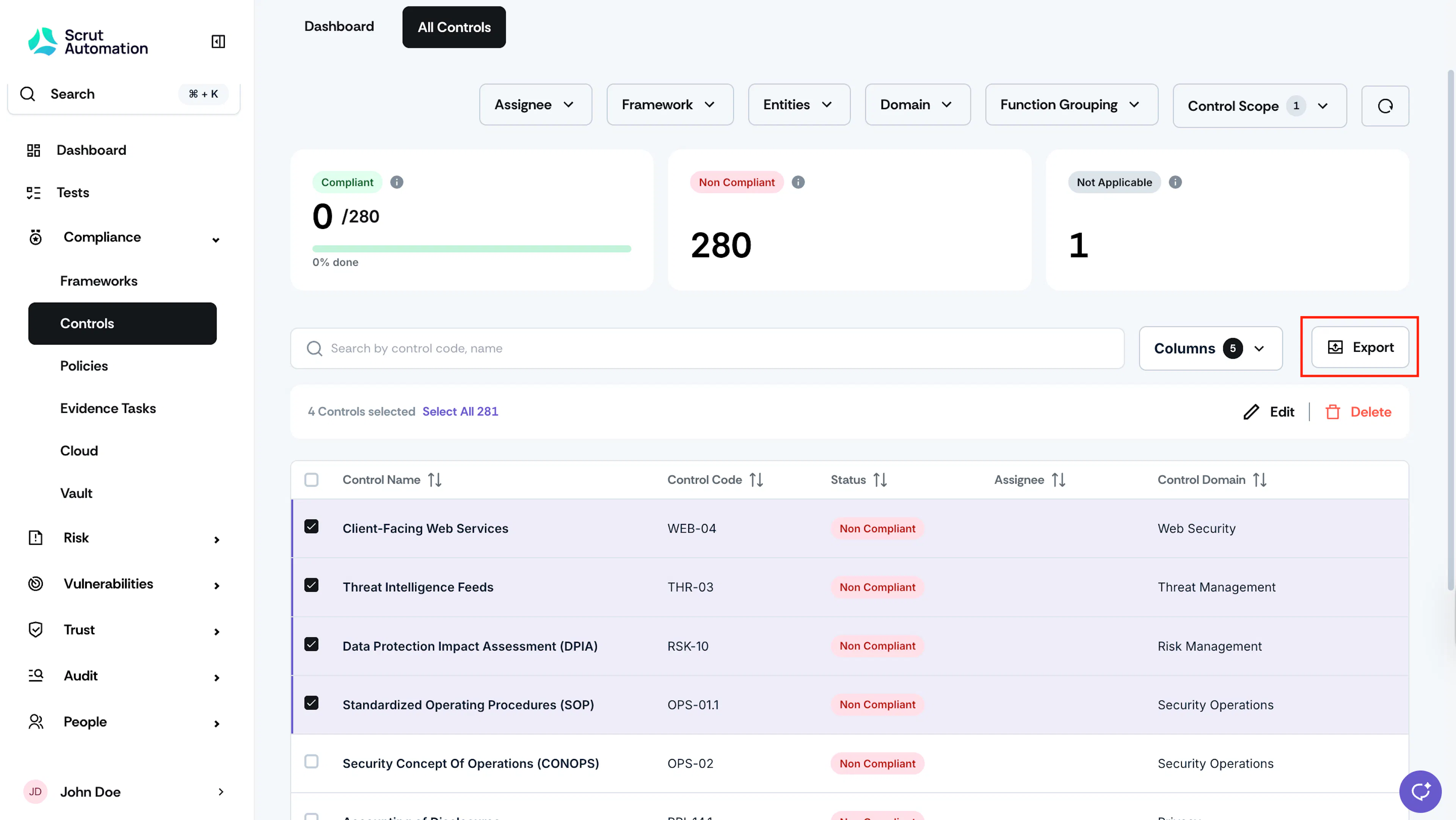
Select the controls that you want to export, and click Export.
-
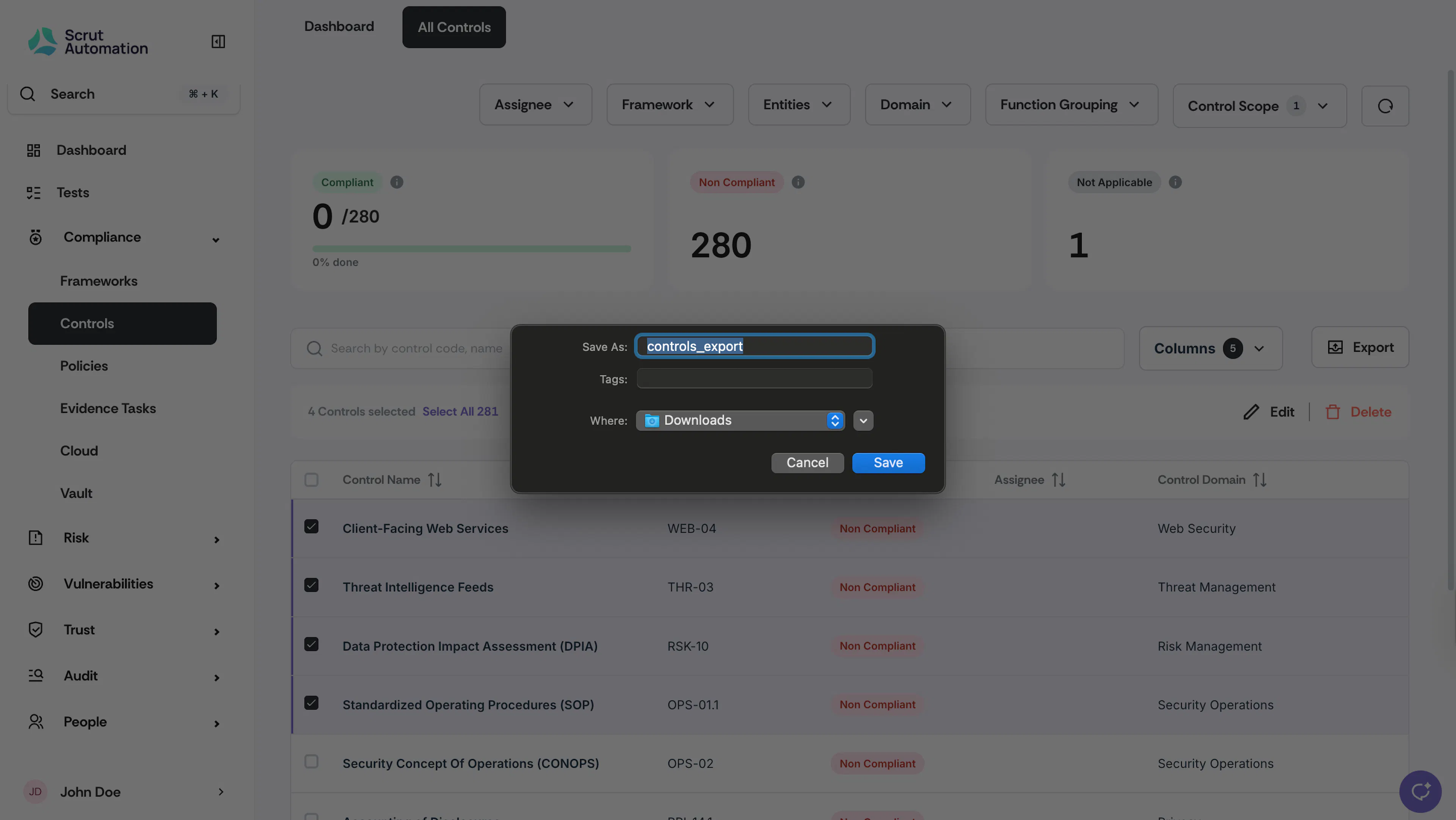
Scrut will automatically download the selected controls.
Was this page helpful?