View Audit Logs for Corrective Action
Who can use this feature
- Supported on Foundation, Growth, and Scale plans
The Audit Logs for the Corrective Action module facilitate easy tracking and monitoring of all actions within the module, thereby enhancing transparency and control. There are two distinct types of audit logs in the Corrective Actions module:
Audit Logs for Individual Corrective Actions
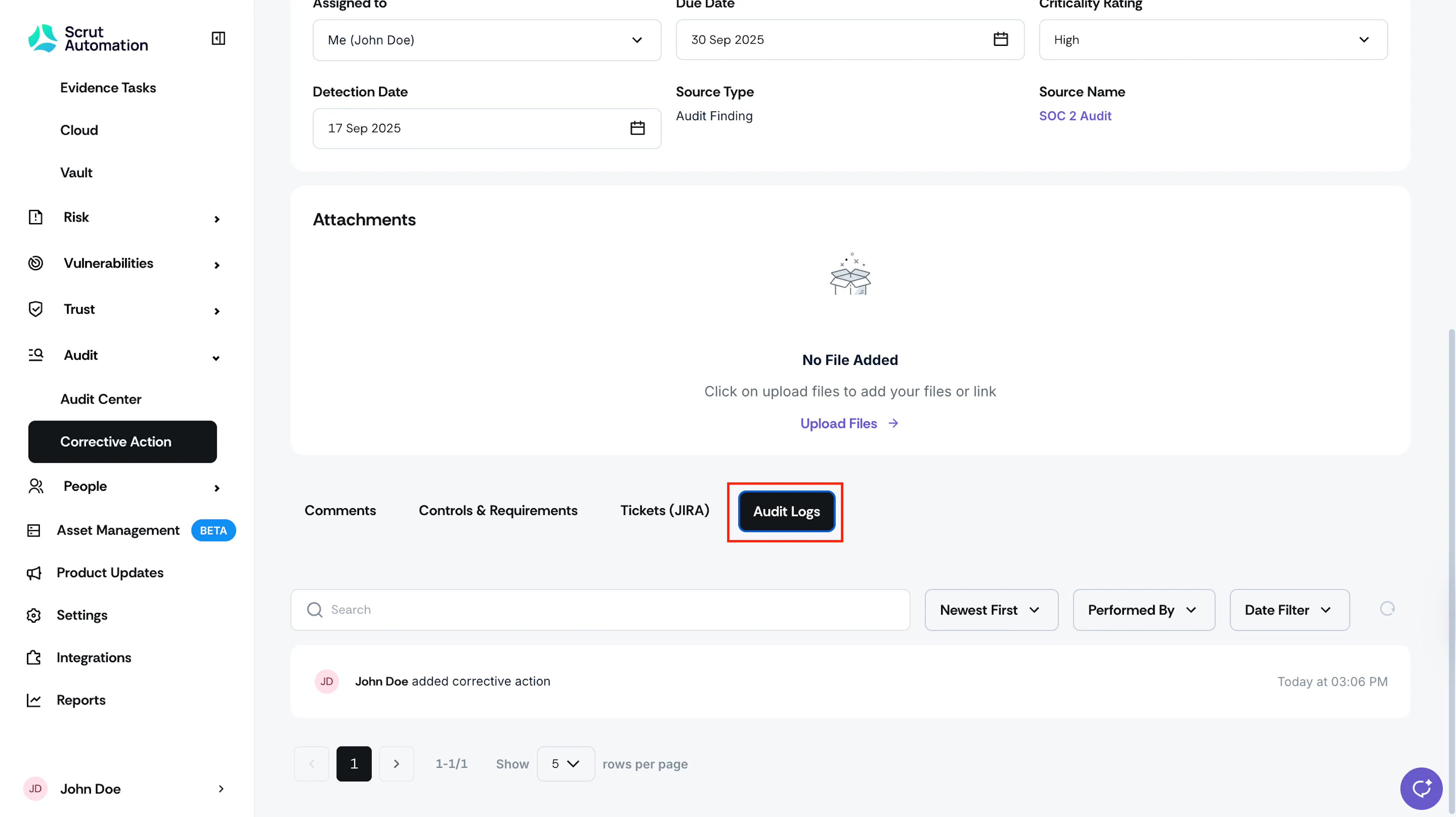
This log provides a detailed record of all activities performed on a specific corrective action. To access this log, follow these steps:
-
Sign in to Scrut, click Audit → Corrective Action on the left navigation panel, and select your preferred corrective action.
-
Scroll down and navigate to the Audit Logs tab.
Audit Logs for Corrective Action Settings
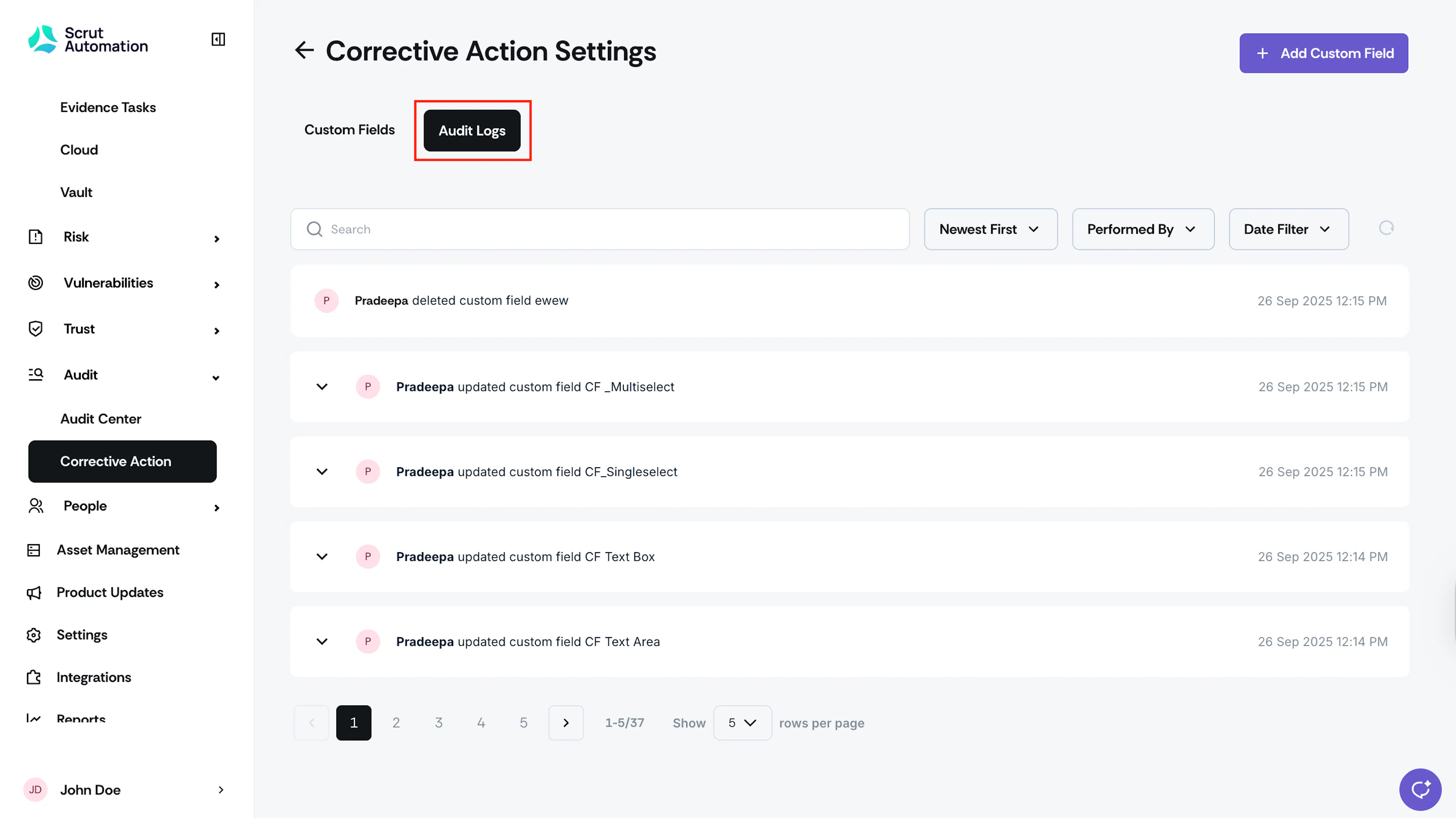
This log captures all activities that occur on the Corrective Action settings page. To access this log, follow these steps:
-
Sign in to Scrut, click Audit → Corrective Action on the left navigation panel, and click the Settings icon on the top-right.

-
Navigate to the Audit Logs tab.