

Create Custom Risk Categories
Who can use this feature
- Supported on Growth and Scale plans
Custom Categories in Scrut's Risk Register enable users to manage risks more efficiently by creating categories that suit specific needs, ultimately enhancing the overall usability and effectiveness of the risk management module.
How to Add a Custom Category
-
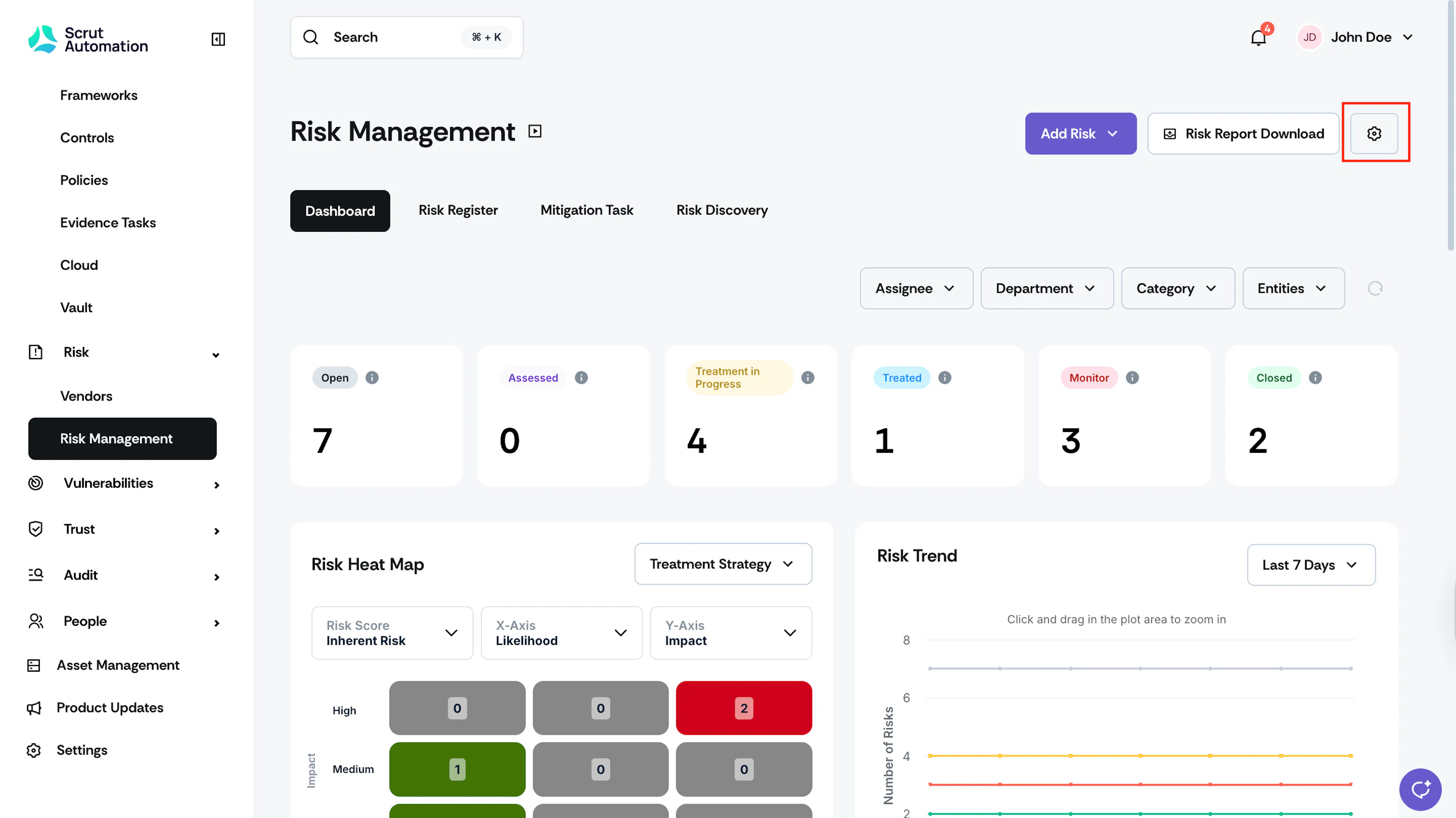
Click Risk → Risk Management on the left navigation panel and click the Settings icon on the top-right of the page.
-
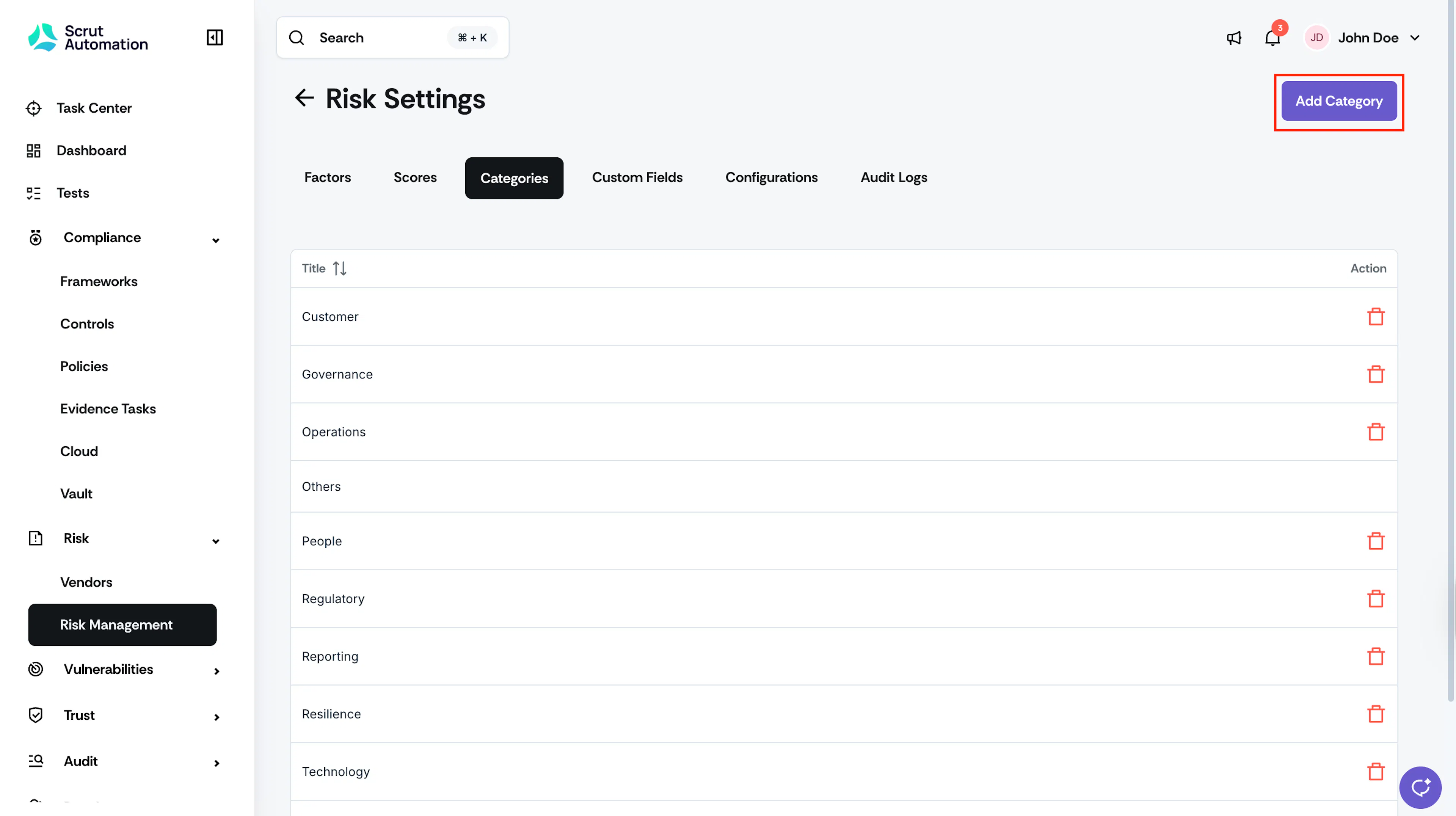
Navigate to the Categories tab and click the Add Category button.
-
Enter the category name and click Save.
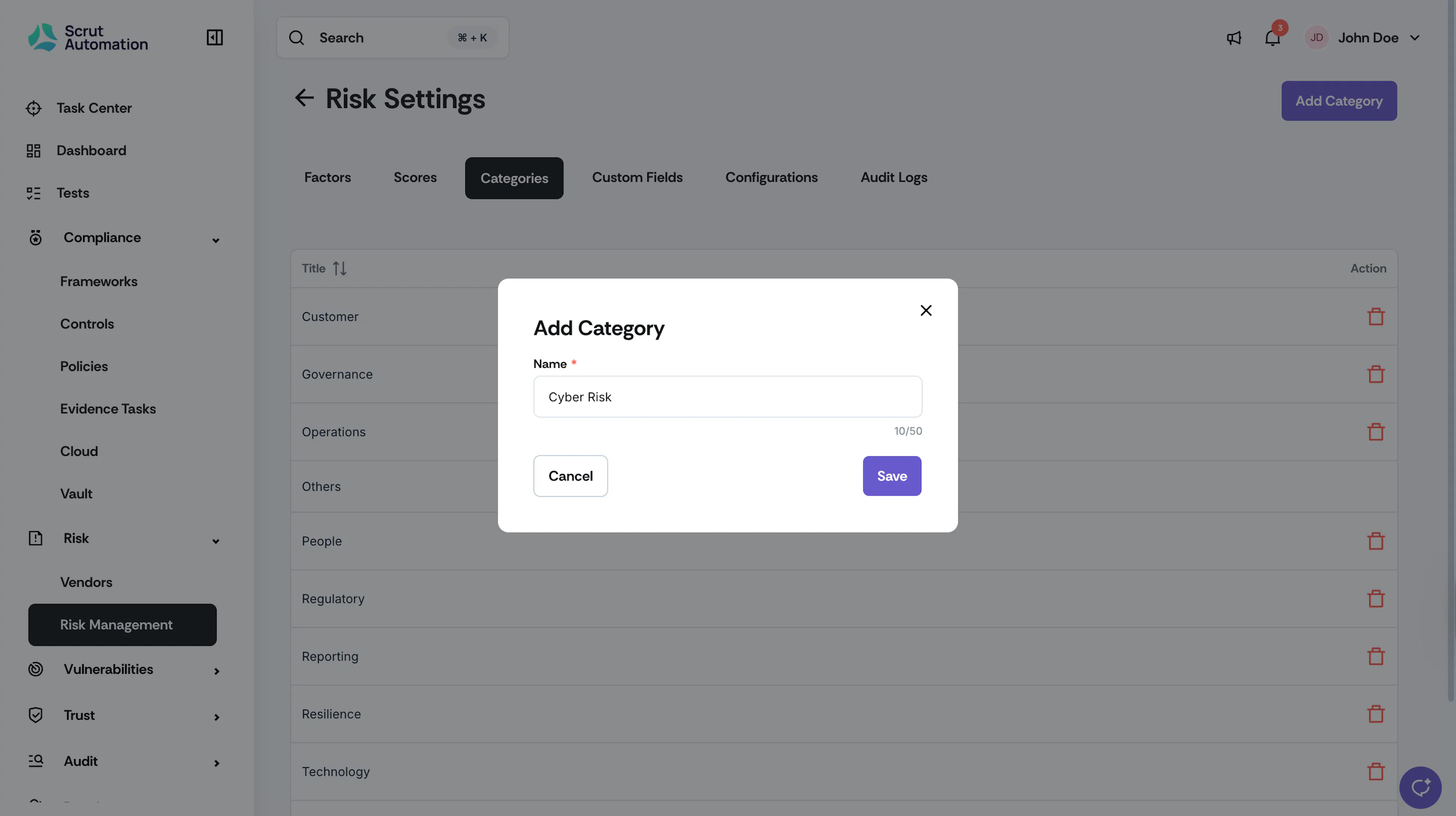
You can now select this category while creating or editing risks.
Note:
If a risk category is deleted, all risks associated with that particular category are reassigned to "Others".
Was this page helpful?