

Delete a Policy
Who can use this feature
- Supported on Foundation, Growth, and Scale plans
To delete one or more policies:
-
Sign in to Scrut, and click Compliance → Policies on the left navigation panel.
-
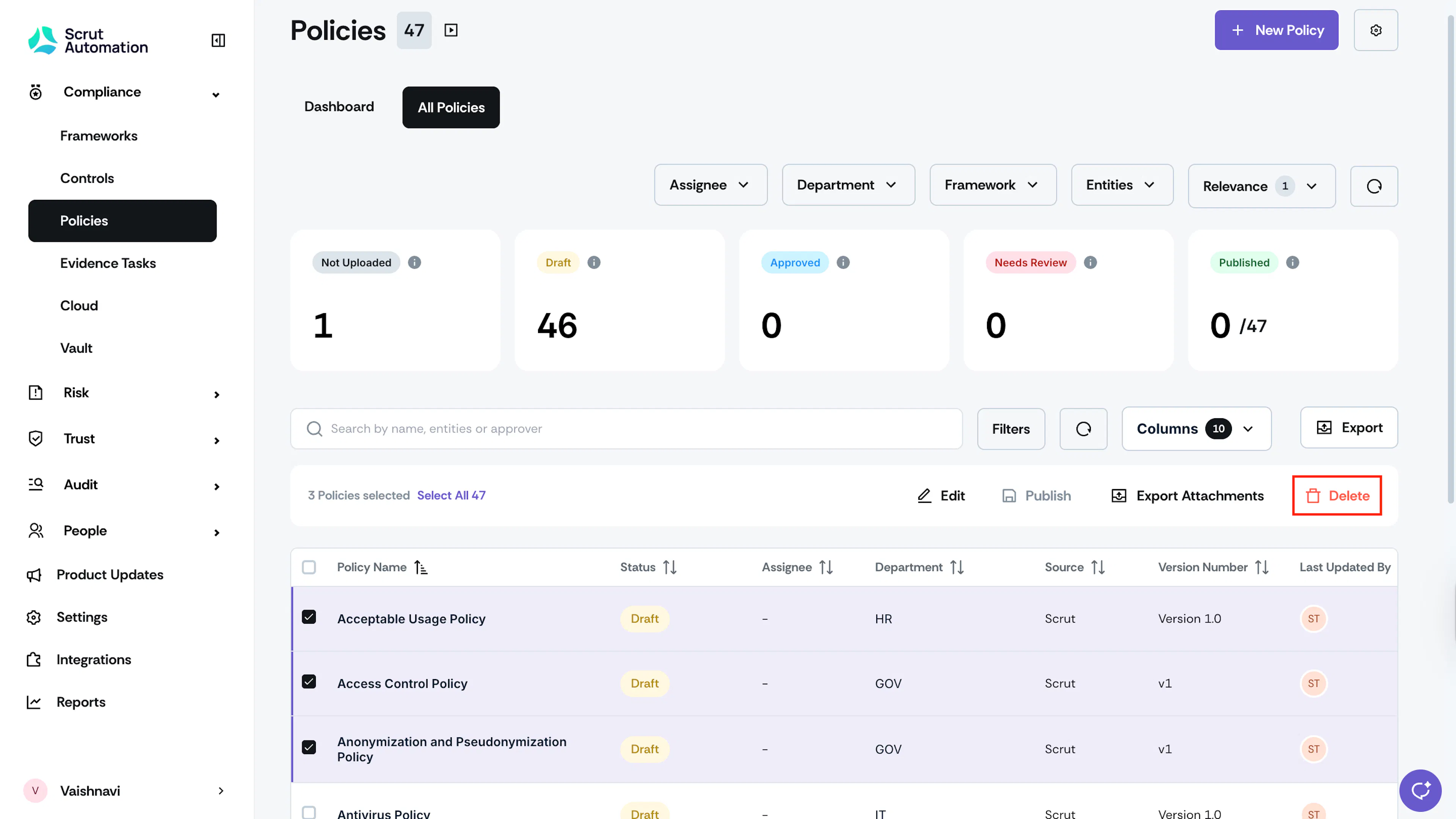
Go to the All Policies tab and select the policies you want to delete.
-
You can select one or more policies, as required.
-
Click the Delete button at the top of the table.
-
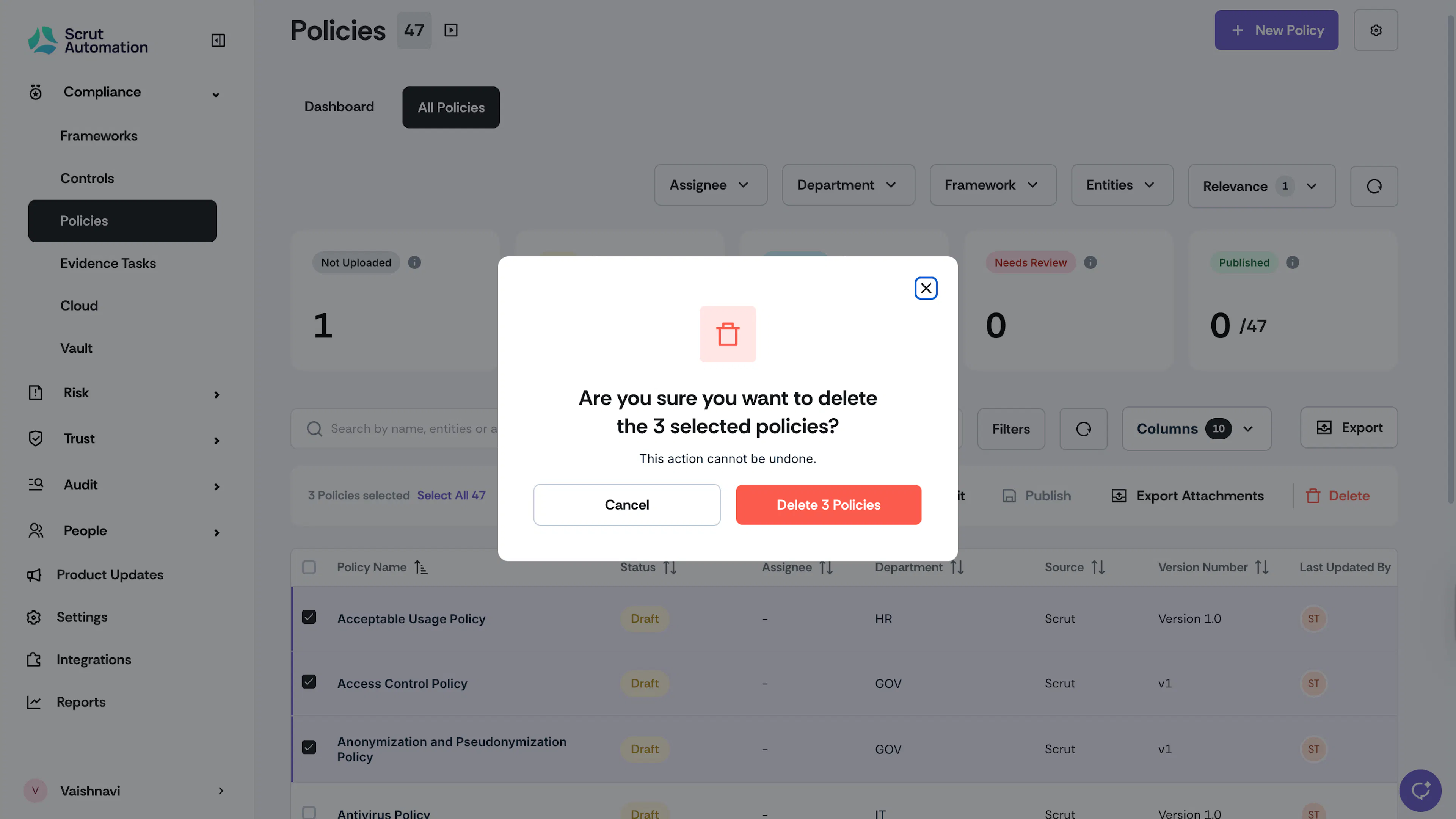
Click Delete to confirm your action.
Heads Up!
Once you delete the policy, it cannot be recovered. Review the selected policies carefully before confirming deletion. If you only want to delete policy content, see here.
Was this page helpful?