How to View an Audit Finding
What are Audit Findings?
Audit findings are compliance gaps and other discrepancies auditors discover during an audit. In other words, findings provide a formal way for auditors to document, categorize, and track their observations during the audit.
Viewing Audit Findings
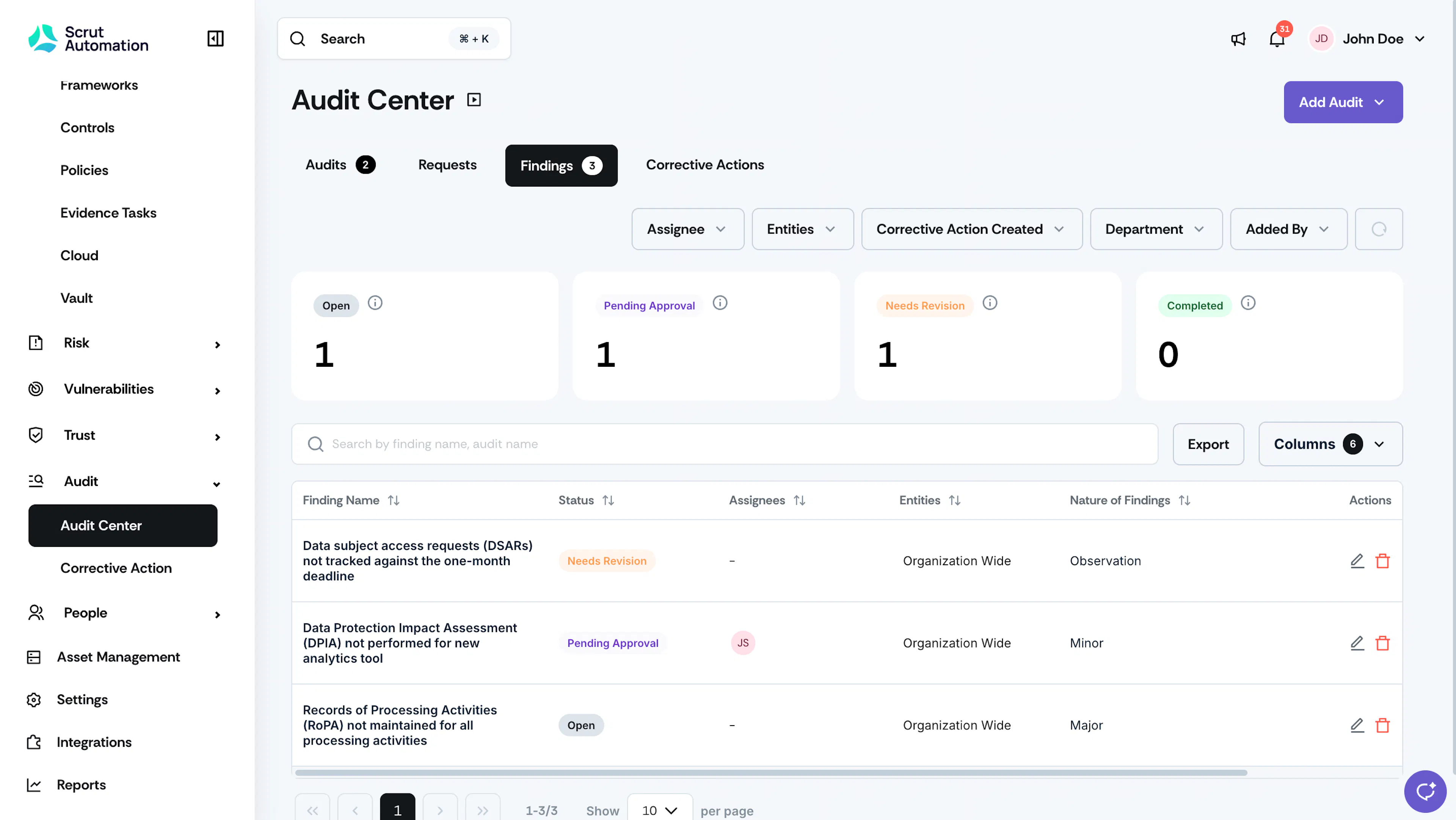
The Findings tab in the Audit Center serves as a centralized repository for audit findings, enabling auditors and stakeholders to manage and address concerns systematically. It also lets all relevant parties quickly view all identified issues. This, in turn, facilitates timely corrective actions and strategic improvements, ultimately enhancing the overall integrity and effectiveness of the audit process.
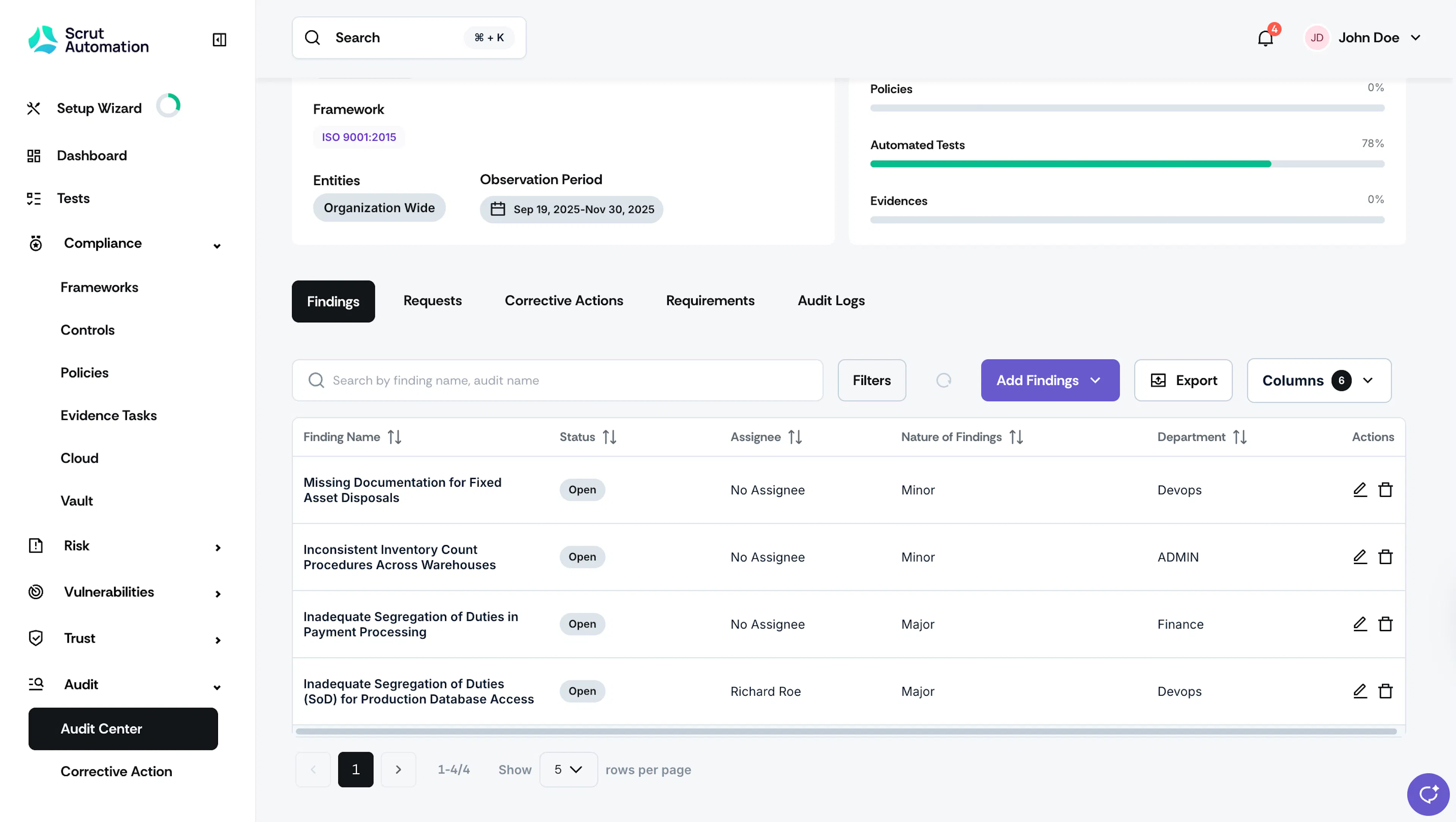
You can also zero in and view findings specific to an audit. For this, navigate to Audit → Audit Center and open your preferred audit. Once you’re on the audit page, scroll to the Findings tab to view all findings specific to an audit.