

Reopen a Closed Audit Request
Auditors and admins can reopen closed requests and use the Request Revision button to initiate updates or changes, as needed. This ensures that requests meet compliance requirements without adding unnecessary complexity to the workflow.
How to Reopen a Closed Audit Request
-
Sign in to Scrut, and click Audit → Audit Center on the left navigation menu.
-
Select the audit corresponding to the request.
-
Once you’re on the audit page, scroll to the Requests tab, and open the closed request that you want to send for revision.
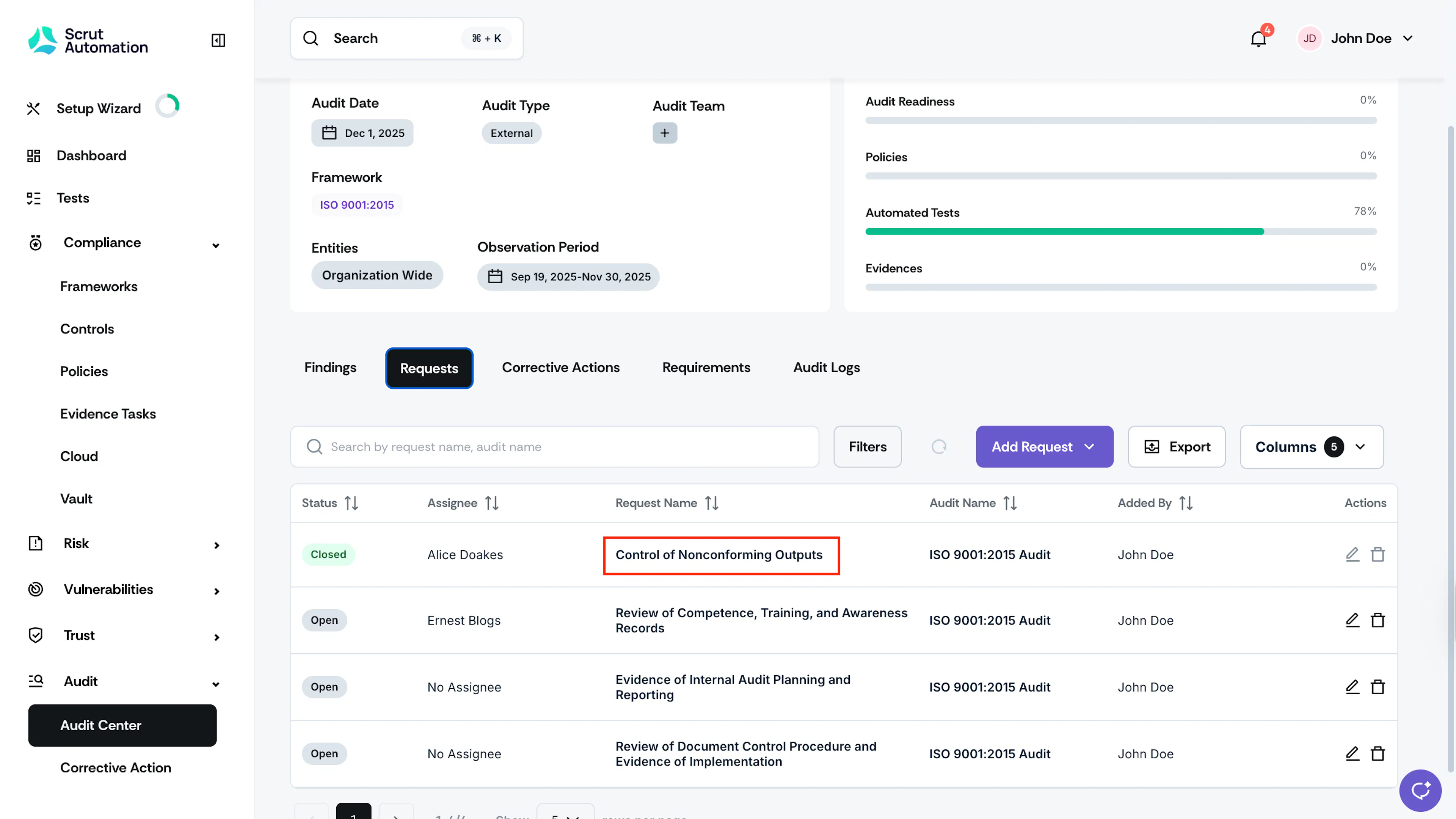
-
Click the Request Revision button on the top-right of the page.
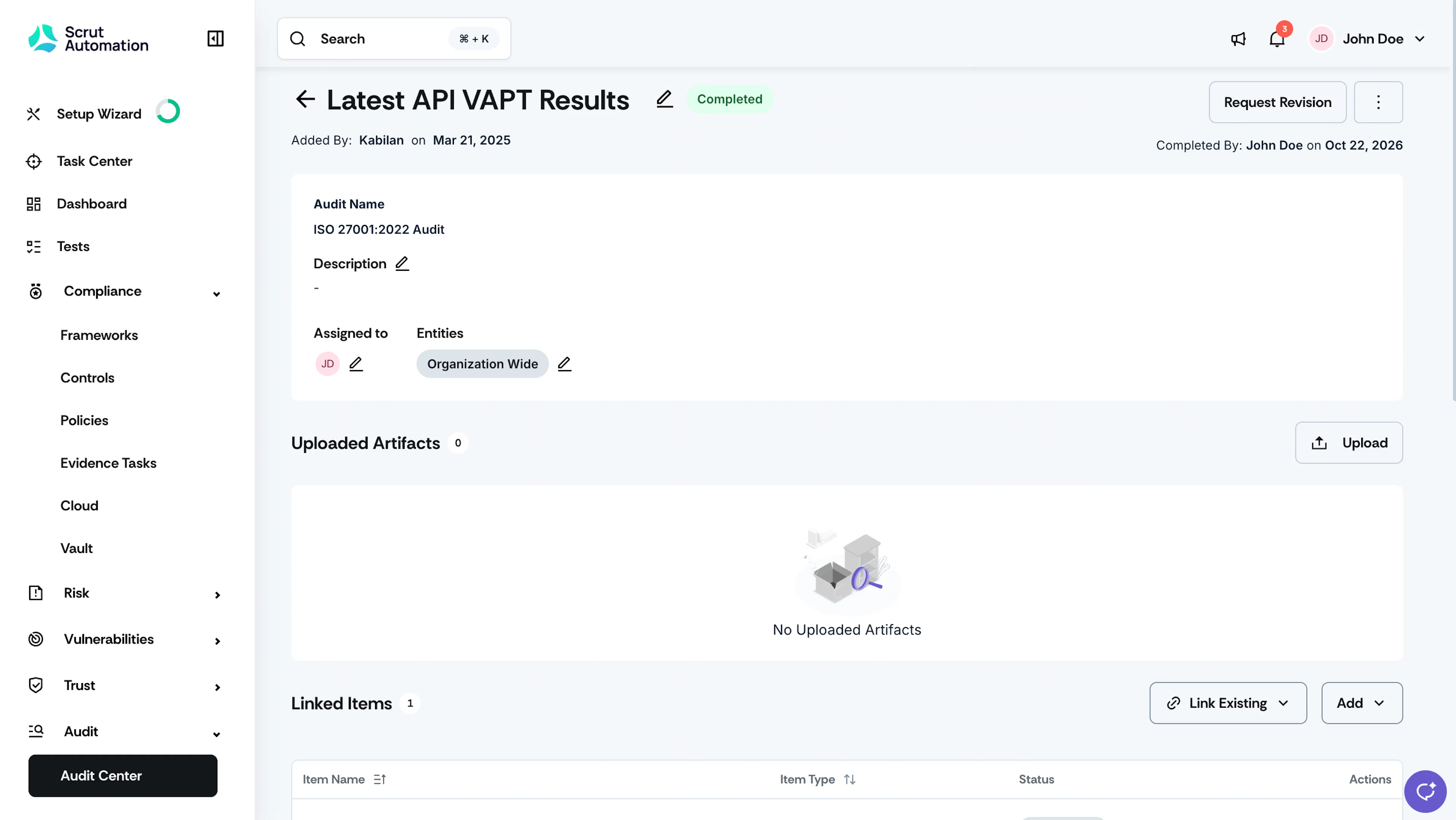
-
Enter the reason for requesting a revision, and click Save.
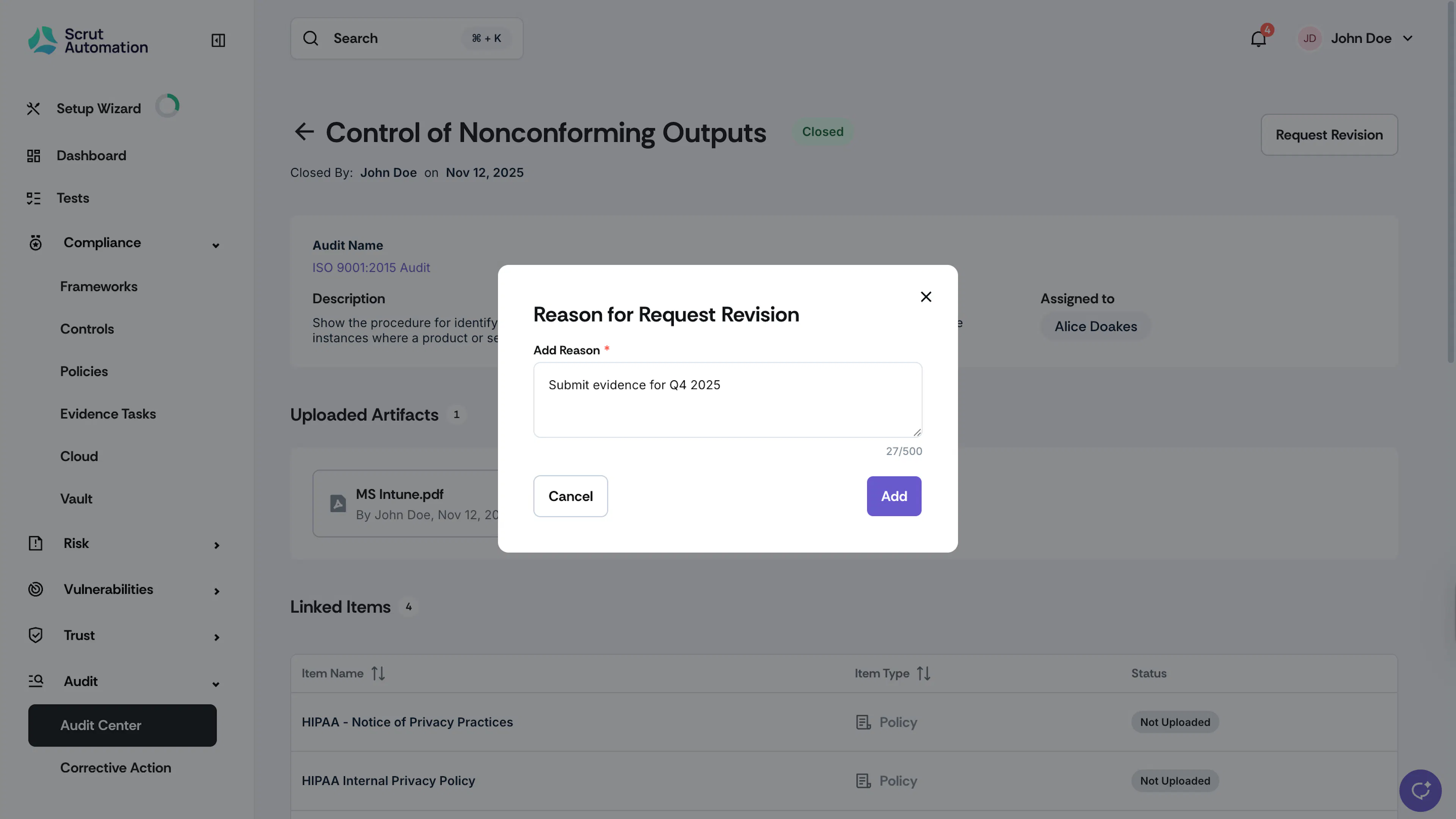
-
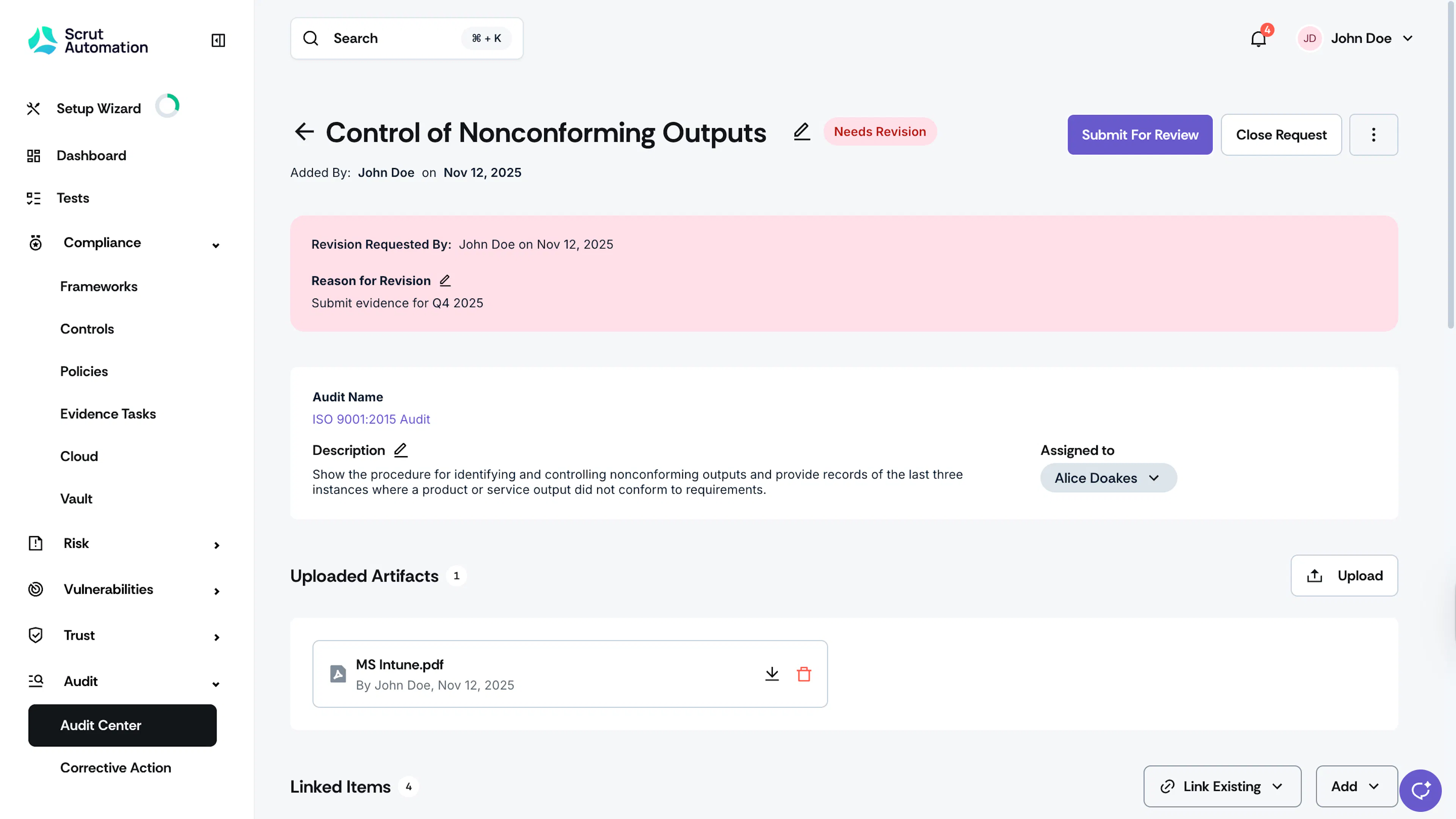
This updates the request’s status from Closed to Needs Revision.
-
Scrut also notifies the assignees via email. The assignee will be able to view the auditor's reason for the revision.
Heads Up!
Once the audit is marked as completed, you can no longer request revisions for closed requests.