Close a Risk
Who can use this feature
- Supported on Foundation, Growth, and Scale plans
In risk management, closing a risk ensures that a risk is fully addressed through manual confirmation. Admins or Risk Assignees must review and complete all mitigation efforts before closing a risk, providing an extra layer of oversight and validation.
How To Close a Risk
-
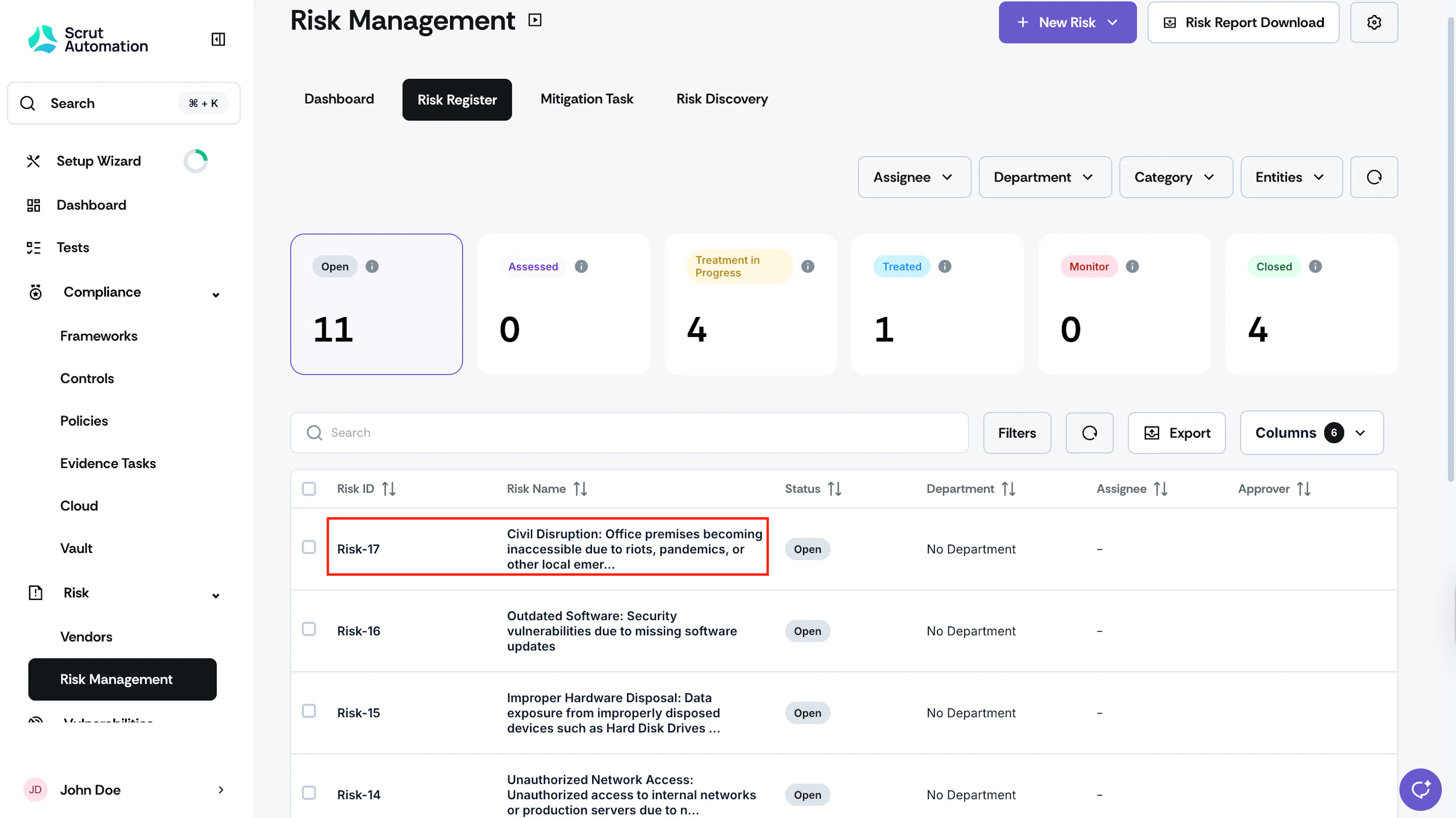
Click Risk → Risk Management on the left navigation panel, and go to the Risk Register tab.
-
Click on the risk you want to close.
-
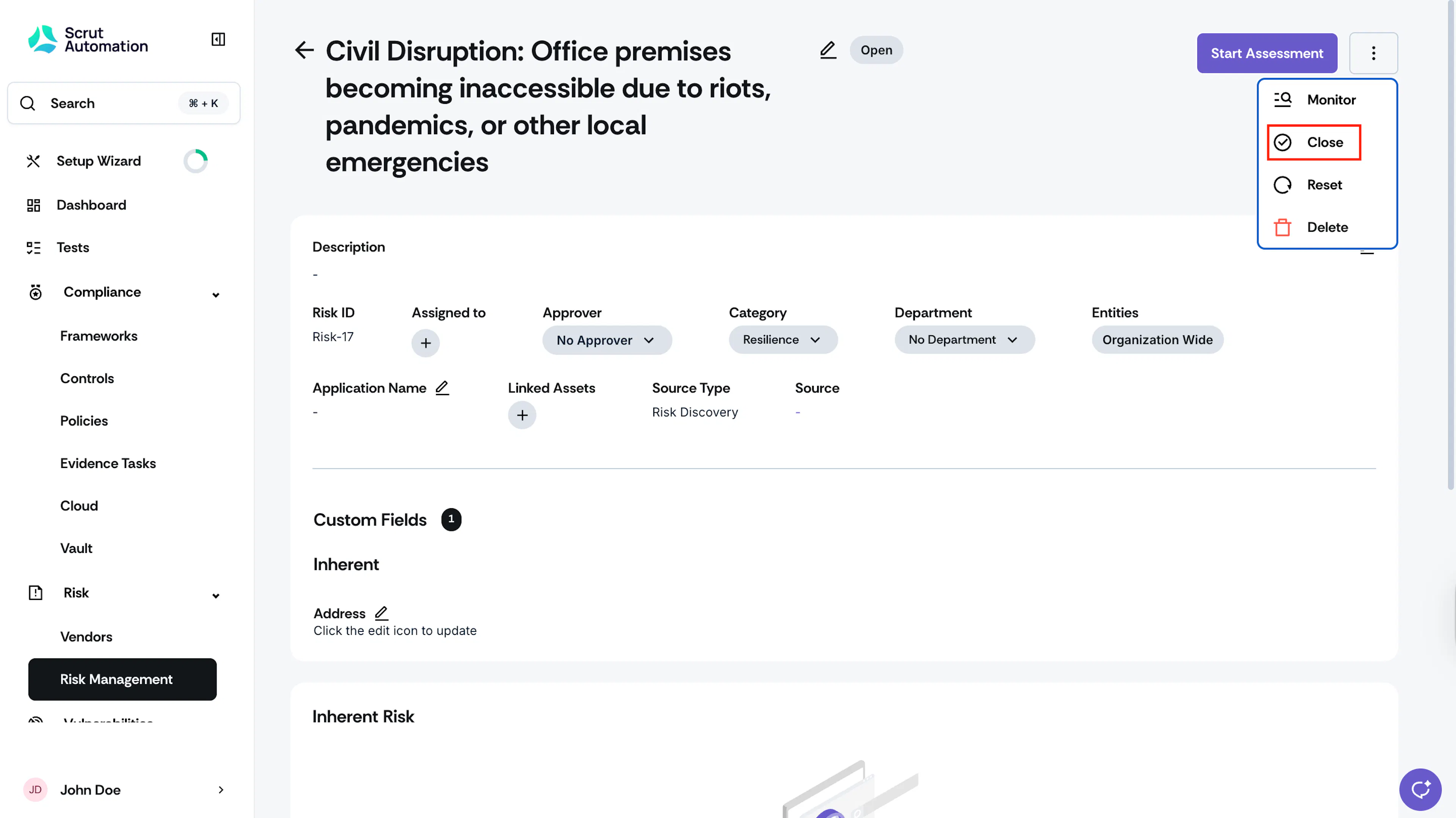
Click the three-dots icon at the top right, and click Close.
-
Provide a reason for closing the risk and click Close.
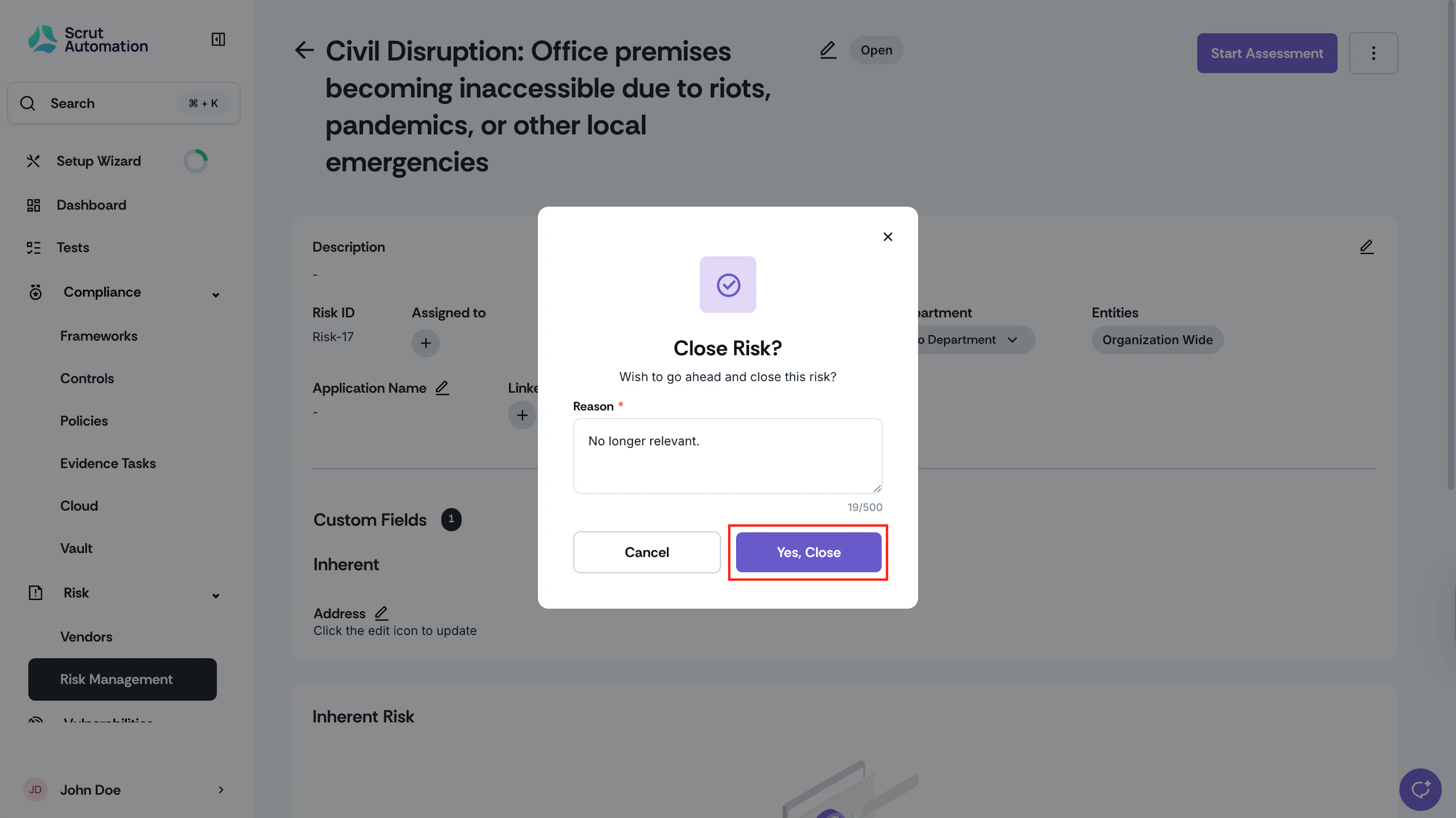
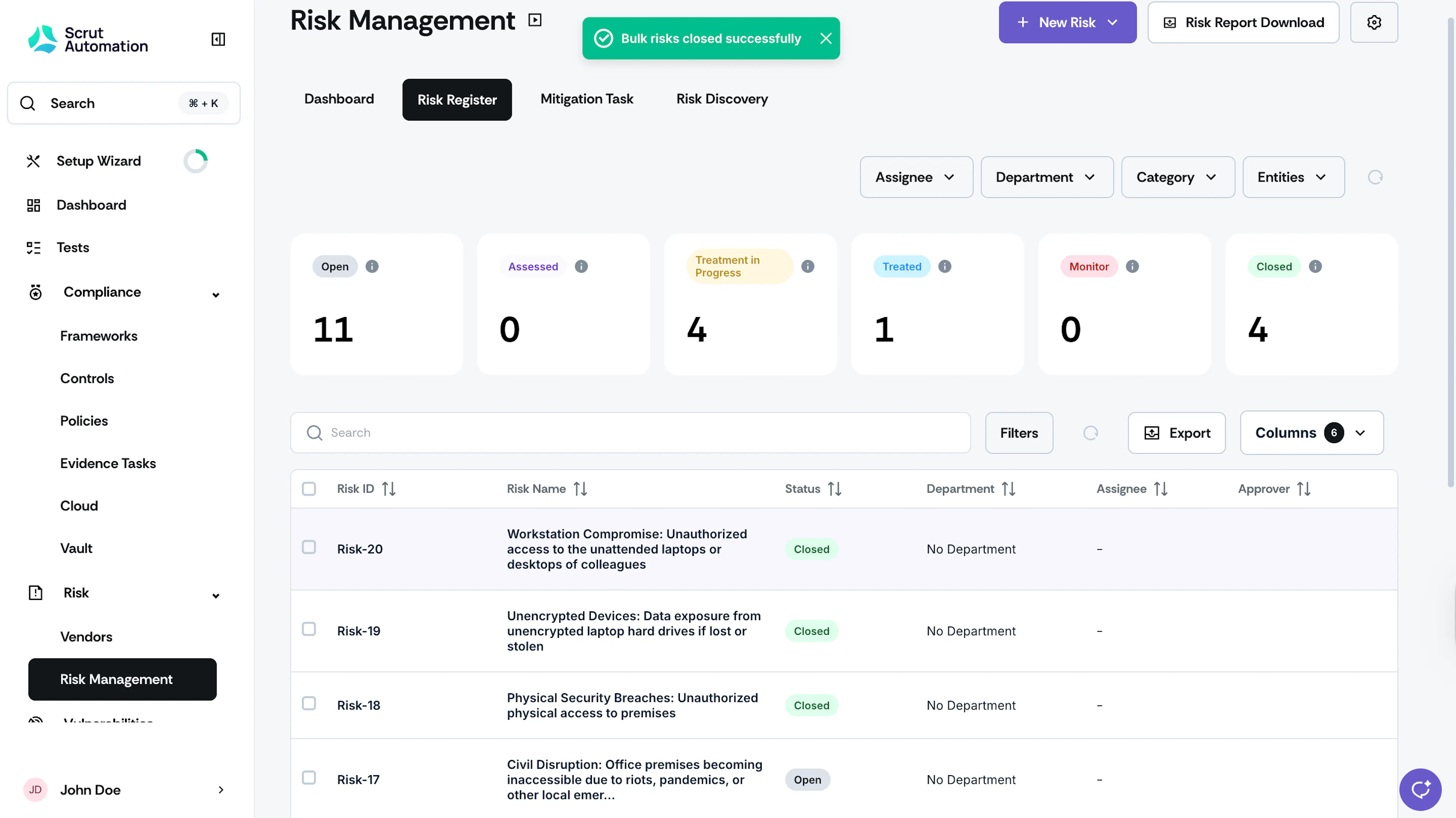
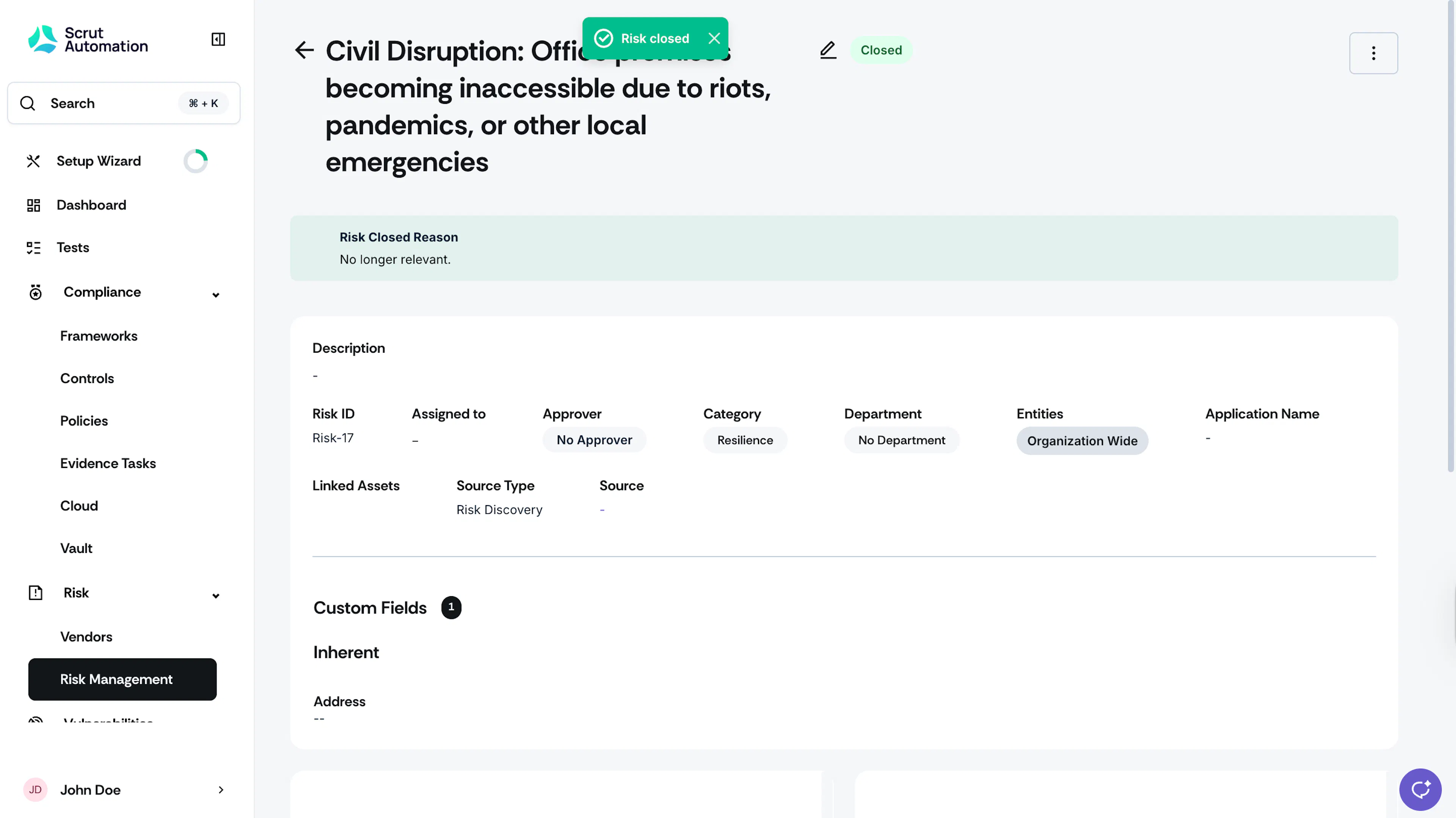
The risk will then move to Closed status, and your reason will be displayed.
Closing Multiple Risks
You can also close several risks at the same time.
-
Click Risk → Risk Management on the left navigation panel, and go to the Risk Register tab.
-
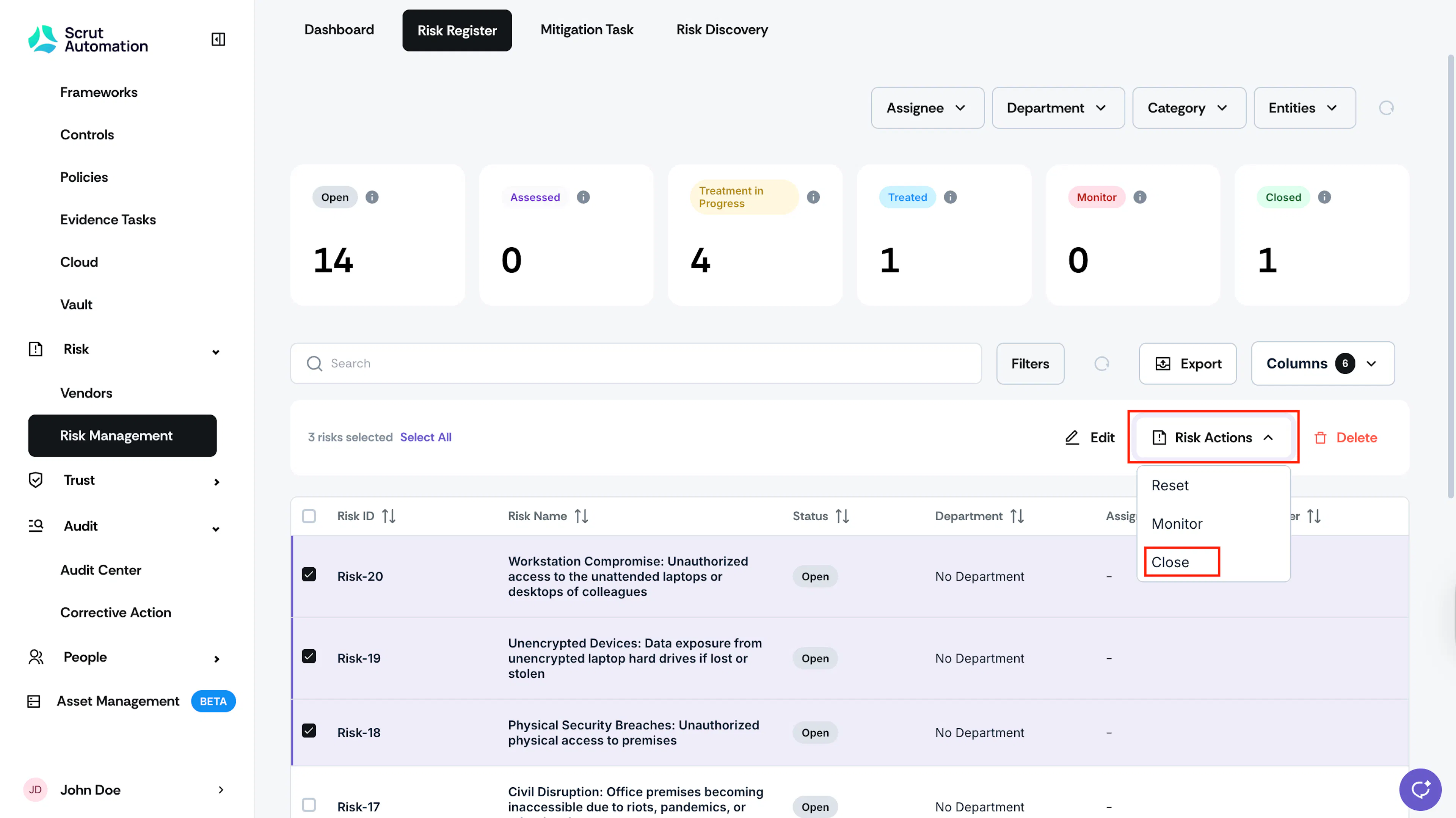
Select the risks you want to close.
-
Click Risk Actions and choose Close.
-
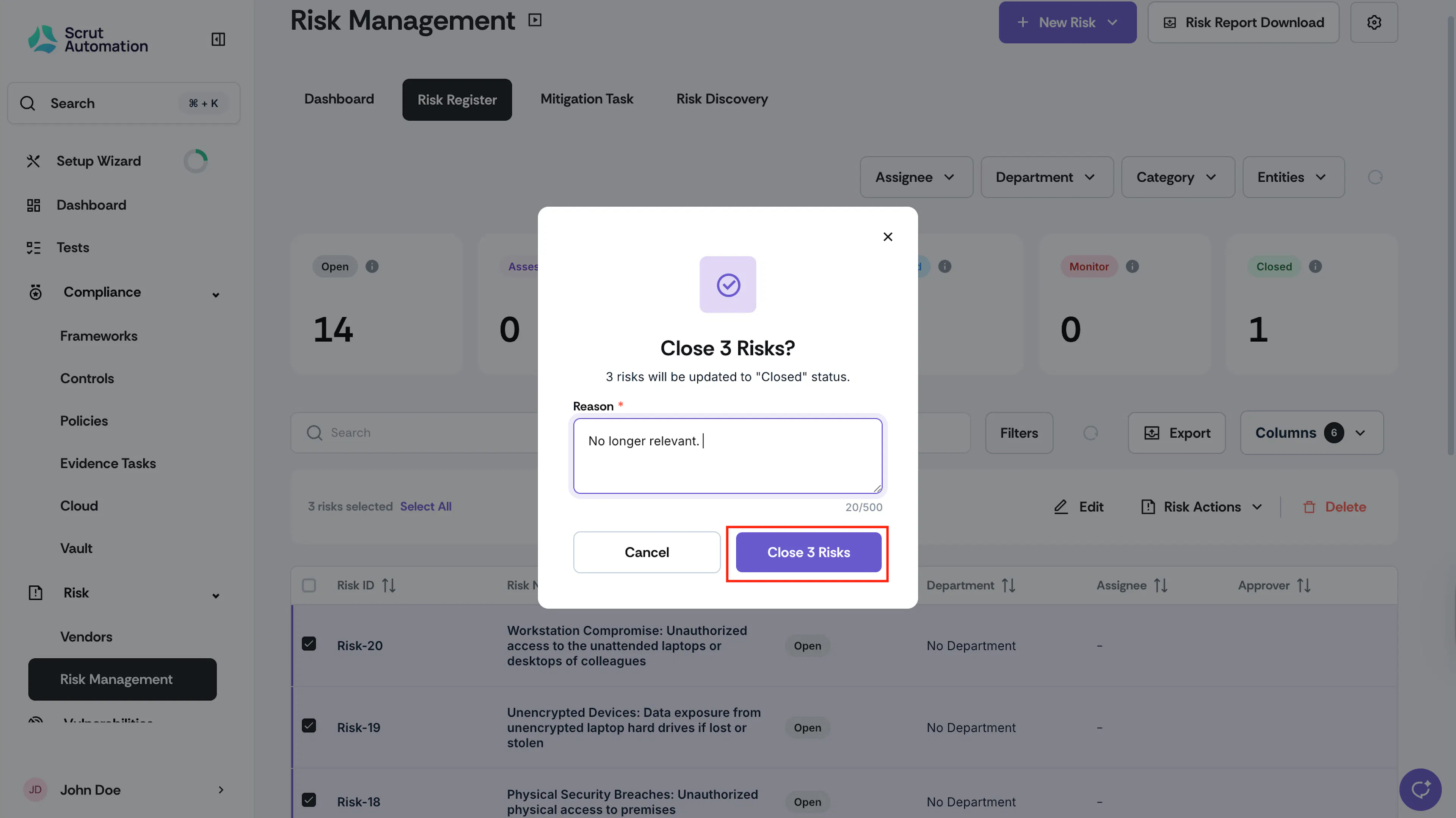
Provide a reason for closing the risks and click Close.