Add Residual Risk
Who can use this feature
- Supported on Foundation, Growth, and Scale plans
A residual risk in Scrut refers to the level of risk that remains even after controls or mitigation tasks have been applied. Adding a residual risk allows you to assign a residual risk score and officially treat a risk item while acknowledging any remaining risk.
How To Add Residual Risk
-
Click Risk → Risk Management on the left navigation panel.
-
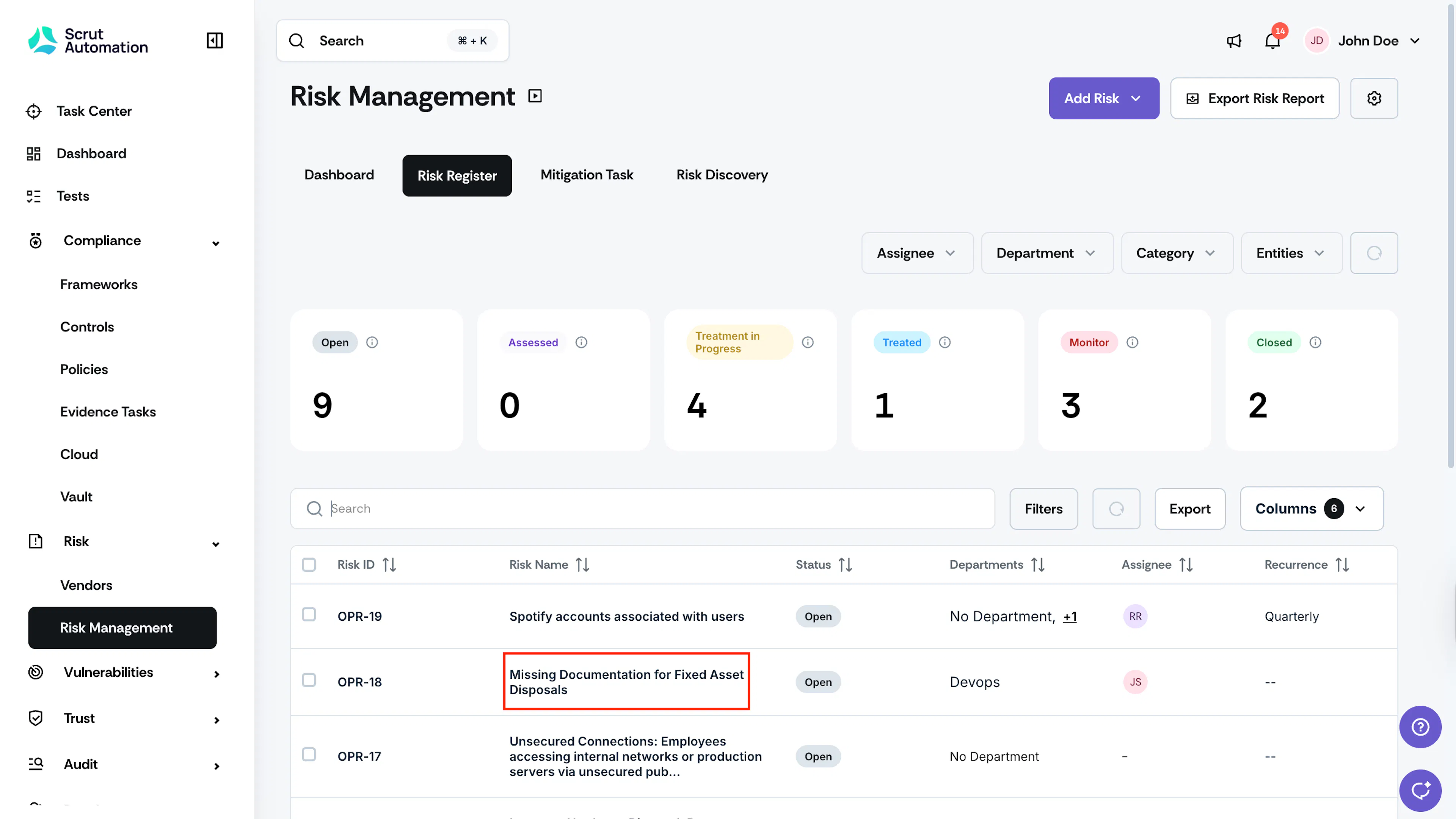
Go to the Risk Register tab and click on the risk for which you want to add a residual risk.
Heads Up!
You cannot add residual risk if any mitigation tasks are open for the risk. Close all pending mitigation tasks to proceed.
-
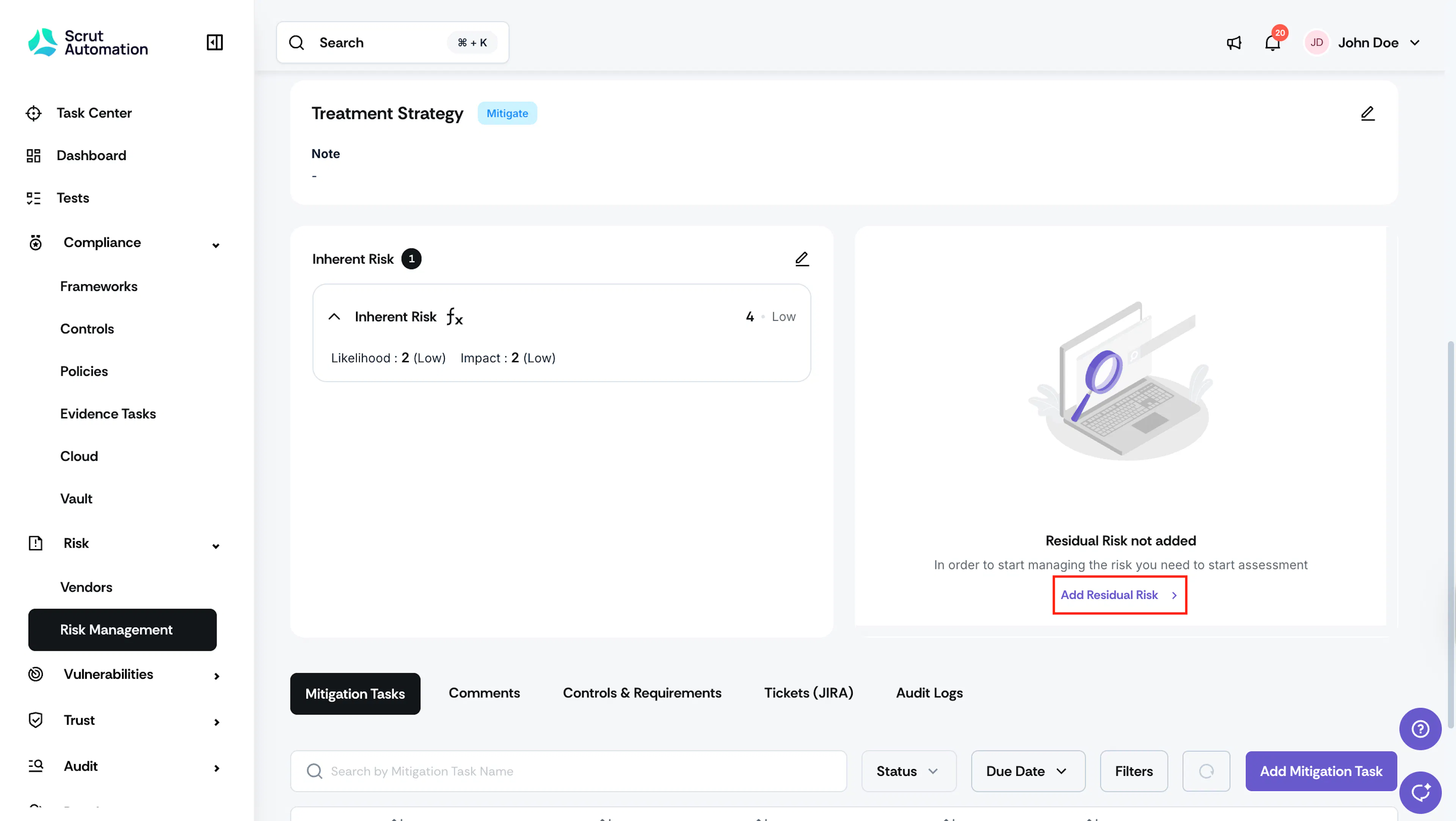
Scroll to the Residual Risk section, and click Add Residual Risk.
-
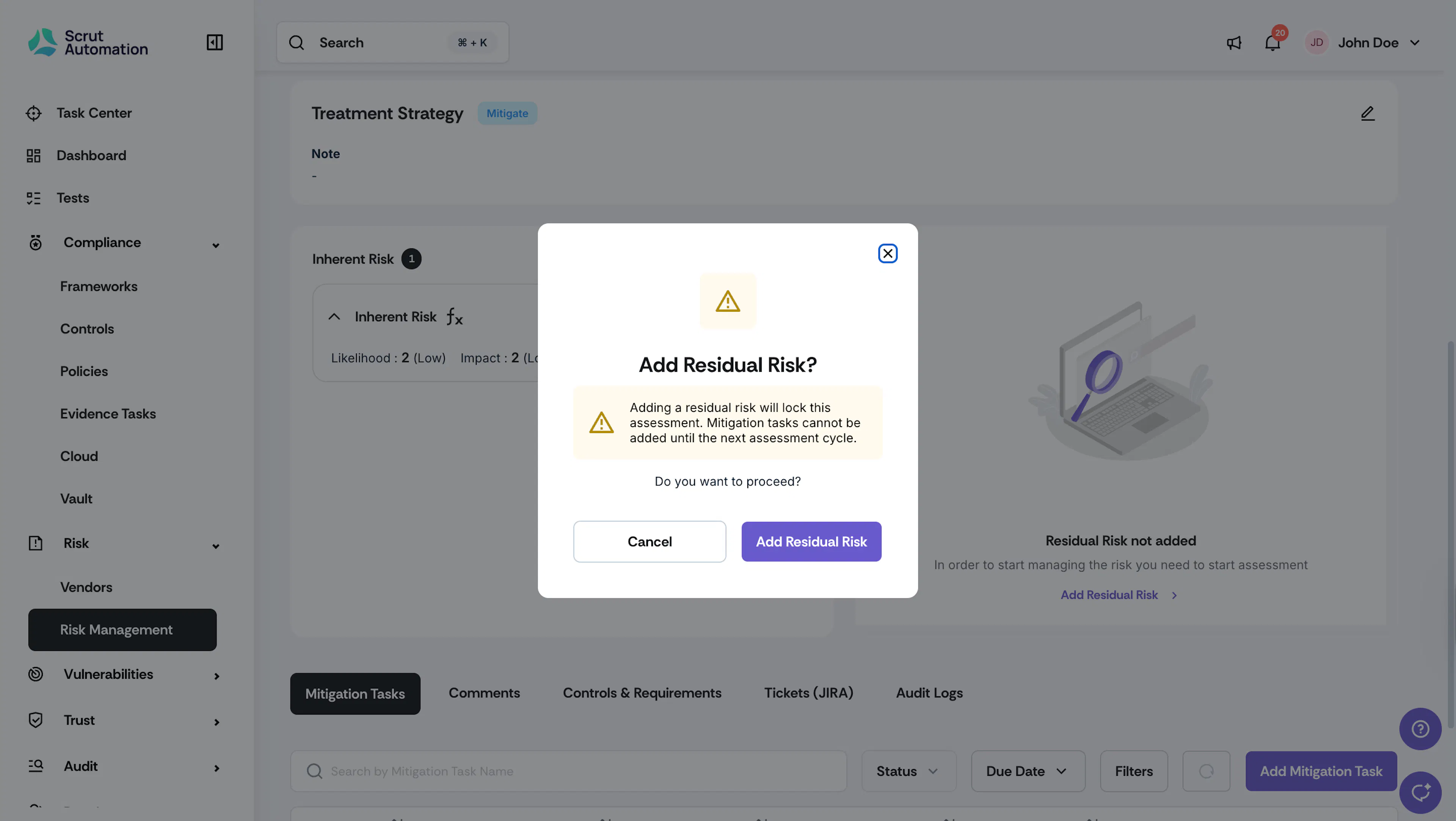
You will see a warning message that states, “Adding a residual risk will lock this assessment. You cannot add mitigation tasks until the next assessment cycle.”
-
Click Add Residual Risk to proceed.
Tip!
If the risk is not yet treated, complete all pending actions with mitigation tasks before proceeding.
-
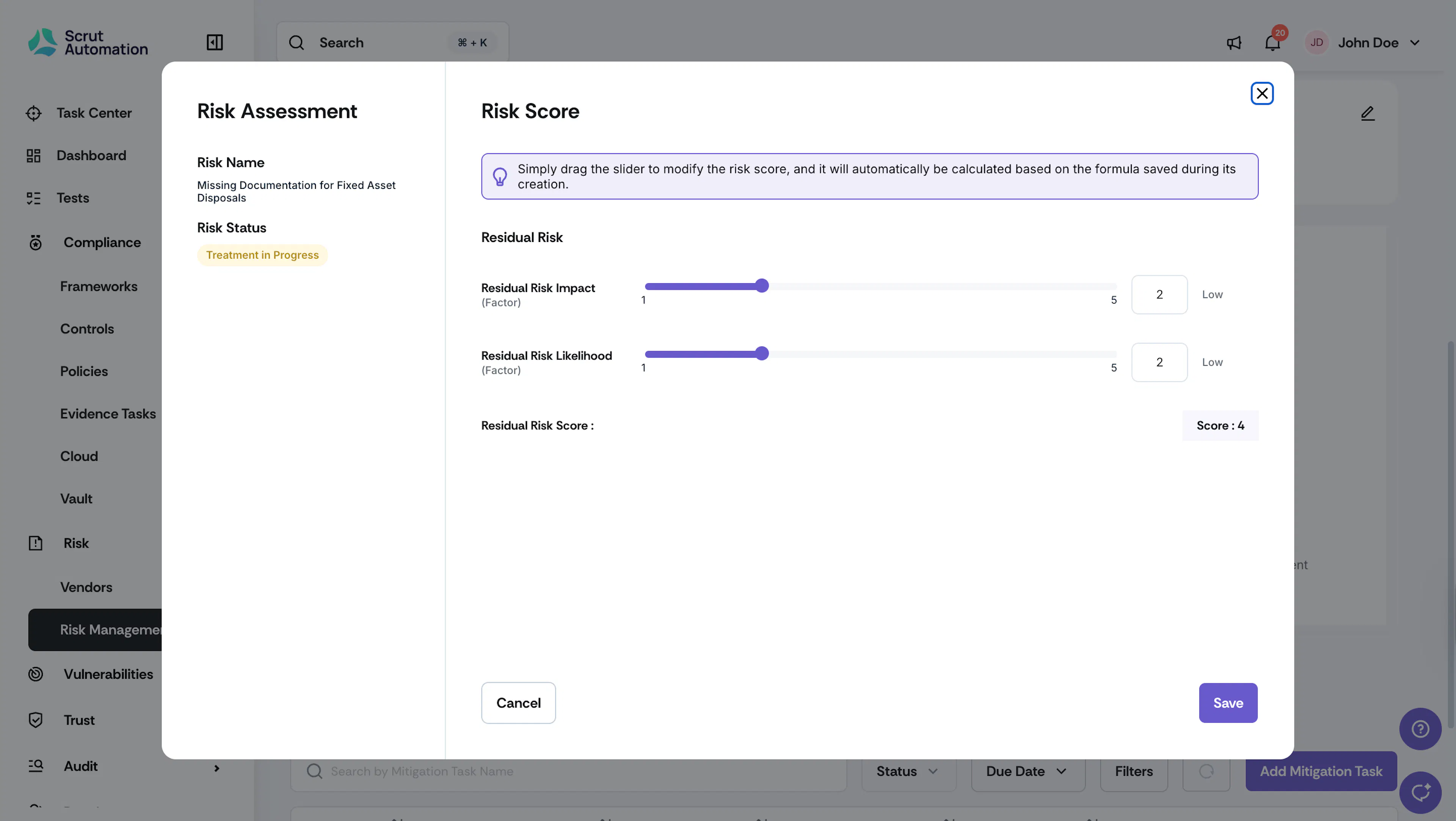
Drag the slider for each residual factor to adjust its value, and the residual risk score will be automatically calculated using the configured risk score formula.
-
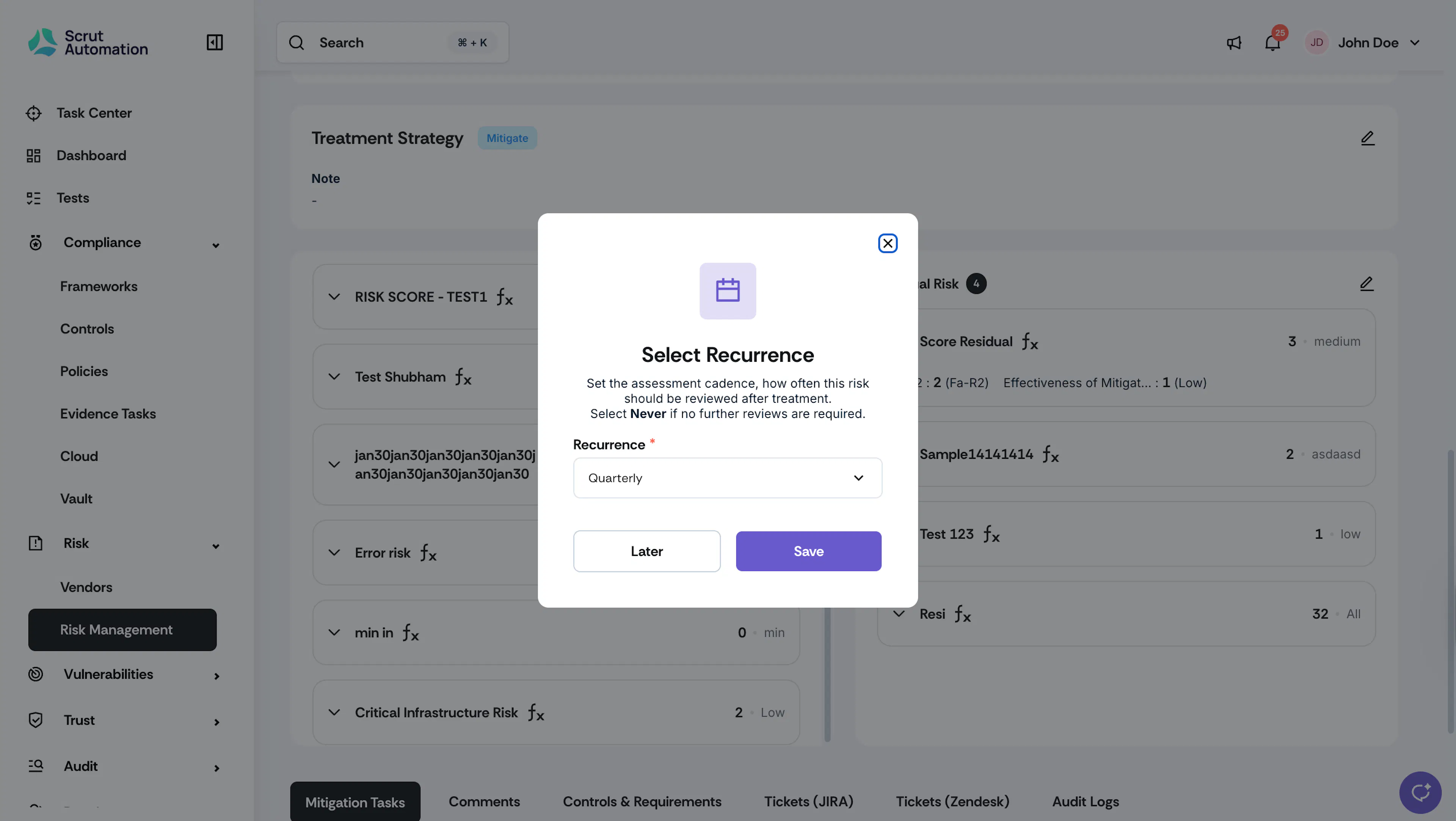
Set the Recurrence. This is the assessment cadence, how frequently this risk should be reviewed after treatment. By default, the recurrence is set to Quarterly. You can choose from: Annually, Bi-Annually, Quarterly, Monthly, Custom, or Never, depending on the risk and your organizational risk appetite.
-
The residual risk score is updated.
-
If the Risk Approval Workflow is turned OFF:
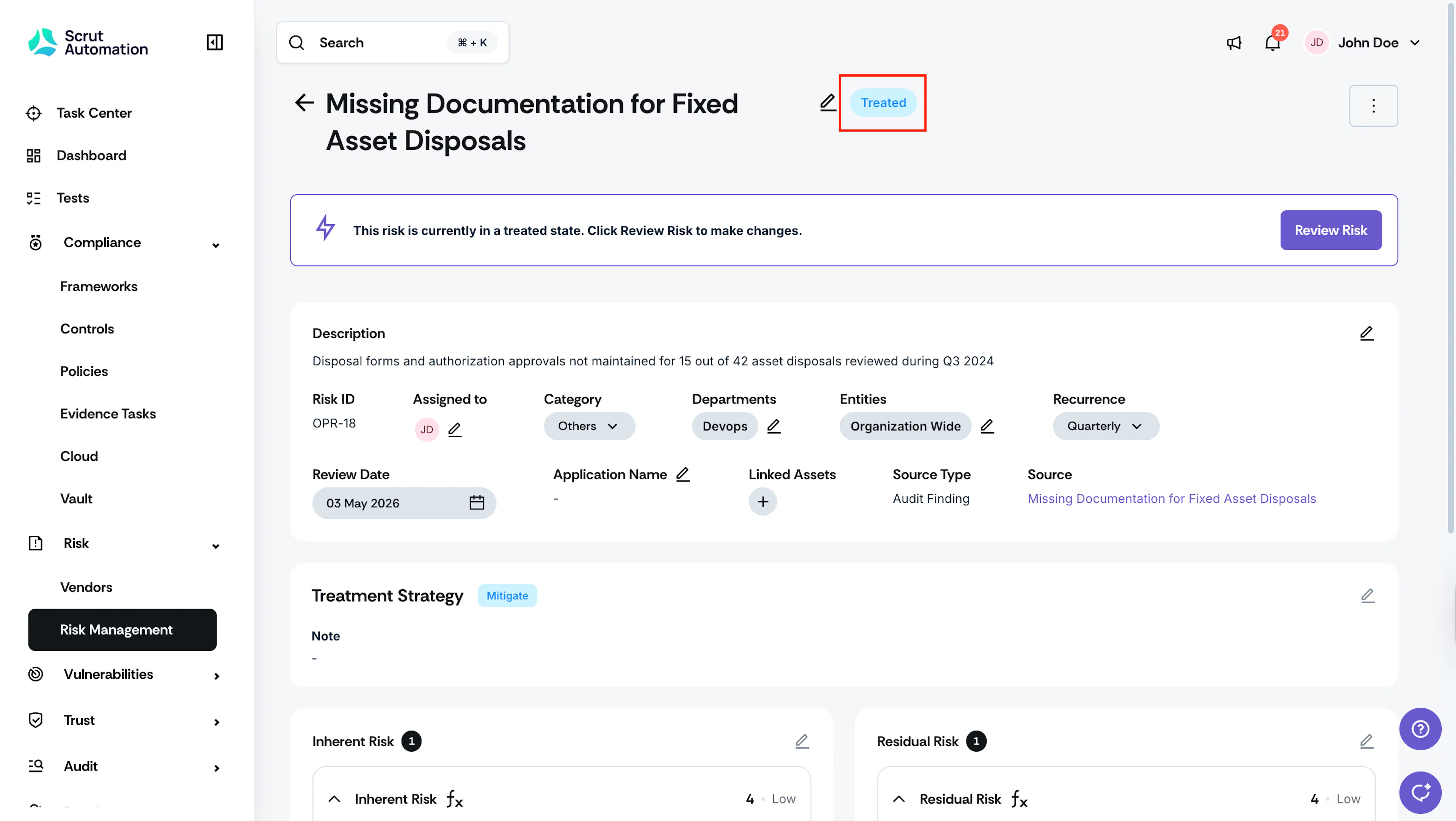
- It moves to the Treated status.
- You’ll need to click the Review Risk button to make any changes to a risk in the Treated status.
-
If the Risk Approval Workflow is turned ON:
- The risk remains in the Treatment in Progress status.
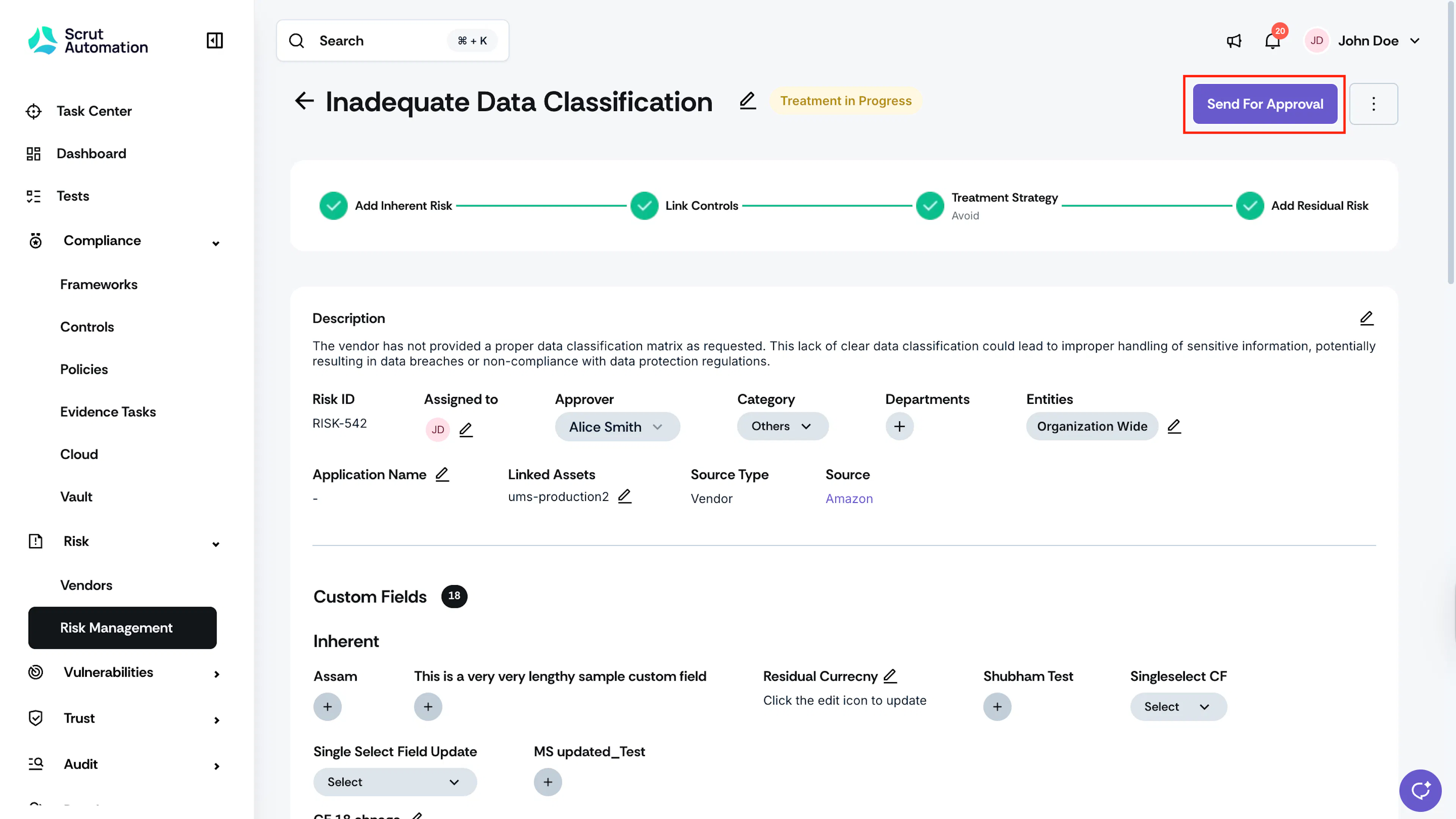
- You’ll need to click the Send for Approval button to send the risk to the Approver for review.