

Track Activity by Entity
Who can use this feature
- Supported on Scale plan
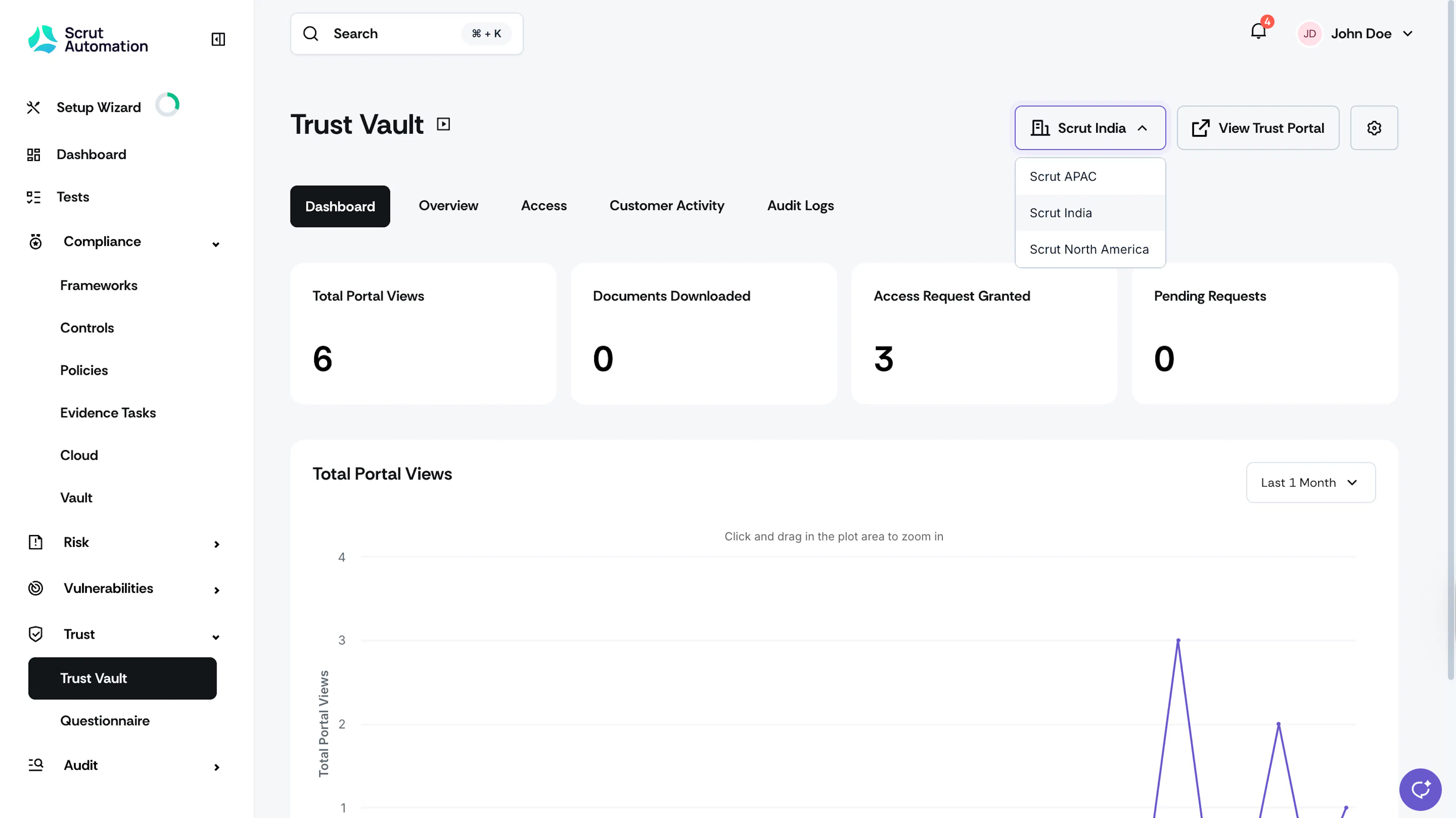
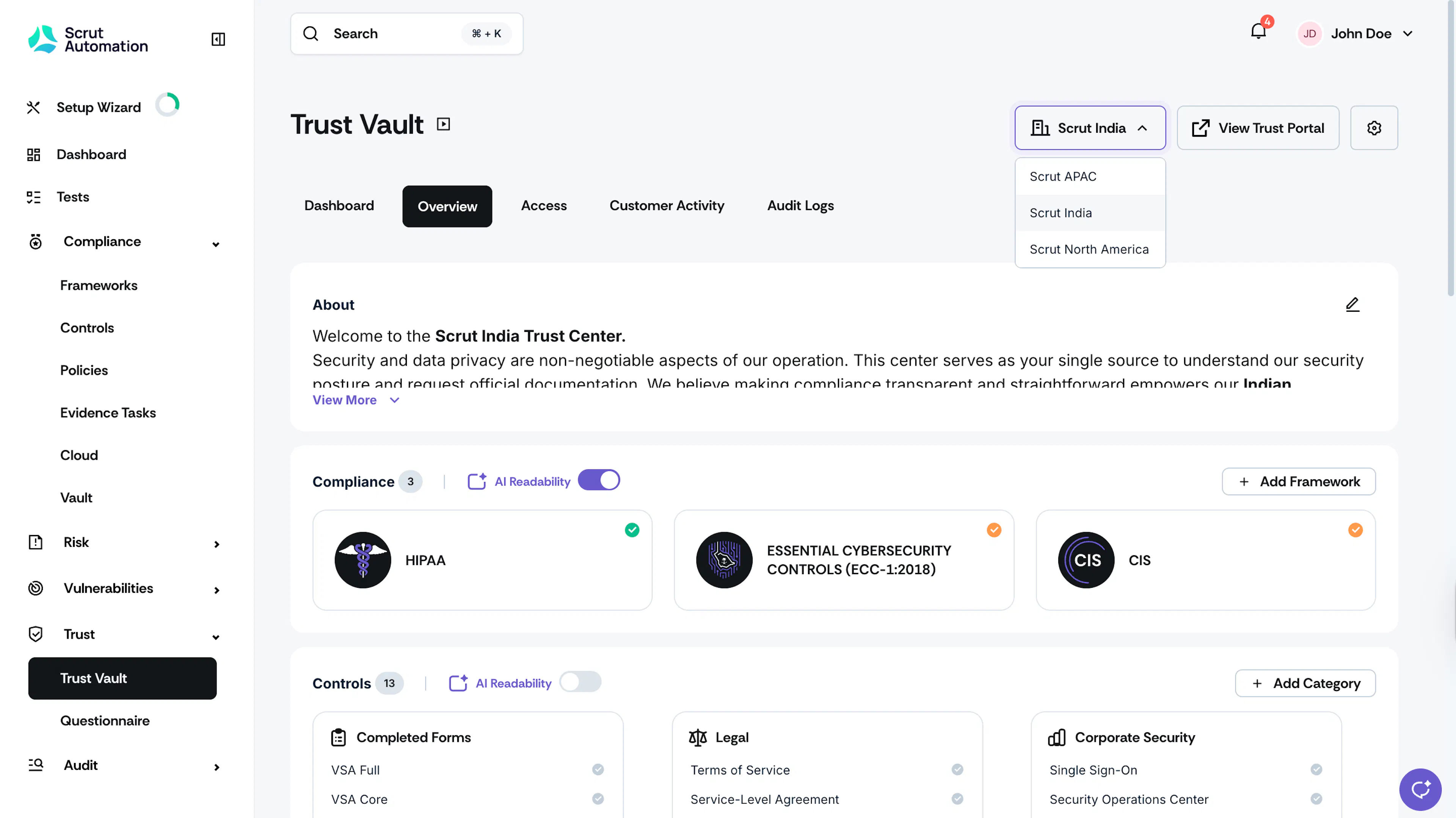
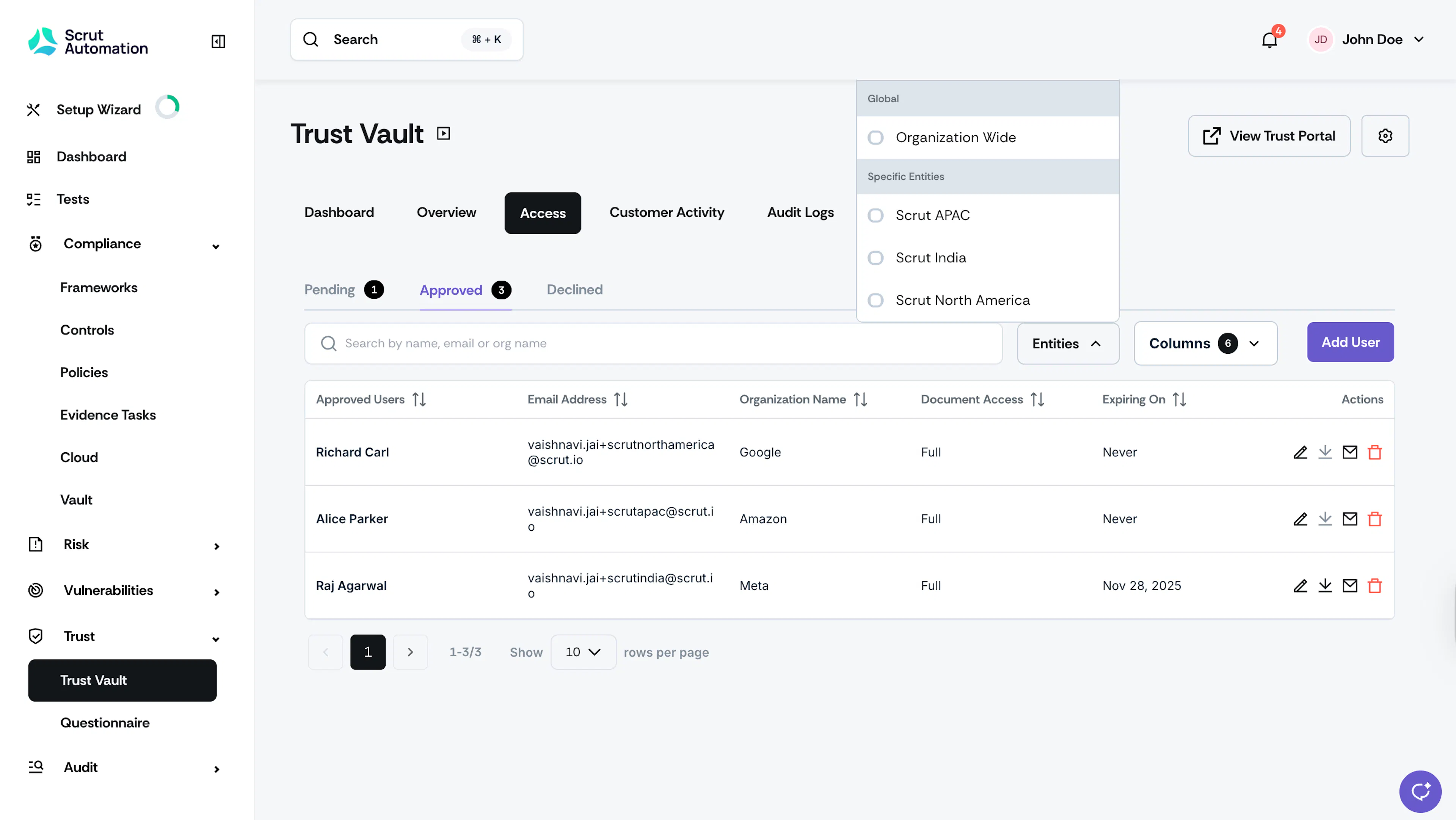
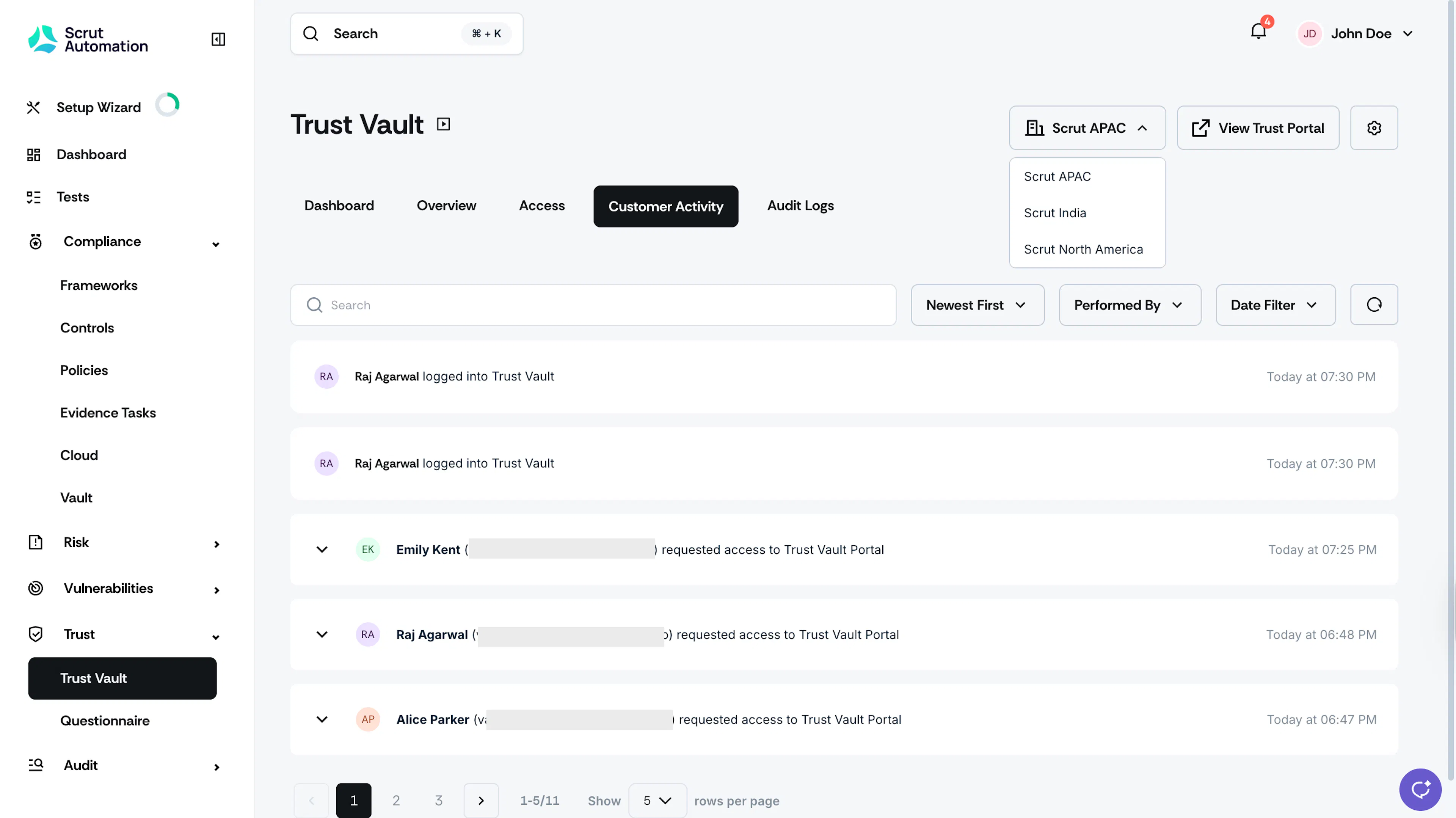
With multi-entities, you can track entity-specific activity in the following tabs:
- Dashboard
- Overview
- Access
- Customer Activity
This helps you understand which entities are generating the most interest, track entity-specific compliance inquiries, and make data-driven decisions about the content to publish on different entity pages.
How to View Entity-Specific Data
- Navigate to Trust → Trust Vault, and go to the Dashboard, Overview, or Customer Activity tab.
- Look for the entity dropdown filter at the top right of the page.
- Select a specific entity to view activity data for it.
- The view updates to show activity related only to that entity.
What You Can Track
When you filter by entity, you'll see:
- Visitor metrics: Page views, unique visitors, and engagement for that entity
- Content interactions: Which frameworks, controls, and resources are being accessed
- Access requests: Access requests specific to that entity
- Consent activity: Access request, NDA, and subscription consent logs recorded for that entity
- Customer engagement: Login activity and content downloads by approved users for that entity
Reach out to support@scrut.io or contact your CSM for further assistance.
Was this page helpful?