

Add FAQs in Trust Vault
Who can use this feature
- Supported on Foundation, Growth, and Scale plans
Learn how to add and manage FAQs on your Trust Portal.
Adding an FAQ section to your Trust Portal helps you proactively address common security questions from customers and prospects. By providing clear answers upfront, you reduce back-and-forth communication, accelerate sales cycles, and demonstrate transparency in your security practices.
How to Add FAQs to the Trust Portal
-
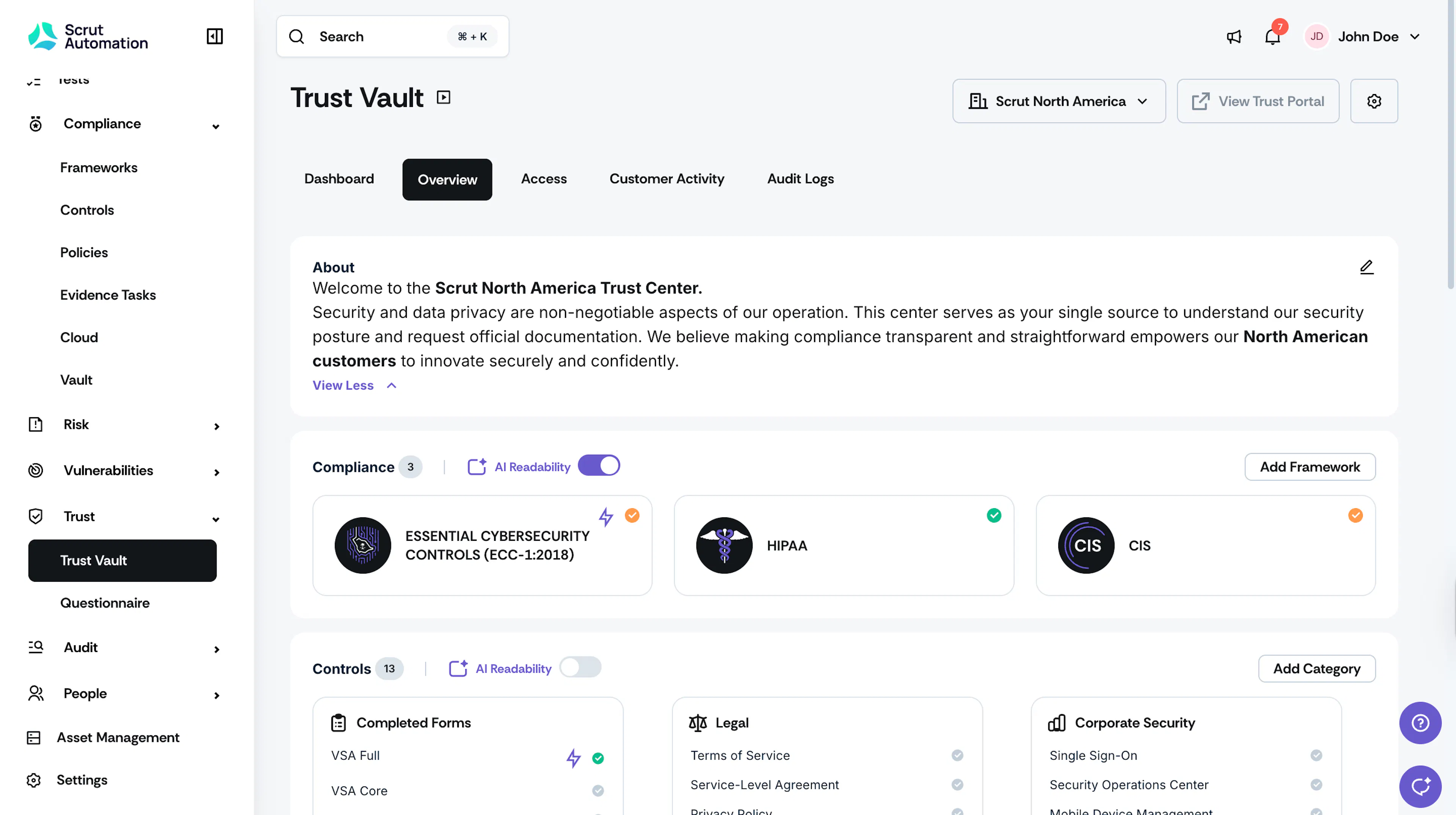
Log in to Scrut, expand the Trust menu on the left panel, and click Trust Vault.
-
Navigate to the Overview tab.
-
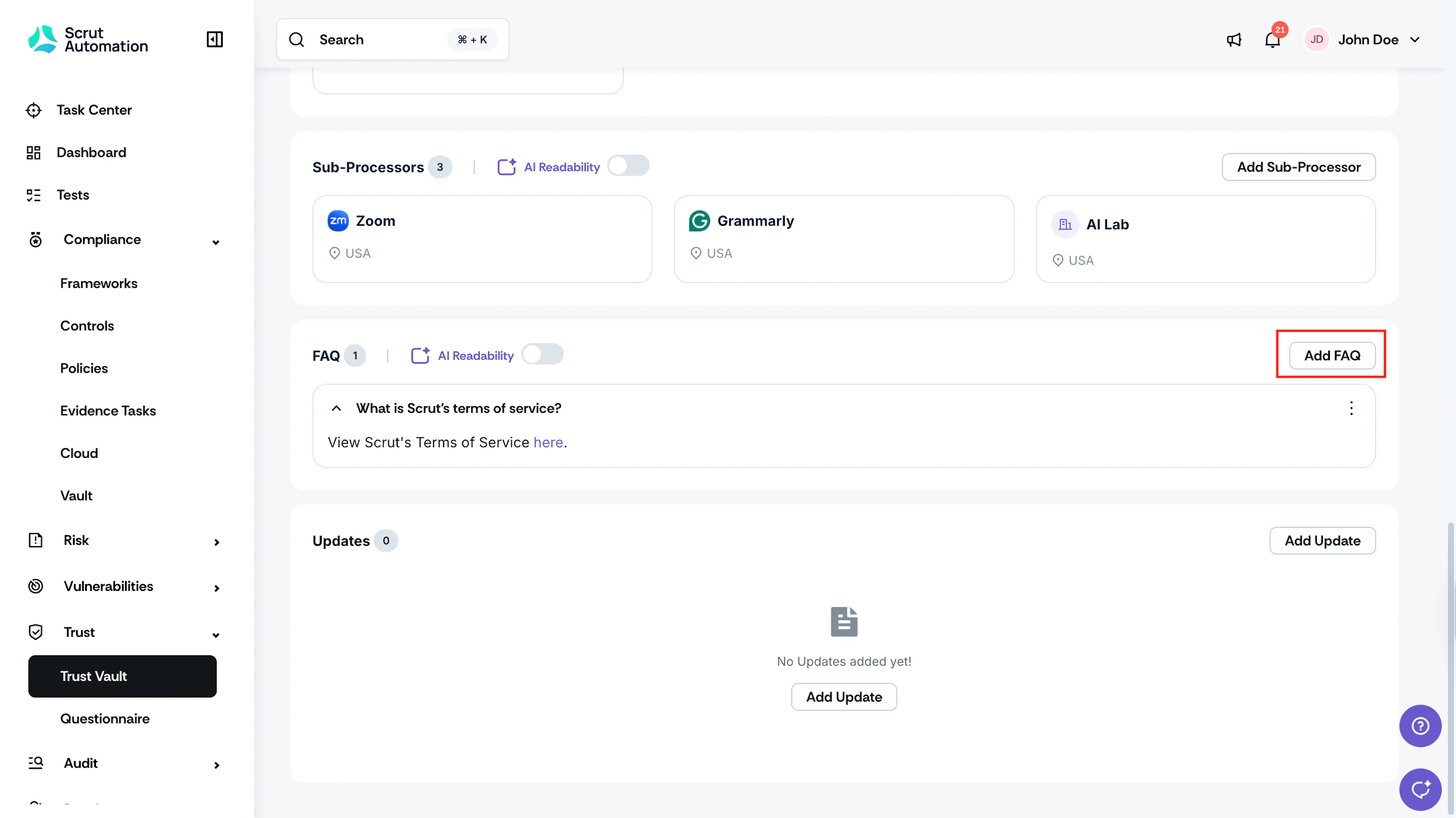
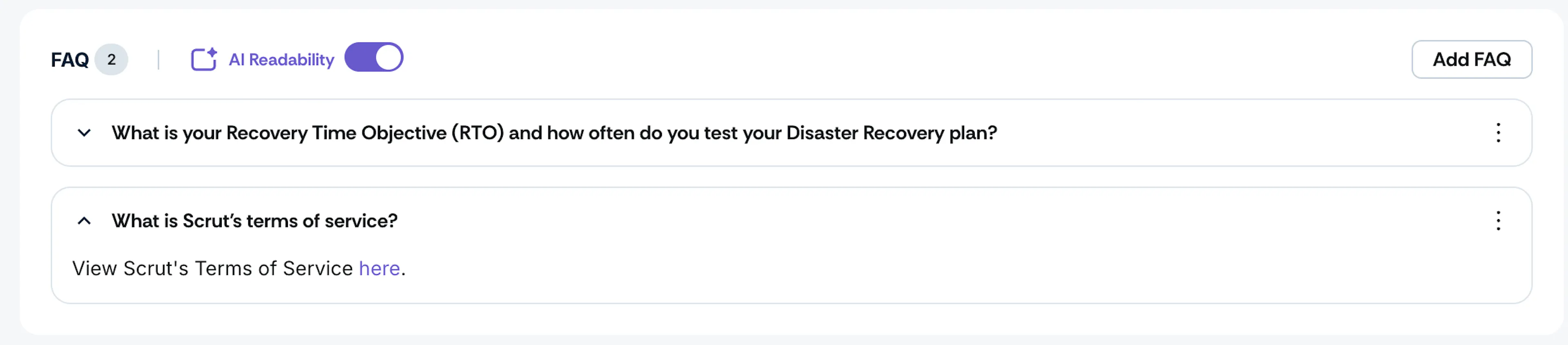
Scroll to the FAQ section and click the Add FAQ button.
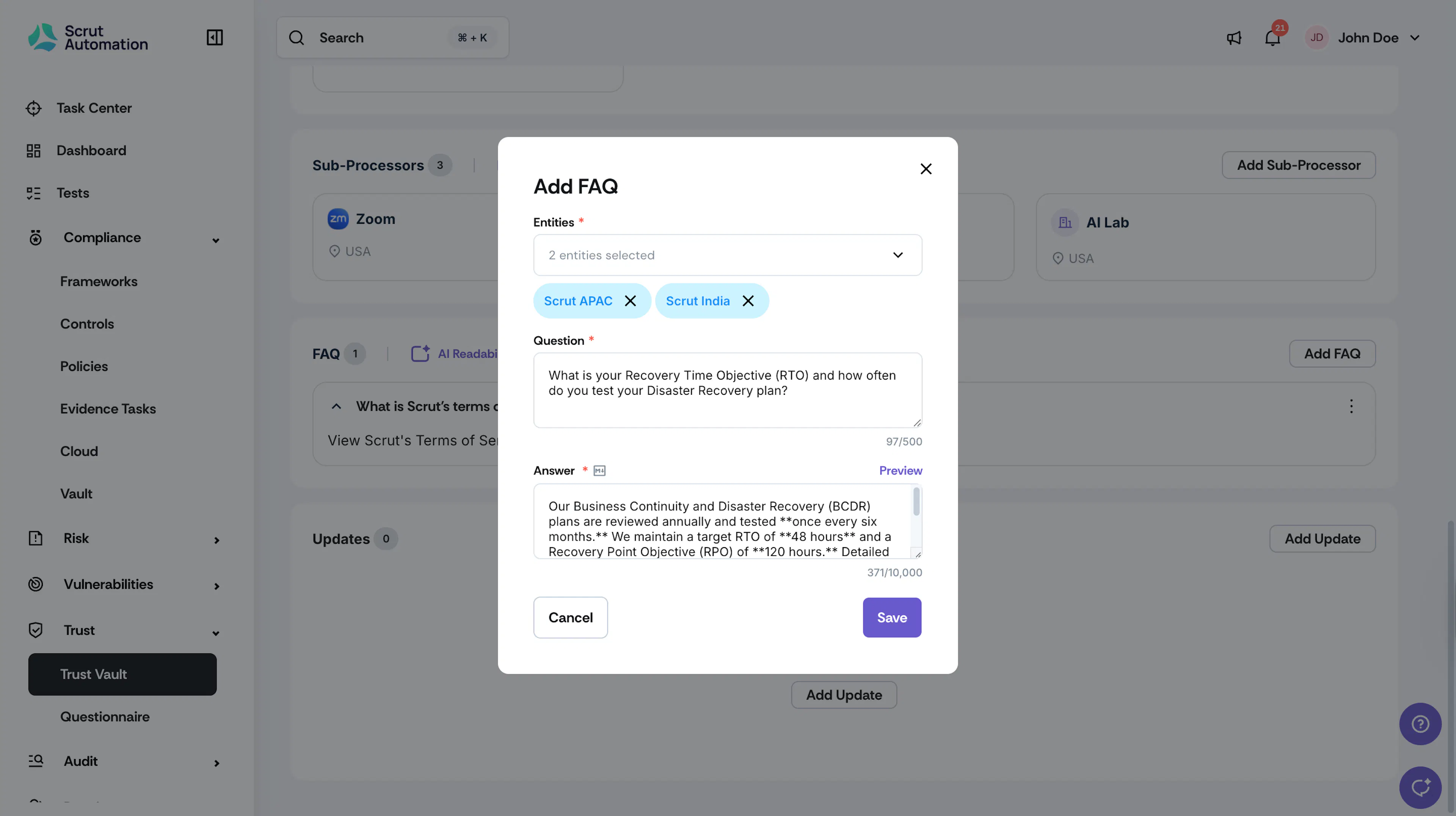
- For multi-entity Trust Portals, select the entities to which you want to add this question.
- Enter the Question and Answer, and click Save.
Pro Tip!
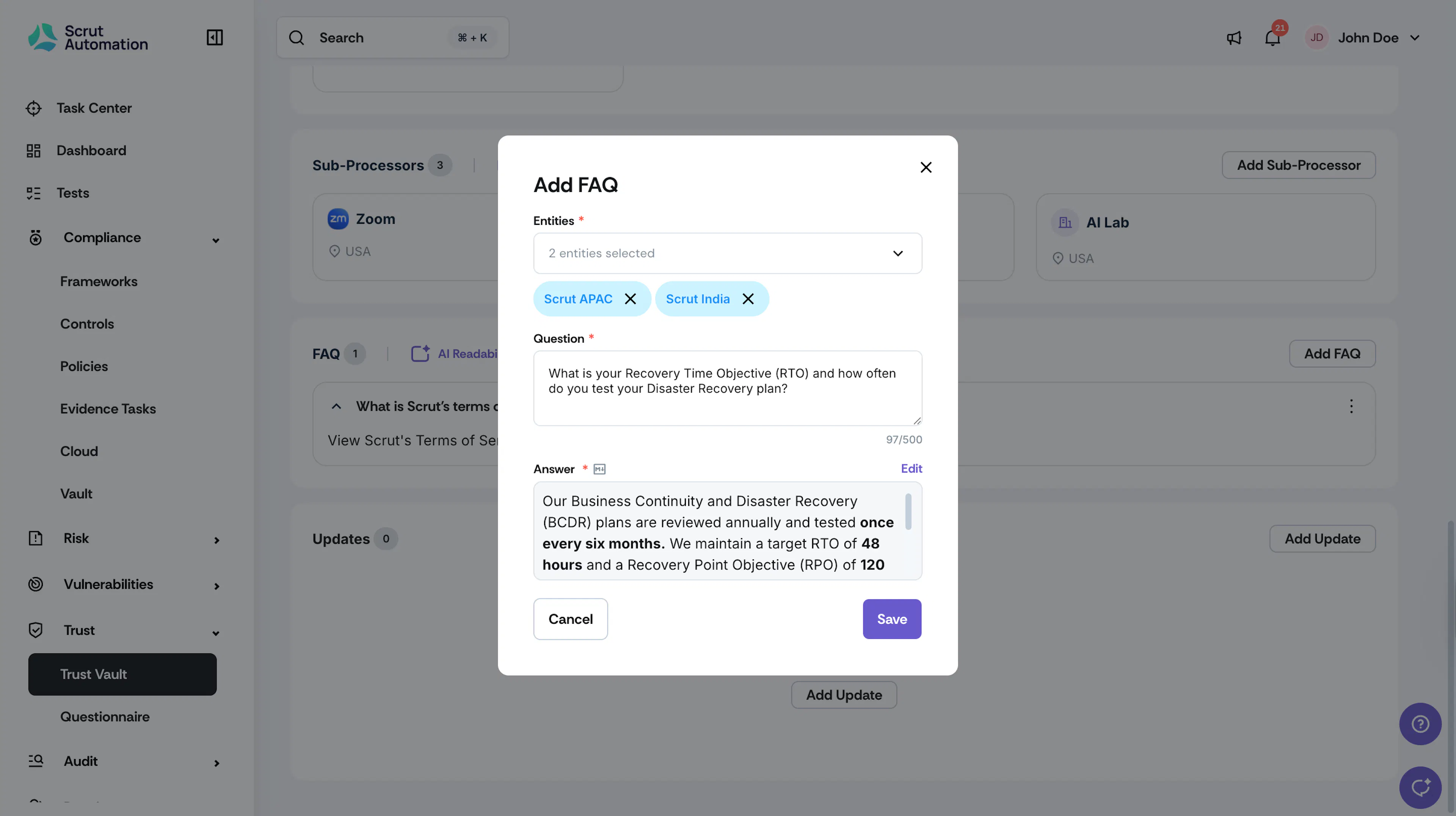
- The answer supports Markdown formatting.
- Click Preview to view how the answer will appear with formatting applied.
Note:
Turn on the AI Readability toggle to allow Scrut Teammates to read and summarize the FAQs in your Trust Vault when answering security questionnaires.
Best Practices
- You can add as many FAQ questions and answers as required.
- You can use Markdown to format your answers. To learn more about the syntax for formatting, refer to this Markdown guide.
- Keep questions concise and write answers in clear, simple language, avoiding technical jargon.
- Group related questions together to create a logical flow of information.
- Use consistent formatting across all Q&As for better readability.
- Include links to related resources or documentation when appropriate.
- Prioritize the most frequently asked questions at the top of the list.
FAQs
Was this page helpful?