

Create a Custom Framework
Who can use this feature
- Supported on Growth and Scale plans
Scrut provides a growing library of ready-to-use frameworks for various regulatory and industry standards. If, however, you have a set of requirements not covered in the library (such as an internal compliance program, a program you run for your customers or vendors, or just a differently structured compliance standard), you can create a custom framework for your organization.
How To Create a Custom Framework
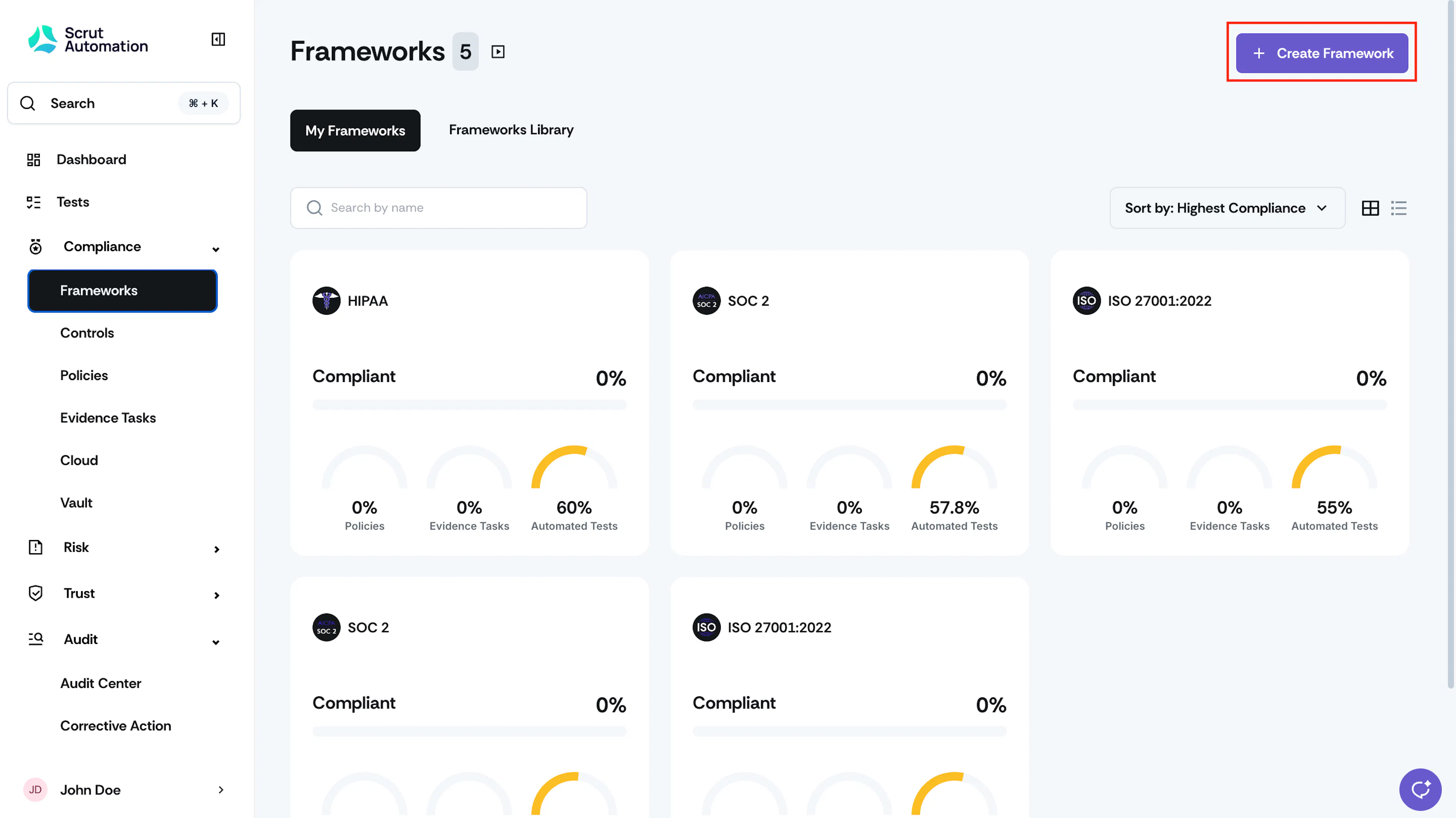
- Sign in to Scrut, and click Compliance → Framework on the left navigation panel.
- Click +Create Framework.
-
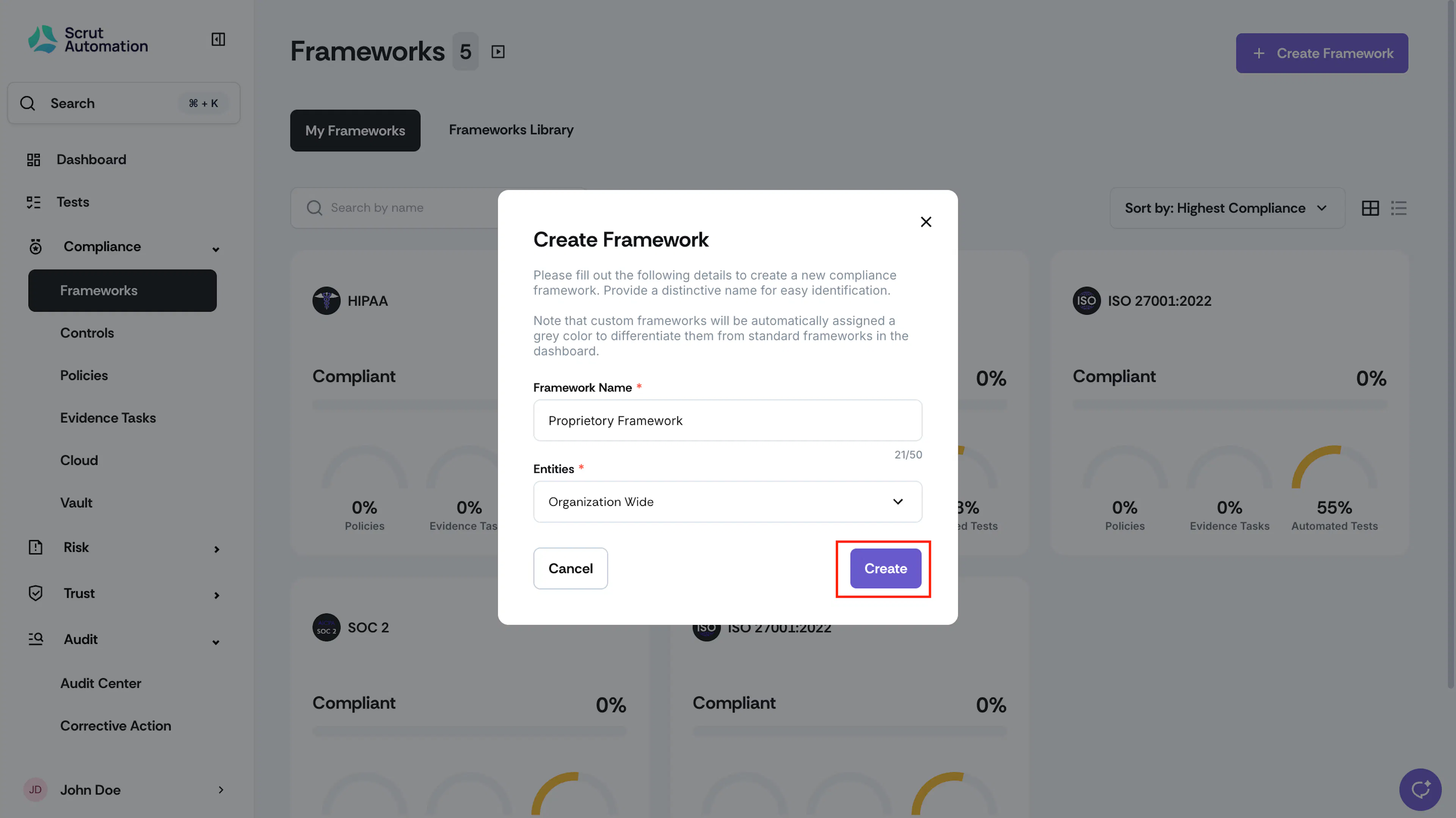
In the Framework Name field, enter a name for the framework.
-
From the Entity section, select an entity to which you would like to link your framework.
-
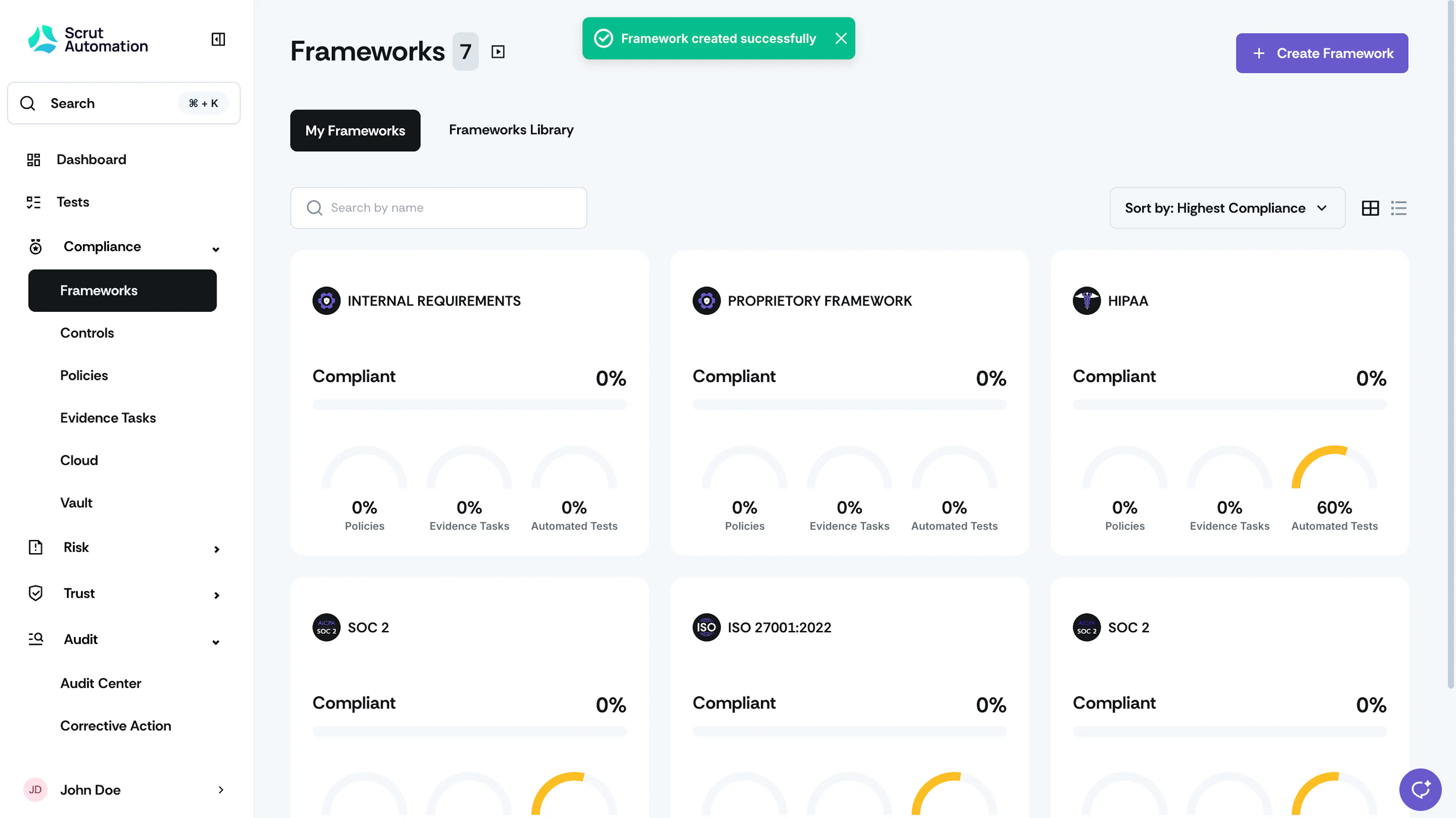
On clicking Create, Scrut will create the custom framework and add it to the My Frameworks tab.
Was this page helpful?