

Edit Custom Framework Name
Who can use this feature
- Supported on Growth and Scale plans
As your organization grows, it's essential to keep your compliance frameworks up to date. Sometimes, this means changing the names of your custom frameworks to better suit your needs. In this article, we guide you through editing the name of a custom framework, ensuring that your frameworks are accurately labeled.
How To Edit Custom Framework Name
-
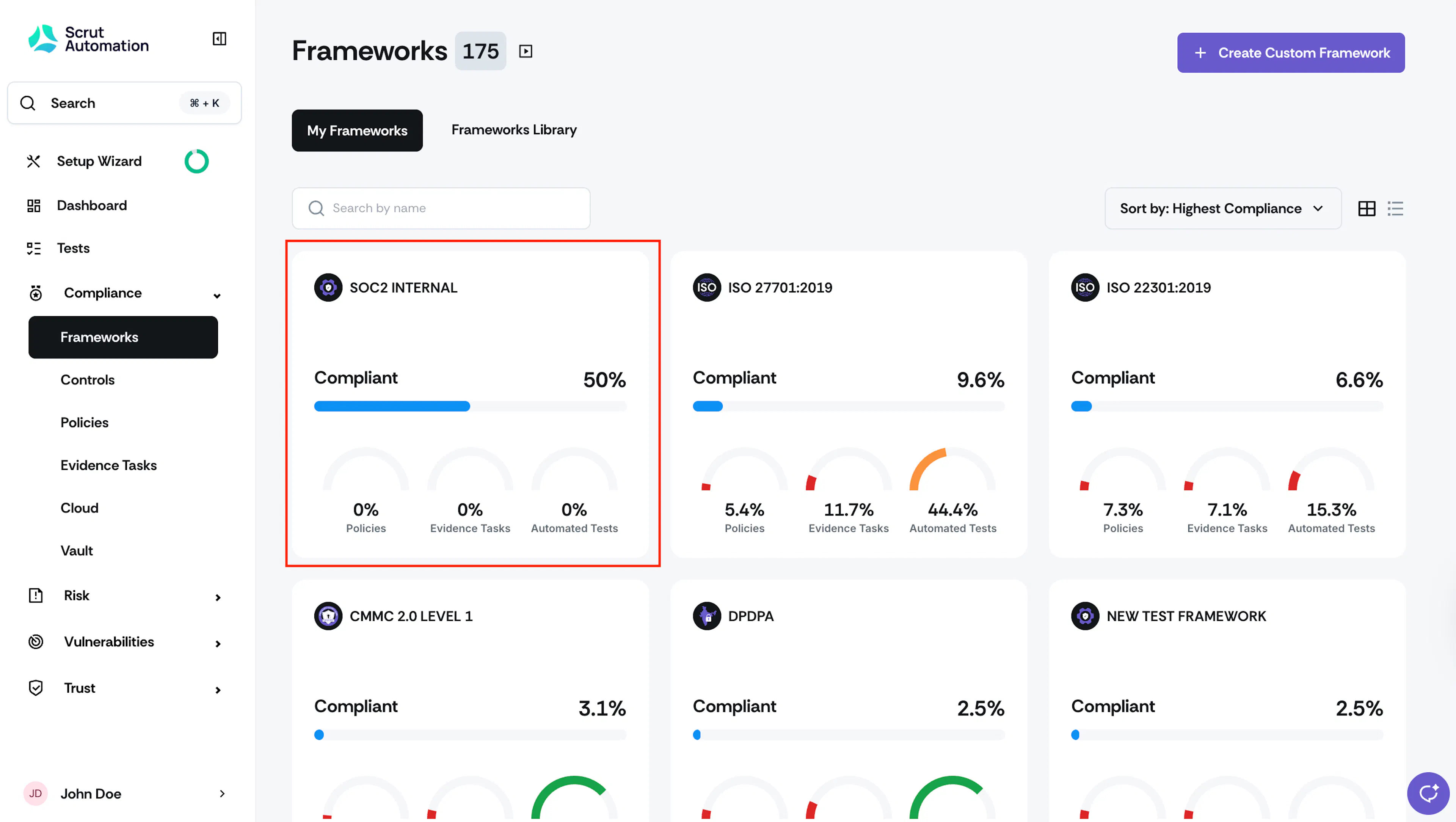
Sign in to Scrut, and click Compliance → Framework on the left navigation panel.
-
Locate the custom framework you wish to modify and click on it.
-
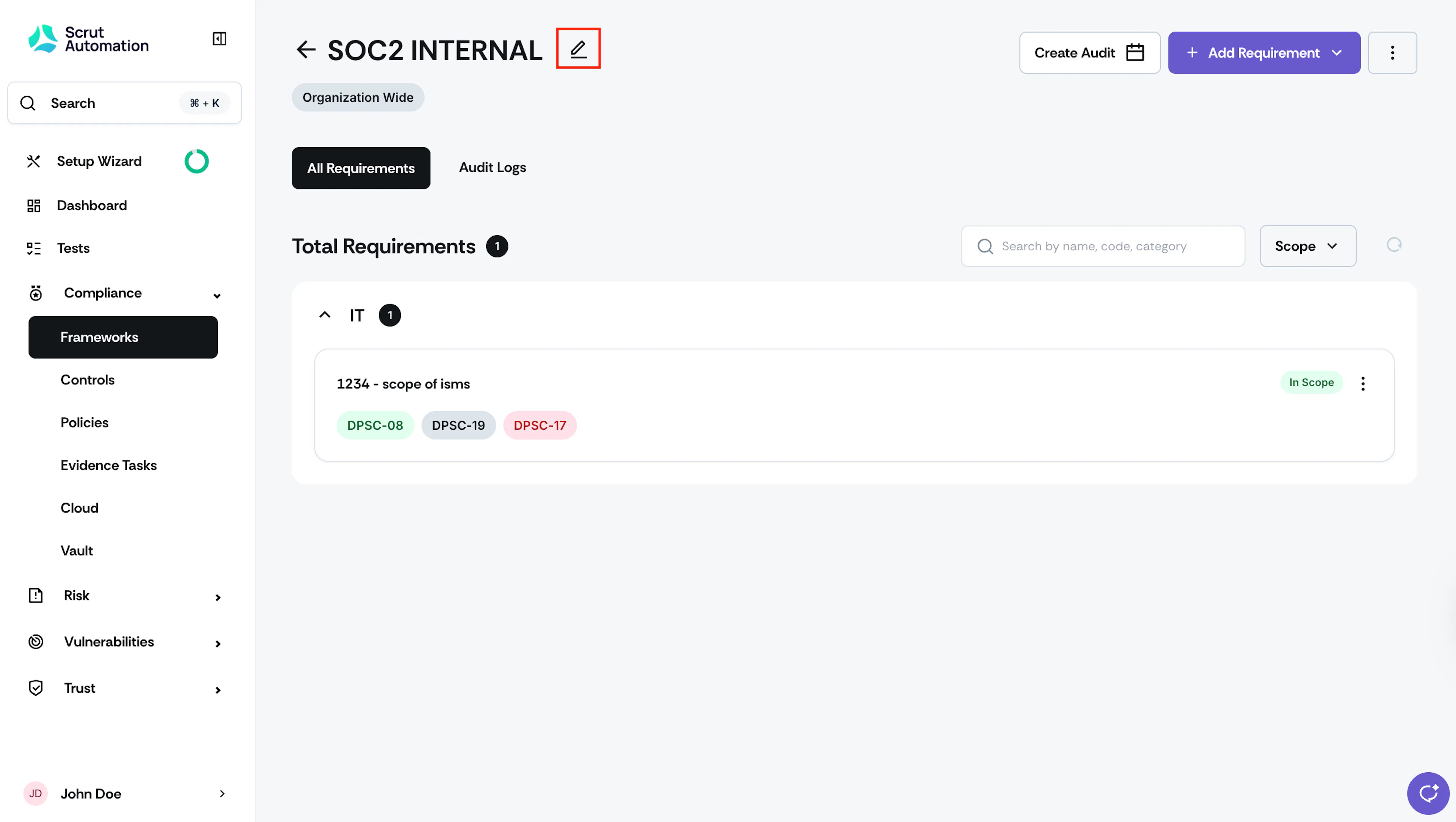
Click the edit icon next to the framework name.

-
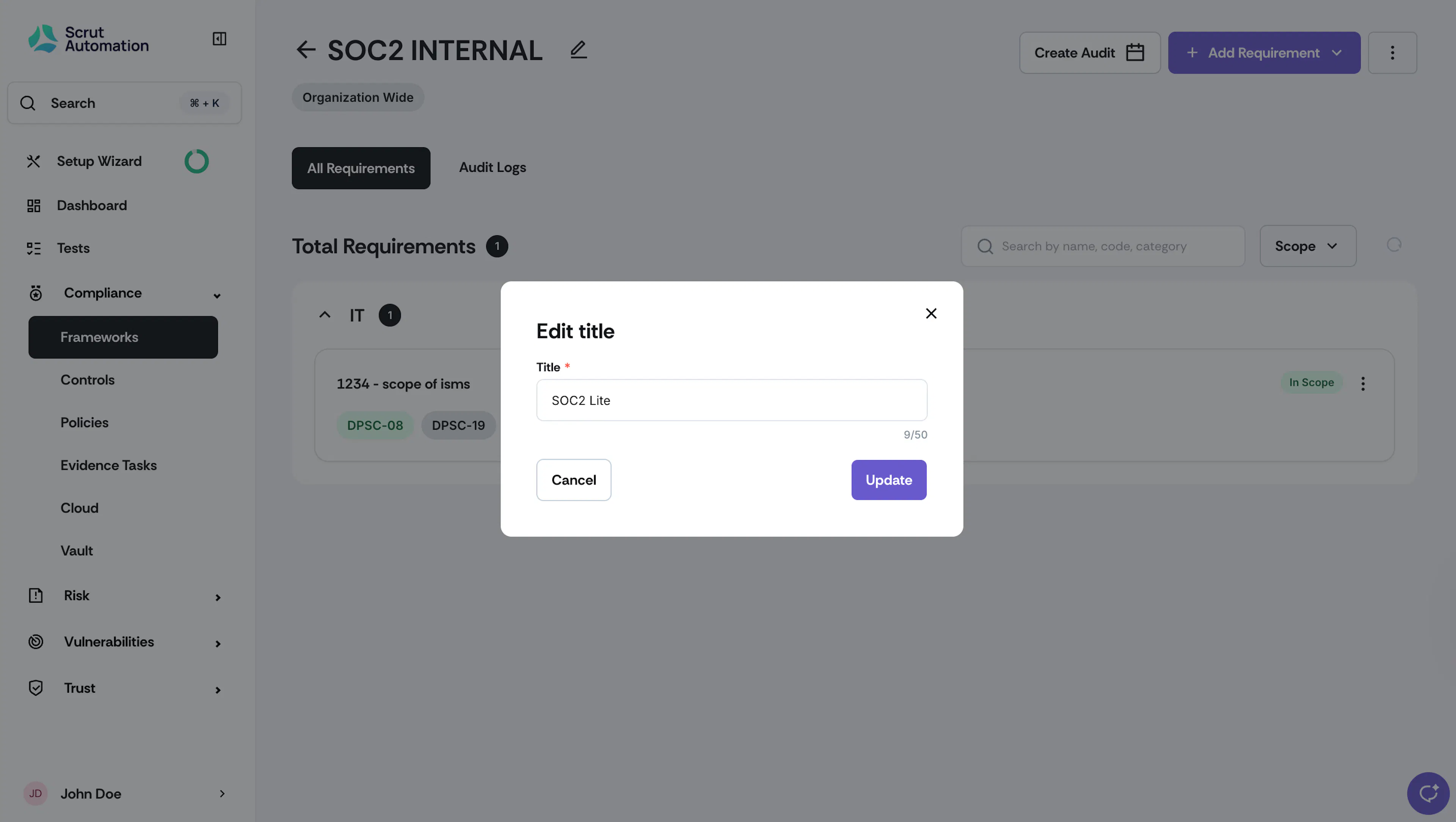
Enter the new name and click Save.
Note:
Only custom framework names can be edited; standard framework names are not editable.
Was this page helpful?