Add a New Framework
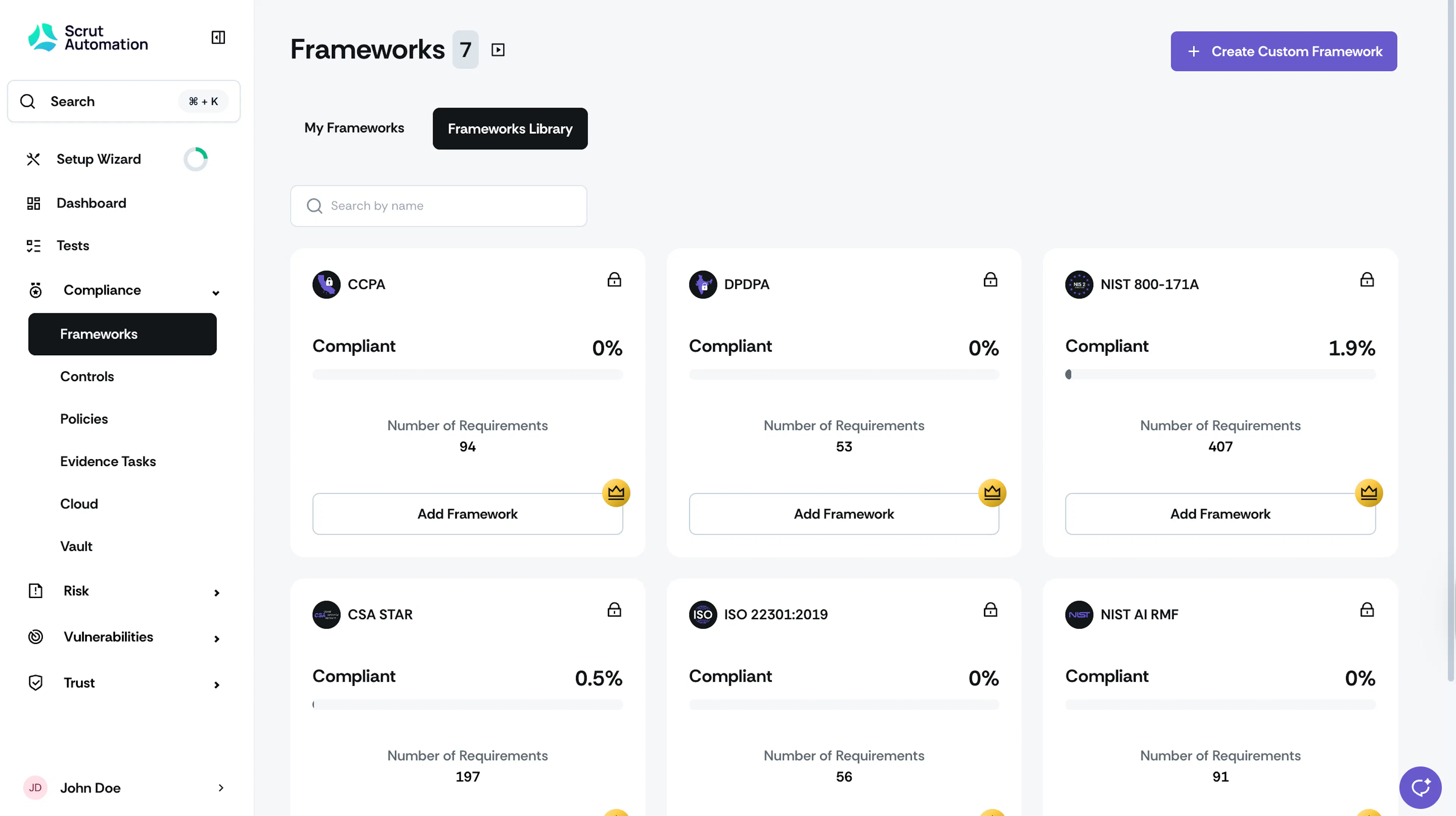
Click Compliance → Frameworks on the left navigation panel and go to the Frameworks Library tab. This tab shows a list of all frameworks that Scrut supports out of the box. Use it to explore and add new frameworks to your Scrut account.
How To Add a New Framework
To add a new framework to your Scrut account, follow these steps:
-
Sign in to Scrut, and click Compliance → Frameworks on the left navigation panel. Go to the Frameworks Library tab.
-
Explore the available frameworks. The Frameworks Library tab displays a comprehensive list of all the frameworks that Scrut supports out of the box. Search to find the framework that you’re looking for.
-
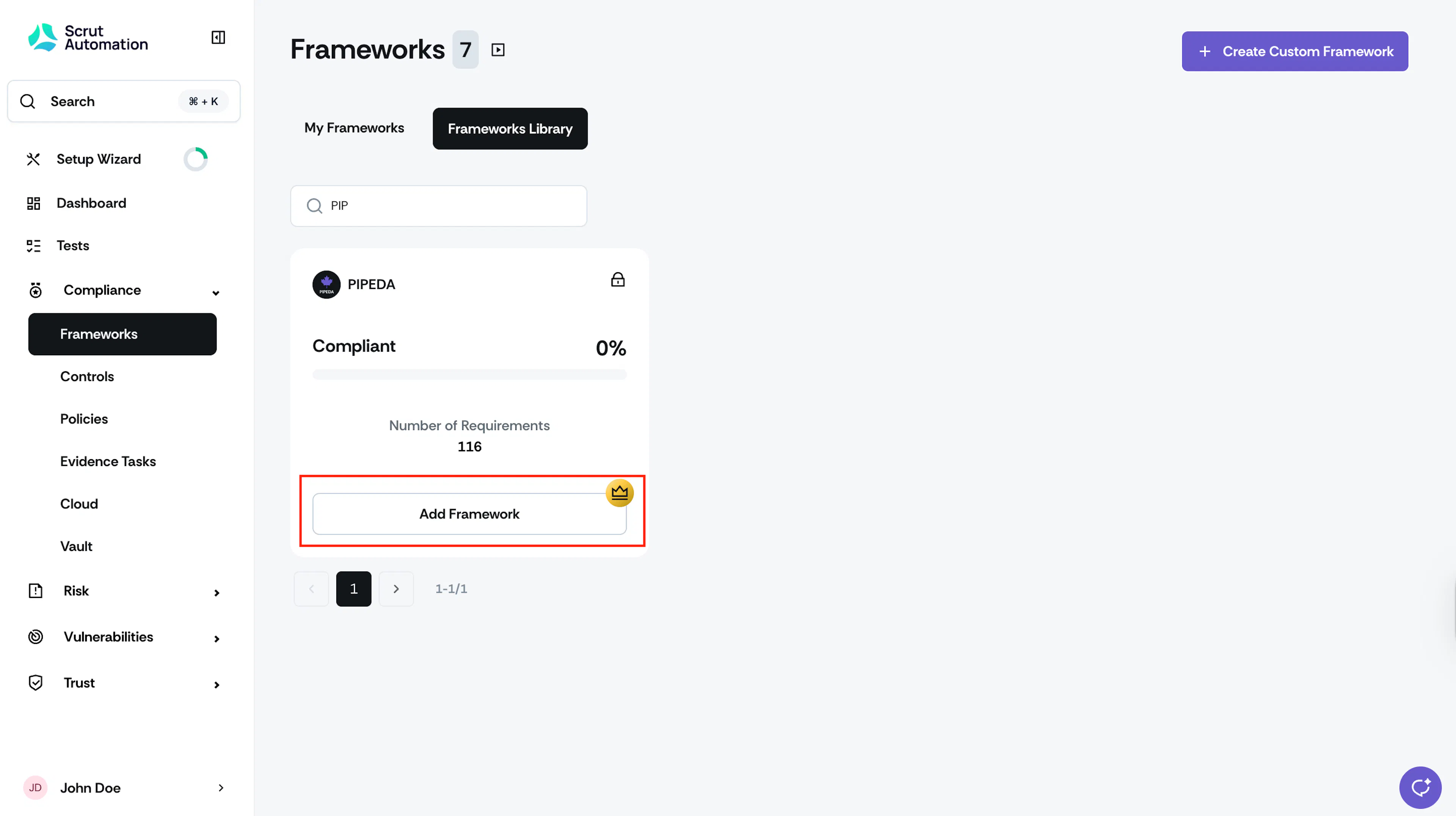
Click on the Add Framework button to initiate a request.
-
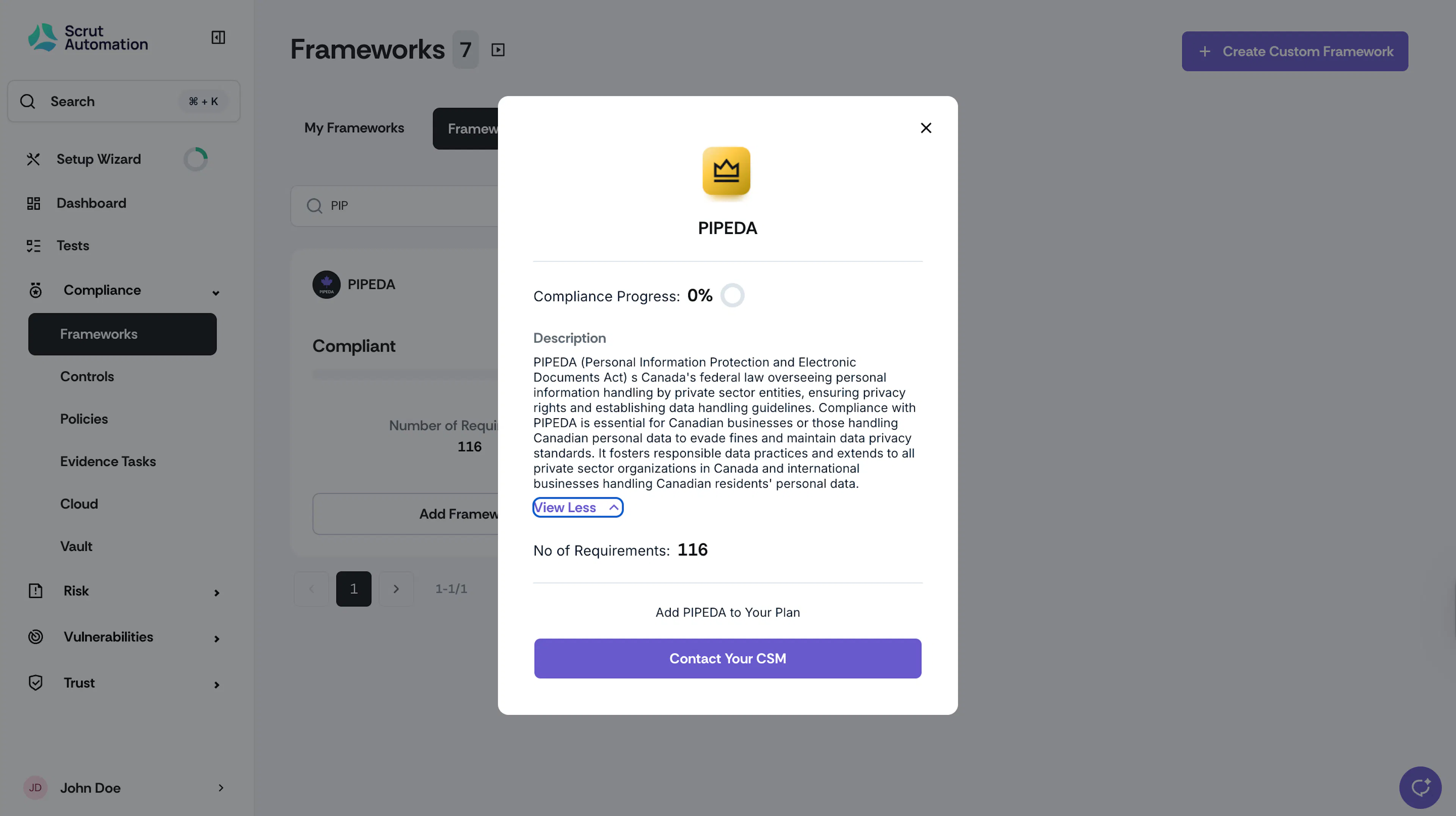
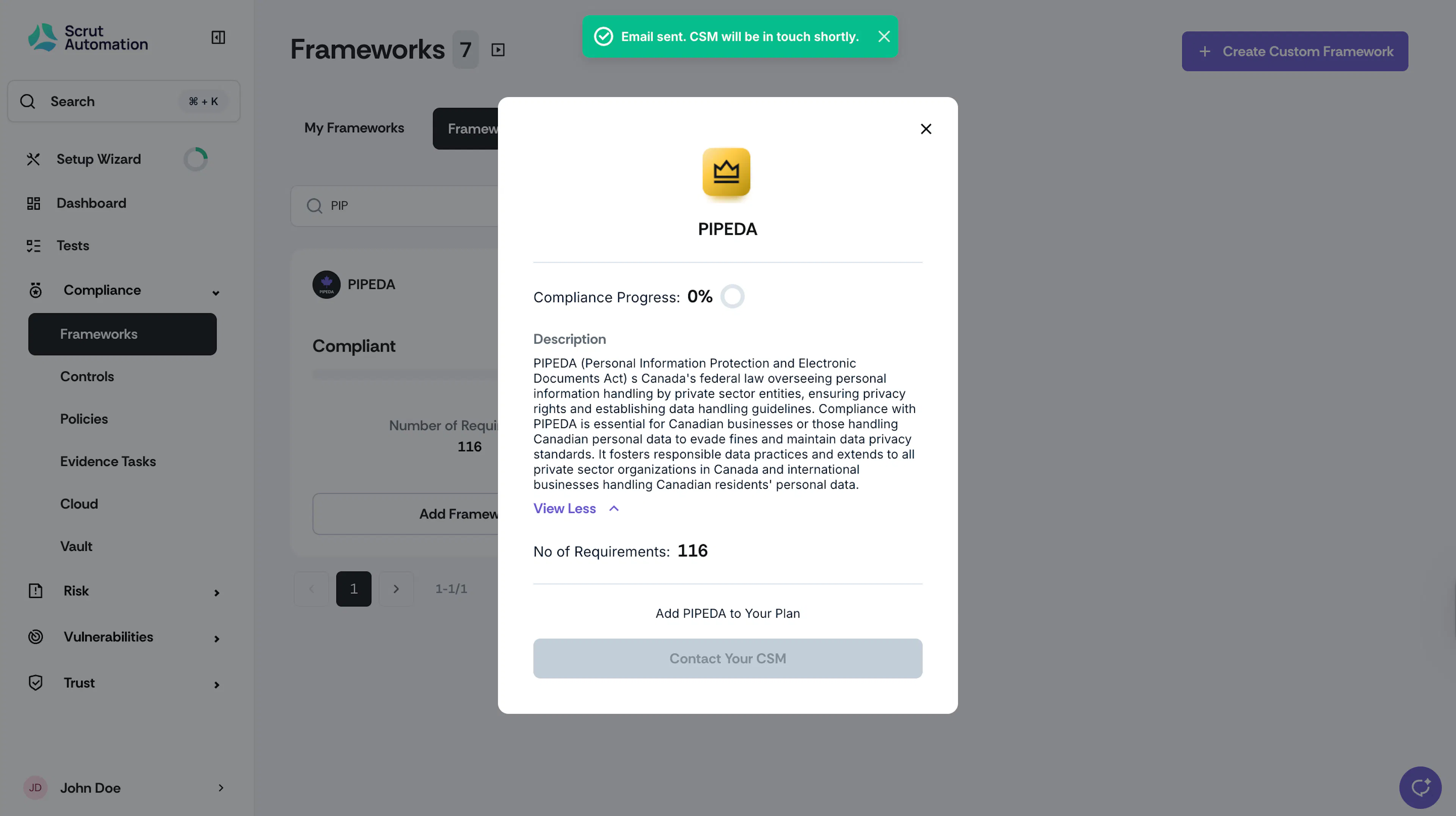
After clicking the Add Framework button, you'll see an option to Contact Your CSM. Click this, and your CSM will reach out to you to complete the request for the new framework.