

Turn On Automated Evidence Collection for Training Campaigns
Automated Evidence Collection eliminates manual work by automatically gathering and organizing evidence when your training campaigns are complete. Once a campaign reaches 100% completion or its status changes to Completed, the system instantly populates relevant evidence in your evidence task section.
- Save Time: Skip manual evidence gathering
- Ensure Compliance: All necessary documentation is captured automatically
- Stay Organized: Evidence is filed correctly in the appropriate evidence tasks
- Maintain Accuracy: Scrut automatically verifies and updates evidence as needed
How to Enable Automated Evidence Collection for Training Campaigns
-
Click People → Training Campaigns on the left navigation panel and choose a specific training campaign.
-
Click the Settings tab and turn ON the Automatically Generate Evidence toggle.
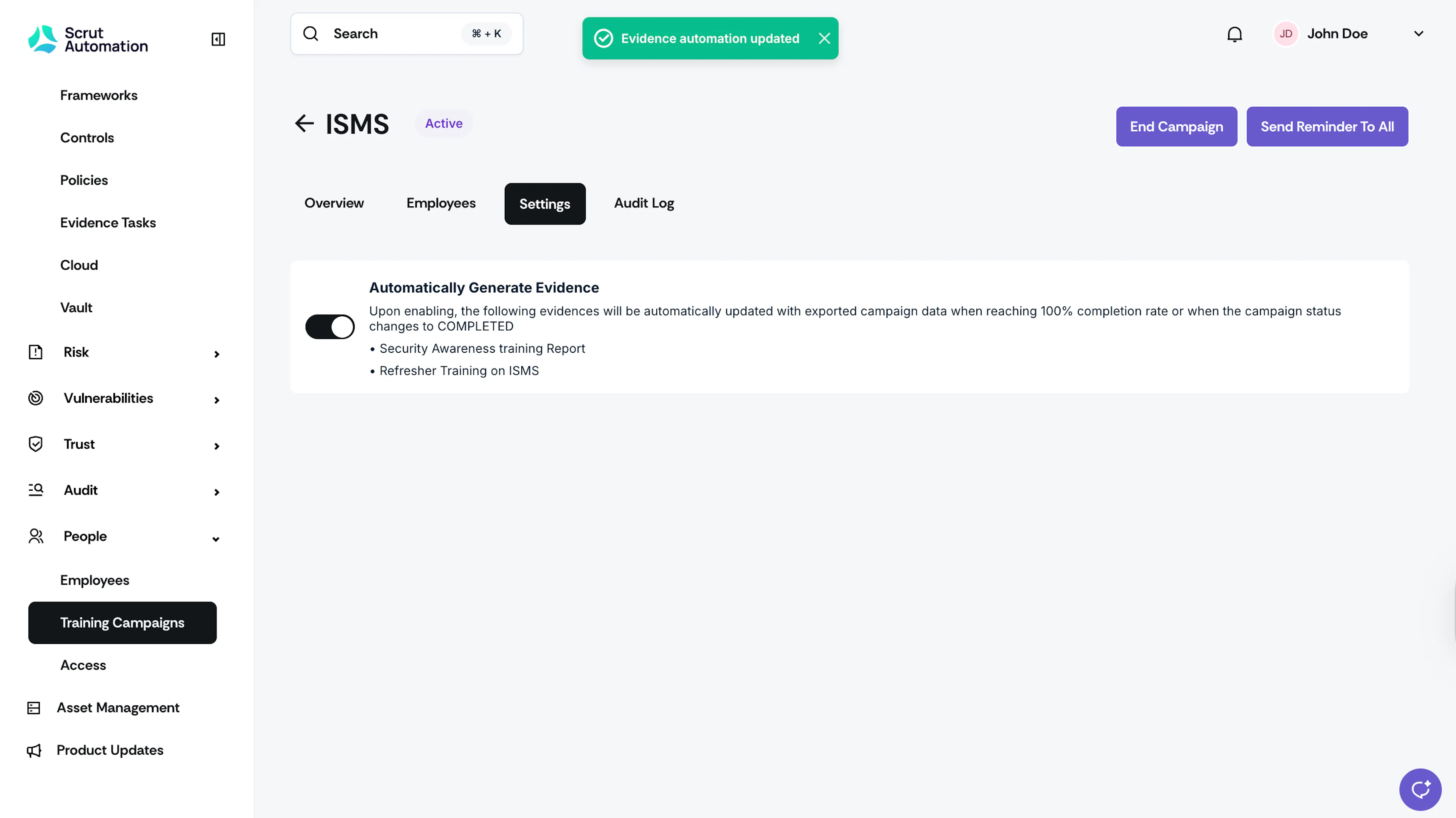
What Happens Next?
When the training campaign reaches either:
- 100% completion rate, or
- Completed status
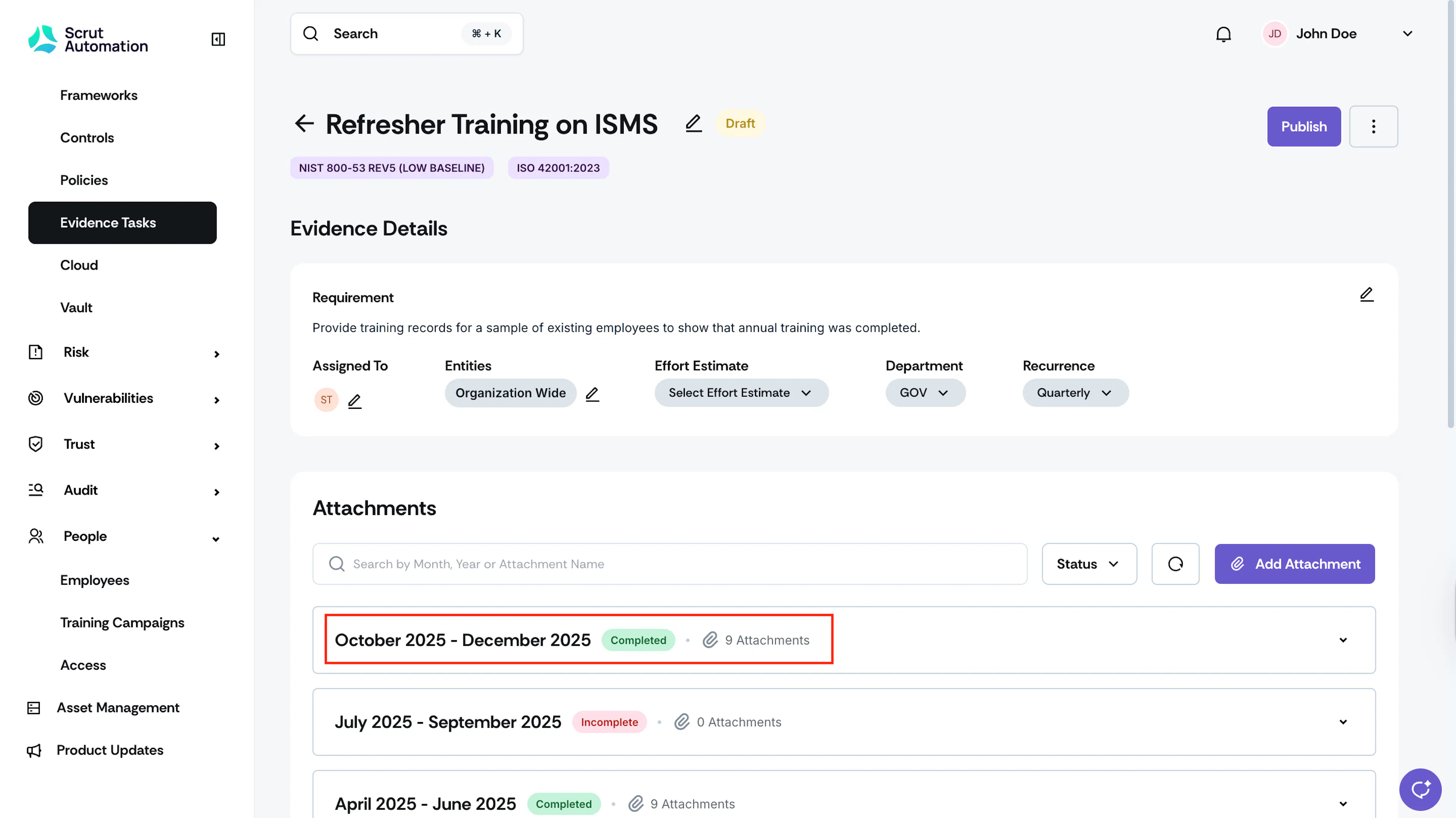
Scrut automatically gathers and attaches the evidence for the following evidence tasks:
- Training Campaign Report
- Refresher Training on ISMS
FAQs
Was this page helpful?