

Delete a Training Campaign
Note
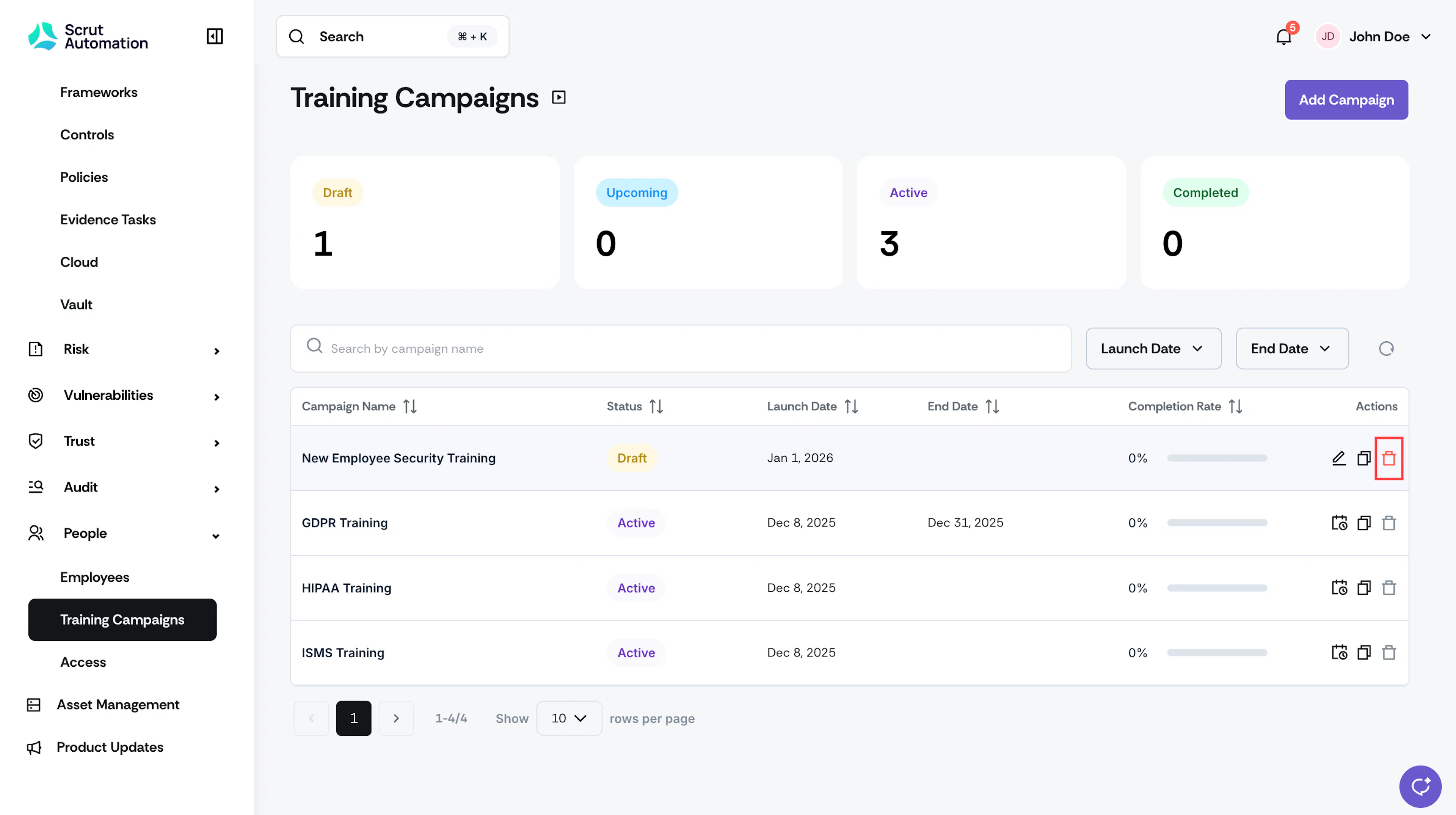
Only campaigns with Draft or Upcoming status can be deleted. Active or completed campaigns cannot be deleted.
How To Delete a Campaign
-
Click People → Training Campaigns and click the delete icon next to the campaign you want to delete.
-
Confirm your action.
-
Heads up! This action is permanent and cannot be reversed. So, proceed with caution.
Was this page helpful?